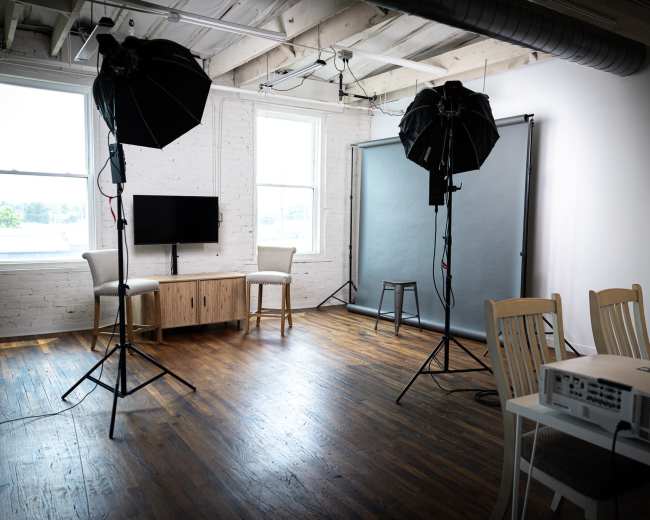
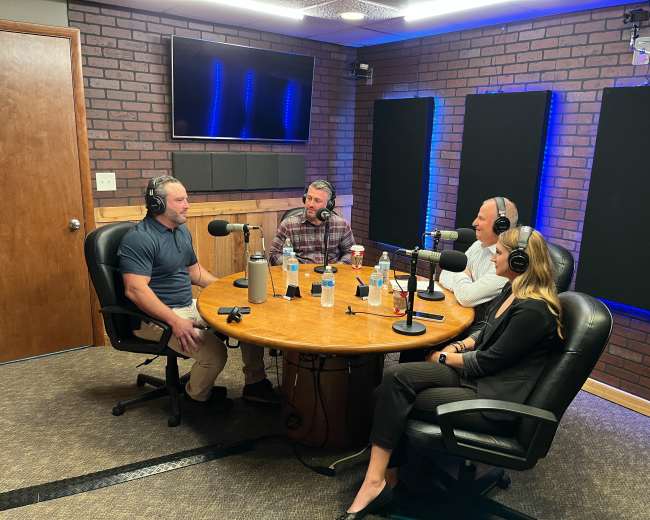
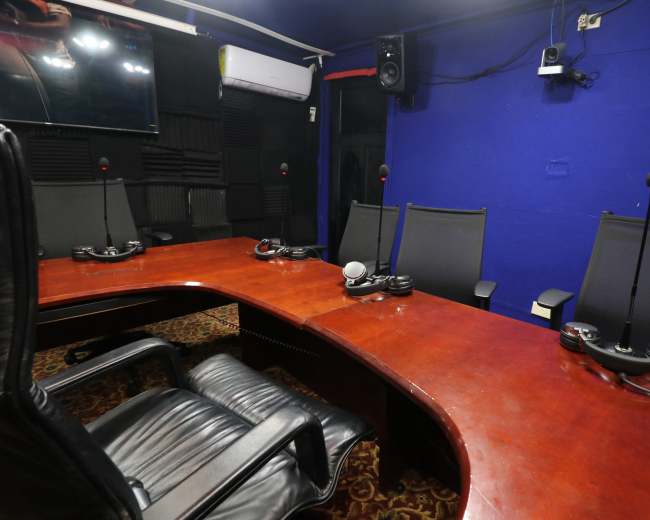
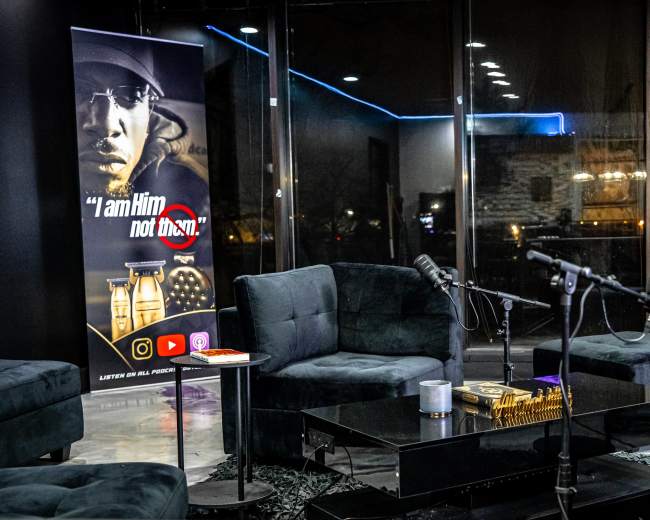
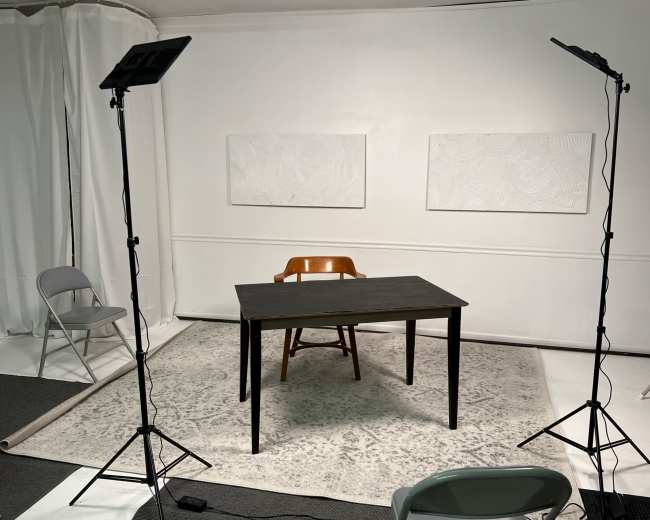
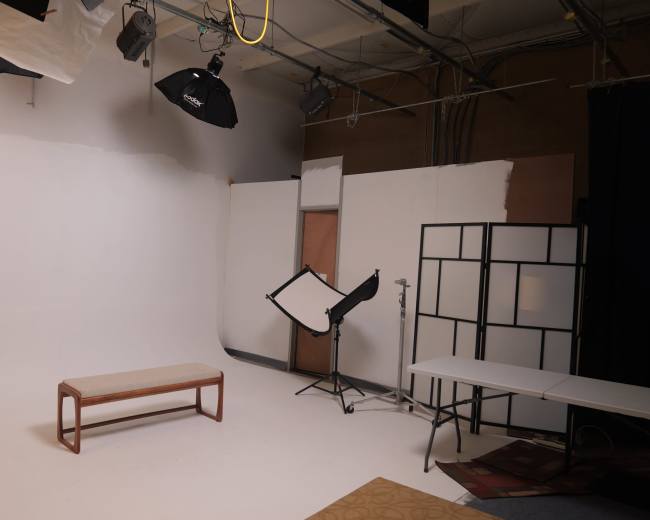
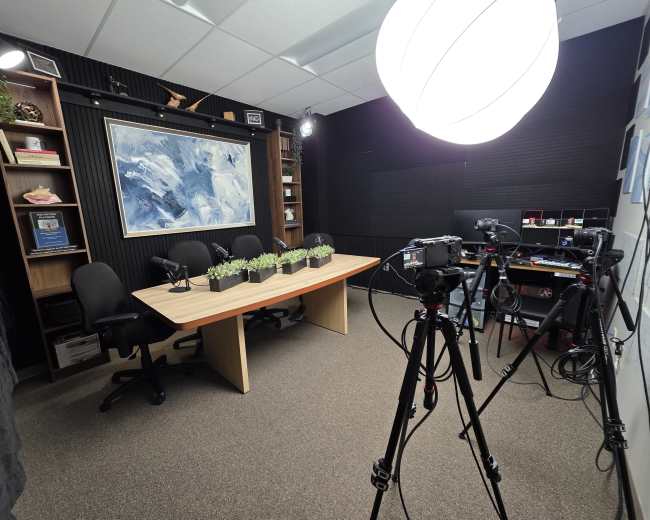
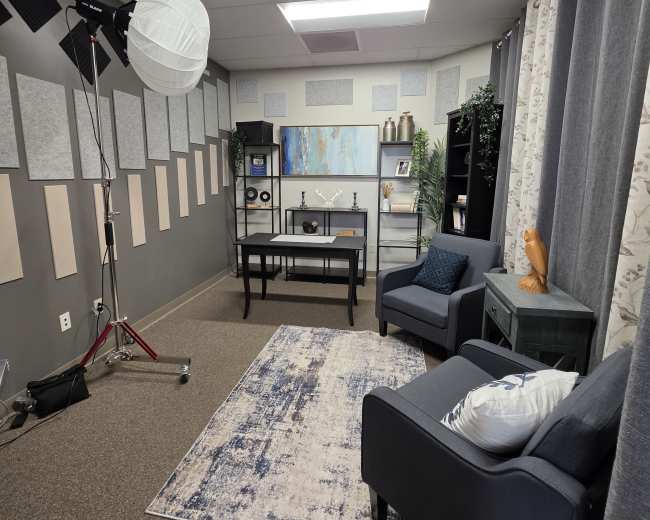
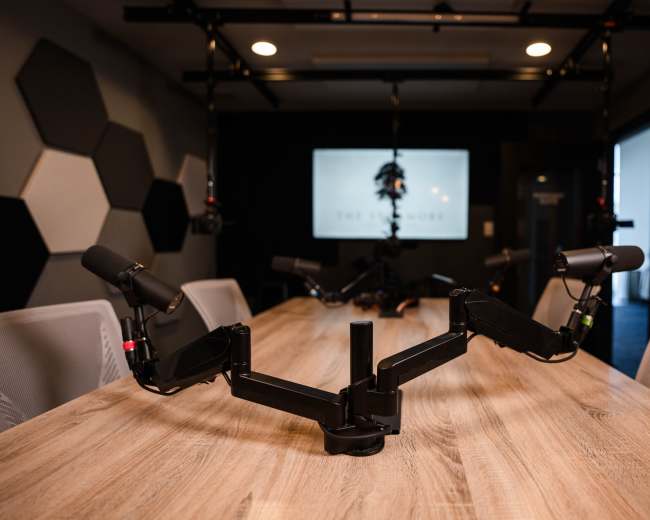
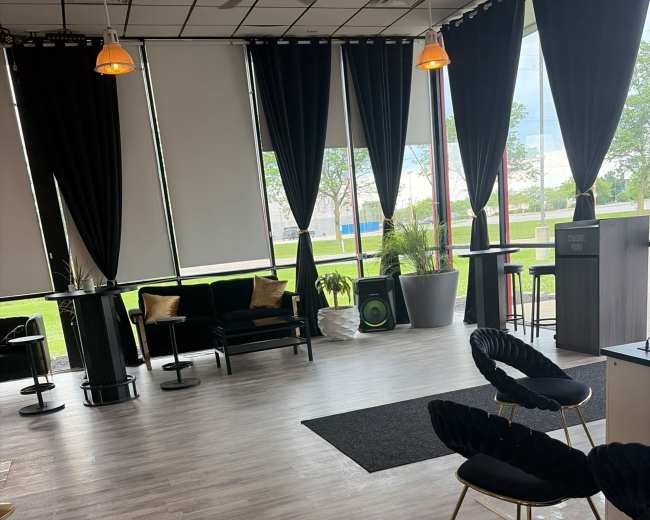
- Plug-and-play equipment: Microphones, headphones, a recorder or interface, and simple monitoring should already be in place.
- Manageable layout: Two to four seats is ideal for most new shows because it keeps the setup simple and the conversation natural.
- Low-stress support: The best beginner spaces either have staff available to help or clear instructions that prevent troubleshooting from eating into your session.
- Quiet surroundings: Hallway chatter, HVAC hum, and traffic noise can ruin an otherwise great recording day.
- Flexible booking: Hourly rentals are useful when you're testing a format and don't want a long-term commitment.
How podcast rooms work on Peerspace
Peerspace is the easiest way to book unique for all kinds of productions including photo shoots, film shoots and music videos. We also have spaces for meetings and events.
The most locations
Every day we uncover new, inspirational spaces, including podcast rooms, perfect for your activity.
Professional hosts
Our network of helpful hosts respond quickly, and are well-versed in accommodating all types of productions, including film and photo shoots.
Hire by the hour
Only pay for what you need. Pay by the hour for your podcast room location without worrying about hidden fees or overtime.
Popular podcast studios
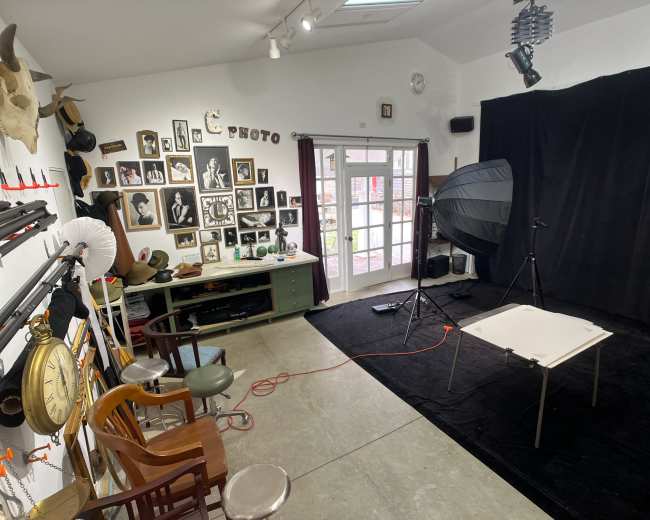
Columbus Studio Space
East Beechwold, Columbus, OH5.0 (78)
30 guests
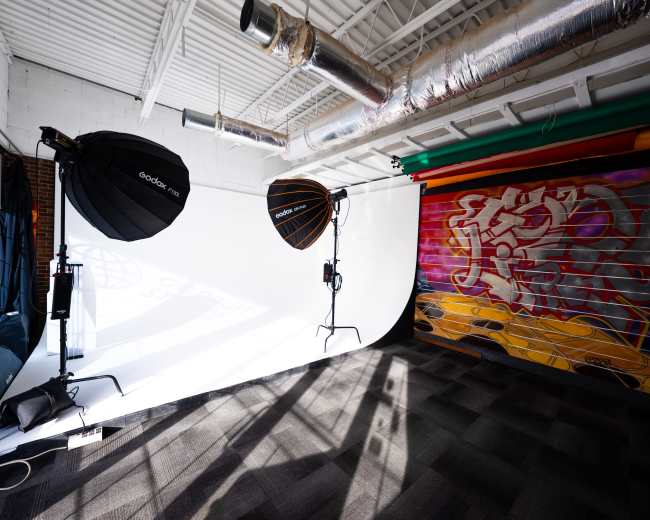
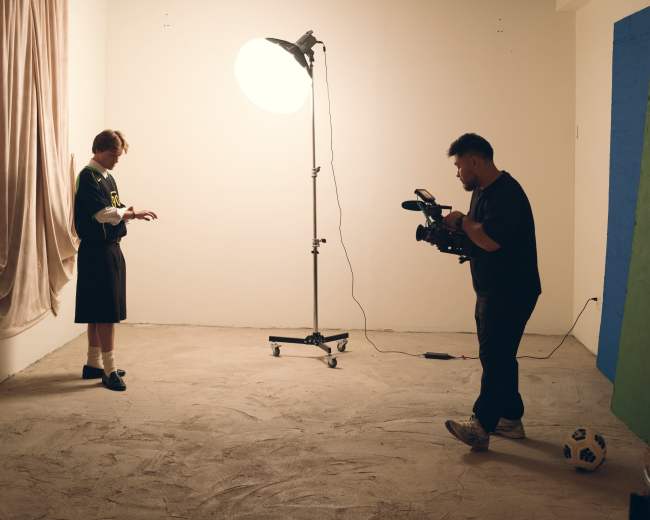
Our space is perfect for music videos, photography, events. networking events, parties, release parties, clothing pop-ups, cyclorama, paper backgrounds, included lighting, changing room, vanity mirror, sound system, projector, fog machine, live plant wall, DJ board,
...
From
$90
/hr
1 hr min
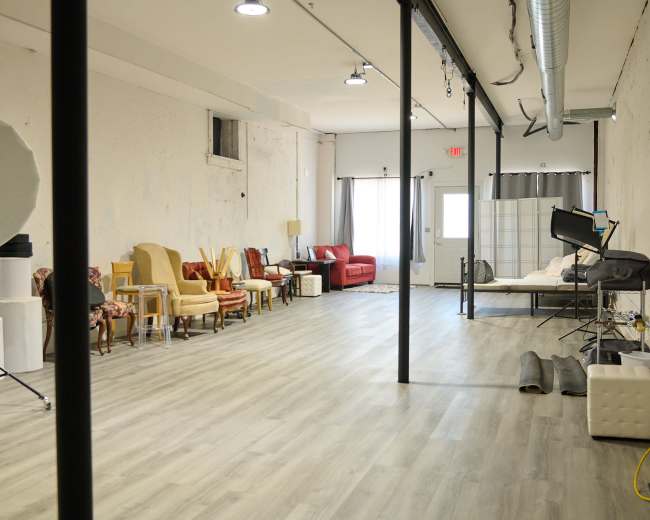
Downtown Columbus Photo Studio
Downtown, Columbus, OH4.9 (45)
10 guests
Welcome to our modern and versatile photography studio located in the heart of downtown Columbus, Ohio. This thoughtfully designed space is perfect for photographers, videographers, and content creators looking for a professional environment to bring their visions to life. STUDIO AMENITIES: - (2) 600W Studio…
...
From
$70
/hr
1 hr min
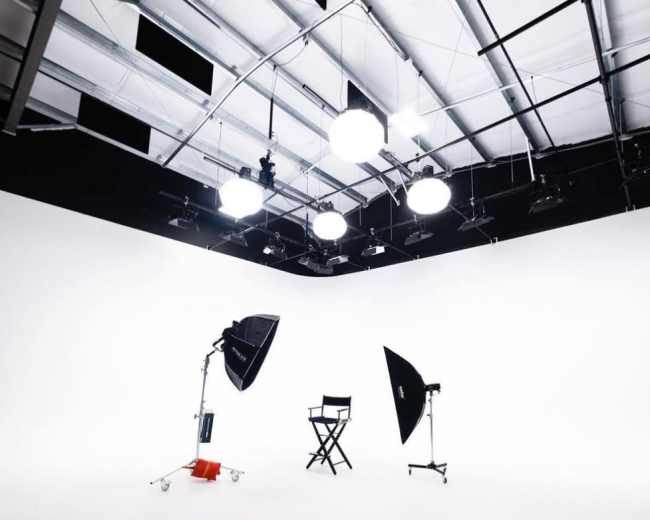
Spacious Video/Photo Studio with Multiple Shooting Environments
Lewis Center, OH5.0 (10)
15 guests
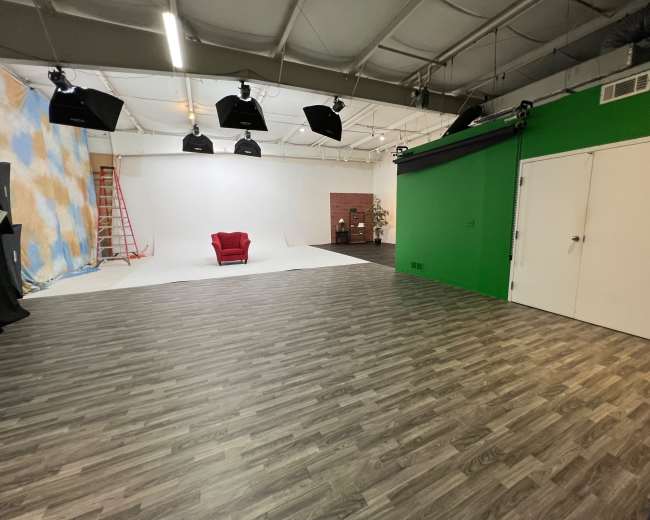
Our versatile 1500 sq. ft. video and photography studio includes: • Multiple shooting areas including a 16 foot cyc wall • Chroma key/green screen • Numerous backdrops • Photography strobes including soft boxes and light modifiers • Portable monitor for computer tethering and image monitoring • Dedicated hair and makeup area…
...
From
$100
/hr
1 hr min
Short North Creative Studio — Events, Photo Shoots, Content, Rehearsals, Pop-Ups | Heart of N. High St
Short North Arts District, Columbus, OH30 guests
Located directly on N. High Street—the "Times Square of Columbus"—this NYC-style creative hub is steps from the city's best galleries, restaurants, and bars. Perfect for creators who want to grab coffee or dinner in the Short North before or after their session. Located directly on…
...
From
$80
/hr
2 hr min
Downtown Creative Meeting Studio
Near East Side, Columbus, OH5.0 (6)
25 guests
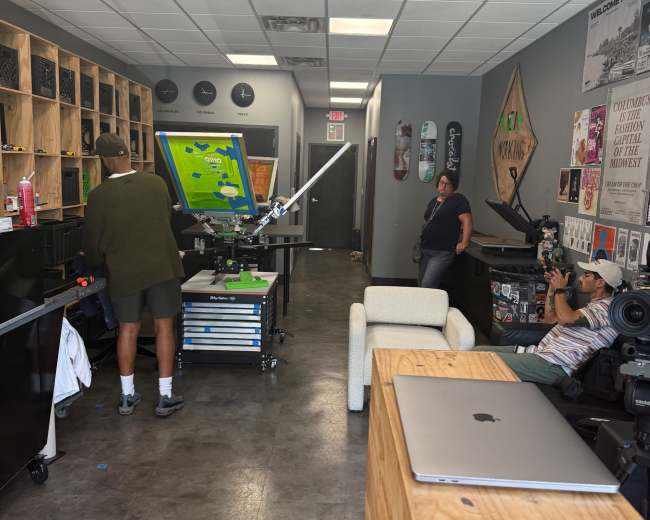
Welcome to Dipped Custom Prints, a creative studio and community hub designed for collaboration, creativity, and connection. Located in the heart of Bronzeville, Columbus, OH, our versatile studio comfortably fits 12–15 guests seated, up to 25 with additional seating, and up to 60 guests when…
...
From
$35
/hr
2 hr min
Photo Studio on OSU Campus
South Campus, Columbus, OH10 guests
Nearly 4,000 square feet of creative space designed for photo and video production. The studio includes a dedicated portrait room outfitted with backdrops and lighting, ideal for headshots, portraits, and smaller scale shoots. The main floor spans 2,500 square feet and features a hand poured…
...
From
$99
/hr
3 hr min
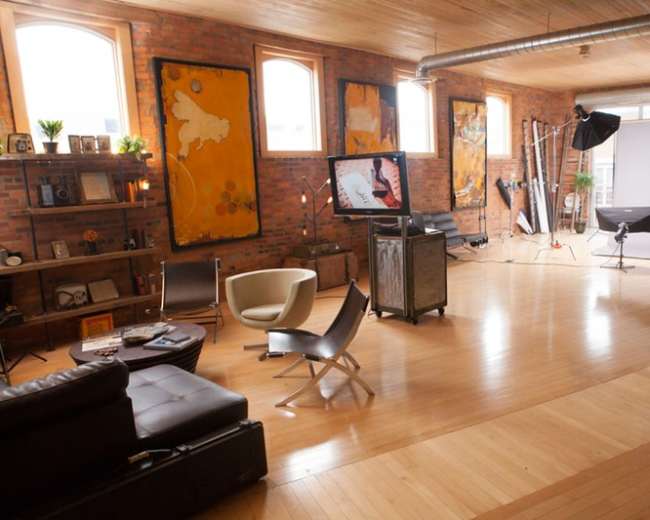
Downtown Photography Studio w/14' Ceilings, Kitchen, and Grip Options
Downtown, Columbus, OH5.0 (1)
10 guests
Just need a space to host and provide equipment for your production? We've got you covered! We bill by the full and half day with varying rates depending on the type of usage. A certificate of liability insurance is required for all bookings. This gorgeous…
...
From
$125
/hr
4 hr min
Central614 studio w/ Natural Lighting
Shepard, Columbus, OH5 guests
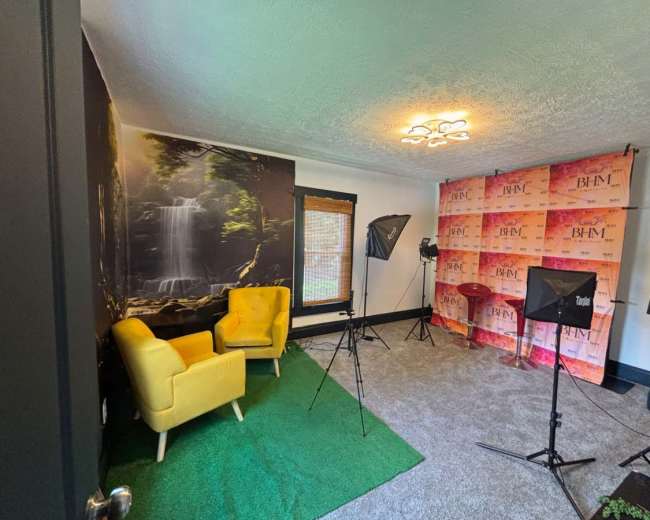
Perfect for photographer clients, podcasts & small projects! This layout has multiple uses. Master bedroom layout w/ high ceilings + natural light. Additional items are available upon request and fee. Bathroom access included. Must be 18+ (minors need parent). Book now! Included in rental 45W…
...
From
$58
/hr
2 hr min
Intimate Photo Studio
Westgate, COLUMBUS, OH7 guests
This is a small intimate studio with skylights that can be closed for total darkness. Props and some equipment available. There is heat/air conditioning available, plus a mobile platform. The space is about 400 sq. ft. and has 13 ft ceiling. Can be utilized for…
...
From
$50
/hr
2 hr min
Professional Photography Studio with Lighting Equipment
South Columbus, OH5.0 (2)
12 guests
This is a fully equipped photography studio featuring: - Two natural light areas - Seamless paper backdrops in 3 colors - (5) Paul Buff Alienbee Digibee strobes with modifiers, transmitters, and receivers - Various cloth backdrops - Makeup and private changing area - Hospitality area…
...
From
$70
/hr
2 hr min
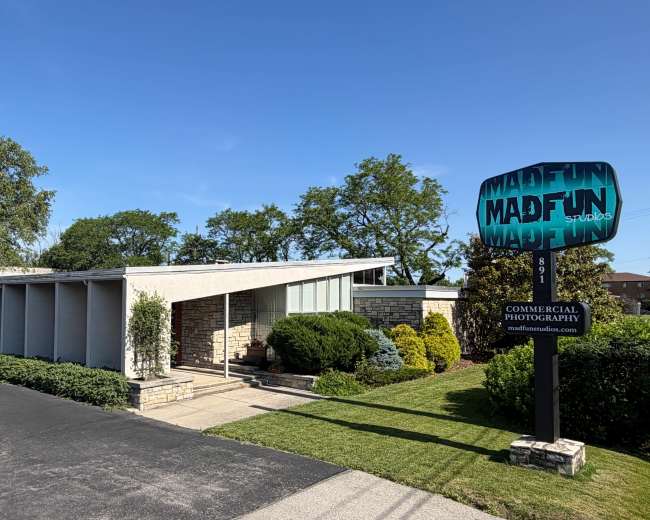
Full Service Production Studio Built into a Former Mid-Century Bank
East Columbus, OH35 guests
Full-Service Commercial Photography & Video Production Studio. Our 4,500 sq. ft. facility features expansive shooting space, a comfortable client lounge, private offices, a conference room, a fully equipped commercial kitchen, hair & makeup suite, wardrobe and prop rooms, plus a wood shop for custom set…
...
From
$150
/hr
10 hr min
Central Ohio Industrial Photo & Video Studio
Jerome Township, Plain City, OH5.0 (4)
50 guests
Created for Creators by Creators Our studio space includes Betty our 36X30' Cyc wall. Three 14’ high by 14’ wide feature walls allow for different looks quickly in the same space. The 16’ high lighting grid offers flexibility with lighting and rigging while the 14’x14’…
...
From
$140
/hr
1 hr min
ESC Studio
South Side, Columbus, OH10 guests
Photo and video studio that is 737 sq ft. Backdrops and green screens with lighting available. Headshots Podcast Studio with mics, cameras, and lights available. A place to film documentaries, music videos, and interviews. Photography / video product shoots. Teleprompter available…
...
From
$80
/hr
1 hr min
Unique Downtown Audio and Video Production Studio
South Columbus, OH6 guests
Turnkey Podcast Production - Welcome to Channel 511, your Columbus, Ohio podcast specialists. We offer turnkey audio and video podcast production. No tech knowledge needed - An experienced producer will record your podcast so that you can focus on what’s most important —your content. Professional…
...
From
$200
/hr
2 hr min
Broadcast-Ready Radio & Podcast Studio Columbus North Side
Brandywine, Columbus, OH20 guests
Welcome to the Shelove International Radio Studio a fully equipped broadcast and recording studio in Columbus, Ohio, managed by Smith Says International LLC. Whether you're recording a podcast, hosting a live radio show, producing music, conducting interviews, or running a community broadcast, this studio has…
...
From
$55
/hr
1 hr min
Content Creation and Studio Space in the Heart of Columbus
Shepard, Columbus, OH5.0 (9)
25 guests
This versatile space is crafted for all your content creation, workshop, presentation, and reception requirements. With an array of setups and options tailored to your needs, including photo backdrops, continuous lighting, microphone setups, tables, chairs, and a 6 x 8 video screen, we ensure your…
...
From
$85
/hr
2 hr min
Video and Studio with green wall and podcast area
Orange Township, Lewis Center, OH5.0 (4)
12 guests
Our versatile 750 sq. ft. video and photography studio includes: • Multiple shooting areas including a 16 foot cyc wall • Chroma key/green screen • Podcast area (with no recording gear provided) • Numerous backdrops • Dedicated hair and makeup area with full length mirrors…
...
From
$70
/hr
2 hr min
Luxury Podcast & Content Studio | Studio Dune | Columbus
Orange Township, Lewis Center, OH5.0 (1)
4 guests
Studio Dune – The Current @ Lewis Center Studio Dune is a professionally designed podcast and content creation studio built for business owners, entrepreneurs, creators, and teams who want high-quality audio and video without the complexity of a full production setup. The studio is designed…
...
From
$175
/hr
1 hr min
Podcast & Content Studio | Columbus
Orange Township, Lewis Center, OH5.0 (1)
2 guests
Studio Arrakis – The Current @ Lewis Center Studio Arrakis is a professionally designed content creation studio with three distinct backgrounds, giving creators flexibility to produce different looks within the same space. The studio is especially well suited for two-person interviews, podcast-style conversations, teaching and…
...
From
$175
/hr
1 hr min
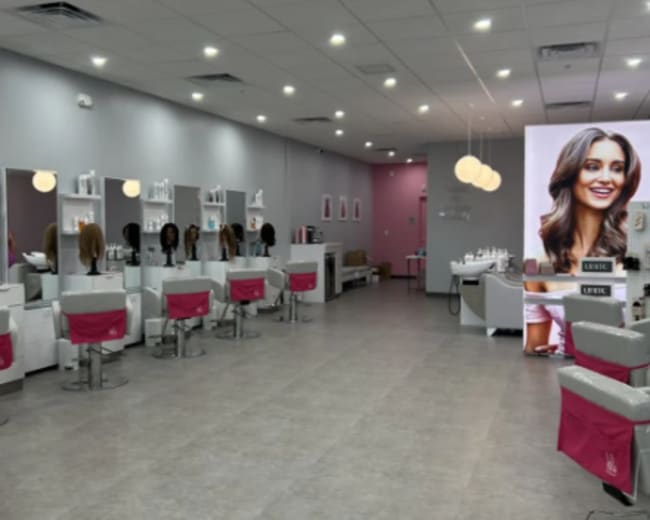
Chic Urban Beauty Studio with Modern Glam Vibes – Perfect for Events & Photoshoots
Orange Township, Lewis Center, OH200 guests
Step into this sleek and modern beauty studio, a versatile and stylish venue perfect for creative projects, social events, and celebrations. With its chic decor, open layout, and customizable options, this space is ideal for everything from photoshoots to unforgettable birthday parties. What Activities Work…
...
From
$390
/hr
2 hr min
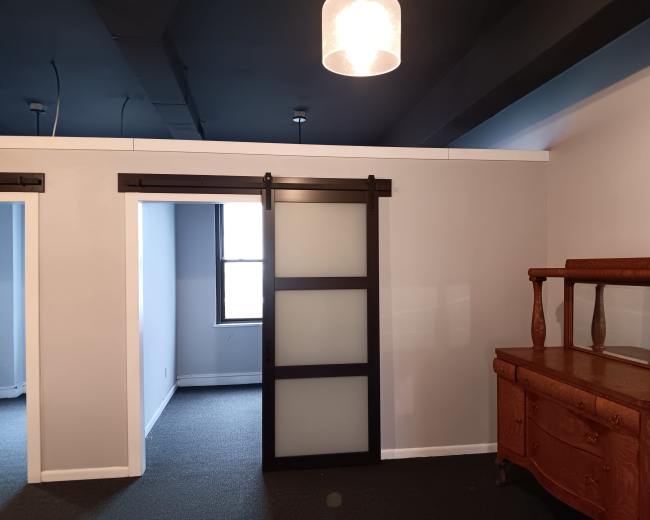
Downtown Photo Studio
Downtown, Columbus, OH10 guests
Suite 908 offers a modern, versatile environment designed for creative professionals. Featuring sleek sliding doors, integrated LED lighting, and ample electrical outlets, this space is perfect for photo shoots and film production. Multiple private offices provide areas for styling, equipment setup, or client meetings, while…
...
From
$50
/hr
1 hr min
Serene Ridge Retreat – Ridge View Home, Yoga Studio & Game Room – Ideal for Film & Lifestyle Shoots
Little Turtle, Westerville, OH5.0 (1)
20 guests
Discover a serene and versatile filming and photoshoot location just outside Columbus, Ohio. This spacious 5,000 sqft retreat offers an inspiring blend of tranquility, natural beauty, and modern comfort—perfect for lifestyle shoots, commercials, film projects, or wellness-inspired content. Set on a private 1-acre ridge with…
...
From
$145
/hr
6 hr min
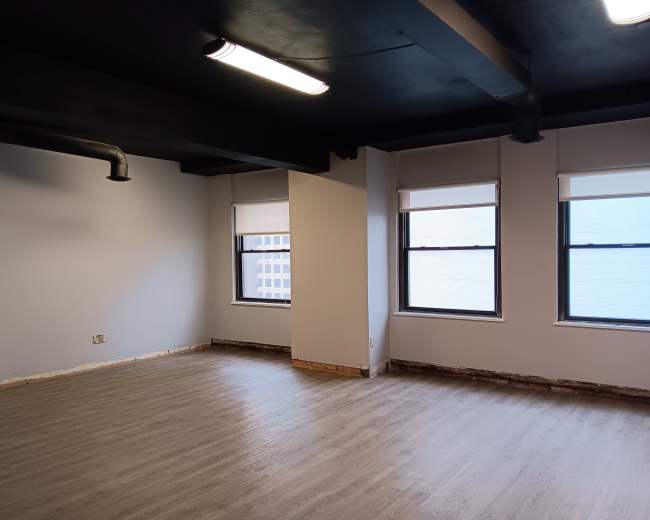
Downtown Penthouse Studio
Downtown, Columbus, OH100 guests
This penthouse suite offers a modern, versatile environment designed for creative professionals. Featuring sleek sliding doors, integrated LED lighting, and ample electrical outlets, this space is perfect for photo shoots and film production. Multiple private offices provide areas for styling, equipment setup, or client meetings,…
...
From
$50
/hr
1 hr min
Fully Functioning Podcast Suite
Jerome Township, Plain City, OH5.0 (5)
5 guests
We have a fully functioning podcast suite. It’s comes equipped with 4 mics, a board, mounted lighting, and mounted cameras. Simply bring memory cards! We also have a fully production team available if you want a hands off option. But you can also simply rent…
...
From
$140
/hr
1 hr min
Urban Upscale Event Center W/ Floor to Ceiling Windows
South Columbus, OH5.0 (1)
50 guests
Host your next unforgettable gathering in this stylish and versatile event space designed for elevated experiences. Perfect for birthday celebrations, poetry nights, networking mixers, corporate meetings, workshops, pop-up events, private parties, content creation, and more. The space features an open-concept layout with contemporary furnishings, high-top…
...
From
$165
/hr
2 hr min
What makes a Columbus podcast room easy for beginners?
A beginner-friendly podcast studio in Columbus, removes friction before you ever hit record. The best option for a first-time host is usually a smaller, ready-to-use room where the equipment is already set up, the audio is controlled, and you don't need technical experience to capture a clean episode.
The easiest podcast studio rooms for beginners usually have a few things in common:
How do I choose a studio that looks good and sounds good?
The best podcast studio is one that supports your brand visually and protects your audio technically. Sound comes first. If the audio is unusable, even the best-looking background in Columbus won't save the episode.
Use this checklist when you compare podcast studio options:
- Sound quality: Ask whether the room has acoustic treatment, rugs, curtains, soft furniture, or wall panels that reduce echo.
- Noise control: Ask about traffic, neighboring tenants, HVAC systems, trains, sirens, and other sounds that could bleed into the recording.
- Microphone placement: Make sure the table and seating allow microphones to stay close to each speaker without creating awkward camera angles.
- Lighting: For video podcasts, look for soft, flattering light and enough control to avoid harsh shadows or blown-out windows.
- Background depth: A little distance between the chairs and the wall behind you makes the frame feel more intentional and less cramped.
- Brand fit: Choose a room that already matches your show identity, whether that's modern, cozy, corporate, artsy, or lounge-like.
- Comfort: Guests sound better when they're physically comfortable, so chair support, table height, and room temperature all matter.
- Raw sample clip: A short, unedited audio or video sample will tell you more than polished photos.
- True camera-angle photo: A behind-the-scenes room photo is less useful than an image from the actual recording angle.
- Frame confirmation: Ask what will appear on camera, including furniture, decor, and any visible equipment.
- Adjustment options: Confirm whether lighting, chairs, and table placement can be changed.
What should I ask about editing or file delivery?
This is one of the most overlooked parts of booking a podcast studio. Recording is only half the job. If you don't know what happens after the session, you may leave with files you aren't ready to publish or edit.
Before you book, ask these questions clearly and in writing:
- Files included: Confirm whether you receive raw audio, edited audio, raw video, edited video, or all of the above.
- Delivery method: Ask whether files are shared through a cloud link, a hard drive handoff, or a platform upload.
- Turnaround time: Get the timeline in plain language, such as same day, 48 hours, or one week.
- File format: Ask whether audio is delivered as WAV or MP3 and whether video comes in a format your editor can use.
- Separate tracks: Individual microphone tracks make editing much easier when someone coughs, interrupts, or overlaps.
- Editing included: Some studios only record, while others include cleanup, leveling, color correction, multicam editing, or social clips.
- Revision policy: If editing is included, ask how many revision rounds are part of the package.
- Backup recording: Find out what protection is in place if a memory card fails or a microphone drops out.
- File ownership: Make sure you have full rights to use, edit, publish, and repurpose the recordings.
- Social clip options: If promotion matters, ask whether vertical clips, captions, and thumbnails are available.
- Room rental: You're paying for access to the space and gear.
- Production session: You're paying for recording plus technical support.
- Post-production package: You're paying for deliverables that are ready to publish or close to it.
What Columbus areas are best for recording a podcast?
The best area for a podcast studio depends on the kind of show you make, the guests you host, and whether you care most about sound isolation, convenience, or visual style.
In Columbus, most podcasters end up choosing between three broad location styles:
- Downtown and close-in neighborhoods: Best for business guests, central meetups, and a polished urban feel, but you should ask more questions about parking, access, and outside noise. If you're recording interviews in this part of the city, consider interview filming locations to find spaces that balance accessibility with sound control.
- Creative neighborhoods and design-forward pockets: Best for video podcasts, branded interviews, and social clips where the background matters. Creators looking for styled interiors or unique backdrops may want to explore loft venues in Columbus for spaces with built-in visual character.
- Quieter suburban or edge-of-city areas: Best for easier parking, lower ambient noise, less traffic stress, and smoother arrival for repeat sessions.
- For business podcasts: Stay central so guests can get in and out easily.
- For video-first shows: Prioritize areas with lofts, styled studios, or content spaces that already look good on camera.
- For beginner recording days: Favor quieter areas over trendier ones because the reduced noise and stress make a real difference.
- For student or academic creators: Areas near campus may be easier for scheduling and access.
- For recurring weekly sessions: Choose the location with the simplest parking and least friction, not the most impressive address.
Should I rent a studio or record free at home or a park?
It depends on your stage and quality goals. If you're testing an idea, recording a trailer, or practicing your hosting style, free options can work. If you're interviewing guests, building a brand, pitching sponsors, or creating video clips, a podcast studio usually saves time and delivers a stronger result.
Here's the practical tradeoff:
- Home recording: Cheapest and easiest to access, which makes it useful for solo episodes, test runs, and early experiments.
- Park recording: Fine for casual social content, but usually the weakest option for podcast audio because wind, traffic, people, and weather are hard to control.
- Studio rental: Costs more up front, but gives you cleaner sound, a more professional guest experience, and a better chance of leaving with publishable content on the first try. When you're ready to move beyond DIY setups, you can find recording studios in Columbus that offer dedicated, soundproofed environments built for audio work.
- Home costs: Sound blankets, upgraded microphones, editing cleanup, and repeated retakes.
- Park costs: Wind protection, battery power, weather backups, privacy issues, and possible permit questions.
- Studio costs: Mostly the booking fee, plus any editing add-ons or overtime if the session runs long.
How do I find a podcast studio near me with easy parking?
Start with parking as a core filter, not an afterthought. In Columbus, creators often choose a podcast studio based on photos or price and only later realize that guests have to circle the block, pay meters, or carry gear from far away.
Here's the fastest way to evaluate parking and access:
- Exact location: Central areas can be convenient, but they often come with meters, garages, or harder street parking.
- Off-street parking: A dedicated lot, driveway, or reserved spaces are much better than vague language about nearby street parking.
- Spot count: One guaranteed space is very different from six available spaces.
- Unloading access: If you're bringing cameras, lights, tripods, props, or accessibility equipment, curb access matters.
- Timing changes: Parking that feels easy in the morning may become difficult in the evening.
- Building entry: Elevators, stairs, keypads, and loading doors can affect the experience just as much as the parking itself.
- Review clues: Past guests often mention whether arrival felt smooth, hidden, stressful, or inconvenient.
- Parking questions: Is parking free, on site, and reserved?
- Arrival questions: How close can guests park to the entrance?
- Access questions: Are there stairs, elevators, or loading instructions?
- Timing questions: Does parking availability change by day or hour?
Similar searches in Columbus, OH
Updated October 6, 2026Our data is refreshed in real time using booking trends, verified guest reviews, and direct partner updates — with additional quality checks from our team.