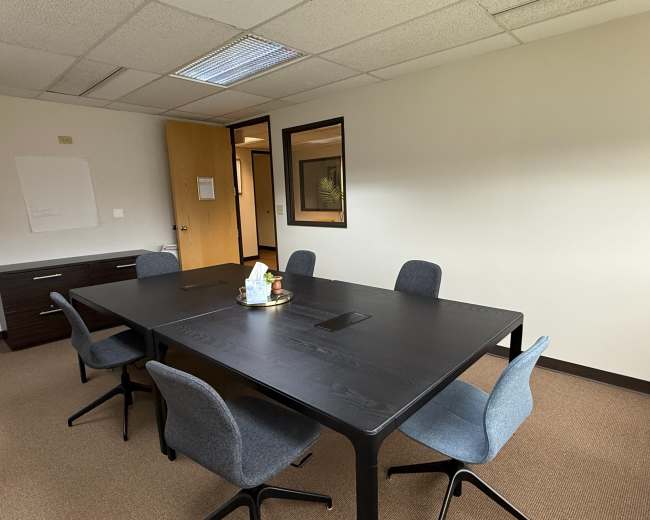
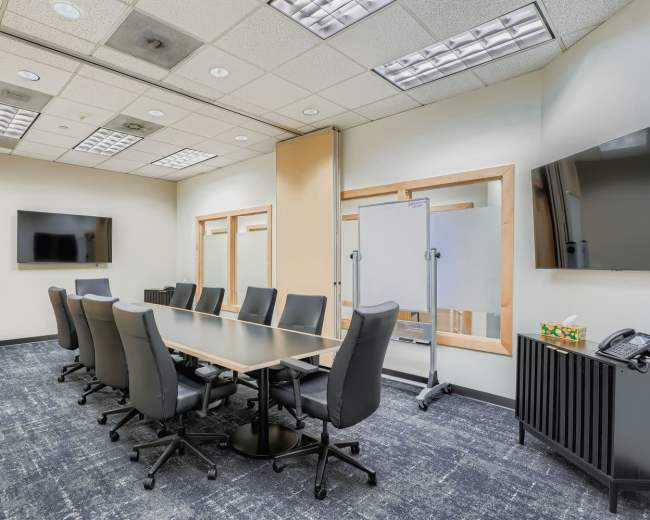
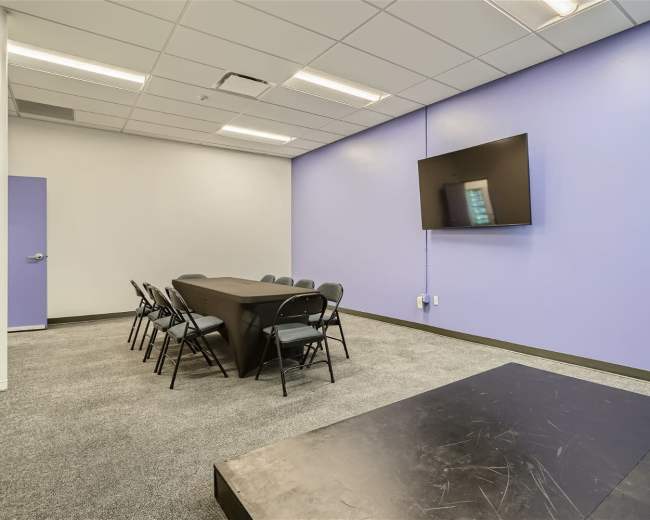
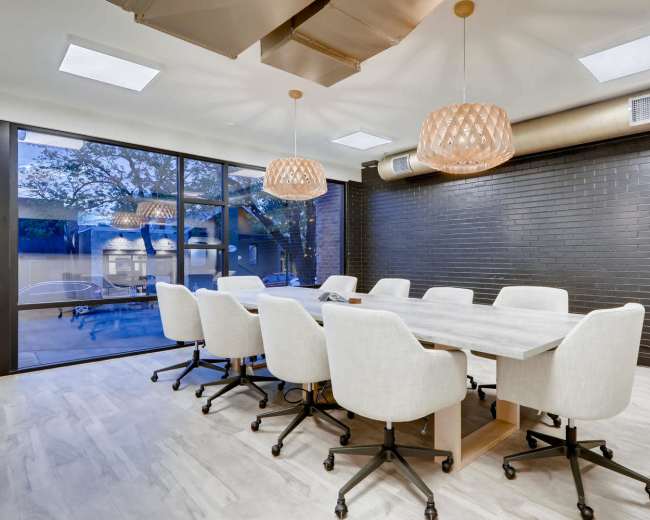
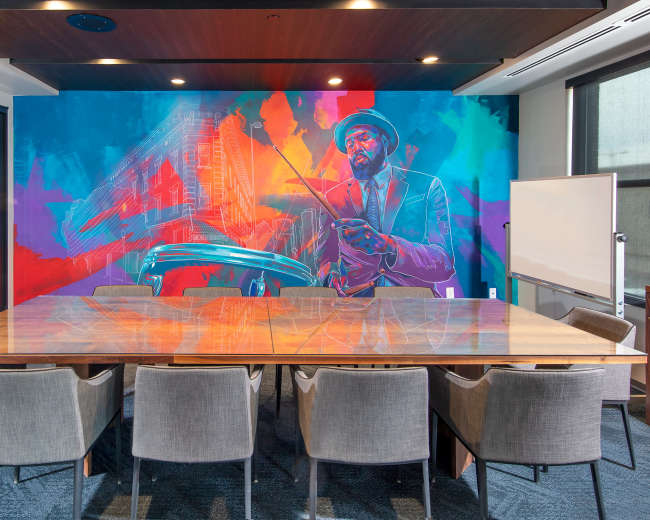
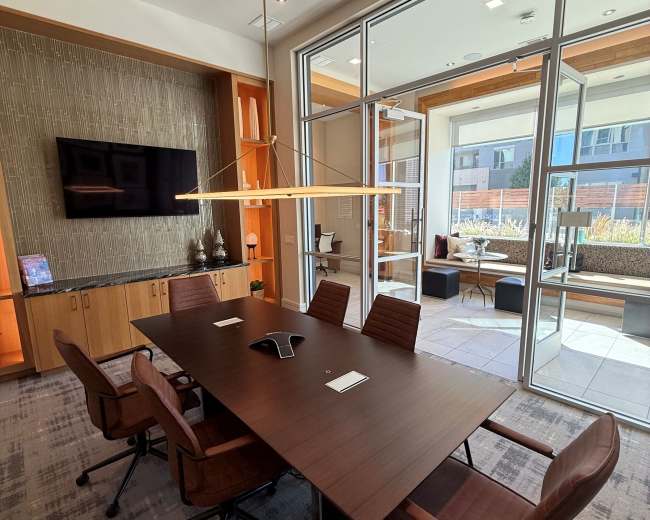
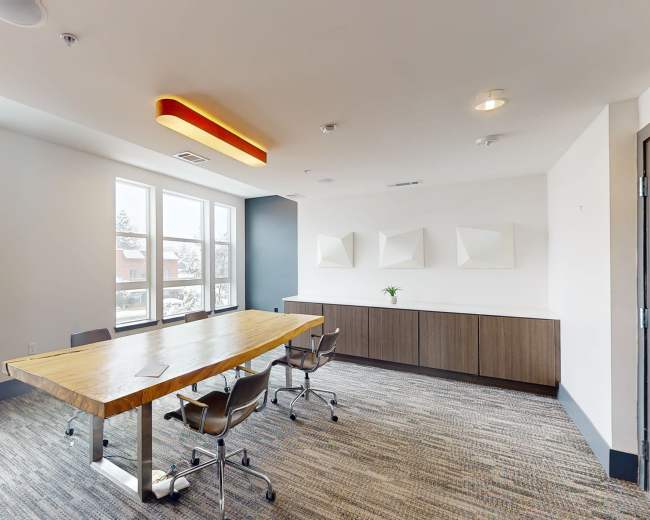
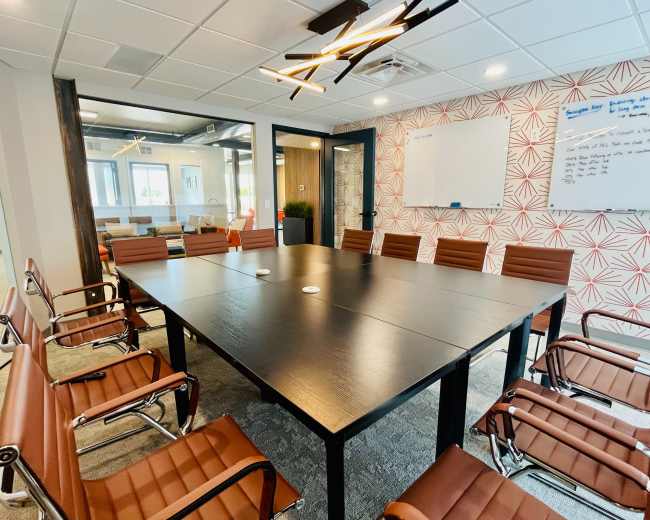
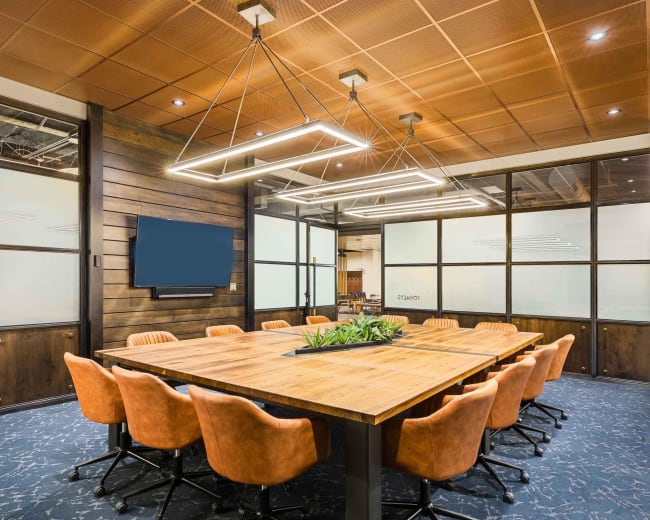
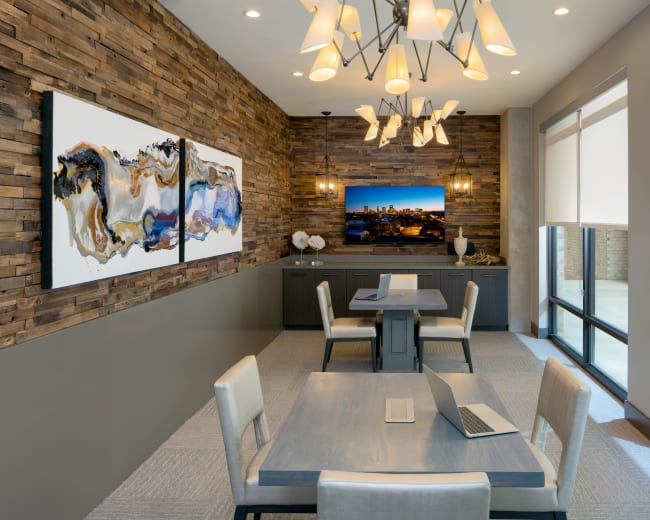
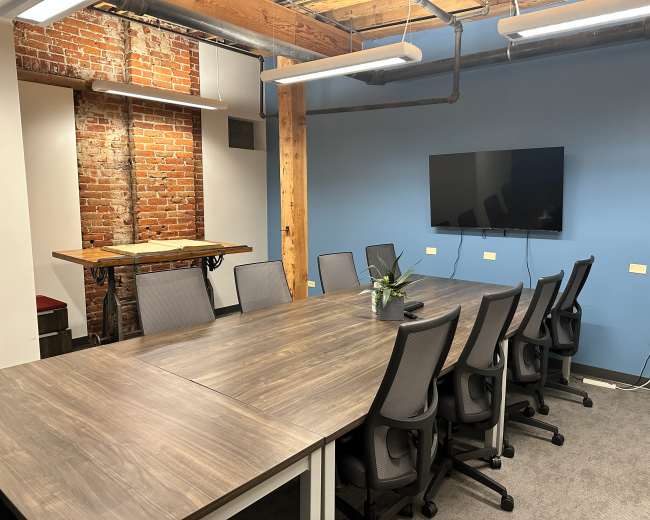
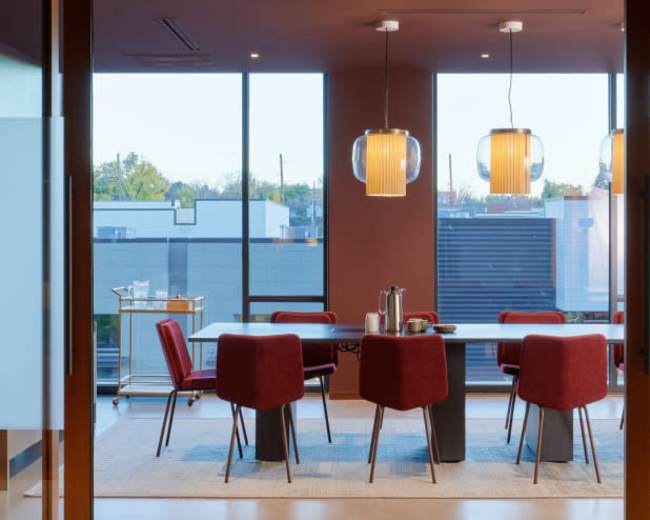
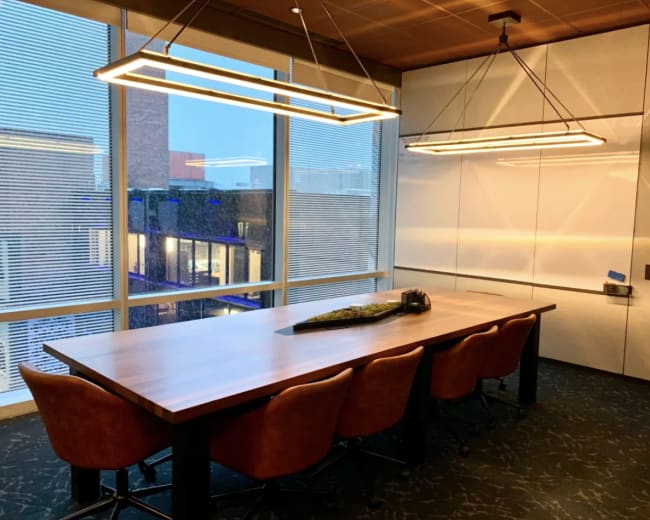
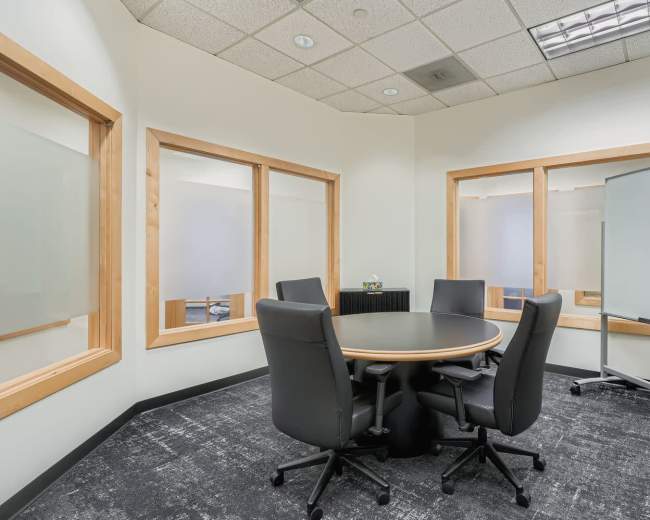
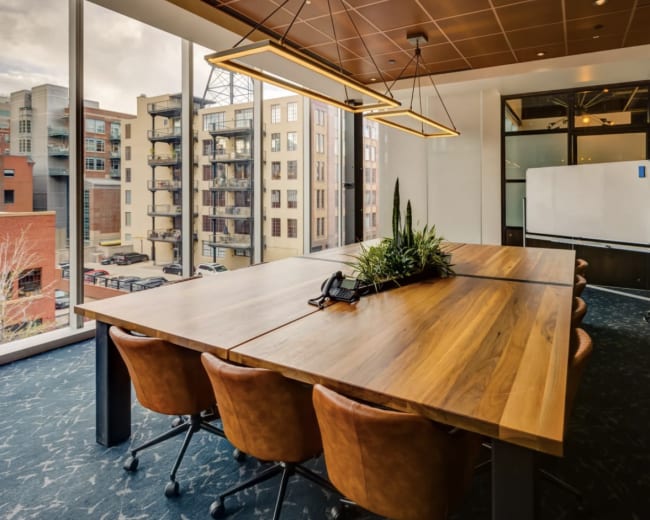
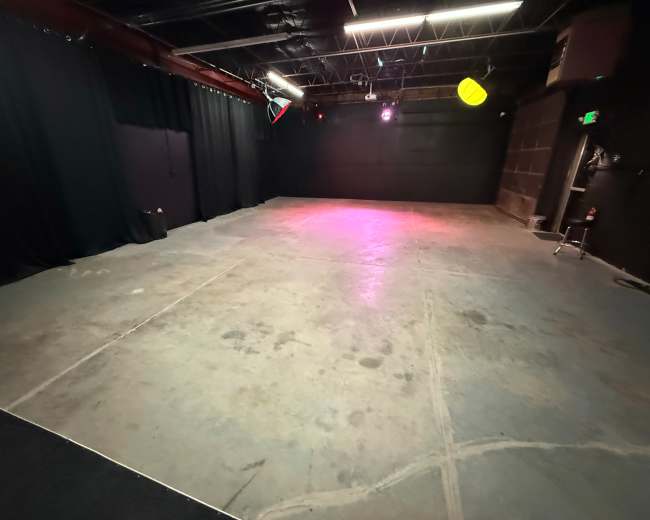

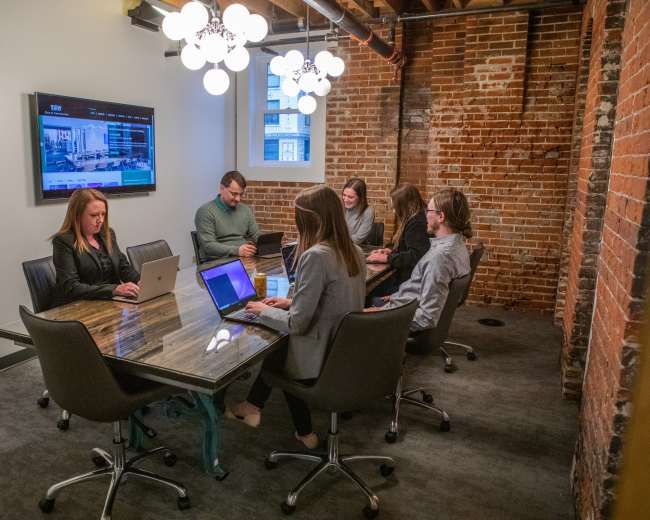
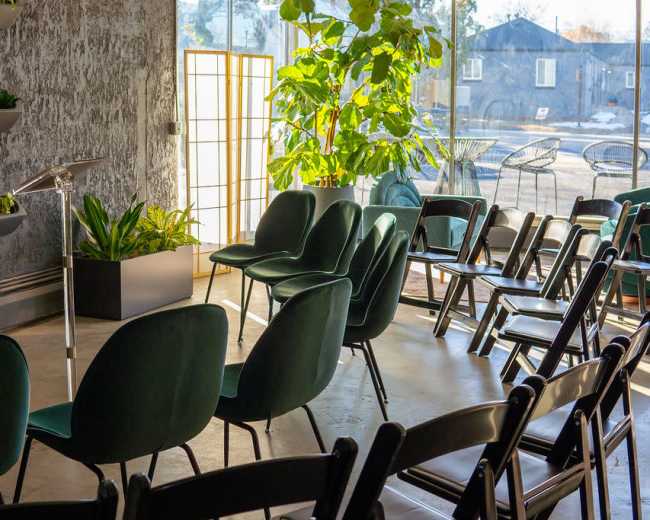
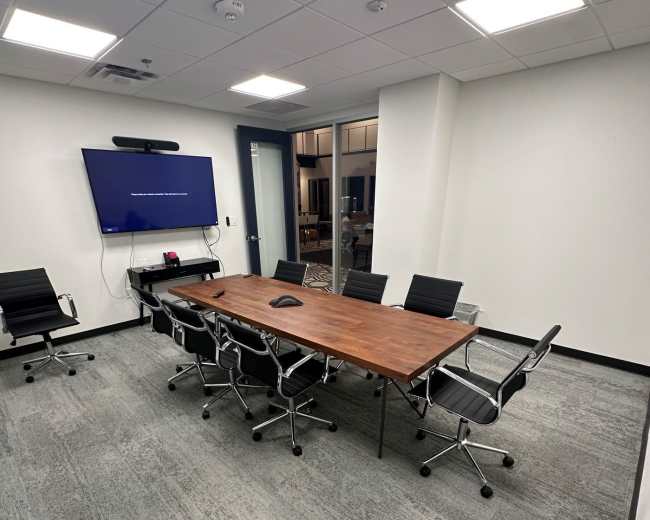
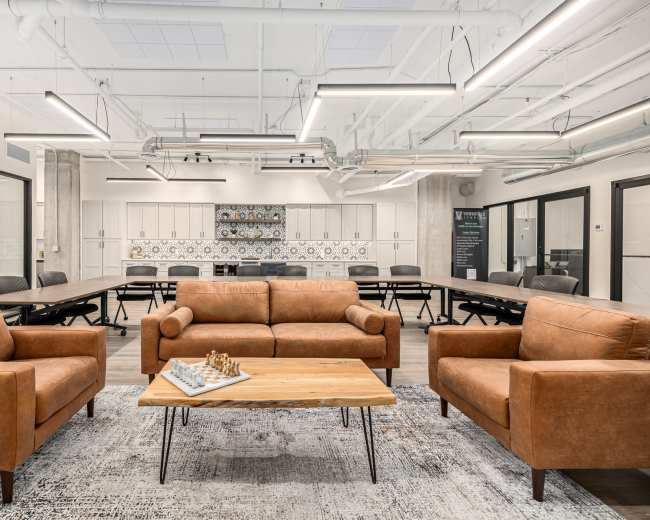
Rent a meeting room in Denver, CO

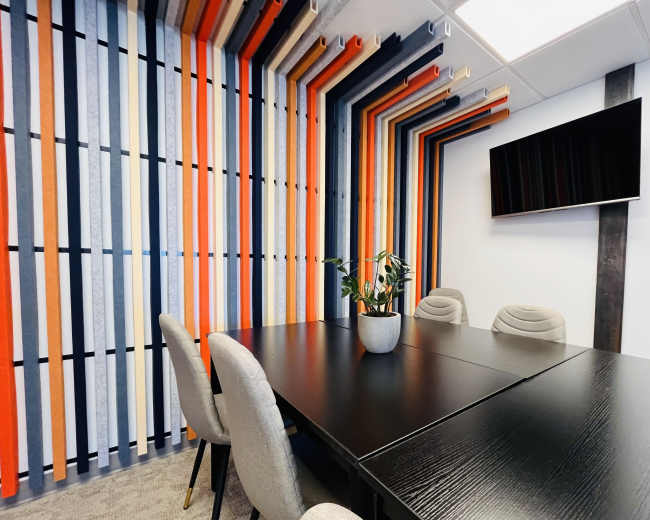
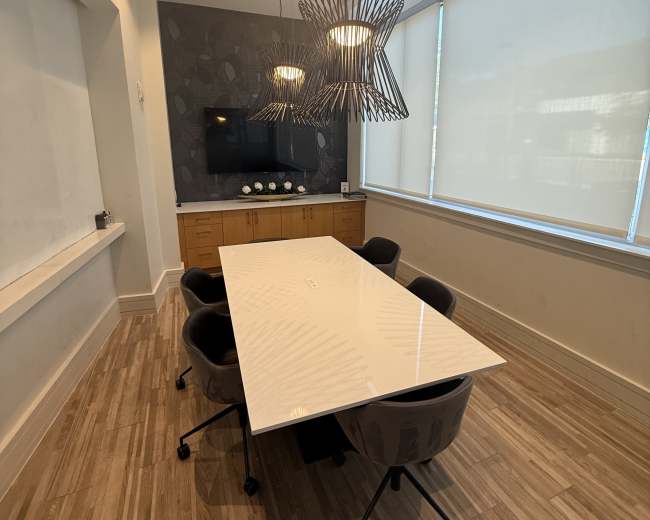
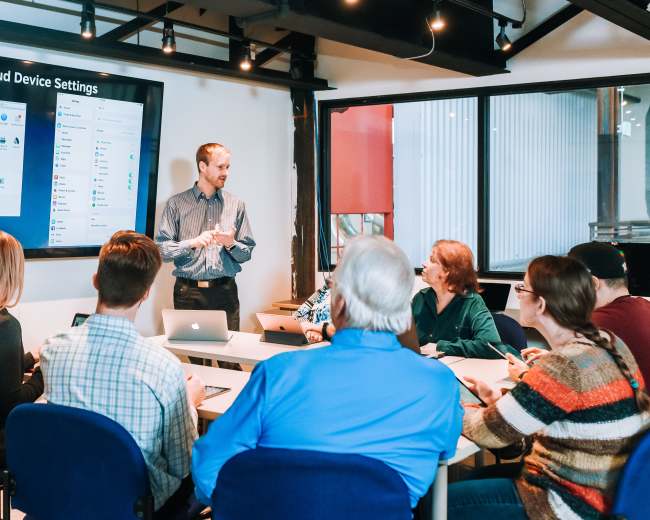
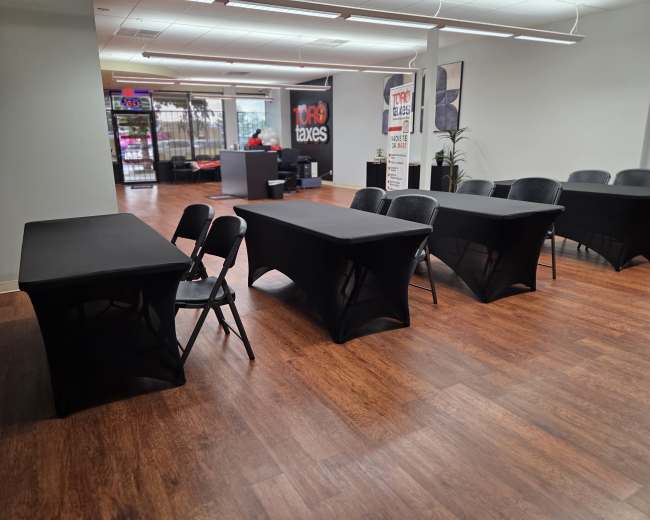
Discover thousands of unique meeting rooms for rent perfect for your meeting.

Enter your activity
Denver, CO, United States

How corporate meeting rooms work on Peerspace

Peerspace is the easiest way to book unique spaces for meetings. We also have spaces for productions and events.

Discover Spaces

Inspiring spaces

Every day we uncover new, creative spaces perfect for your corporate meeting — from neighborhood gardens, expansive rooftops, trendy office spaces, and beyond.

Honest pricing

Our spaces are priced to fit your budget. Hire by the hour for your meeting without worrying about hidden fees.

Smooth bookings

No more messy contracts. We build the tools to make booking a space for your corporate meeting as easy as the click of a button.

Popular meeting rooms

Explore all 140+ meeting rooms in Denver. See All ›

Frequently Asked Questions

Pricing and popularity information in this section is based on proprietary Peerspace booking data, reflecting recent booking activity and the latest data available through May 2026.

What's the best day to rent a meeting room in Denver?

Tuesdays are the most popular day for booking meeting rooms in Denver. For those seeking a deal, consider booking Friday and Saturday as these days are 19% cheaper on average.

How popular are meeting rooms in Denver?

Our local hosts have welcomed 1115 people into their meeting rooms with reviews averaging 4.89 stars. Most even said they would book again -- about 97%.

How much does a meeting room cost to rent in Denver?

Meeting rooms in Denver average $67 per hour to rent, but it’s easy to spend less or more depending on what you’re looking for.

How long do people rent meeting rooms in Denver?

Most meeting rooms are scheduled for 5 hours, with 7 people in attendance. You’ll find the most Meetings starting between 11:00 AM and 12:00 PM.

What should I look for in a conference room for hybrid meetings?

A great hybrid conference room supports those in the room and helps remote attendees participate fully. When you’re comparing meeting rooms in Denver, evaluate these four areas.
  1. Audio quality (the #1 make-or-break factor):
  • Microphones: Use dedicated table mics, ceiling mics, or a high-quality speakerphone; laptop mics usually aren’t enough for real discussion.
  • Echo control: Look for carpet, acoustic panels, curtains, or soft furnishings; lots of glass and concrete can create reverb that remote attendees notice immediately.
  • Speaker playback: Make sure remote voices come through clearly and evenly without blasting the room.
  1. Camera + sightlines (so remote attendees can “read the room”):
  • Camera framing: Choose a camera that captures the full group, not just whoever is closest to a laptop.
  • Screen placement: Position the display at eye level and visible from the main seating area so in-room attendees naturally face remote participants.
  • Lighting: Avoid strong backlight from windows behind speakers; prioritize front or side lighting for faces.
  1. Connectivity + power (hybrid fails fast without it):
  • Internet reliability: Confirm the venue can support stable video calls for your full headcount, not just “we have Wi‑Fi.”
  • Power access: Look for easy outlets at the table and along walls so no one is hunting for power mid-meeting.
  • Backup options: For high-stakes meetings, prioritize wired Ethernet or a venue that allows a dedicated hotspot as a backup.
  1. Room layout + comfort (productivity and vibe):
  • Layout fit: Confirm the conference room supports your format—boardroom, U-shape, classroom, or workshop pods.
  • Energy and comfort: Natural light, design character, and breakout nooks can improve focus and collaboration without adding production complexity.
Pro tip: If you’re booking through Peerspace, build your hybrid plan into the time you reserve. Plan a quick walkthrough on arrival and book a buffer (often 30–60 minutes) for testing audio, confirming screen share, and checking Wi‑Fi before attendees arrive—so you’re not troubleshooting on the clock.

How do I know if a Denver venue has the tech I need for my event?

The simplest way to avoid “we thought it was included” disappointment is to validate tech in three passes: listing details, direct questions, then proof/testing. This is especially critical when planning a corporate meeting where technical reliability is non-negotiable. Step 1: Turn your event into a requirements list:
  • Headcount: Include both in-room and remote attendees.
  • Format: Presentation, training, workshop, panel, interview, deposition, or other.
  • Must-haves: List specifics like HDMI/USB‑C display input, two wireless mics, a Zoom/Teams-ready camera, whiteboard, and room speakers.
Step 2: Ask specific (not generic) A/V questions:
  • Display: What size is the display/projector, and what inputs are available (HDMI/USB‑C/AirPlay)?
  • Audio: What mic options are available (handheld/lavalier/table/ceiling), and what speakers play remote audio?
  • Hybrid setup: Is there a dedicated conferencing setup (Zoom/Teams), and can the camera capture the full room?
  • Internet: Is Wi‑Fi shared with other tenants, and what are typical download/upload speeds during business hours?
  • Support: If something doesn’t connect, is there onsite help or is the room self-serve?
Step 3: Request proof (this is both typical and smart):
  • Photos: Ask for photos of the actual conference camera, A/V setup, and the ports at the table/wall (not stock images).
  • Test call: For mission-critical meetings, request a 5-minute test call at roughly the same time of day you’ll meet.
Watch-outs in unique/non-traditional Denver spaces Non-traditional venues and offsite meeting locations in Denver can be inspiring, but they often require extra diligence. Denver event planner Jaclyn Campobasso of In The Details commonly flags these planning risks:
  • Power access: Not enough outlets where you need them.
  • Capacity constraints: A great-looking room that doesn’t fit your layout or comfort needs.
  • Restroom limitations: Too few restrooms for your headcount or hard-to-find access.
  • Permitting complexity: Rules that affect timing, vendors, or how “public” your gathering can be.

What’s the difference between paid venues and free public spaces for meetings?

It usually comes down to control, reliability, and true all-in cost—not just the sticker price. Paid venues (such as coworking spaces in Denver, conference centers, hotels, private studios) are best when you need:
  • Privacy and professionalism: Client meetings, HR conversations, legal/finance discussions.
  • Reliable environment: Predictable noise levels, HVAC, seating setups, and fewer surprises.
  • Tech confidence: Screens, microphones, whiteboards, and conferencing that’s ready to use.
  • Clear accountability: A host or manager who can fix issues and/or provide support.
Budget beyond the base rate for:
  • Add-on costs: A/V add-ons, technician fees, early access, cleaning, security, parking validation, and overtime.
Free or low-cost public options (libraries, community rooms, parks, university common spaces) are best when:
  • It's low stakes: The meeting is informal, small, and flexible.
  • No confidentiality is needed: You’re fine meeting in a shared environment.
  • There's a high tolerance for variability: Noise, lighting, and foot traffic may change.
Common tradeoffs include:
  • Reservation limits: Shorter booking windows and stricter rules (time limits, food restrictions, signage restrictions).
  • Basic tech: Inconsistent A/V or “bring your own equipment” expectations.
  • Less control: Ambient noise, temperature, and interruptions can be unpredictable.
  • Permits: If your gathering becomes event-like (amplified sound, vendors, public attendance), permits may apply.
A practical filter: if a failed meeting would cost more than the paid conference room, the “free” option is often not the best value.

Which Denver neighborhoods are best for booking conference rooms?

The best Denver neighborhood for a conference room depends on where people are coming from and what kind of experience you want—central access, creative energy, or easy parking. Downtown/CBD (Central Business District)
  • Why choose it: Strong for out-of-towners, hotels, restaurants, and a dense business core.
  • Best for: Board meetings, client presentations, trainings, and conference rooms in Central Denver.
LoDo (Lower Downtown) + Union Station area
  • Why choose it: Transit-friendly access with a polished-but-lively atmosphere.
  • Best for: Hybrid meetings, leadership offsites, recruiting days.
RiNo (River North Art District)
  • Why choose it: Creative momentum and a break from sterile meeting spaces.
  • Best for: Workshops, brainstorms, brand sessions, vibe-forward offsites.
Cherry Creek
  • Why choose it: Calm, upscale, client-friendly energy with great dining nearby.
  • Best for: Client-facing meetings where polish matters.
Capitol Hill
  • Why choose it: Central and convenient with more neighborhood character.
  • Best for: Smaller teams that want something less corporate without going far from downtown.
Highlands/LoHi
  • Why choose it: Walkable breaks, modern Denver feel, and plenty of food/coffee nearby.
  • Best for: Strategy days, creative working sessions, and conference rooms in Lower Highland.
Denver Tech Center (DTC)
  • Why choose it: Practical for south-metro attendees with easier parking and commuter flow.
  • Best for: Trainings and longer meetings where parking convenience matters.
Quick decision filter for your shortlist:
  • Origin points: Are attendees coming from downtown hotels, suburbs, or the airport corridor?
  • Convenience style: Do you need walkability for breaks or parking-first access?
  • Meeting goal: Do you want “safe and standard” or “memorable and motivating”?

Do I need special permits for hosting a conference in Denver?

Sometimes—especially if your conference functions like a public event, uses public property, or impacts public space.
  1. If your conference is on public property or open to the public, plan for permitting. Denvergov.org explains that permits are generally required for special events on public property in Denver, with common triggers such as amplified sound, street/sidewalk/lane closures, and other public impacts. The city also notes applications should be submitted at least 60 days in advance, so your venue choice can directly affect your timeline.
  2. If vendors/exhibitors are selling items, check state licensing. Colorado.gov outlines when a Colorado Special Event License may be required, including scenarios with more than three sellers at a location outside their usual place of business.
Practical takeaway for planners:
  • Private indoor conference rooms: You may not need city special event permits, but you still need to follow venue rules (capacity limits, alcohol service rules, noise policies).
  • Public-facing or outdoor plans: If anything is public, outdoors, amplified, or vendor-heavy, ask early what permits or licenses apply to your exact plan in your exact location, and build lead time into your schedule.

How can I ensure my meeting space is accessible for all attendees?

Accessibility is easiest (and least expensive) when you build it into conference room selection rather than treating it as a last-minute fix. When you’re screening or touring conference rooms in Denver, ask for specifics and use this checklist. Start with the basics (arrival → entry → room → restroom):
  • Step-free access: Confirm a step-free route from parking/drop-off to the entrance, or a ramp/lift that’s available during your meeting hours.
  • Elevator access: If the room isn’t on the ground floor, confirm elevator access, reliability, and any restricted hours.
  • Clear paths: Check door widths and routes so a wheelchair user can move from entry to seating to refreshments to restroom without pinch points.
  • Restroom access: Ensure accessible restrooms are on the same floor or on a clearly marked route.
Make the meeting itself accessible (not just the building):
  • Seating flexibility: Provide space for mobility devices within the main group, not isolated off to the side.
  • Audio support: If you’ll have soft-spoken presenters or open Q&A, prioritize a mic—even in smaller rooms.
  • Visual access: Place screens for clean sightlines and avoid presenter backlighting or deep shadows.
  • Hybrid accommodations: If someone is joining remotely as an accommodation, treat remote participation as first-class with clear audio, thoughtful camera framing, and moderated chat/Q&A.
Don’t forget “hidden” accessibility needs:
  • Sensory options: Ask if you can dim lights, reduce background music, or offer a quieter breakout area.
  • Fragrance sensitivity: Avoid heavy-scented cleaning or plug-ins right before the meeting.
  • Food needs: Label items and provide ingredient lists when possible.
  • Service animals: Confirm the venue can accommodate service animals and identify a nearby relief area.
The single best question to ask venues: “Can you walk me through the accessible route an attendee would take—from arrival to seating to restroom—and share any limitations I should communicate in advance?”

Reviews for meeting rooms

Becky C.
Downtown Training Room in Historic Baur's Building
was challenging at the time reservation started and caused delays in participants arriving. Would be helpful do not disturb signs or something indicating a meeting is taking place in the room we were in. Lots of noise coming from the kitchen area that traveled into the room we were in...
Margaret C.
Downtown Meeting Space for 5 People
Jose was great and the space was exactly what we needed for our in person team meeting
Madison H.
Downtown Training Room in Historic Baur's Building
We had our company retreat in Denver and this was the perfect meeting spot for our team! It was clean, had a great kitchen for catered food, and Jose was so helpful...
Anthony J.
Downtown Meeting Space for 5 People
Excellent space! Quiet and lots of room for expanding your company meetings as you scale your business. - Jose is an Awesome Host...
David K.
Broadway Meeting Room Denver - Downtown on 16th
Kai was great. Easy process from beginning to end. Needed space for a 1/2 day team meeting and space was as advertised
Lindsay K.
Large Meeting Room for Workshops, Team Meetings, Co-working!
Kai was very communicative and helpful during the whole process. We found everything very smooth. The space was great for our meeting! Recommended...
Aaron K.
Downtown 8-Person Conference Room in Historic Baur's Building
by Jose, who demonstrated a commendable level of responsiveness and flexibility. Moreover, when we found ourselves in a tight spot, prepping for an important meeting, Jose went above and beyond to assist us. He made sure we had everything we needed, from office supplies to technical support, thus turning...
Leah L.
Downtown 8-Person Conference Room in Historic Baur's Building
The space was clean and perfect for our internal team meeting collaboration. Dani was extremely helpful in answering the questions that we had during our time there. We'll certainly consider booking here if we meet in Denver in the future...
Paul M.
Downtown Denver Conference Room | #920
Great meeting space and super helpful staff. An incredibly easy, convenient, and affordable space to host a meeting
Sarah M.
Downtown Training Room in Historic Baur's Building
was perfect for our group, and Jose was a great host! I would definitely reserve this space again in the future when planning a meeting in downtown Denver...
Cameron M.
Downtown Meeting Space for 5 People
Great venue for meetings. Facility is clean and well-kept. Coffee and snacks available! Met here with one other colleague in small meeting room for 2 days. Had everything we needed for a productive meeting. My only complaint is that the wifi dropped in and out a little bit but...
Tommy R.
Downtown 8-Person Conference Room in Historic Baur's Building
We rented this space for two business meetings and it was a perfect experience. Warm welcome, clean rooms, complete kitchen to our disposal, drinks, etc. Technology for casting presentations etc. is also working very good! Would recommend to book this location, I would book it again when visiting Denver...
Loretta R.
Large Meeting Room for Workshops, Team Meetings, Co-working!
Kai our host was amazing and so helpful when asked questions. The meeting space did have a heating issue on day of the meeting, but the group was promptly re-accommodated into a different room that didn't have a heating issue. We will definitely use this service and location...
Natalie R.
Downtown 8-Person Conference Room in Historic Baur's Building
Lovely space, easy to get in/out, quiet environment that was perfect for our meeting. Would book here again
Dustin R.
Downtown Meeting Space for 5 People
Space was clean, quiet. Excellent location to host corporate guests flying in for meeting. Jose was attentive and helpful, locked room for us while we went to lunch...
Suzanna S.
Downtown 4-Person Meeting Room in Historic Baur's Building
Booking was easy and quick! I used the space to take some meetings while traveling and it was convenient and perfect for my needs...
Ryan T.
Broadway Meeting Room Denver - Downtown on 16th
This space was perfect for our team meeting day. We would book again
Shawna V.
Downtown 4-Person Meeting Room in Historic Baur's Building
Great, centrally located space! They had everything we needed and took great care of us during our quarterly leadership team meeting. Comfortable space with all the amenities we could ever need. We will definitely be back...
Marty W.
Downtown 4-Person Meeting Room in Historic Baur's Building
The space is amazing, so too is Morgan. Great place to host a meeting. We were provided technology and snacks. And the space is very inviting. Highly recommended...
David Y.
Downtown 8-Person Conference Room in Historic Baur's Building
Easy to find. Well put together space. Worked out great for our team meeting

Updated May 14, 2026Our data is refreshed in real time using booking trends, verified guest reviews, and direct partner updates — with additional quality checks from our team.