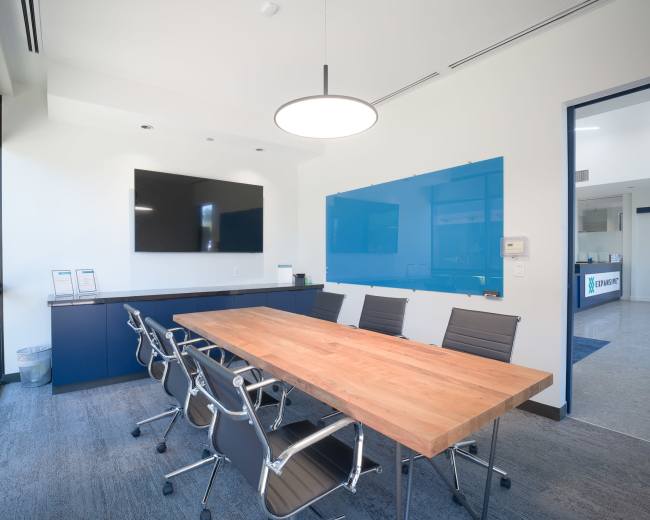
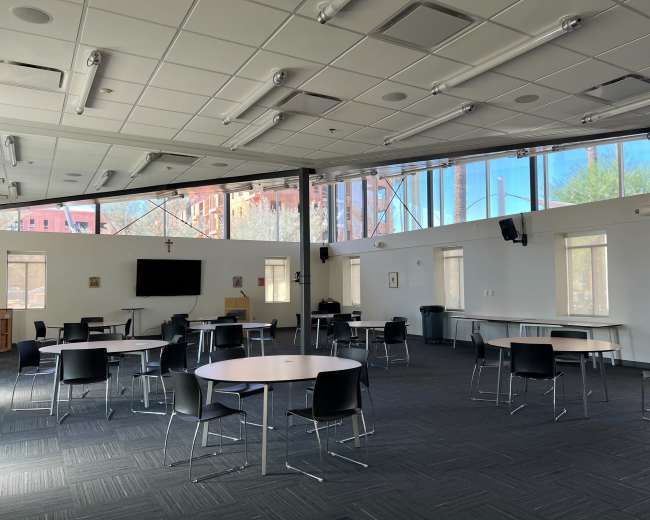
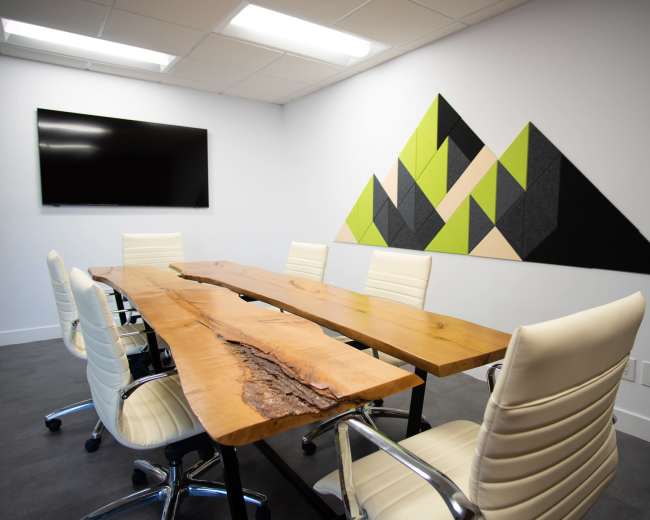
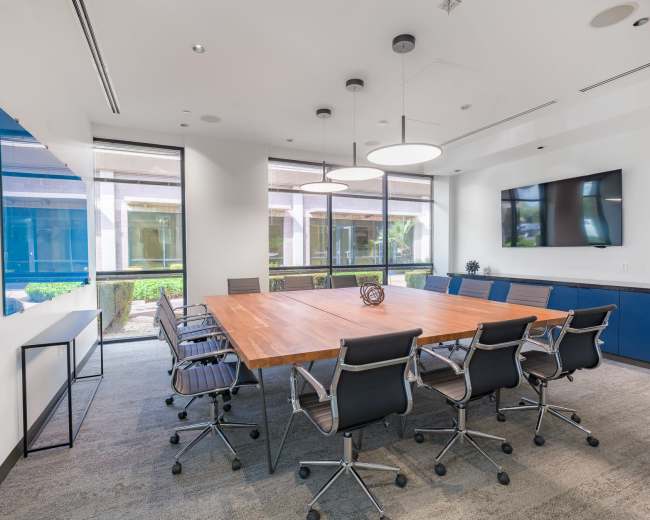
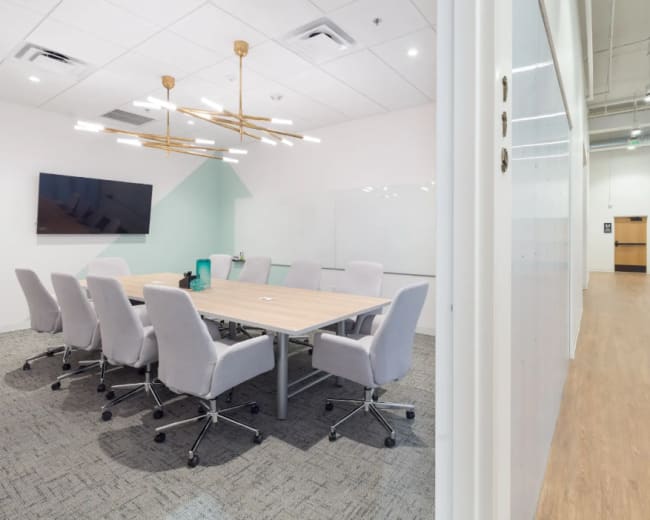
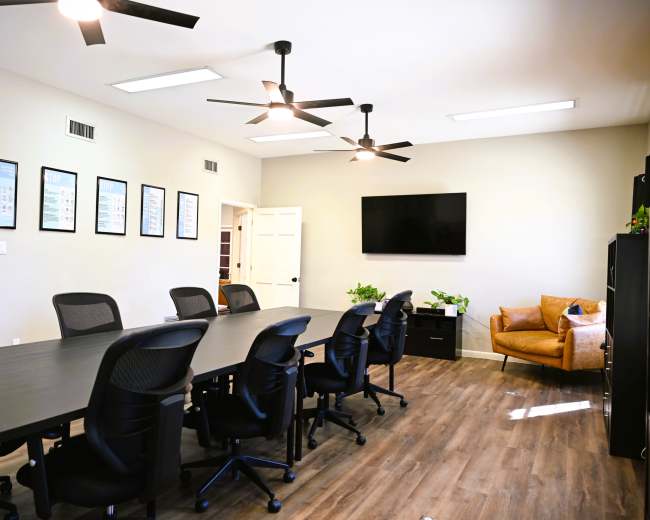
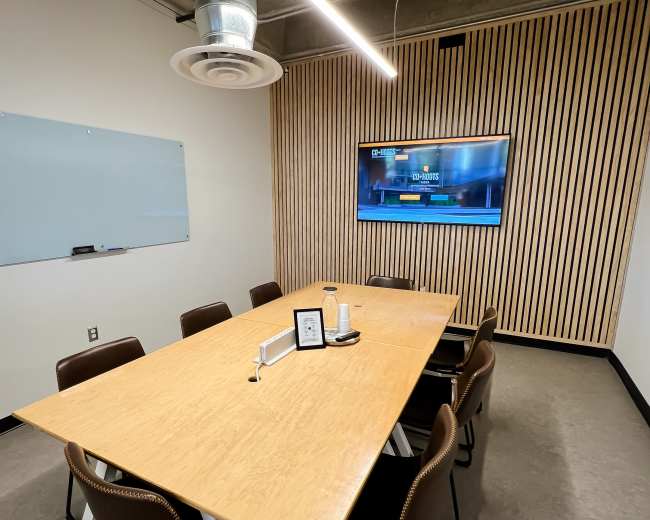
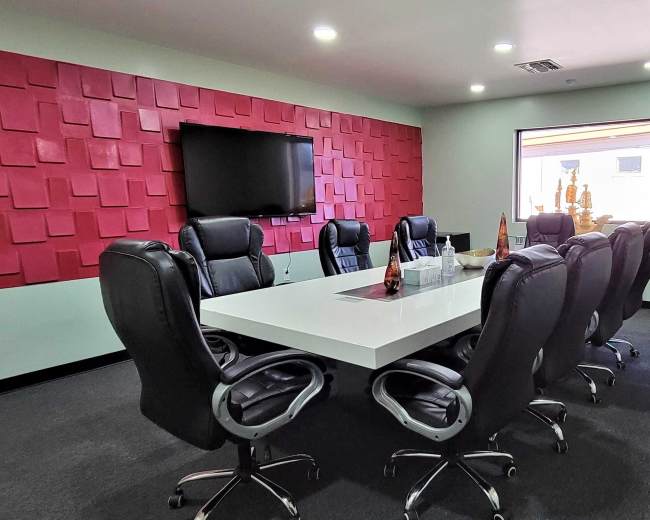
Rent a meeting room in Mesa, AZ

Discover thousands of unique meeting rooms for rent perfect for your meeting.

Enter your activity
Mesa, AZ, United States

How corporate meeting rooms work on Peerspace

Peerspace is the easiest way to book unique spaces for meetings. We also have spaces for productions and events.

Discover Spaces

Inspiring spaces

Every day we uncover new, creative spaces perfect for your corporate meeting — from neighborhood gardens, expansive rooftops, trendy office spaces, and beyond.

Honest pricing

Our spaces are priced to fit your budget. Hire by the hour for your meeting without worrying about hidden fees.

Smooth bookings

No more messy contracts. We build the tools to make booking a space for your corporate meeting as easy as the click of a button.

Popular meeting rooms

Explore all 10+ meeting rooms in Mesa. See All ›

Frequently Asked Questions

Pricing and popularity information in this section is based on proprietary Peerspace booking data, reflecting recent booking activity and the latest data available through June 2026.

What's the best day to rent a meeting room in Mesa?

Saturdays are the most popular day for booking meeting rooms in Mesa. For those seeking a deal, consider booking Monday and Wednesday as these days are 21% cheaper on average.

How popular are meeting rooms in Mesa?

Our local hosts have welcomed 283 people into their meeting rooms with reviews averaging 4.94 stars. 100% of guests said they'd book again.

How much does a meeting room cost to rent in Mesa?

Meeting rooms in Mesa average $35 per hour to rent, but it’s easy to spend less or more depending on what you’re looking for.

How long do people rent meeting rooms in Mesa?

Most meeting rooms are scheduled for 3 hours, with 6 people in attendance. You’ll find the most Meetings starting between 11:00 AM and 12:00 PM.

How do I choose between a boardroom, classroom, or lounge setup?

Choose a layout based on the outcome you need, not just the look of the room. In Mesa, many meeting space problems start when a room photographs well but does not support the way people need to work once the meeting begins.
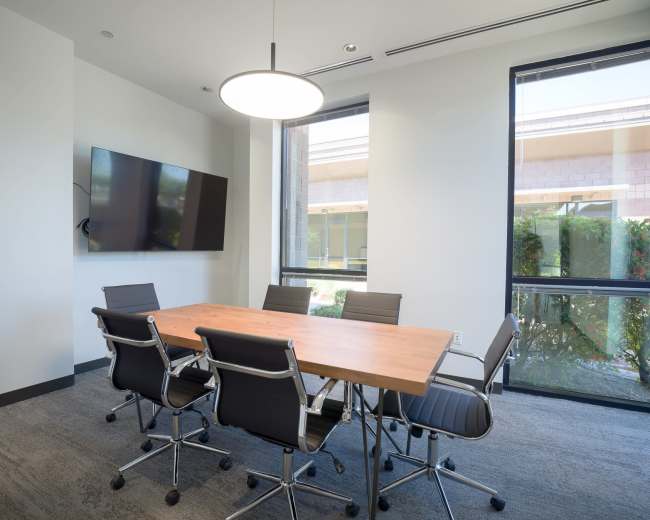
  • Boardroom setup: Best when the goal is discussion, decisions, and alignment. This layout works well for leadership meetings, client negotiations, interviews, and any agenda where eye contact matters.
    • Best for: 4 to 16 people, discussion-heavy meetings, confidential topics
    • Watch-outs: It can feel stiff for workshops and may limit movement if you need breakouts or hands-on work
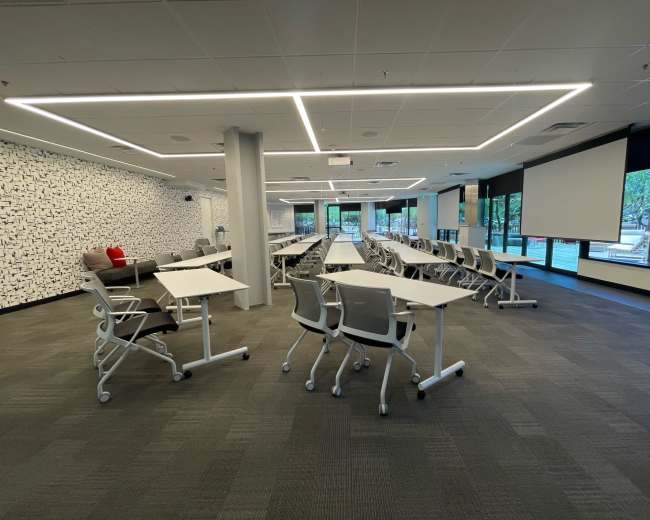
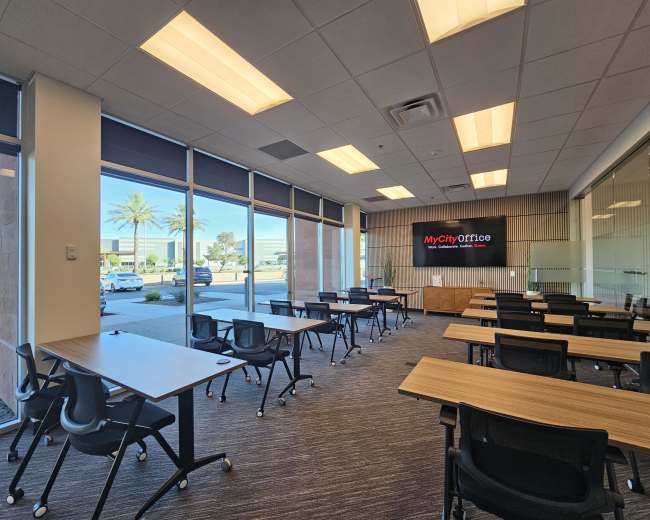
  • Classroom setup: Best when one or two people are leading the room. A classroom style venue format supports training, onboarding, compliance sessions, and presentations because it keeps attention forward and supports note-taking.
    • Best for: 10 to 60 people, trainings, certification sessions, lectures
    • Watch-outs: Q&A can feel slower, and group discussion usually needs more active facilitation because attendees are not facing each other
  • Lounge setup: Best when the goal is creativity, candor, and relationship-building. A softer setup can help people relax into brainstorming, team resets, and big-picture thinking.
    • Best for: Offsites, creative reviews, ideation, stakeholder workshops, culture-building sessions
    • Watch-outs: Laptops and note-taking can be awkward without enough surfaces, and hybrid meetings can struggle if the room is not designed for clear audio pickup
A simple way to choose is to ask what people will do most of the time.
  • Talk to each other: Choose boardroom
  • Look at one person: Choose classroom
  • Relax into big thinking: Choose lounge
If you are unsure, book a flexible conference room and confirm what is actually movable before you reserve it. “Flexible” in a listing does not always mean tables, chairs, displays, and whiteboards can be reconfigured quickly.

What should I ask venue hosts before booking a meeting space?

Before you book a conference room, ask questions that protect your time, budget, and credibility. Most booking regret comes from three gaps: not knowing what is included, not understanding the real workflow in the space, or assuming the tech will work without testing.
  • Pricing and inclusions: Ask what's included in the hourly rate and what costs extra. Confirm cleaning fees, minimum hours, and common add-ons for meetings.
    • Ask about: Overtime fees, extra attendee charges, required service fees
  • Access and arrival flow: Ask exactly how entry works and who will let your group in. Get parking instructions you can copy directly into the calendar invite.
    • Ask about: Setup arrival time, teardown expectations, elevator or building access, check-in process
  • Room setup and what can move: Ask how the conference room will be arranged when you arrive and what furniture or equipment can be moved.
    • Ask about: Tables, chairs, podium, whiteboard, monitor, “do not move” rules
  • Noise and privacy: Ask whether the space is fully private or part of a shared office or coworking space.
    • Ask about: Hallway and surrounding noise, street traffic, nearby rooms, glass walls, doors that fully close
  • Internet and AV reliability: Ask what display is available, what connections are supported, and whether there is a hardwired internet option for high-stakes meetings.
    • Ask about: HDMI compatibility, guest Wi-Fi, microphone and camera setup for hybrid meetings
  • Food and break logistics: Ask whether outside food and drinks are allowed and what cleanup is expected.
    • Ask about: Kitchen access, break areas, nearby coffee, catering rules, trash disposal
  • Policies and risk: Ask about cancellation terms, rescheduling flexibility, security requirements, and signage restrictions.
    • Ask about: Building rules, insurance requirements, guest lists, after-hours access
Pro tip: Only send one active booking request at a time so you do not end up with multiple conference room reservations and competing cancellation policies. Also build setup and teardown time into your booking window to reduce the risk of overtime charges and a rushed exit.

Which Mesa neighborhoods offer the best access and parking for meetings?

The best Mesa neighborhood for a conference room usually comes down to three things: easy freeway access, predictable parking, and the lowest chance of late arrivals. Because Mesa is spread out, the right location depends on where most attendees are driving from and whether walkability or transit matters for your group.
  • Downtown Mesa: A strong choice if you want a central, polished setting with restaurants and coffee nearby.
    • Parking reality: Expect more street parking or structured parking, with possible time limits or paid options depending on the block
    • Best for: Client meetings, interviews, leadership sessions, and meetings where setting matters
  • US 60 corridor areas: Areas such as Fiesta District and Superstition Springs are practical for attendees coming from across the East Valley.
    • Parking reality: Many properties offer larger surface lots and simpler park-and-walk-in access
    • Best for: Seminar venues, trainings, recurring meetings, and full-day conference room bookings where convenience matters most
  • North Mesa near Loop 202 Red Mountain access: A useful option for teams coming from Tempe, Scottsdale, or northeast Phoenix.
    • Parking reality: Parking is often easier in office parks and newer commercial areas
    • Best for: Cross-city meetups and hybrid meetings where attendees may arrive at different times
  • Southeast Mesa and Gateway-area convenience: A smart pick if attendees are flying into Phoenix-Mesa Gateway Airport or commuting from far East Mesa.
    • Parking reality: Usually the easiest parking experience, though it can feel far for people coming from the west side
    • Best for: Regional trainings, offsites, and meetings with out-of-town attendees staying nearby
A simple rule works well here: choose the neighborhood that reduces late arrivals for the majority of your attendees. Ask where people are starting from, then book a conference room near the dominant route and include parking instructions in the invite.

Should I rent a venue or use a free space like a park or home?

Rent a conference room when the meeting needs focus, privacy, and reliability. Free spaces can save money upfront, but the hidden costs often show up in distractions, weather problems, weak tech, extra setup, and a less professional experience if anything goes wrong.
  • Rent a venue: Best when professionalism and certainty matter.
    • Choose this when: You need office space for interviews, HR conversations, sensitive discussions, or client negotiations
    • Key advantage: You get reliable Wi-Fi, display equipment, and a cleaner plug-in-and-present experience
  • Use a home: Best when the group is small, the tone is informal, and you can control the environment.
    • Choose this when: You already have enough seating, outlets, quiet, and time to manage hosting details
    • Key tradeoff: You take on interruptions, deliveries, pets, neighbors, and cleanup
  • Use a park: Best when the meeting is casual and can tolerate environmental variables.
    • Choose this when: It is more of a check-in, walking meeting, or social hour than a formal work session
    • Key tradeoff: Weather, noise, wind, and lack of screens can quickly limit what the meeting can accomplish
A practical middle ground is to rent a conference room for the high-stakes part of the agenda, then move to a café or outdoor spot for the informal portion. That gives you reliability where it matters most while keeping the day flexible and budget-aware.

What tech should I test before a hybrid meeting in a rented room?

Before a hybrid meeting, test the full system end to end. The most common conference room failures are unstable internet, weak audio, poor camera framing, and display connections that do not work when the meeting starts.
  • Internet stability: Join the exact platform you plan to use and stay connected for at least 10 minutes.
    • Test for: Stable upload performance, not just download speed
    • Backup option: Ask whether the room offers hardwired Ethernet for high-stakes meetings
  • Platform compatibility: Confirm that Zoom, Teams, or Meet works on the venue’s network and that nothing is blocked.
    • Test for: Screen sharing, audio sharing for videos, laptop permissions
  • Display connection: Confirm the conference room monitor or TV is working and test the exact cable path you will use.
    • Test for: HDMI input, adapter compatibility, reliable switching between presenters
  • Audio quality: This is the most important test in the room.
    • Test for: Normal speaking volume from seats, echo, muffled sound, remote clarity
    • Best method: Join from a second device as a remote attendee so you can hear what remote participants will hear
  • Camera framing and lighting: Make sure remote attendees can clearly see faces and read the room.
    • Test for: Full-room visibility, speaker framing, backlighting from windows, glare
  • Power and backups: Plan for devices to stay charged throughout the meeting.
    • Test for: Outlet locations, extension needs, power strips, hotspot backup, printed run-of-show
If you only test one thing, test audio from the remote attendee perspective. People will tolerate slightly imperfect video in a hybrid conference room, but they disengage quickly when they cannot hear clearly.

How far ahead should I book meeting space during busy seasons?

Book a space earlier than you think if the meeting matters. In Mesa, the best-fitting spaces tend to go first during busier travel and event periods, especially rooms with easy parking, reliable tech, and a polished professional setup. A useful planning window looks like this:
  • One to two weeks ahead: Usually enough for small internal meetings, interviews, and when you need a workshop space.
    • Main risk: Fewer choices in your preferred neighborhood, price range, or time slot
  • Three to six weeks ahead: A strong window for client meetings, board-style sessions, and half-day trainings.
    • Main benefit: Better flexibility on scheduling, room layout, and add-ons
  • Two to three months ahead: Best for full-day trainings, multi-room needs, and hybrid events that need walkthroughs or tech confirmation.
    • Main benefit: More time to coordinate attendees, catering, setup, and agenda details without rushing
If your meeting cannot fail, make two moves early: book a slightly longer window than you think you need, and choose a conference room venue type known for plug-and-play support, such as executive suites or dedicated meeting rooms. That combination reduces last-minute surprises and gives your team time to settle in before the meeting starts.

Reviews for meeting rooms

Sue B.
West Mesa Versatile Meeting Space-Lounge-Dance/Fitness Studio
our needs. We had wifi which was great and were able to bring in our own food and beverages for our 4-hour workshop meeting. There's plenty of natural light and they have tables and chairs - all that we needed! I would rent here again in a heart beat...
Ty B.
Conference room attached to a cozy coffee shop
Incredible Room, friendly atmosphere, everything worked, ... I am definitely going to book my next meeting here
Kayla C.
Neutral Studio Space in Private Modern Barn
Cindy was such a joy to meet! So happy with her space & will definitely be back
Benjamin D.
Bright, Energetic Meeting Room designed for Ultimate Productivity
This space was perfect for meetings. We will definitely be back
Patty D.
Cozy 6 Person Business Meeting Room Equipped with State-of-the-art Technology
The space was exactly what we were looking for in a two day finance planning meeting with our accounting team. Convenient location, good parking, professional communication and hospitality from our host. We would definitely recommend and use again...
Chad H.
Custom Conference Room w/ TV
Shawn was a great host and the room was as advertised. We had everything we needed to have a successful meeting. Easy to get in and out. I would recommend...
Laura H.
Bright, Customizable Classroom Style Meeting Space
Great space, great set up. Always answered my inquires and helped to make our staff meeting a success. Will definitely book again...
Edarra J.
Mission Control Space
of their way to accommodate us after a scheduling snag. They're great, the space is great, and we will continue to book our meetings with them...
Adrienne K.
Cozy 6 Person Business Meeting Room Equipped with State-of-the-art Technology
The room was easy to book and provided a clean, professional space for my meeting. Mandy was fantastic and helped me find the office when my GPS kept taking me to the wrong location...
Rami K.
Conference room attached to a cozy coffee shop
Thank you to our hosts! I booked this space for an off-site meeting two times now. I really enjoy the attached coffee shop. It is perfect for grabbing a quick bite or a coffee before your meeting. The hosts are very responsive and were able to book my last...
Juan L.
Custom Conference Room w/ TV
Easy access, great space and very comfortable. All in all will definitely be back to meet clients. Great communication
John L.
Conference room attached to a cozy coffee shop
Shannon and David were super helpful and attentive for the duration of our meeting
Madison M.
Conference room attached to a cozy coffee shop
Great space to use for meetings! Owners are awesome and helpful
Jason N.
Cozy 6 Person Business Meeting Room Equipped with State-of-the-art Technology
Easy to get in. Good meeting room
Celeste R.
West Mesa Versatile Meeting Space-Lounge-Dance/Fitness Studio
This space is truly versatile. I hosted a seminar and meet and greet with around 50 people and it was epic thanks to the help of Amanda and Izzy who went above and beyond for me. From first reaching out to Amanda for details all the way to after the...
Veronica R.
Clean and Modern Conference Space
Very clean, quiet room for our business meeting. Jeanine was accommodating and provided answers for anything we needed
Veronica R.
Mission Control Space
Great space. More than enough room for our business meeting
Brett R.
Bright, Energetic Meeting Room designed for Ultimate Productivity
Recently hosted a leadership team meeting for my remote managers. This space was perfect for our needs and provided us an excellent way to productively work through a packed agenda that would have been difficult to achieve via the typical Teams meetings. A big thank you for allowing us to...
Wannisa S.
Bright, Energetic Meeting Room designed for Ultimate Productivity
Beautiful space, recommended for team meeting
Angela V.
Downtown Workshop Space
was quick to respond. Booking was easy, all online. If your looking for a space to rent in a hurry or just need a meeting place then this is the place...
Updated May 29, 2026Our data is refreshed in real time using booking trends, verified guest reviews, and direct partner updates — with additional quality checks from our team.