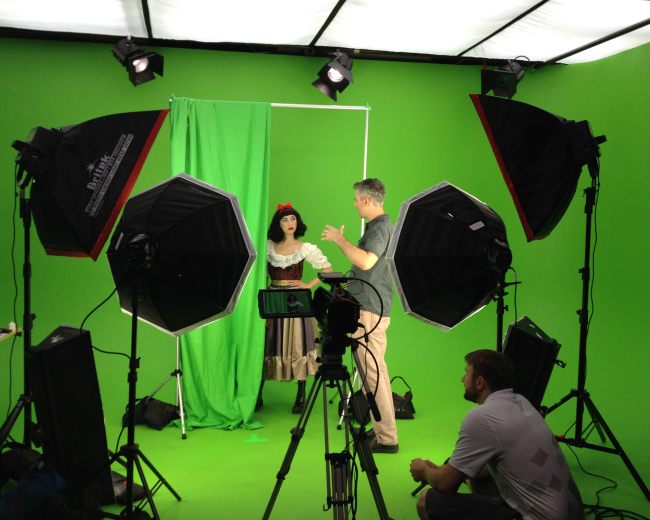
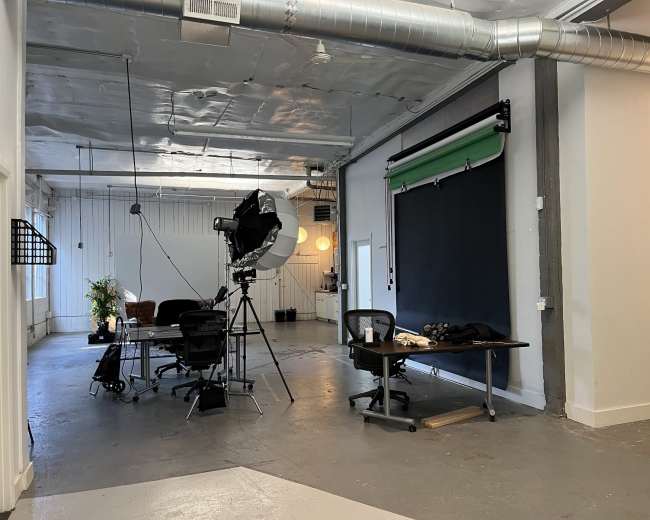
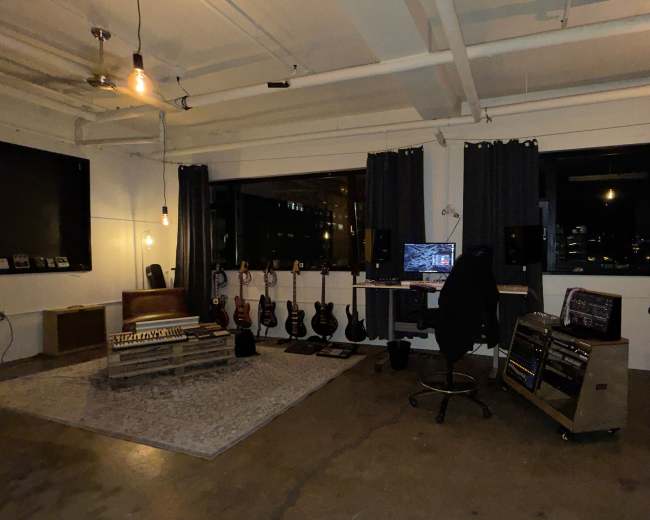
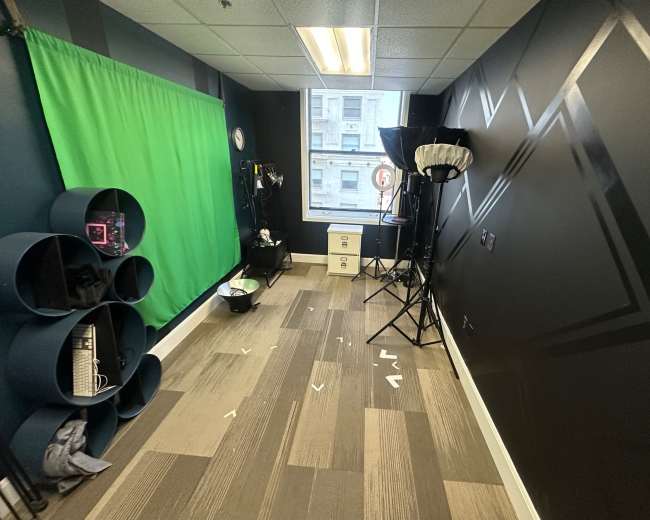
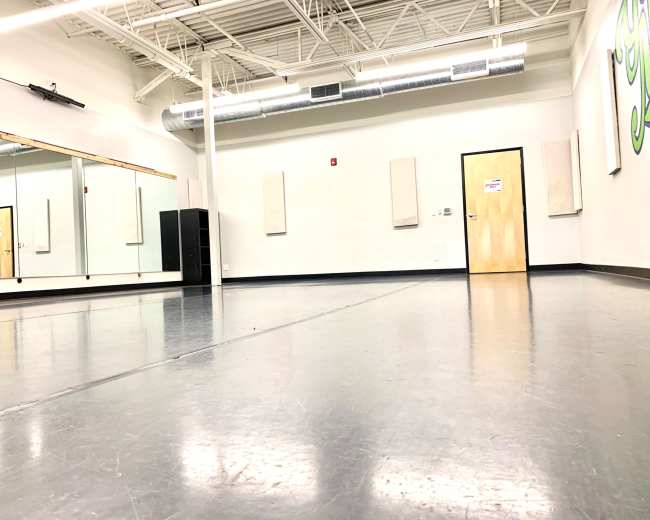
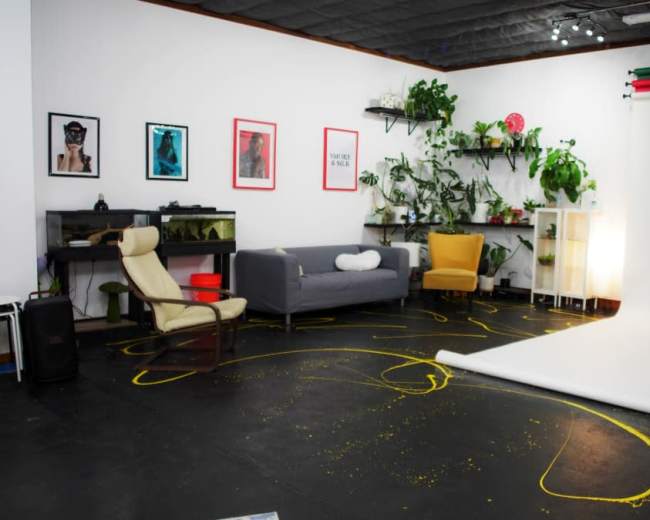
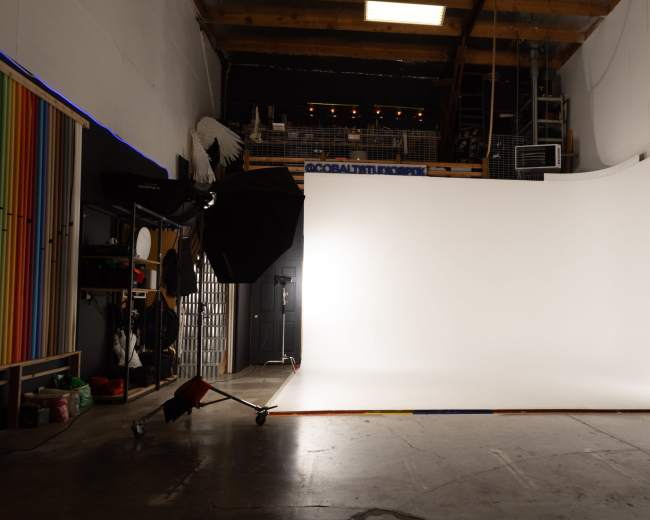
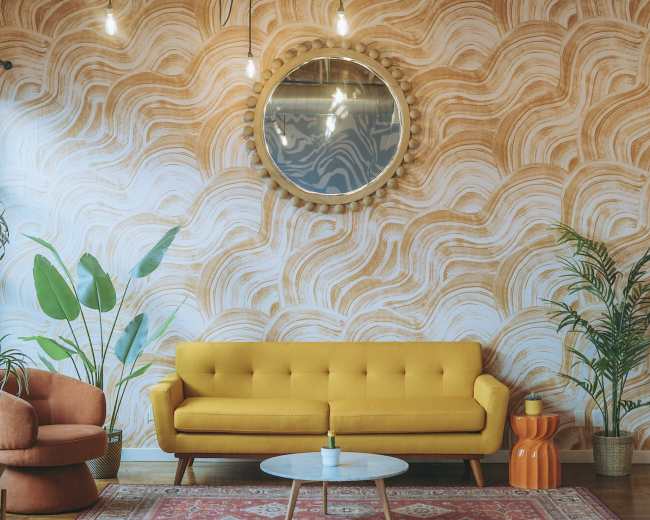

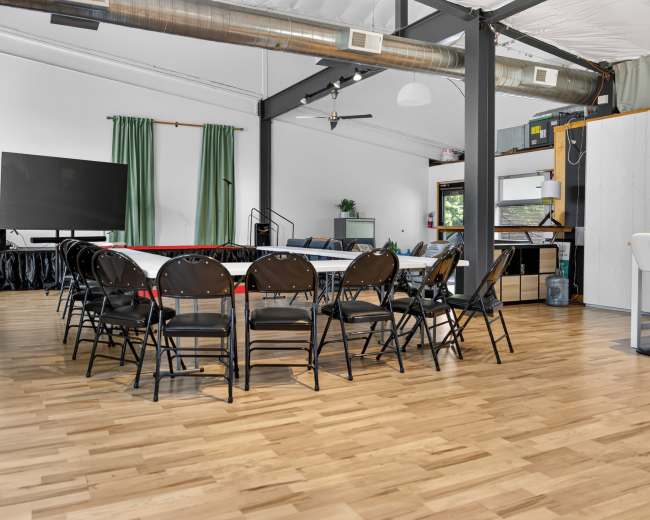
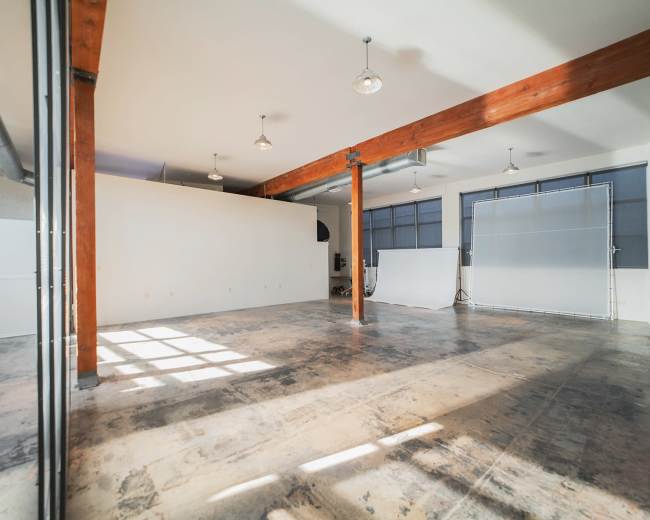
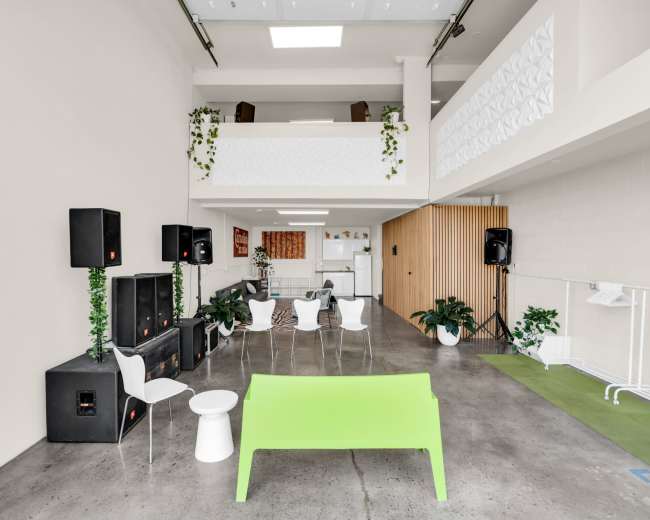
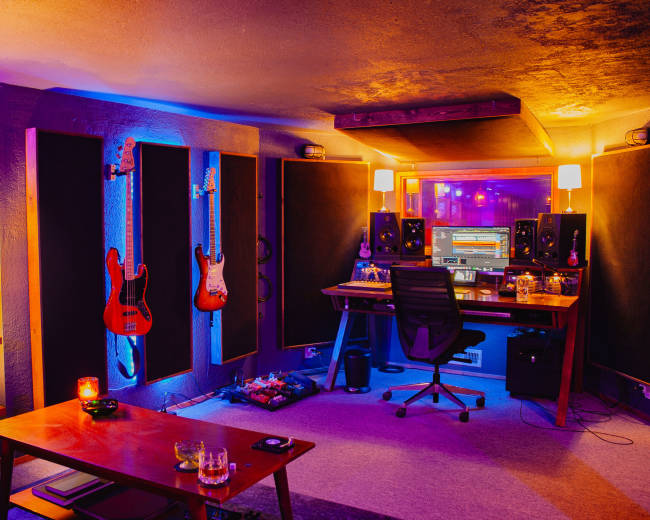
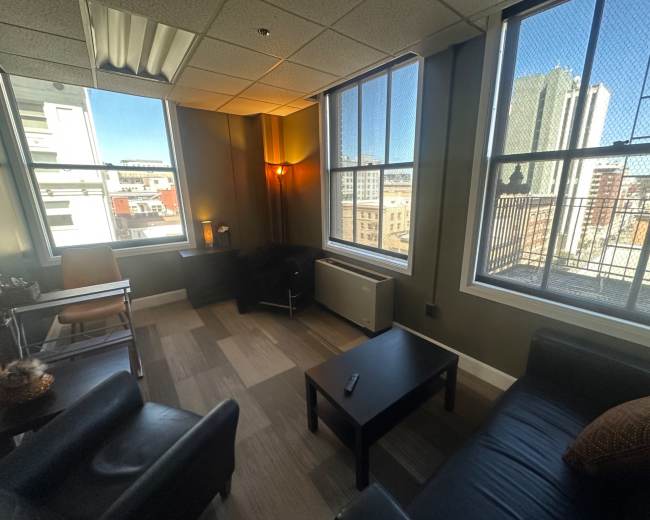
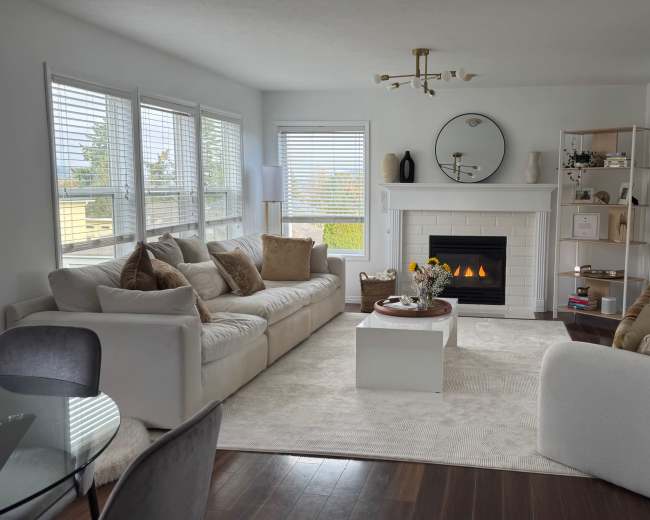
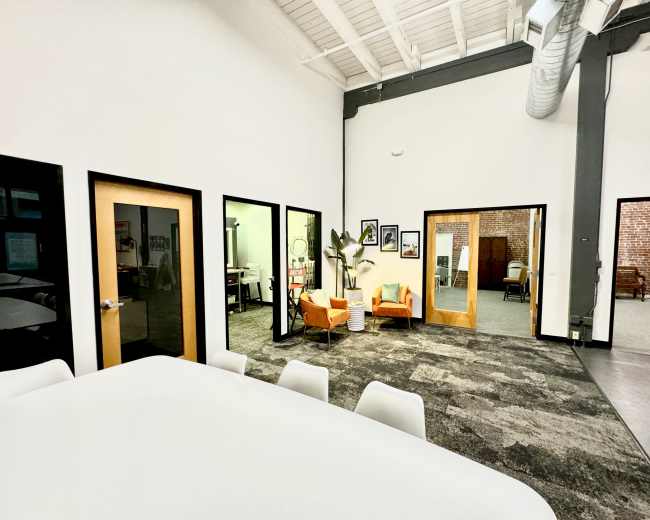
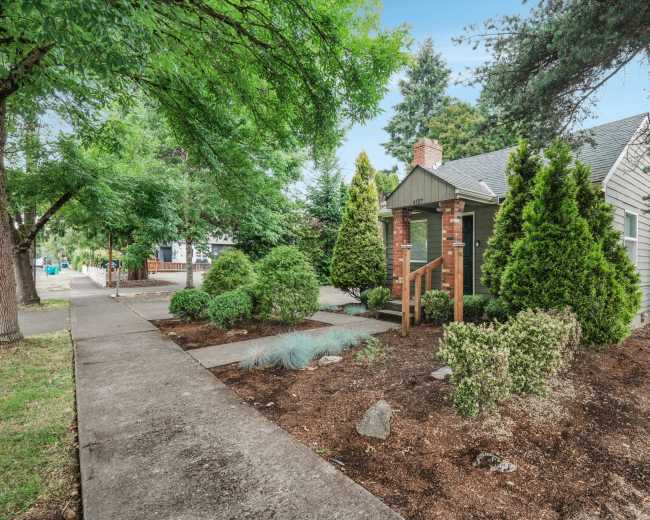
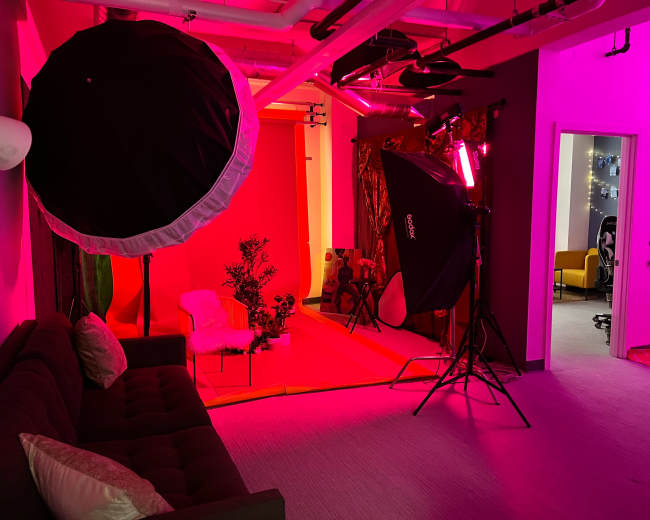
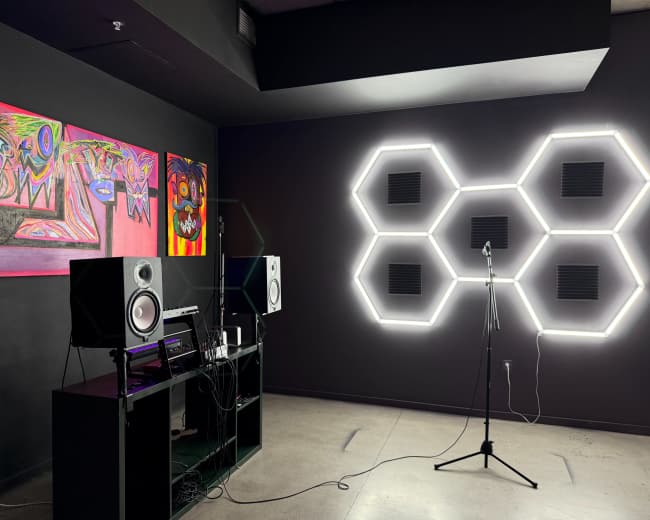
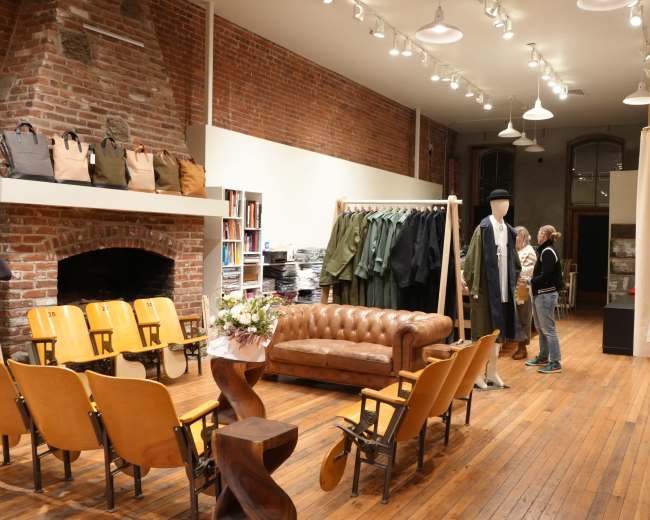
- What setup help usually includes: A staff member or host welcomes you in, checks microphone placement, helps set headphone levels, confirms everyone is being recorded correctly, and explains how your files will be delivered.
- What it doesn't always include: Full production support, live troubleshooting for the entire session, editing, camera switching, clip creation, or social-ready exports. Those services are often billed separately.
- Questions to ask before booking: Confirm whether someone will be on-site when you arrive, who handles mic placement and sound checks, who starts the recording, whether anyone monitors audio during the session, how files will be delivered, and whether support is available for both audio and video.
- Best fit for beginners: A plug-and-play podcast studio with a small number of mics, simple seating, and a host who can explain the workflow in plain English.
- Red flags to watch for: Listings that name lots of equipment, but say nothing about support, vague answers to technical questions, or photos that look polished without showing how recording actually works in the room.
How podcast rooms work on Peerspace
Peerspace is the easiest way to book unique for all kinds of productions including photo shoots, film shoots and music videos. We also have spaces for meetings and events.
The most locations
Every day we uncover new, inspirational spaces, including podcast rooms, perfect for your activity.
Professional hosts
Our network of helpful hosts respond quickly, and are well-versed in accommodating all types of productions, including film and photo shoots.
Hire by the hour
Only pay for what you need. Pay by the hour for your podcast room location without worrying about hidden fees or overtime.
Popular podcast studios
Do Portland studios include setup help for first-timers?
Sometimes, yes, but never assume setup help is included automatically at a Portland podcast studio.
For first-time hosts, one of the biggest frustrations is arriving at a well-equipped room and realizing no one is there to explain the gear, set headphone levels, press record, or show you how file delivery works. In Portland, some podcast studio rentals are fully self-serve, some offer a quick orientation, and some include hands-on support. According to Daydreamer Coffee & Public House, at least one Portland option offers an on-site engineer for $75 per hour, which can make a first session much smoother.
If you are new to recording, the safest choice is a podcast studio that offers an engineer, a producer, or a clearly defined check-in and handoff process. Browse podcast studio listings to compare which spaces list staff support as part of the booking.
What's usually included in the hourly studio rate?
At a podcast studio, the hourly rate usually covers the room and the equipment or amenities specifically listed in the booking.
In Portland, that often means seating, power, internet, basic acoustic treatment, and the recording gear named in the listing. For example, VIDA Coworking describes a Portland podcast studio with soundproofing, three microphones, and a Behringer mixer, which is a strong example of a ready-to-record base package.
That said, hourly pricing can vary a lot from one podcast studio to another. A lower-priced room may be simple and self-serve, while a higher-priced space may include staffing, lighting, cameras, or post-production support. The important question isn't just what the rate is, but what that rate actually includes.
- Usually included: The studio room, standard furniture, power, climate control, and the microphones, mixer, or other equipment listed in the description.
- Sometimes included: Headphones, a camera-ready backdrop, a monitor, basic file transfer, simple lighting adjustments, or a short host orientation at check-in.
- Often extra: Engineers, producers, camera operators, editing, same-day file cleanup, custom set styling, hair and makeup space, and overtime.
- Almost never included unless clearly stated: Social clips, multicam editing, branding overlays, thumbnail photography, teleprompter support, or a dedicated producer for the full session.
- What to compare beyond price: Minimum booking length, how many people the room is set up for, whether setup and teardown time must be booked, whether staff support is included, and whether video gear is part of the base rate or billed separately.
How do I choose between audio-only and video-ready spaces?
Choose based on how you plan to distribute your show, not just on what you want to spend.
If your content mainly lives on Spotify, Apple Podcasts, or internal channels, an audio-only podcast studio may be enough. If you want YouTube episodes, short-form clips, guest reels, sponsor-friendly visuals, or a stronger personal brand, a video-ready podcast studio is usually the better fit from the start.
This matters because a room that sounds great isn't always camera-ready, and a room that looks impressive in photos isn't always acoustically controlled enough for clean recording.
- Choose audio-only if: Your show is meant to be listened to more than watched, you want to keep costs lower, you care most about sound quality, and you don't need a branded set or multiple camera angles. To find spaces built around sound quality, you can find audio recording spaces on Peerspace.
- Choose video-ready if: You plan to publish full video episodes, cut clips for social media, impress guests or clients visually, or build a recognizable show identity through lighting, furniture, color, and composition. A good starting point is to explore video studios and compare what each space includes for camera-ready production.
- A practical middle ground: A podcast studio with strong audio treatment and a simple, attractive background can work well if you only need occasional clips instead of a full multicam setup.
- For sound: Is the room acoustically treated, how much street or HVAC noise reaches the recording, and can you hear audio samples from the space?
- For video: What do the backgrounds look like from multiple angles, what lighting is already installed, and is there enough room for both wide and tight shots?
- For workflow: Is there space for a camera operator, producer, or extra guest, and where do bags, jackets, and cases go once recording starts?
- For brand fit: Does the room look like your show, or will your content feel generic as soon as it goes on camera?
Which Portland areas are best for access, parking, and load-in?
There's no single best area for every podcast studio booking in Portland. The right neighborhood depends on how people are arriving, how much gear you're carrying, and whether your session is a simple host-and-guest recording or something larger with a crew, clients, or an audience.
In practice, Portland podcast studio options tend to cluster in central creative corridors, inner eastside neighborhoods, the Pearl District, and farther-out areas such as St. Johns. Each can work well, but for different reasons.
- Inner eastside and central city areas: Often the easiest choice when guests are coming from different parts of Portland and you want a central meeting point with strong rideshare access and relatively short travel times.
- Pearl District: A strong option when presentation matters and you want a polished, client-facing feel for branded interviews, executive podcasts, or video-forward shoots. Parking and unloading details matter more here, so ask in advance.
- St. Johns and farther-out neighborhoods: Great for personality and atmosphere. These areas can feel more relaxed and less corporate, which can help guests feel comfortable on mic, but they may require longer travel times.
- Outside the urban core: Worth considering if you need more space, easier parking, or a larger footprint for panels, workshops, or audience recordings.
- Access details to confirm: Exact entrance instructions, elevator access, stairs, building hours, lockbox or front desk procedures, and whether someone will meet you on-site.
- Parking details to confirm: Nearby garages, realistic street parking conditions, load zones, and how far guests will need to carry gear.
- Load-in details to confirm: Ground-floor access, carts, rolling-case access, freight elevator options, and whether setup can begin at your actual start time.
- Red flags to watch for: Great photos paired with vague access instructions, no parking information, stair-only entry, or a host who can't clearly explain how gear gets from the curb to the room.
Should I rent a studio or use a home, park, or beach?
If your priority is reliable quality, lower stress, and a more professional result, rent the podcast studio.
A home setup can work for a solo host or a lean production. A park or beach can work if the location is part of the concept. But once you care about clean audio, guest comfort, visual consistency, scheduling, and repeatability, a dedicated podcast studio is usually the smarter choice.
Portland creators have multiple options now, from approachable community spaces to premium video-forward studios. That makes podcast studio rental feel less like a luxury and more like a practical step for anyone who wants consistent results.
- Rent a studio if: You want predictable sound, controlled lighting, fewer interruptions, a better guest experience, or content that needs to look polished and on-brand.
- Use a home if: You already have a quiet, treated room, you know your gear well, and you're comfortable with the limits of a home setup for guests, visuals, and consistency.
- Use a park or beach if: The location is part of the story and you're willing to trade convenience for atmosphere.
- Sound problems: Wind, traffic, airplanes, nearby conversations, dogs, waves, and unpredictable echo can all affect the recording.
- Logistics problems: Limited power, no private holding area, no easy restroom access, nowhere to store bags, and no reliable backup plan if weather changes.
- Time problems: More setup, more retakes, and a greater chance that one uncontrollable factor ruins the session.
What should I bring to a podcast recording space near me?
Bring less random gear and more certainty.
Many people overpack cables and underpack the things that actually keep a podcast studio session running smoothly, like show notes, backup storage, guest prep, wardrobe options, and file-handoff basics. If you're booking a podcast studio in Portland, the smartest move is to confirm what the space provides and then bring only what fills the gaps.
A strong checklist looks like this.
- Content essentials: Your run of show, intro and outro copy, guest questions, ad reads, name pronunciations, and any talking points you don't want to forget once recording begins.
- Tech essentials: Your laptop, charger, phone charger, backup battery, any needed adapters, and a hard drive or fast storage device if you're expected to take files home the same day.
- Audio essentials: Your preferred headphones if you have them, water in a quiet container, and a bag that keeps your items organized without making noise on set.
- Video extras: A backup shirt, simple grooming items, powder or blotting sheets, and any branded props you want on camera, such as a mug or notebook.
- Admin essentials: Guest release forms if needed, brand notes, parking instructions, building access details, and the host's contact information in case check-in is confusing.
- File handoff: Will files be sent digitally, exported to your drive, or delivered later?
- Media needs: Do you need to bring an SD card, SSD, or a specific storage format?
- Mic count: How many people can be recorded comfortably without changing the setup?
- Monitoring: Are headphones provided for everyone?
- Timing: Does your booking include setup and teardown time, or only the recording window?
- The night before: Charge everything, save your outline to both your phone and laptop, confirm the address, and make sure every guest knows exactly when to arrive.
Similar searches in Portland, OR
Updated October 17, 2026Our data is refreshed in real time using booking trends, verified guest reviews, and direct partner updates — with additional quality checks from our team.