


Sun
Mon
Tue
Wed
Thu
Fri
Sat
$200/hr$150/hr$100/hr$50/hr
Peerspace is the easiest way to book unique spaces for meetings. We also have spaces for productions and events.
Discover SpacesEvery day we uncover new, creative spaces perfect for your corporate meeting — from neighborhood gardens, expansive rooftops, trendy office spaces, and beyond.
Our spaces are priced to fit your budget. Hire by the hour for your meeting without worrying about hidden fees.
No more messy contracts. We build the tools to make booking a space for your corporate meeting as easy as the click of a button.
Majestic Rose Venue
Five Points, Columbia, SC50 guests
Expansive
Midtown - Downtown, Columbia, SC8 guests
Expansive
Midtown - Downtown, Columbia, SC4 guests
Expansive
Midtown - Downtown, Columbia, SC20 guests
Go with the Flo - Florence St. Bungalow
Earlewood, Columbia, SC5.0 (1)
6 guests
Kingdom Care
Dentsville, Columbia, SC4 guests
Expansive
Midtown - Downtown, Columbia, SC85 guests
Expansive Venues
Midtown - Downtown, Columbia, SC4.0 (1)
200 guests
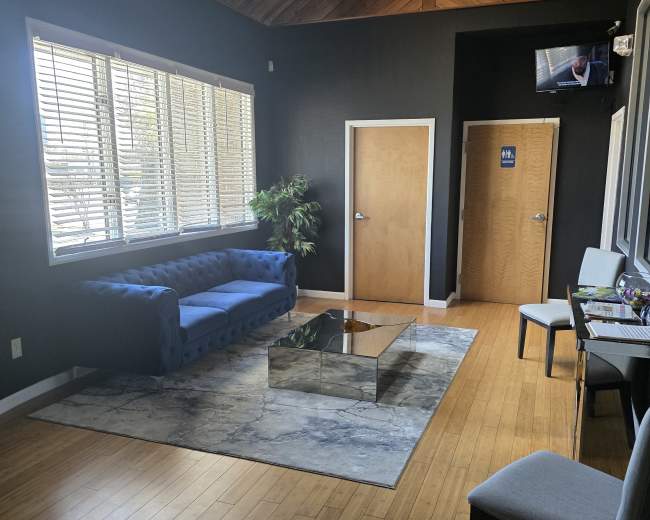
Urban, studio and lounge with an intimate and modern feel.
Dentsville, Columbia, SC5.0 (1)
25 guests
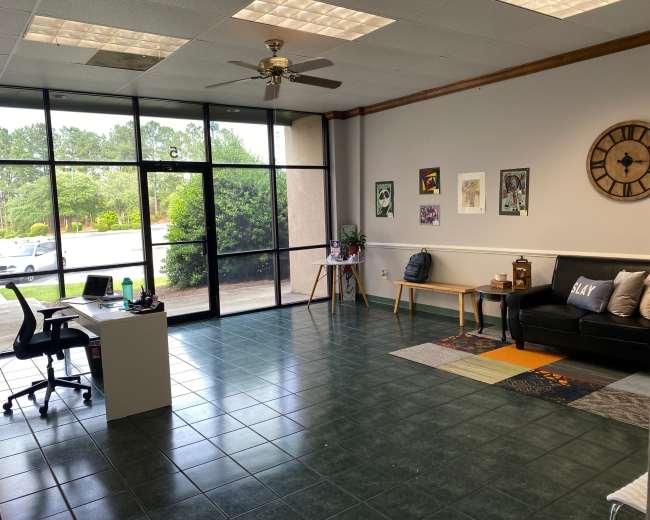
Urban Uptown Northeast Office Space
Dentsville, Columbia, SC3 guests
Private Meeting Room
Columbia, SC5.0 (5)
6 guests
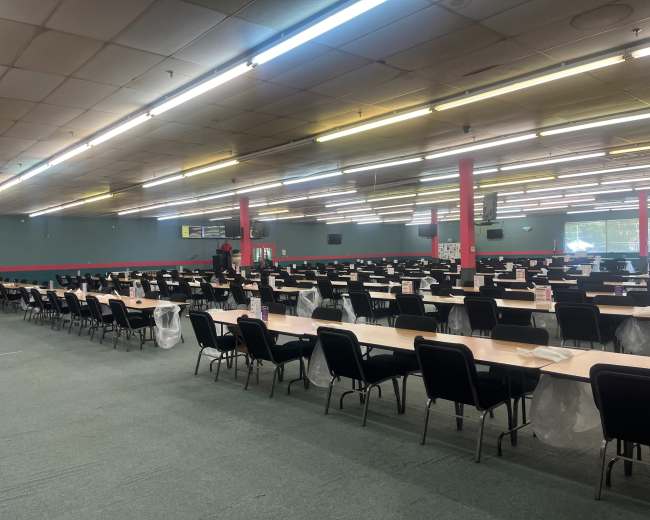
Bingo Hall in Charleston Highway
6.5 miles from Columbia, SC800 guests
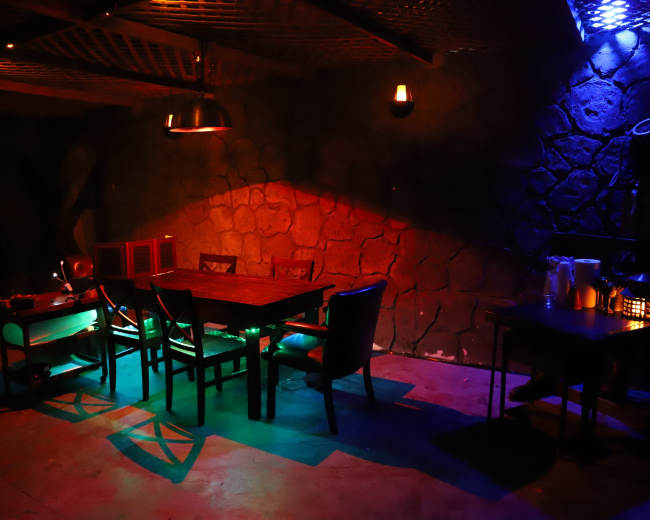
RPG Game Dungeon in Elgin
Serving the Columbia, SC area10 guests
Lake Murray Waterfront Estate
Serving the Columbia, SC area5.0 (2)
20 guests
Downtown office space within walking distance of all downtown amenities.
Serving the Columbia, SC area20 guests
Pricing and popularity information in this section is based on proprietary Peerspace booking data, reflecting recent booking activity and the latest data available through September 2026.
Meeting rooms in Columbia average $44 per hour to rent, but it’s easy to spend less or more depending on what you’re looking for.
Most meeting rooms are scheduled for 2 hours, with 15 people in attendance. You’ll find the most Meetings starting between 2:00 PM and 3:00 PM.
Our local hosts have welcomed 310 people into their meeting rooms with reviews averaging 5 stars. 100% of guests said they'd book again.
Tuesdays are the most popular day for booking meeting rooms in Columbia. For those seeking a deal, consider booking Tuesday and Saturday as these days are 46% cheaper on average.


