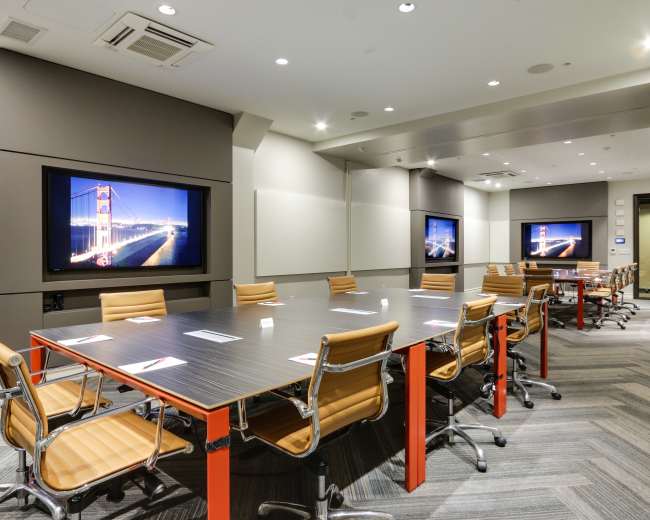
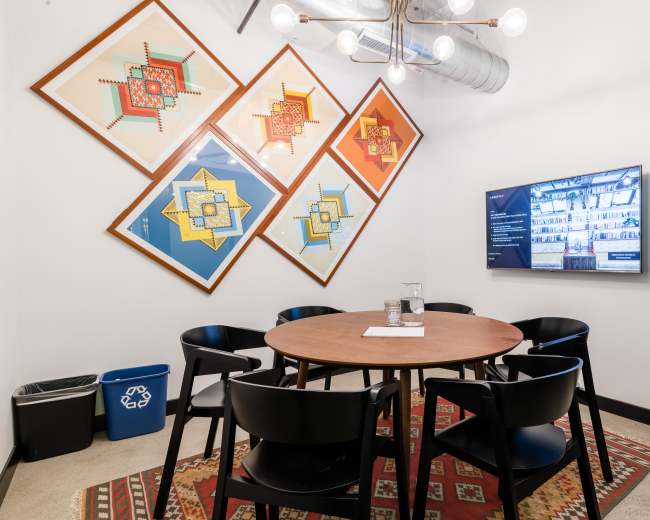
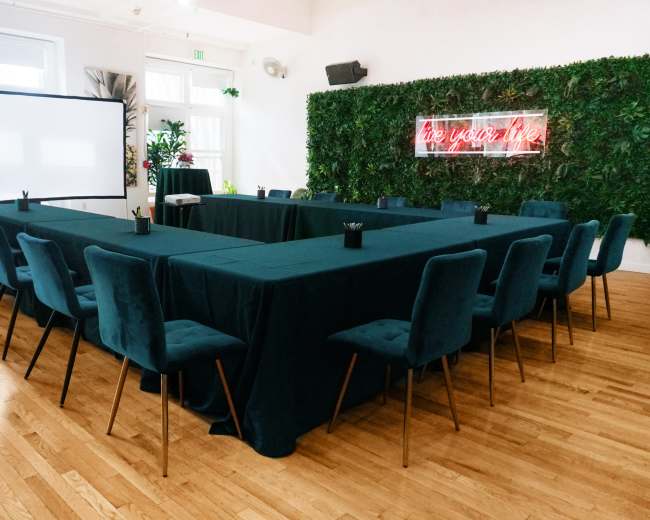
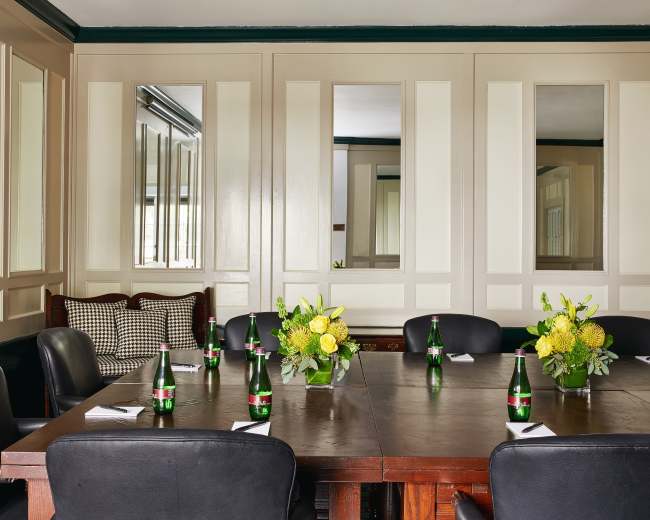
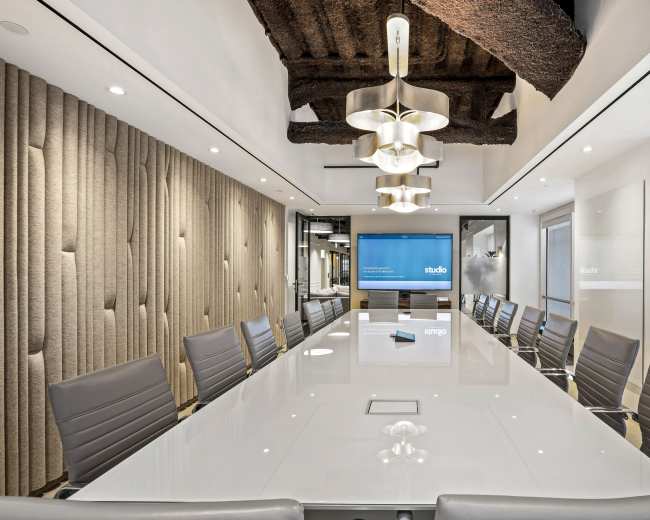
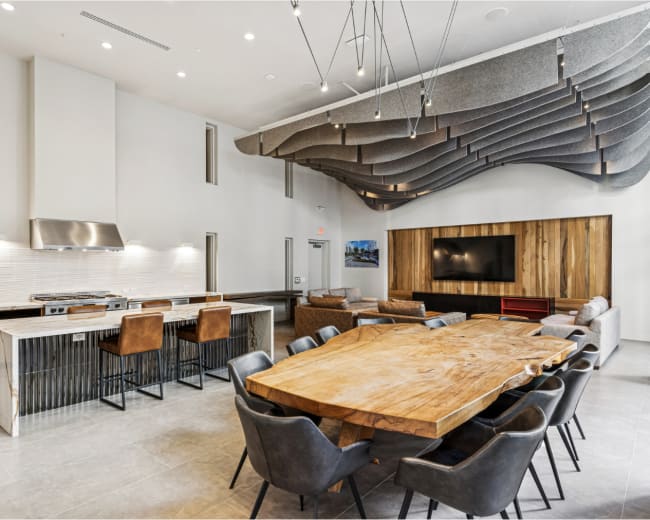
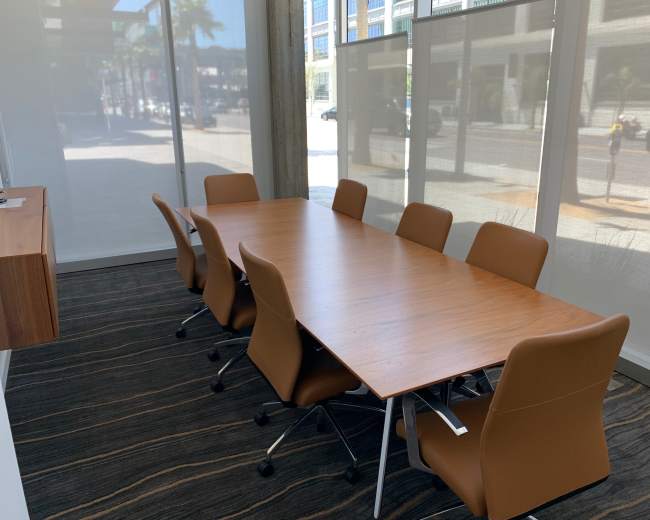
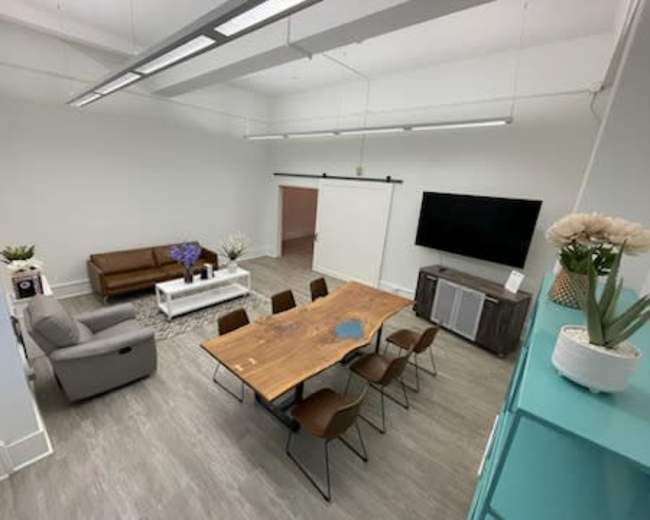
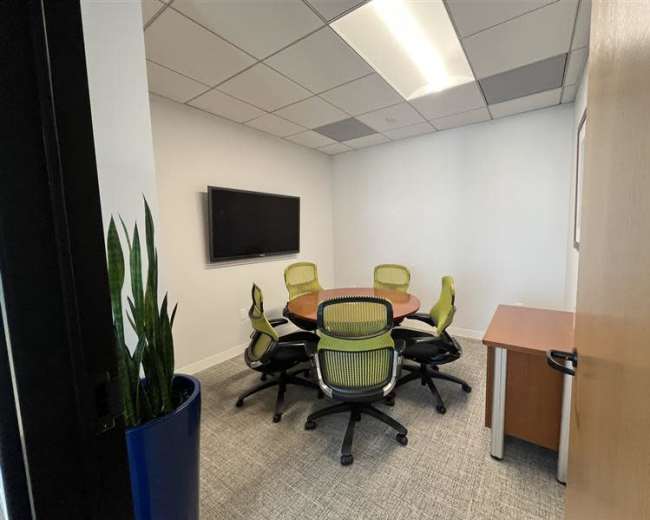
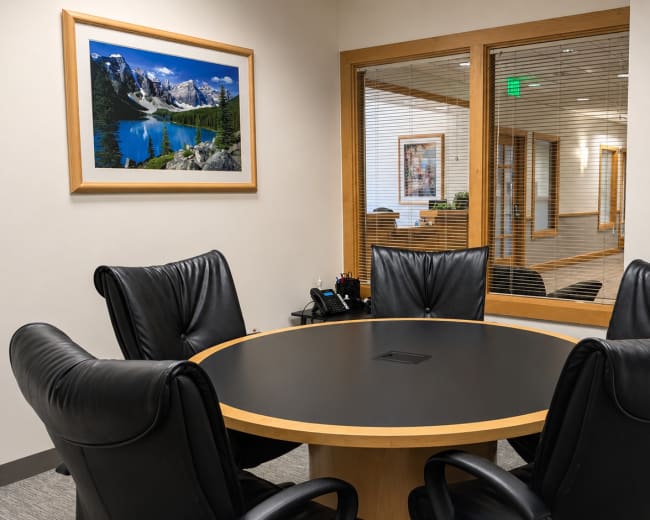
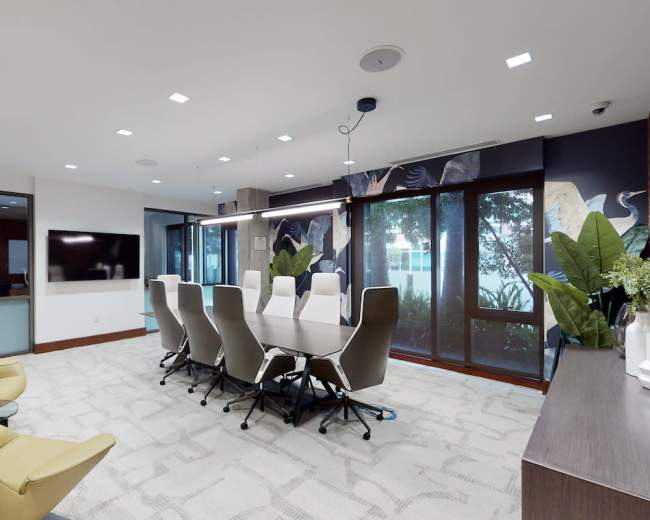
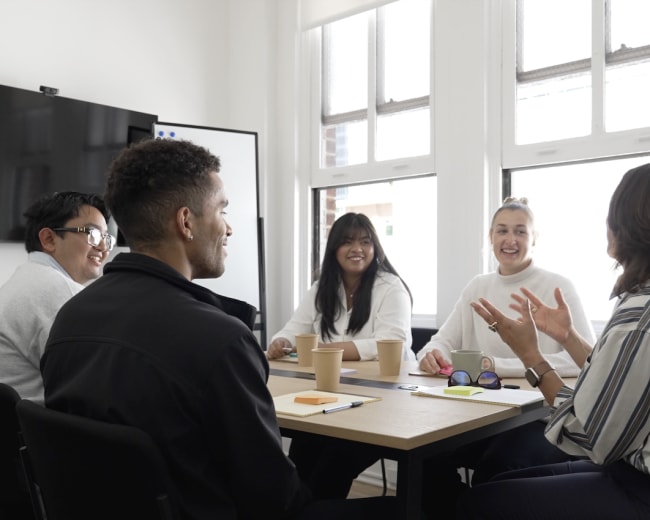
Rent a meeting room in San Francisco, CA

Discover thousands of unique meeting rooms for rent perfect for your meeting.

Enter your activity
San Francisco, CA, United States

How corporate meeting rooms work on Peerspace

Peerspace is the easiest way to book unique spaces for meetings. We also have spaces for productions and events.

Discover Spaces

Inspiring spaces

Every day we uncover new, creative spaces perfect for your corporate meeting — from neighborhood gardens, expansive rooftops, trendy office spaces, and beyond.

Honest pricing

Our spaces are priced to fit your budget. Hire by the hour for your meeting without worrying about hidden fees.

Smooth bookings

No more messy contracts. We build the tools to make booking a space for your corporate meeting as easy as the click of a button.

Popular meeting rooms

Explore all 310+ meeting rooms in San Francisco. See All ›

Frequently Asked Questions

Pricing and popularity information in this section is based on proprietary Peerspace booking data, reflecting recent booking activity and the latest data available through May 2026.

What's the best day to rent a meeting room in San Francisco?

Tuesdays are the most popular day for booking meeting rooms in San Francisco. For those seeking a deal, consider booking Sunday and Saturday as these days are 12% cheaper on average.

How popular are meeting rooms in San Francisco?

Our local hosts have welcomed 10349 people into their meeting rooms with reviews averaging 4.87 stars. Most even said they would book again -- about 97%.

How much does a meeting room cost to rent in San Francisco?

Meeting rooms in San Francisco average $119 per hour to rent, but it’s easy to spend less or more depending on what you’re looking for.

How long do people rent meeting rooms in San Francisco?

Most meeting rooms are scheduled for 7 hours, with 12 people in attendance. You’ll find the most Meetings starting between 11:00 AM and 12:00 PM.

What amenities should I expect in San Francisco meeting spaces?

Most San Francisco meeting spaces—especially paid options—are designed for guests to “show up and start,” but inclusions vary by building, host, and price point. When you’re comparing a conference rooms, it helps to separate what’s standard from what’s optional so you can avoid day-of surprises. Typically included (baseline amenities for a conference room):
  • Wi‑Fi: Reliable internet access; ask for the network name/password and whether there’s a separate guest network
  • Tables and chairs: Seating and surfaces that match the stated capacity and intended layout
  • Power: Outlets and/or power strips; confirm power at every seat if it’s a working session
  • Display setup: TV/monitor or projector; if not, confirm a workable wall/surface for projection
  • Whiteboard: Whiteboard, flip chart, or writable wall (and confirm markers/eraser are included)
  • Climate and restrooms: Heating/AC plus accessible restrooms
  • Cleanup basics: Expectations for trash, resets, and “leave it how you found it” rules
Common “make-my-life-easier” amenities (often available, but verify):
  • Adapters and cables: HDMI/USB‑C adapters, extra cables, and a clicker/remote
  • Conference audio: Speakerphone, speaker bar, or in-room audio support for calls
  • On-site support: Front desk, security, or staff who can help with check-in and deliveries
  • Kitchen access: Sink, fridge, microwave, and basics like water/coffee/tea
  • Breakout space: Lounge areas or nearby nooks for 1:1s and private calls
  • Lighting: Natural light or flattering indoor lighting (especially helpful for photos/video and long workshops)
Often extra cost or restricted (clarify early):
  • AV/IT support: Dedicated technician, on-call help, or advanced AV troubleshooting
  • Catering: Catering coordination, food/beverage packages, or required preferred vendors
  • Room flips: Furniture moves, layout changes, storage, and reset fees
  • Parking: Validation, reserved spaces, or loading access (parking in SF is usually a plan, not a perk)
Quick questions to message a venue about your conference room booking:
  1. What is the exact AV setup (TV size, connectors, in-room audio), and what’s included in the price?
  2. What does Wi‑Fi performance look like during busy hours (especially for video calls)?
  3. Are there noise considerations (thin walls, shared corridors, quiet policies)?
  4. Can we arrive early for setup and stay late for teardown, and what does that cost?
  5. What are the rules on outside food, alcohol, signage, and deliveries?

How do I compare renting a paid venue vs. using a free public space?

The core tradeoff is cost vs. control. Free public spaces can work for low-stakes meetups, but if you’re searching for meeting rooms in San Francisco, you’re usually trying to reduce uncertainty around privacy, tech, and timing. Free public space can be a good fit when:
  • Meeting type: It's a casual internal meetup that isn’t client-facing
  • Environment: You can tolerate noise, foot traffic, and limited privacy
  • Tech needs: You don’t need guaranteed AV equipment, screen sharing, or reliable power
  • Flexibility: The meeting is short and can adapt if the space isn’t ideal
Paid venues usually win when you care about:
  • Professionalism: Strong first impressions for clients, interviews, investors, or leadership offsites
  • Privacy: Confidential conversations (HR, legal, finance, strategy)
  • Reliability: Stable Wi‑Fi, predictable seating, working screens, and comfortable temperature
  • Efficiency: Less time spent hunting for adapters, troubleshooting, or relocating
  • Experience: A setting that supports focus and keeps momentum (vibe matters in workshops)
The hidden cost of “free” spaces is often time and productivity: distractions, tech limitations, lack of layout control, and the risk that the meeting feels improvised. A simple decision framework: if the meeting outcome is worth more than the rental fee, pay for control. If the meeting can still succeed with interruptions and constraints, free can be fine.

Which San Francisco neighborhoods are best for hosting meetings?

In San Francisco, “best” usually means easy to reach, easy to navigate on arrival, and easy to step out for coffee or food without losing momentum. The right neighborhood for your conference room depends on your guests, your schedule, and how formal the meeting needs to feel. Downtown/Financial District (FiDi)
  • Best for: Client meetings, investor conversations, formal presentations, and conference rooms
  • Why it works: Central, business-forward, and dense with daytime services
  • Watch-outs: Can feel quieter after business hours depending on the block
SoMa (South of Market)
  • Best for: Team offsites, workshops, modern conference rooms, startup energy
  • Why it works: Larger footprints, flexible room types, and often strong AV
  • Watch-outs: Vibe varies block by block; do a quick street-level check for out-of-town guests
Union Square
  • Best for: Out-of-town attendees, hotel-adjacent meetings, convenience
  • Why it works: Close to hotels and easy grab-and-go food options
  • Watch-outs: Crowds and elevator waits can affect arrival timing; build in buffer time
Mission Bay
  • Best for: Clean, modern, calmer meetings with a campus feel
  • Why it works: Newer buildings often mean better infrastructure and accessibility
  • Watch-outs: Less “classic SF” charm if you’re aiming for character
Mission/Hayes Valley
  • Best for: Creative strategy sessions and teams who want a neighborhood feel
  • Why it works: Great food/coffee options and more personality than downtown towers
  • Watch-outs: Parking is tough; prioritize straightforward transit access
Embarcadero/Waterfront
  • Best for: High-impression meetings and “this feels like SF” moments
  • Why it works: Scenery can boost energy and walkability is strong
  • Watch-outs: Wind/weather can complicate outdoor breakout plans
How to sanity-check a neighborhood quickly (especially if you’re not local): Community Benefit District and BID reports can help you understand which commercial corridors are actively maintained (cleaning, safety initiatives, local services). That’s a practical way to reduce uncertainty when choosing between micro-neighborhoods. Visit San Francisco's Office of Economic and Workforce Development website for more information.

What should I know about booking for hybrid or remote-friendly meetings?

Hybrid meetings usually fail for predictable reasons: weak audio, a camera that misses half the room, and a format that unintentionally sidelines remote attendees. A hybrid-ready conference room needs the right setup, and your run-of-show needs a little structure. What to look for in a hybrid-friendly conference room :
  • Audio: Low-echo room, soft surfaces when possible, minimal street noise
  • Camera: Eye-level placement and a wide enough angle to capture speakers and the whiteboard
  • Screen: Remote participants should be clearly visible to in-room attendees (not off to the side)
  • Lighting: Avoid strong backlighting that silhouettes speakers
  • Wi‑Fi: Capacity for multiple simultaneous video streams without drops
  • Layout and power: Seating that supports laptops and note-taking without awkward cables
How to run the meeting so remote attendees stay engaged:
  • Moderator: Assign a facilitator to monitor chat, queue questions, and advocate for remote voices
  • Tech check: Test camera framing, audio levels, and screen sharing before start time
  • Participation: Call on remote attendees intentionally, repeat in-room questions into the mic, and narrate in-room activity
Guidance on hybrid best practices consistently emphasizes pairing solid technology with active facilitation. Two booking moves that prevent the most pain:
  1. Book 15–30 minutes of buffer time specifically for setup and testing.
  2. Choose a room that fits your hybrid format (presentation, roundtable, or workshop), not just your headcount.

Are there any local rules or permits needed for conference room events?

Sometimes. “Conference room event” can range from a quiet internal meeting to a catered gathering with alcohol, signage, and amplified sound. Rules tend to matter more when your meeting starts operating like a public-facing or high-impact offsite meeting. Scenarios where you should proactively ask about permits, building rules, or restrictions:
  • Large attendance: Capacity, egress, and fire code limits become central
  • Alcohol: Even beer/wine for a post-meeting mixer may trigger venue/building requirements
  • Amplified sound: Microphones, speakers, or anything that could impact neighboring tenants
  • Signage/promotion: Posting the address publicly, branded signage, or directing foot traffic
  • Catering load-in: Warming/cooking, vendor access, or extensive deliveries
  • Filming: Lights, stands, multiple cameras, or anything beyond a basic webcam setup
  • Outdoor/common areas: Sidewalks, rooftops, patios, or shared building spaces
What to ask the venue before you book:
  • Capacity: What is the maximum seated capacity for the layout we want?
  • Building access: Any after-hours rules for security, elevators, or deliveries?
  • Catering: Is outside catering allowed, and are preferred vendors required?
  • Noise: Any restrictions on music, microphones, or volume?
  • Alcohol: If we serve alcohol, what’s allowed and what insurance/staffing is required?
Rule of thumb: for a standard business meeting with no alcohol, no amplified sound, and no public promotion, requirements are often minimal. As soon as you add vendors, alcohol, music, or a public invite list, confirm compliance early.

How can I avoid hidden costs when booking a meeting room in SF?

Hidden costs are how a “reasonable hourly rate” turns into an expensive conference room rental. In San Francisco, access logistics, staffing, and AV policies for office spaces can add up fast, so the goal is to confirm your true total before you commit. The most common add-on costs to watch for:
  • Cleaning fees: Fixed charges or fees triggered by food, volume, or late checkout
  • Overtime: Charges if you run long or if setup/teardown extends past your booked time
  • AV fees: TV/projector available but not included, or support billed separately
  • After-hours staffing: Security/front desk requirements outside standard building hours
  • Service fees and taxes: Platform fees and local taxes depending on how it’s booked
  • Room resets: Charges for flipping layouts (classroom to boardroom) or moving furniture
  • Deliveries: Freight elevator scheduling, loading dock rules, or staff-assisted load-in
  • Transportation: Parking and transit costs (not always billed by the venue, but real for guests)
How to lock down your true total (copy/paste checklist):
  1. Ask for an itemized quote with the full total including all mandatory fees.
  2. Confirm what “included” means for AV, whiteboards, coffee/water, and on-site help.
  3. Clarify setup/teardown expectations (furniture resets, trash, boxes, signage removal).
  4. Get overtime rules in writing (billing increments, multipliers, and any grace period).
  5. Confirm cancellation and reschedule terms before booking (especially if headcount may change).
Pro tip: If you’re booking through Peerspace, budget around time buffers and policy timing. An authorization hold is placed when you send a booking request and the charge happens when the host accepts; once confirmed, cancellation terms apply. Overtime can also be charged if your group stays past the end time, so the simplest way to avoid surprise add-ons is to book enough time for arrival, setup, and teardown from the start (even if it’s an extra 30–60 minutes).

Reviews for meeting rooms

Ginger B.
Hip open floor plan loft, 4 min walk from Moscone!
We came to this Loft for an offsite meeting for 8 people. We had a great time! Everything went smoothly. We all remembered to wear socks without holes. We had food brought in. The projector was easy to use, just plug and play. We really enjoyed the space and had...
Rony C.
Stylish Union Square Meeting Room
Very convenient and accessible place to meet. The staff is very friendly and offered free coffee. The wifi is also very good...
Michelle C.
Creative OFFSITE LOFT in SoMa SF
The space was great for our meeting and the separate rooms made smaller discussions very easy. The only drawback was the whiteboard in the living room, there is a piece of glass that casts a shadow making it difficult to read...
Richard C.
Green / White Screen Studio with Chroma-Key effects
found the space accommodating to the production. It is a bit cramped at times but, overall meet my needs. I wish their truss was built with an over hang to improve the lighting in the studio because the green screen does not get an even light across it. I would...
Aeryka D.
20x60 Converted Warehouse Meeting Space
company off-site, conducting a manager training in the morning, after which the full company joined us for lunch and an all-hands meeting. Ky and Bryan were great to work with and were very helpful in setting up the space. And the space was amazing. Great location. My team...
Eric F.
20x60 Converted Warehouse Meeting Space
to setup through Peerspace, Ky and Peerpsace made it very convenient for us. This is a great funky space for smaller companies to have meetings or events in SOMA. They even have a ping pong table...
Erik H.
Hip open floor plan loft, 4 min walk from Moscone!
Loved the place - perfect location for an offsite, just relaxed enough to allow for inspiration, but set up for business meetings with the projectors and table setting...
Lance K.
Small Meeting Room in SoMa
This was a great space for a smallish meeting. The people helping us in the office were great! I would book this room again.... good location with parking garage not too far...
Vanessa K.
The Garage SFO: Luxury Live/Work Warehouse
This was a great space that perfectly fit our needs. It transitioned well from daytime meetings to a nighttime cocktail party and we would gladly book again...
Cindy K.
Tons of natural light, skylights, soaring ceilings!
asked several of the people who attended this off-site how the meeting space was. Everyone said the location was an easy BART ride/walk, and the space was beautiful. They enjoyed their off-site meeting and said there was little or no street noise, the space was clean and modern...
Mary L.
Big Quiet Loft with Lots of Light
client team visiting and needed a workspace to host them. The loft is spacious and the living room/TV area worked out great for our meetings and presentations. The host was super responsive and flexible. The only downside is that the buzzer doesnt work so if you are expecting people to...
Julie M.
Big Quiet Loft with Lots of Light
Perfect Space for team meeting
Amanda R.
Hip open floor plan loft, 4 min walk from Moscone!
Very friendly and perfect space for our team meeting
Beth R.
Tons of natural light, skylights, soaring ceilings!
Hannah was very easy to work with and the space is great. Kitchen is well stocked and our meeting went off well. Thanks
Matt S.
Conference Room in Gallery Space
Great space for an off-site meeting. Easy to find and close to transit
Meghan S.
Big Quiet Loft with Lots of Light
We used this space for our 2016 planning meeting. It worked out perfectly for 6 people. The layout is great. Its multiple sitting areas allowed us to break out into groups and also meet as a full team, comfortably. We drank morning coffee on the rooftop patio and ate lunch...
Lee T.
Spacious Medium Meeting Room in SOMA
This was our second time booking the space. Perfect size for our Leadership Team of 5's meeting. Jennifer is an excellent and responsive host and Julia took care of all of our food needs. Would definitely recommend this space and we will be re-booking it for our next...
Sophia V.
Big Quiet Loft with Lots of Light
The space was perfect for our all day meeting. It was a great getaway from the office and gave us both a more formal table space to work at as well as a casual area with couches and less formal feeling. Our hosts were gracious, helping us with setup and...
Daniel W.
The Garage SFO: Luxury Live/Work Warehouse
perfect space for our meeting. It had everything we needed and was a treat for the team
Jean W.
Spacious Medium Meeting Room in SOMA
This worked for our meeting purpose. The projector screen was a bit fuzzy and probably wouldn't be good for presenting

Updated April 26, 2026Our data is refreshed in real time using booking trends, verified guest reviews, and direct partner updates — with additional quality checks from our team.