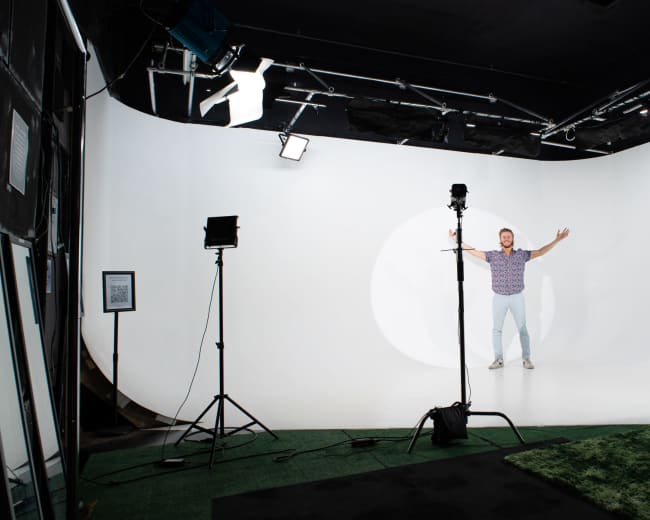
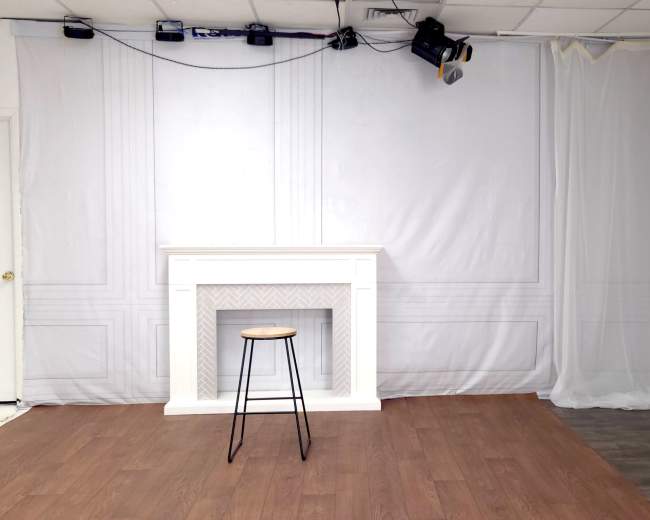
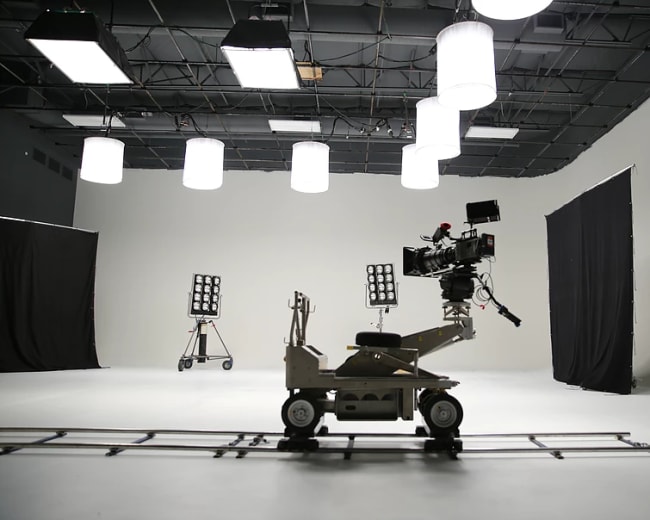
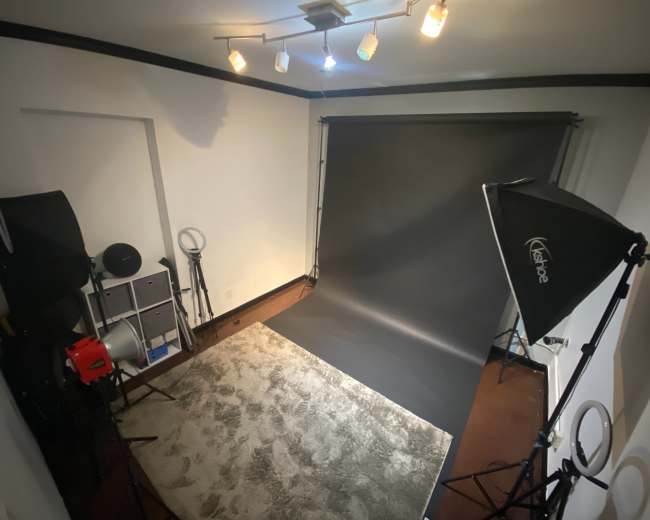
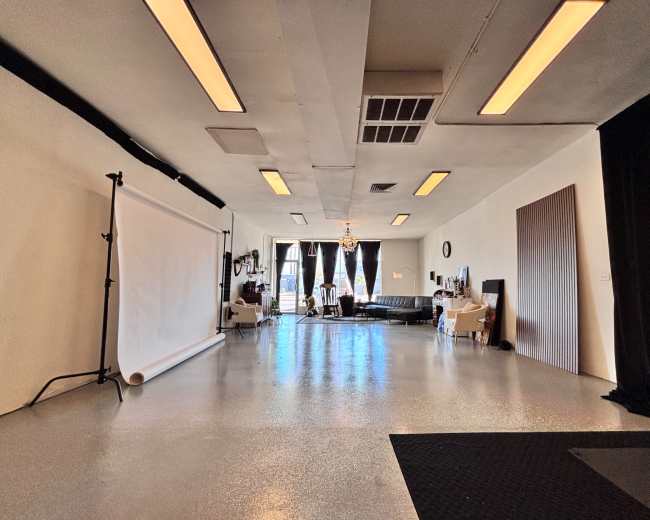
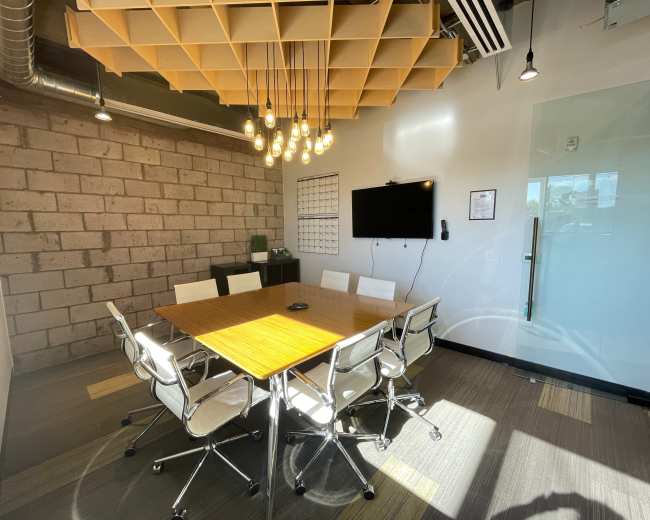
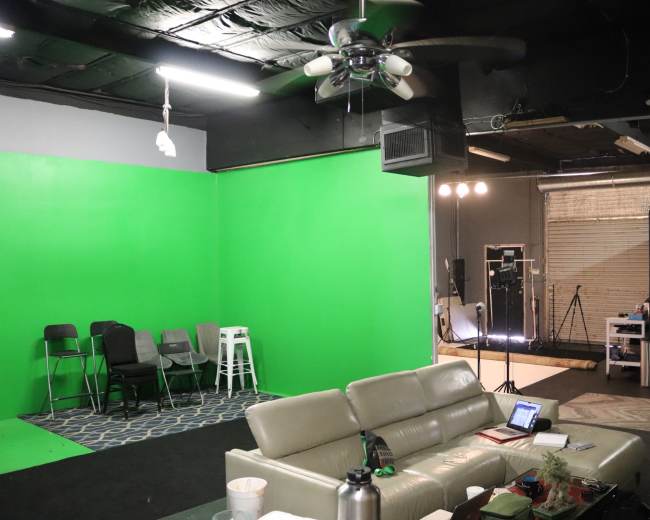
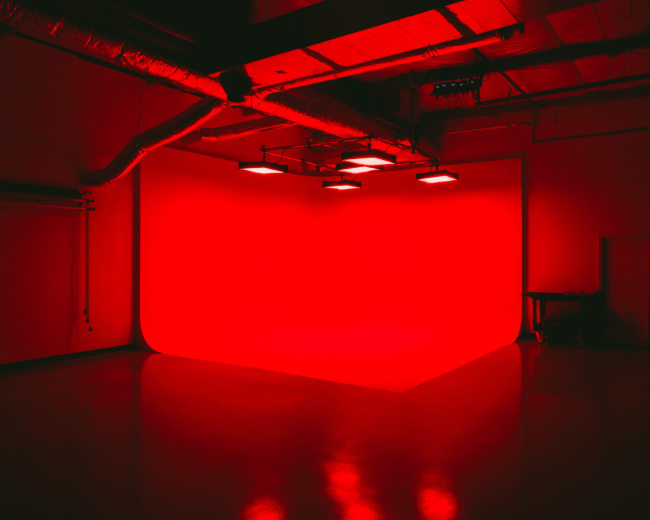
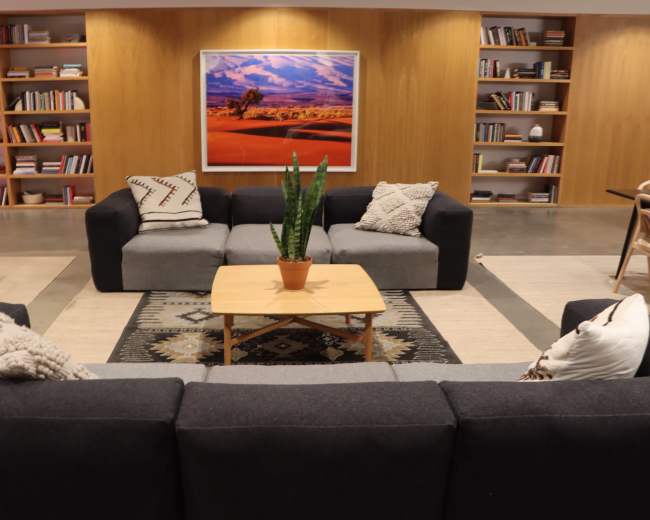
Rent a podcast studio in Phoenix, AZ

Discover thousands of unique podcast studios for rent for your next recording.

Enter your activity
Phoenix, AZ

How podcast rooms work on Peerspace

Peerspace is the easiest way to book unique for all kinds of productions including photo shoots, film shoots and music videos. We also have spaces for meetings and events.

The most locations

Every day we uncover new, inspirational spaces, including podcast rooms, perfect for your activity.

Professional hosts

Our network of helpful hosts respond quickly, and are well-versed in accommodating all types of productions, including film and photo shoots.

Hire by the hour

Only pay for what you need. Pay by the hour for your podcast room location without worrying about hidden fees or overtime.

Popular podcast studios

How much does a podcast studio cost in Phoenix?

A podcast studio in Phoenix usually falls into one of three pricing tiers, but the real total depends on minimum booking time, included equipment, and whether you need production support.
  • Entry-level studios: About $35 to $80 per hour for a simple room, basic audio setup, or a smaller creator space
  • Mid-range studios: About $80 to $150 per hour for a more polished podcast studio with better lighting, multiple microphones, and often some video capability
  • Premium studios: About $200 to $450 per hour for multi-camera production, higher-end sets, support staff, or a more broadcast-style experience
The most common budgeting mistake is looking only at the hourly rate. In Phoenix, many podcast studio bookings have one- to two-hour minimums, and some require more time. A room listed at $60 per hour may realistically cost $120 to $180 once you meet the minimum. A premium studio at $200 to $250 per hour can quickly become a $400 to $750 session if you need enough time for setup, recording, guest resets, and file handoff. The biggest factors that change podcast studio pricing in Phoenix are:
  • Audio only versus audio plus video
  • Number of microphones and cameras included
  • Whether an engineer is included
  • Whether lighting, teleprompter support, or live switching is included
  • Whether you receive raw footage only or edited deliverables
  • Whether the space is a dedicated podcast studio or a larger production facility
  • Location convenience, parking, and airport access
If you're booking your first podcast studio session, these are solid planning ranges:
  • Lean test session: $120 to $250 total
  • Professional recurring show: $200 to $500 total
  • Video-first brand podcast: $400 and up once editing or clip creation is added
The best way to compare studio options is to ask one direct question: what exactly is included in the base rate? Two studios can show similar hourly pricing and deliver very different value. One may be just a room with gear. Another may include cameras, lighting, sound setup, and a smoother guest experience. If your goal is to leave with content you can actually publish, the lowest listed price isn't always the lowest real cost. Browse studios and compare what different spaces include at each price point.

Do I need an engineer, or is the setup plug-and-play?

You don't always need an engineer for a podcast studio session, but many first-time podcasters have a better experience when they book one. This is a common issue when comparing podcast studio listings. Most people want to show up, record, and focus on the conversation. They don't want to spend the first 25 minutes troubleshooting microphone levels, camera settings, or file storage. A plug-and-play podcast studio can work well if:
  • You're recording solo or with one guest
  • You're doing audio only, or a very simple video setup
  • You already know how to monitor levels and start a session cleanly
  • The studio has a truly straightforward workflow with labeled gear and a clear handoff process
An engineer is usually worth the added cost if:
  • It's your first real podcast studio session
  • You're recording with multiple guests
  • You're doing video and want clean framing, lighting, and camera sync
  • You're interviewing an important guest and cannot risk technical mistakes
  • You want to stay focused on hosting instead of troubleshooting
  • You have limited booked time and need the session to run efficiently
A practical rule is this: if the content matters more than the learning experience, book support. When you ask whether a podcast studio is plug-and-play, don't stop there. Ask follow-up questions like:
  • Will someone help us get microphone levels set before we start?
  • Do you provide a sound check?
  • Are files handed off the same day?
  • If a camera stops recording, who catches it?
  • Is the room designed for beginners, or for experienced creators who bring their own workflow?
Watch for these red flags:
  • Vague answers about how recording starts and ends
  • No explanation of file delivery
  • No buffer for sound check
  • A self-serve label on a setup that includes multiple cameras, switching, or advanced routing
  • A room that looks great in photos, but says little about acoustics or support
If you're deciding between saving a little money and reducing stress, most first-time users should lean toward support. A strong engineer does more than run gear. They protect your time, guest experience, and final product. If you're recording video alongside your podcast, it helps to find video studios that already have an engineer-friendly setup built in.

Can one booking cover video, editing, and short clips?

Yes, but you should never assume those services are included. In Phoenix, many podcast studio spaces now market themselves as video-first creator studios, which is helpful if you want one recording day to power a full content pipeline. The catch is that full service means very different things from one studio to the next. In practice, most podcast studio offers fall into three service levels:
  • Room rental only: You get the space and maybe the gear, but you leave with raw files and handle the rest yourself
  • Production package: The studio records audio and video, may include an engineer, and hands over organized files
  • Content package: The studio records the episode, edits the main show, and creates short-form clips for social media
If your goal is one booking that covers everything, ask for specifics before you pay. You want clear answers on:
  • How many cameras are included
  • Whether switching is live or edited later
  • Whether the final podcast episode is edited
  • How many short clips are included
  • Whether clips are vertical, horizontal, or both
  • Whether captions are included
  • Whether thumbnails, titles, or upload support are included
  • How many revision rounds you get
  • What the turnaround time is
This matters because post-production is where podcast studio costs and expectations often drift apart. A booking may include recording plus a basic edit, but not include social clips. Or it may include clips, but only one or two selects rather than a real batch of publish-ready assets. If you're comparing studio options, work backward from your publishing plan:
  • If you only need a clean long-form episode, raw files may be enough
  • If you want YouTube plus Instagram Reels plus TikTok, you need a studio built for repurposing
  • If your show supports a business, course, or personal brand, bundled editing can save serious time and decision fatigue
For creators who want a dedicated space designed around content production workflows, explore content houses for creator sessions that often bundle recording, lighting, and multiple set options into a single booking. The simplest question to ask is this: when my booking ends, what exact assets will I have, and when will I receive them? That one question usually tells you whether you are buying a room, a recording session, or a complete content solution.
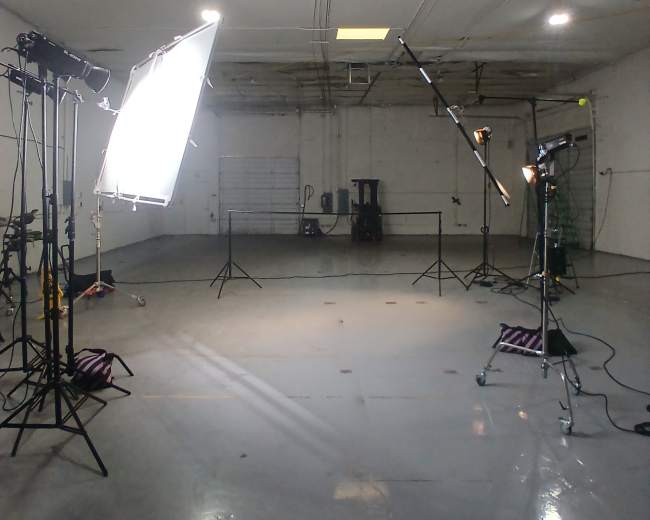
Which Phoenix neighborhoods are best for a podcast session?

The best Phoenix neighborhood for a podcast studio session is usually the one that creates the least friction for you, your guest, and your production team. Here's a practical breakdown of the areas most people consider when booking a podcast studio in Phoenix:
  • Central City and Encanto Village: Best for central access, convenience, and an urban professional feel. You can explore recording studio options in this well-connected area to see what's available.
  • Camelback East Village: Best if airport access matters for guest interviews or out-of-town collaborators. If your session involves video, you can find video studios in this area that cater to podcast and interview formats.
  • South Mountain Village: Best for larger creator setups and more production-heavy sessions
  • North Mountain Village, Deer Valley, and Paradise Valley Village: Best if you care more about easy parking, simpler arrivals, and less downtown hassle
  • Scottsdale and Mesa: Not Phoenix neighborhoods, but often part of the same real-world search if your cohost, client, or guest is based on the east side of the metro
When choosing a podcast studio location, prioritize these three factors:
  • Guest ease: The easier it is for your guest to park, find the building, and feel comfortable, the better the session usually goes
  • Brand fit: If your show is visual, the neighborhood often affects the kind of space available to you, whether that is sleek, industrial, lounge-like, natural-light, or fully controlled
  • Day-of efficiency: Long drives, difficult parking, and confusing access can drain energy before you even start recording
If your session also includes a promo shoot, headshots, or short-form content capture, location fit matters even more. You're not just booking a podcast studio. You're also shaping the tone and flow of the day. A useful shortcut is to choose the area closest to whichever factor is hardest to replace: your guest's availability, your preferred aesthetic, or your production support.

Should I book a paid studio or use a home, park, or beach?

For most people in Phoenix, a paid podcast studio is the best choice for the actual episode. A home, park, or outdoor location usually works better for creative extras than for your main recording environment. Here's the practical comparison:
  • Paid studio: Best for clean audio, reliable gear, controlled lighting, and a more professional guest experience
  • Home setup: Best for practicing, testing formats, or recording on a tight budget when you already have decent sound treatment
  • Park or outdoor location: Best for promo footage, photos, teaser clips, or a branded segment, but not usually for your core audio
  • Beach-style concept: In Phoenix, this usually means a lakeside or resort-style look rather than an actual beach, and it can look great on camera but is usually a weak choice for pristine sound
The reason is simple: infrastructure determines how smooth the session will be. Beautiful locations can still create problems if you're dealing with wind noise, traffic, battery limits, guest discomfort, or access rules. That does not mean alternative locations are a bad idea. It means they work best when used intentionally. Choose a paid podcast studio if:
  • You're recording an important guest
  • You need polished audio and video
  • You want a repeatable setup for a real show
  • You're short on time and need things to work quickly
Choose home if:
  • You're testing your concept
  • You already have a quiet room and solid gear
  • You can tolerate some imperfection while learning
Choose an outdoor location if:
  • The visual setting is central to the story
  • You're making companion content, not just the full episode
  • You're prepared for weather, noise, access, and backup plans
According to Invest in Phoenix, Phoenix has city-connected film and digital media support that can help with location assistance and production logistics. That becomes more relevant the moment your simple outdoor recording starts turning into a real location shoot. If this is your first serious session, book the controlled environment. You can always add personality later with B-roll, promos, and visual storytelling. It's much easier to add atmosphere than to fix bad sound. If your podcast involves sit-down guest conversations, it's worth looking into spaces designed specifically for interview filming where lighting, sound, and seating are already optimized.

How do I prep for my first podcast room session?

The best way to prepare for your first podcast studio session is to reduce friction before you arrive so you can focus on the conversation once recording starts. Arizona State University recommends podcast preparation that emphasizes planning, equipment familiarity, and simple pre-recording checklists. That's a smart mindset for any first-time podcast studio session in Phoenix. Use this prep framework:
  • Clarify the episode goal: Decide what the episode needs to accomplish, whether that's a brand introduction, an interview, a thought-leadership piece, or a test run
  • Build a tight run of show: Write your intro, key talking points, transitions, call to action, and closing so the session has structure without sounding over-scripted
  • Prepare your guest: Send the topic, expected tone, arrival time, wardrobe guidance, and any useful links or examples in advance
  • Dress for both sound and camera: Avoid noisy jewelry, stiff fabrics that rub against microphones, and tiny high-contrast patterns that can look distracting on video
  • Know your deliverables: Confirm whether you're leaving with raw audio, raw video, edited files, short clips, or all of the above
  • Plan your clip moments: If you want social clips, build in a few strong soundbites, clear opinions, concise stories, and memorable one-liners
  • Book enough time: A podcast studio session includes arrival, setup, sound check, possible resets, and file handoff, not just the conversation itself
  • Bring the little things: Water, lip balm, notes, a charger, guest contact info, and any brand assets or lower-third details you want the studio to use
  • Do a quick room reset before recording: Silence phones, remove items from pockets that can jingle, test seating comfort, and make sure everyone knows where to look if cameras are rolling
A few first-timer mistakes to avoid:
  • Overwriting your outline so you sound stiff
  • Underpreparing your guest
  • Booking exactly the amount of time you think the conversation will last
  • Forgetting to ask how files will be delivered
  • Treating the session like a casual hang instead of a production block
Pro tip: If you're booking through Peerspace, send the host one detailed message before you commit that includes your guest count, whether you need audio or video, whether you need setup time, and whether you want editing afterward. It's also smart to keep all communication on-platform, book enough time for setup and teardown, and avoid sending multiple active booking requests at once. Those small steps can make the booking process much smoother and help prevent last-minute confusion. Your first podcast studio session doesn't need to be flawless. It just needs to feel intentional. The right room gives you the foundation, but your preparation is what turns booked time into content you're actually proud to publish.
Updated July 6, 2026Our data is refreshed in real time using booking trends, verified guest reviews, and direct partner updates — with additional quality checks from our team.