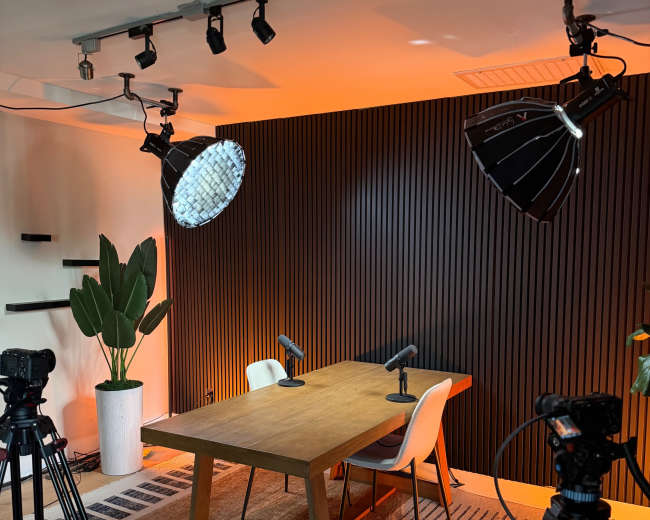
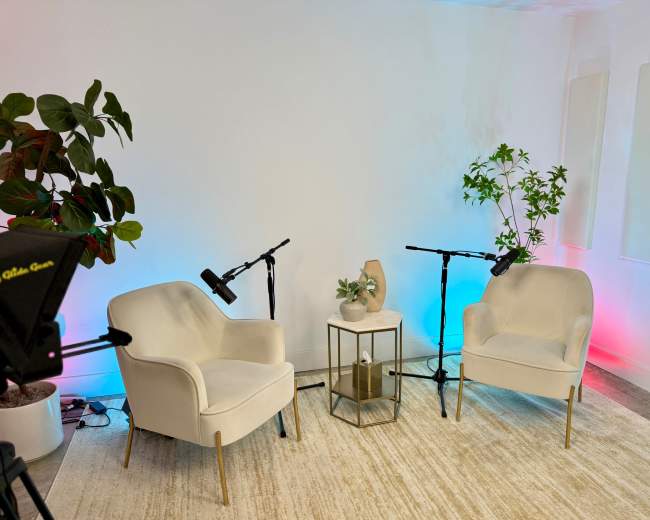
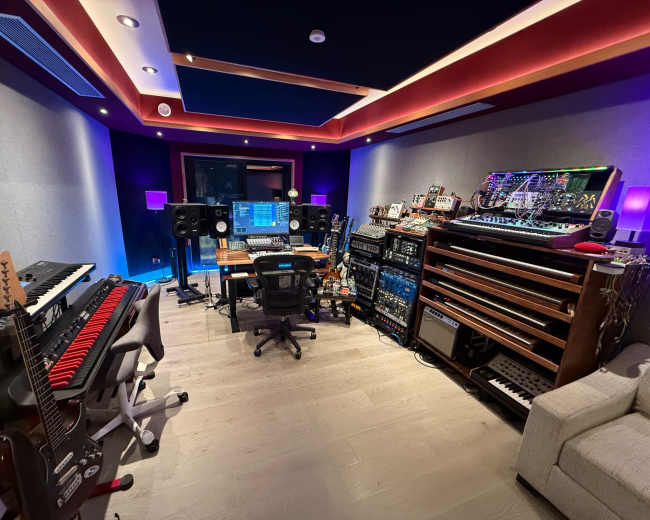
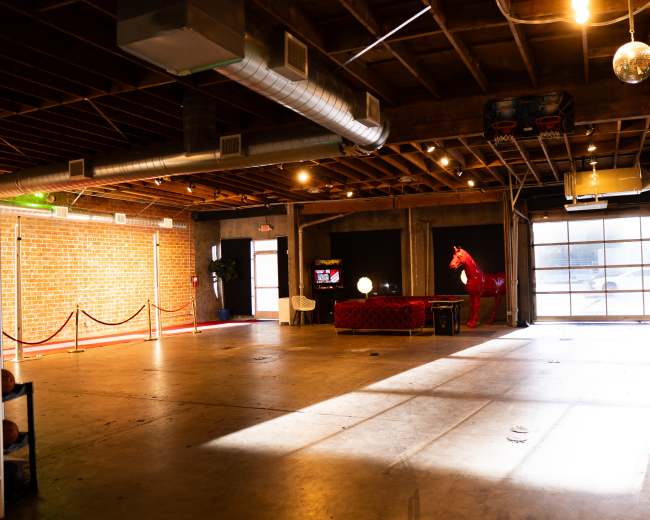
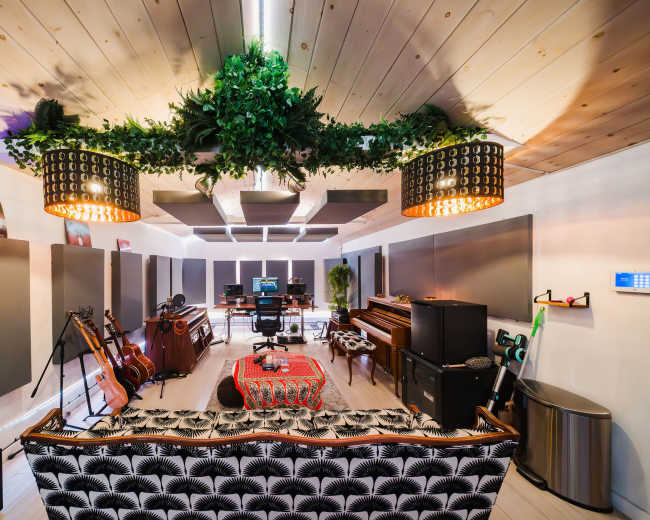
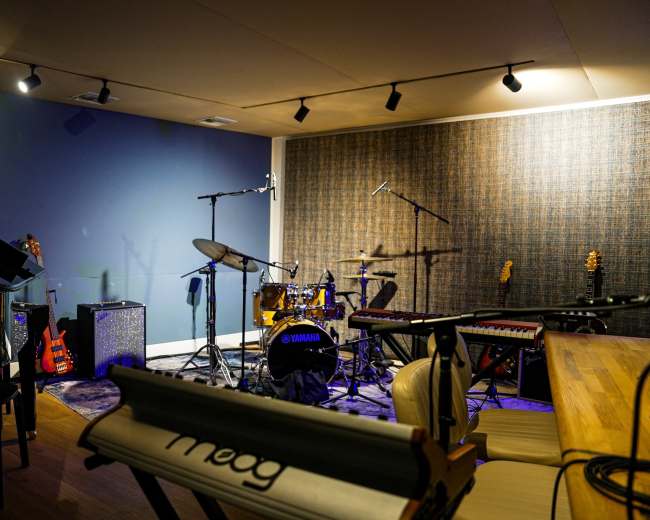
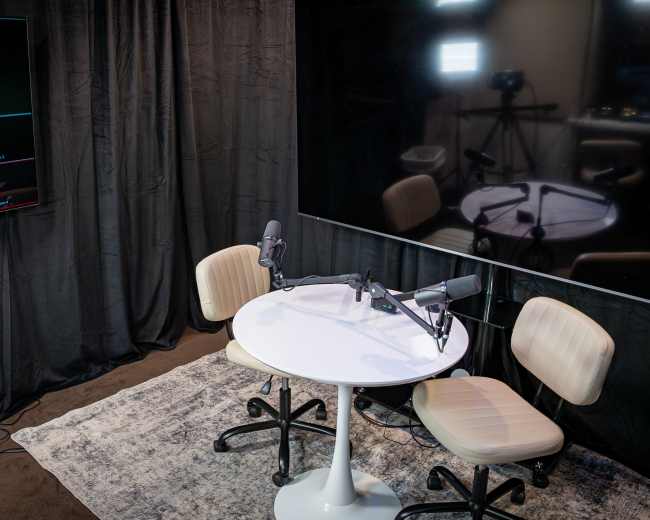
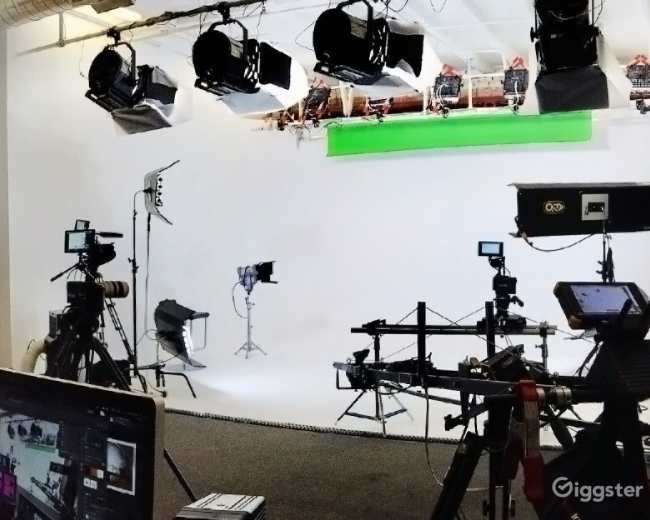
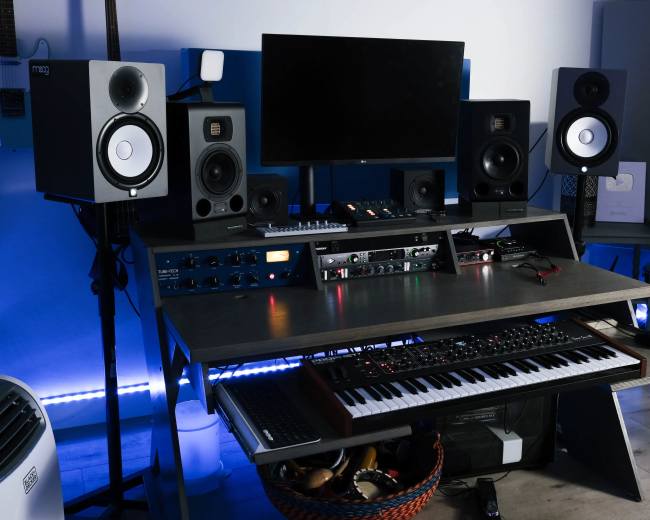
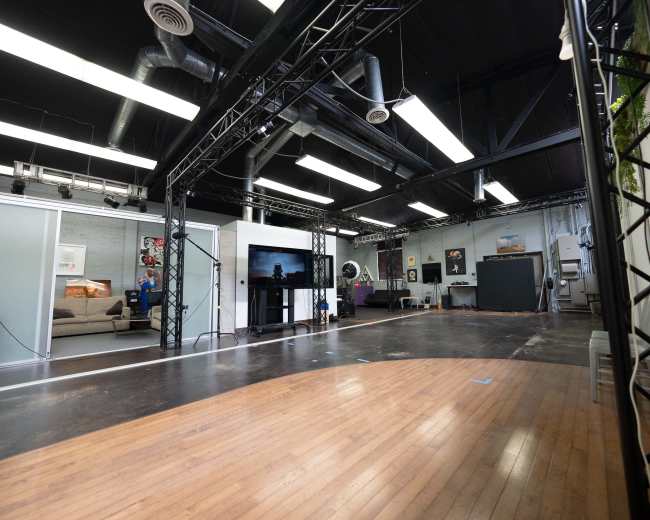
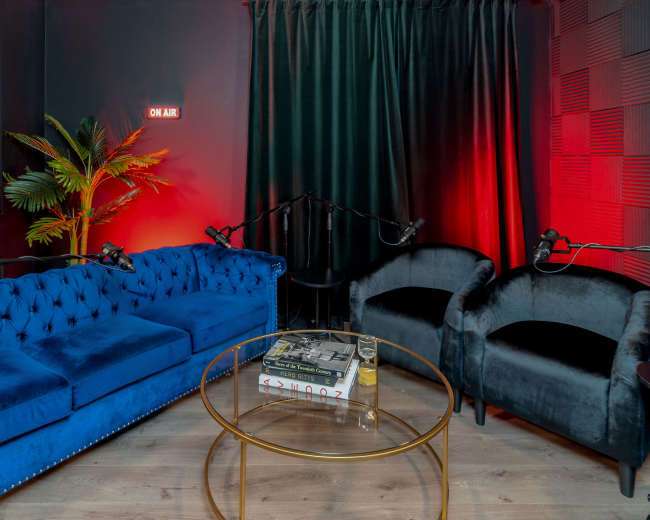
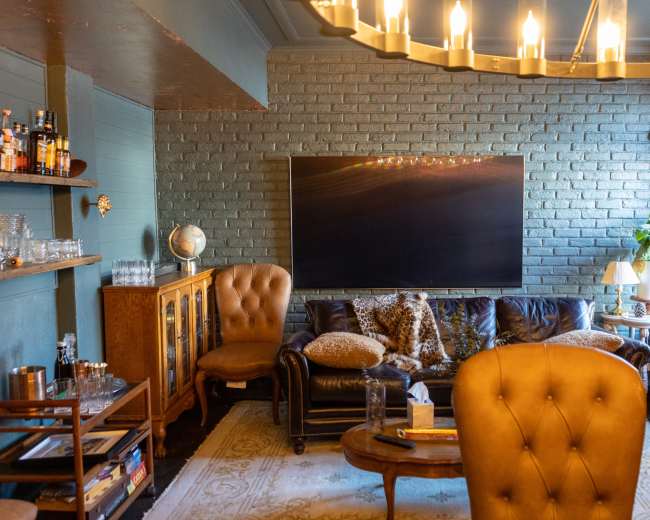
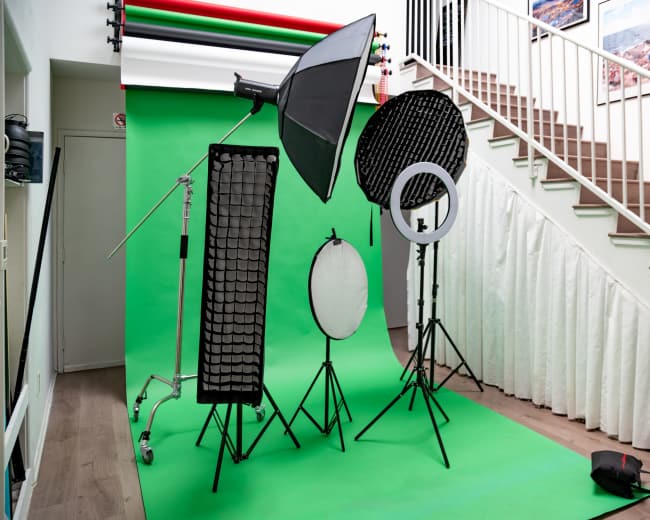
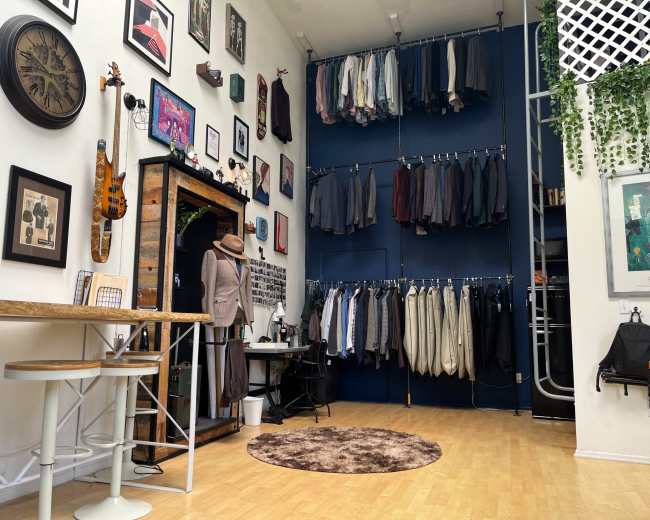
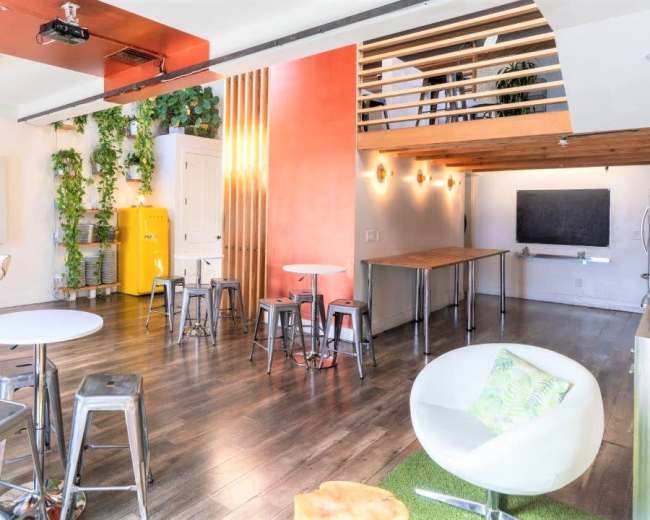
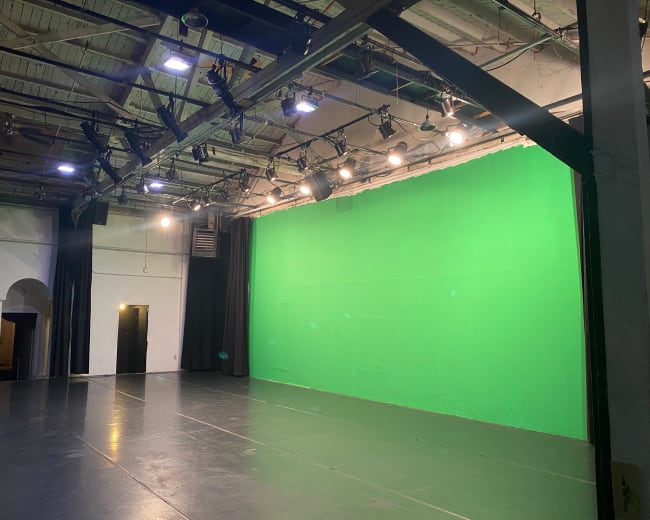
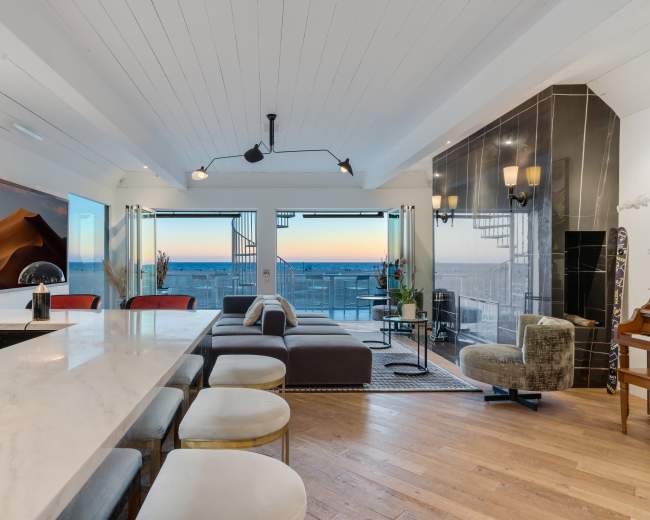
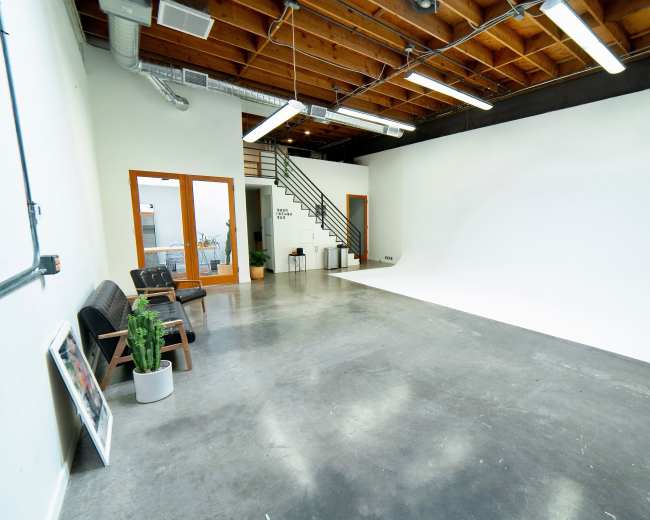
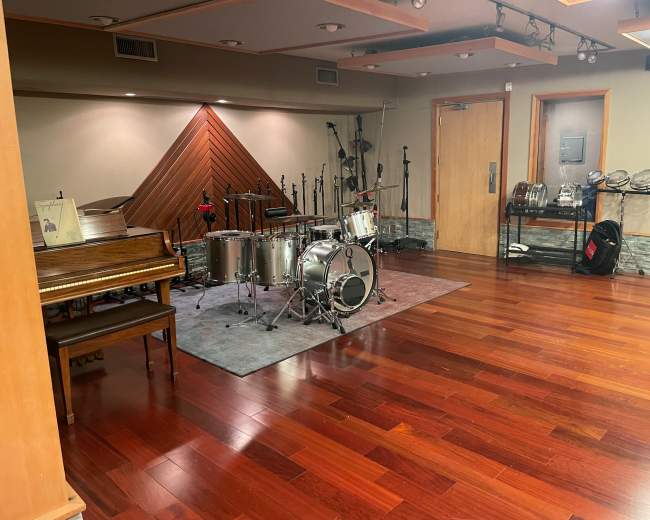
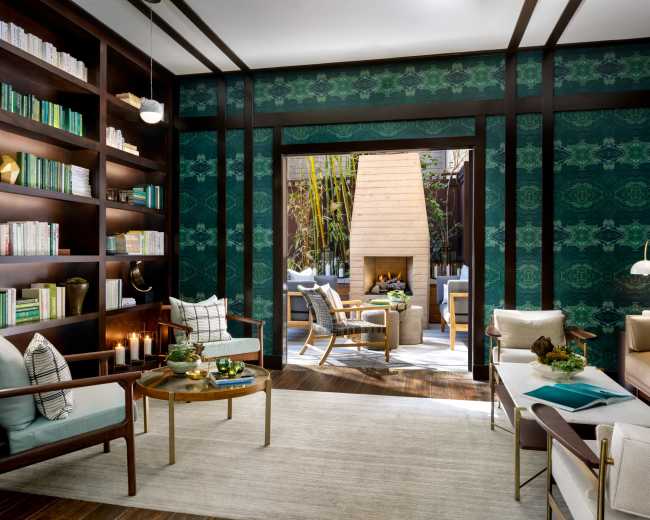
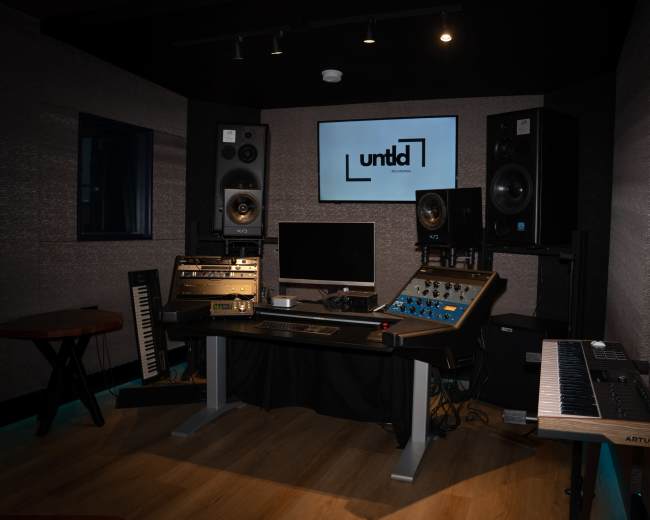
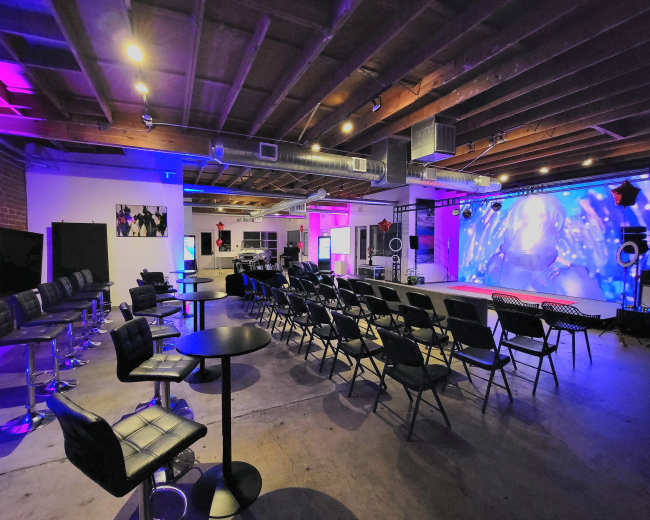
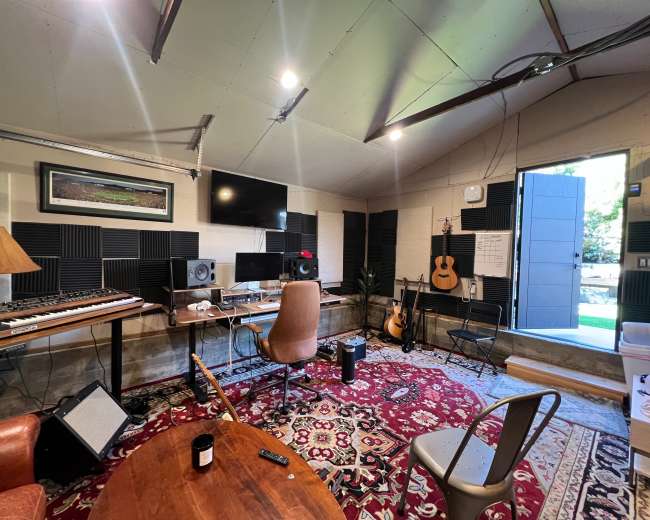
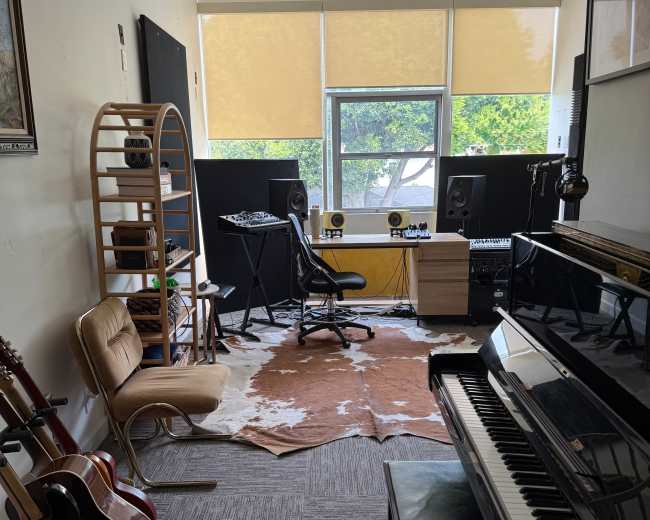
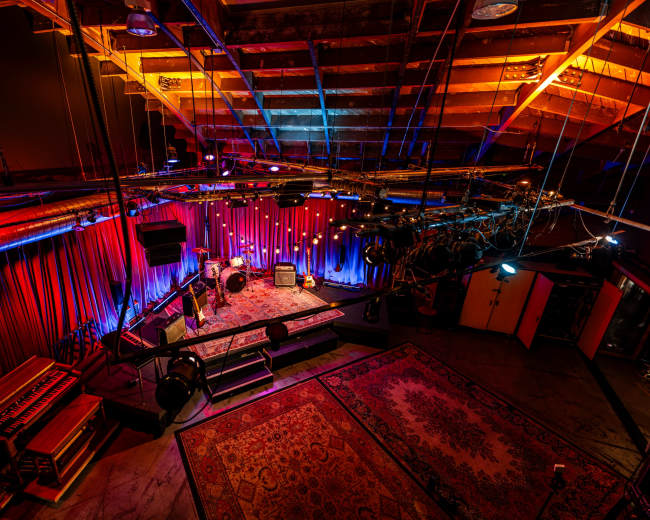
Rent a podcast studio in Santa Monica, CA

Discover thousands of unique podcast studios for rent for your next recording.

Enter your activity
Santa Monica, CA

How podcast rooms work on Peerspace

Peerspace is the easiest way to book unique for all kinds of productions including photo shoots, film shoots and music videos. We also have spaces for meetings and events.

The most locations

Every day we uncover new, inspirational spaces, including podcast rooms, perfect for your activity.

Professional hosts

Our network of helpful hosts respond quickly, and are well-versed in accommodating all types of productions, including film and photo shoots.

Hire by the hour

Only pay for what you need. Pay by the hour for your podcast room location without worrying about hidden fees or overtime.

Popular podcast studios

How much should four hours in a Santa Monica podcast studio cost?

A realistic price for four hours in a Santa Monica podcast studio is usually about $200 to $320, though basic audio-first rooms can start closer to $160 and premium video-ready studios can run $320 to $600 or much more. In Santa Monica, you're usually paying for more than a room. The total often reflects acoustics, gear, visual polish, on-site support, location, and convenience. A smart pricing range looks like this:
  • Basic audio-first booking: About $160 to $240 for four hours in a simpler podcast studio
  • Common creator-ready booking: About $200 to $320 for four hours, which lines up with many visible hourly ranges of roughly $50 to $80
  • Video-forward or engineer-supported session: About $320 to $600 or more for four hours when cameras, lighting, and setup help are included
  • Premium branded production space: Often much higher if the space functions more like a luxury set or full production location than a standard podcast studio
The biggest pricing problem is usually not the posted hourly rate. It's the gap between the listed rate and the real all-in total. A cheap-looking studio can get expensive fast if you still need an engineer, camera package, lighting, editing, setup time, teardown time, parking, or extra guest allowances. Before you book, ask for the exact total for your specific session. Confirm:
  • What's included: Microphones, headphones, cameras, lighting, engineer support, switcher, monitor, memory cards, and furniture
  • What counts as booked time: Whether setup and teardown are included or whether your four hours starts the moment you enter
  • What costs extra: Editing, file transfer, producer support, extra guests, overtime, parking, and weekend surcharges
  • What minimums apply: A low hourly rate can still be expensive if the studio requires a multi-hour minimum
If you're filming a video podcast with two to four people, it's often smarter to pay a bit more for a plug-and-play podcast studio than to book the cheapest room and lose half the session solving lighting and audio problems. For many creators, the best value isn't the lowest sticker price. It's the booking that lets you leave with usable footage on the first try. To compare options and pricing side by side, browse podcast studio listings and filter by what matters most to your session. Pro tip: If you're booking through Peerspace, add buffer time for setup and teardown instead of booking only the exact interview length. A four-hour recording session often needs closer to five hours once you account for mic checks, guest arrival, camera framing, retakes, and packing up.

What gear should a video podcast studio include?

A good video podcast studio should include clean audio gear, acoustic treatment, multi-camera coverage, flattering lighting, reliable recording tools, and enough support to make the session feel easy. For most creators in Santa Monica, the core gear list should include:
  • Clean audio capture: One quality microphone per speaker, sturdy boom arms or stands, pop filters, and an interface or mixer that can control each voice separately
  • Headphone monitoring: Enough headphones for everyone who needs to monitor levels and catch problems early
  • Acoustic treatment: Panels, soft surfaces, and room treatment that reduce echo and help voices sound close and controlled
  • Multi-camera coverage: Two cameras for a simple host-and-guest show or three cameras for a wide shot plus individual angles
  • Lighting that flatters faces: A key light, fill light, and some kind of background or accent lighting so the set looks intentional on YouTube and social clips
  • Reliable recording workflow: A switcher or straightforward multicam setup that can run without confusion
  • A monitor or preview screen: A way to check framing, exposure, and shot consistency before recording
  • Power and media management: Charged batteries, power access, memory cards, file storage, and a clear file handoff process
  • On-site support if needed: An engineer, tech, or host who can manage setup if you don't want to run production yourself
In the Santa Monica market, this matters even more because many podcast studio listings are now video-first. Creators increasingly expect camera-ready rooms, not just audio booths. If video quality is a top priority for your show, it can also help to look for video studios for your shoot and compare their gear lists against dedicated podcast rooms. When you compare listings, ask for the exact gear list instead of accepting vague phrases like "professional setup." The strongest podcast studio listings are transparent. If a host names specific tools such as Shure SM7 microphones, Lumix cameras, GVM lighting, or Aputure lights, that usually signals a better understanding of what serious buyers are comparing. A simple way to prioritize gear is this:
  • If your show is audio only: Prioritize microphones, headphones, acoustic treatment, and quiet HVAC over visual upgrades
  • If your show is built for YouTube: Prioritize cameras, lighting control, set design, and clean background composition
  • If your show will be clipped for social: Make sure the studio supports vertical-friendly framing, strong skin tones, and a background that doesn't look flat
  • If you're interviewing guests: Prioritize comfort too, including good chairs, water access, restroom access, and a room that helps people relax on camera
A few extra features can also add real value:
  • Branded backdrop options: Shelving, art, lounge furniture, or a polished table setup that strengthens your show identity
  • Fast upload workflow: Helpful if you need same-day file transfer or remote delivery
  • Livestream capability: Useful only if it's part of your real workflow
  • Producer support: Ideal if you want someone else watching framing and audio levels while you focus on the conversation
The best test is simple: after reading the gear list, can you clearly picture how the session will run from arrival to export? If not, keep asking questions.

How do I know a room will sound good on mic?

You can't tell whether a podcast studio will sound good from photos alone. The best way to judge audio quality is to ask for proof, ask specific noise questions, and verify how the room is treated. A visually impressive room can sound terrible, and a plain room can sound excellent. If clean audio matters, evaluate the space like a recording room first and a backdrop second. Use this checklist before you book:
  • Ask for a raw sample: Request an unedited audio clip or short room sample recorded in the actual space with a setup similar to yours
  • Ask about outside noise during your time slot: A room that sounds fine mid-morning may sound very different during rush hour or evening activity
  • Look for sound treatment, not just decor: Rugs, acoustic panels, curtains, soft furnishings, and treated ceilings help; bare concrete, large glass surfaces, and empty loft layouts usually do not
  • Ask what the loudest recurring issue is: Good hosts should be able to tell you whether the main issue is HVAC hum, hallway noise, street traffic, neighboring units, garage doors, or footsteps from above
  • Check the building, not just the room: Elevators, bathrooms, kitchens, loading zones, and shared walls can all bleed into a recording
  • Scout the room if the session matters: Arrive early or do a quick site visit, record 30 seconds of room tone, and listen back on headphones before your guest sits down
One of the most useful questions is whether the room is soundproof or only sound treated.
  • Sound treated: The room reduces echo and improves voice quality inside the space
  • Soundproof: The room also blocks outside noise from getting in and your sound from leaking out
For podcast recording, both matter. If your biggest concern is traffic, sirens, hallway noise, or general city spill, soundproofing matters more. In Santa Monica, location also affects sound. Rooms near busy corridors, beach traffic, open storefronts, or high-foot-traffic areas can be convenient and visually appealing, but they're riskier for pristine audio unless the podcast studio was built specifically for recording. Watch for common red flags:
  • Style-heavy listings: Lots of language about vibe and almost nothing about acoustics
  • No mention of HVAC or windows: Two common sources of hidden noise
  • Open-plan loft studios: Often attractive on camera, but echo-prone on mic
  • Vague answers about acoustics: If the host says it sounds great without specifics, keep digging
The simplest rule is to trust proof over promises. A strong podcast studio should be able to show you how it sounds, not just describe it.

Is it smarter to rent or build a podcast studio setup in Santa Monica?

For most creators, renting a podcast studio in Santa Monica is the smarter first move. Building your own setup makes more sense later, once your format, workflow, and production needs are proven. Renting lets you test what you actually need before you spend money on gear, treatment, and long-term space. That matters if you're still figuring out your show format, deciding how important video is, or learning what level of polish your audience expects. Renting is usually the better choice if:
  • You're launching or experimenting: You don't yet know your final format or cadence
  • You record in batches: A few well-produced sessions each month are often cheaper than carrying a permanent room
  • You want plug-and-play: You would rather focus on guests and content than cables, lighting, and troubleshooting
  • You need a polished first impression: A professional podcast studio can instantly elevate your show
  • You want flexibility: You can test different layouts, aesthetics, and neighborhoods before committing
Building your own setup starts to make more sense if:
  • You record constantly: Enough that hourly rental stops being efficient
  • You want a fixed branded look: The same set, framing, and sound every episode
  • You need full control: Over schedule, storage, access, and post-production workflow
  • You have budget for downtime: You're paying for the room even when nobody is recording
  • You can solve acoustics properly: Not just buy gear and hope the room works
A DIY studio often looks cheaper on paper than it feels in practice. Once you add treatment, cameras, lights, furniture, storage, maintenance, and the time it takes to learn and manage everything, the total gets much bigger. Santa Monica also offers a meaningful middle ground. The market includes podcast studio options at accessible hourly rates, which means you can step into a professional environment without taking on the cost and commitment of building your own dedicated room. If you're seriously considering a permanent setup, treat local rules as a separate due-diligence project. Review your lease, building rules, insurance needs, and any local requirements before spending heavily on construction or long-term space. A simple decision rule works well here: if you're still asking what gear you need, how to judge acoustics, or whether video matters, rent first and build later.

Which Santa Monica areas are best for recording in a podcast studio?

The best area for a podcast studio depends on what matters most to you: clean sound, guest convenience, visual style, or overall value. Different neighborhoods tend to support different priorities:
  • Pico and Mid-City: Often the most practical places to start if you care more about recording function than scenery. Explore recording studios in this area to see what's available.
  • Sunset Park: A strong option if you want a calmer feel and a little more breathing room for interview-driven shows. It's an area worth exploring, especially if your format is video-forward.
  • Downtown Santa Monica: Best for guest access, convenience, and a polished arrival experience, but it can come with more traffic, parking friction, and ambient city noise.
  • Ocean Park: Great when the visual identity of the space matters and you want a more lifestyle-forward look on camera
  • Wilshire Montana: Worth considering if guest comfort, neighborhood polish, and a premium feel matter to your format
If your top priority is clean audio, the best podcast studio is rarely in the flashiest location. A less glamorous block with better insulation, easier parking, and fewer interruptions will often outperform a more photogenic address. That's why you should ask about the exact room context, not just the neighborhood name:
  • Street exposure: Whether the room faces a busy road or sits inside a quieter building
  • Floor level: Ground-floor spaces can be easier for load-in. but noisier
  • Shared walls: Multi-use buildings may introduce neighboring noise
  • Parking: Important if you're bringing guests, crew, or camera gear
  • Arrival flow: Helpful if you want the session to feel smooth and professional from the start
It's also smart to compare nearby Westside options instead of limiting yourself to city boundaries. In practice, the best podcast studio for your needs may be just outside Santa Monica if it gives you better acoustics, easier access, or stronger value. A simple way to match area to intent is:
  • For best pure recording odds: Start with Pico, Mid-City, or quieter parts of Sunset Park
  • For best guest convenience: Look at Downtown Santa Monica or other polished central locations
  • For best on-camera lifestyle feel: Explore Ocean Park and other design-forward spaces
  • For best overall value: Compare Santa Monica with nearby Westside alternatives instead of forcing a compromise in one zip code

Should I book a podcast studio or record at home, in a park, or at the beach?

If you want reliable sound, cleaner video, and a more professional result, book a podcast studio. Home can work for testing, but parks and beaches are best only when the environment is part of the concept. A podcast studio removes the biggest variables that usually derail sessions in Santa Monica: setup stress, technical problems, and uncontrolled noise. That makes it the strongest choice for creators who want consistency. Here's the practical tradeoff:
  • Studio: Best for reliability, polished sound, professional lighting, and an intentional guest experience
  • Home: Best for testing ideas, recording solo episodes, or keeping costs low while you learn
  • Park: Best for casual field content, behind-the-scenes clips, or a deliberately loose format
  • Beach: Best for strong visuals and a specific brand vibe, not for controlled audio recording
Home recording can be smart if you have a genuinely quiet room, control over your schedule, and a format that doesn't depend on impressing guests. But once you add in-person guests, multiple speakers, or video, the weak spots show up fast: echo, inconsistent light, neighbor noise, dog barks, appliance hum, and repeated setup fatigue. Outdoor recording sounds appealing in Santa Monica, but it usually adds variables instead of removing them. Wind, traffic, bystanders, shifting sunlight, power limitations, restroom access, and possible permit questions can quickly turn a simple recording into a location shoot. Choose a podcast studio if:
  • You're filming video and audio together: Controlled lighting and sound matter much more
  • You're hosting guests you want to impress: The environment becomes part of the experience
  • You need repeatable quality: Consistency matters across episodes
  • You don't want to be your own tech team: A studio reduces production friction
  • You're batching multiple episodes in one day: Efficiency matters more than saving a little on space
Choose home if:
  • You're validating the show idea: Speed and affordability matter most
  • You record solo or with one consistent co-host: The setup stays simpler
  • You already have a quiet, controlled room: The environment supports clean recording
  • You care more about frequency than polish right now: Getting episodes published matters most
Choose a park or beach only if:
  • The environment is part of the concept: The setting adds real creative value
  • You're comfortable with imperfection: Some noise and unpredictability are acceptable
  • You're prepared for extra setup and backup plans: Outdoor recording needs more contingency planning
  • You're treating it like a location shoot: Not like a standard podcast studio session
If your goal is to sound polished and create with fewer surprises, a podcast studio is usually the smartest option. If you're planning a sit-down conversation with a guest, you may also want to explore interview filming locations in Santa Monica for spaces designed specifically around that format. If your goal is simply to start and learn, home can absolutely work. Parks and beaches should be a creative decision, not just a budget fallback, because they often cost more in stress, retakes, and unusable audio.
Updated July 29, 2026Our data is refreshed in real time using booking trends, verified guest reviews, and direct partner updates — with additional quality checks from our team.