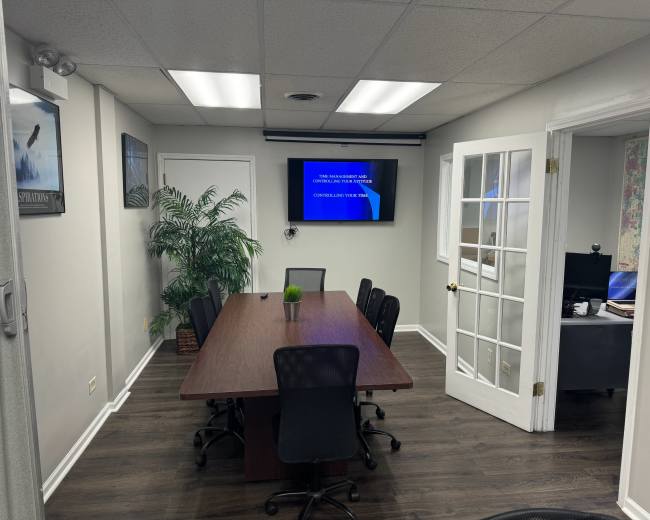
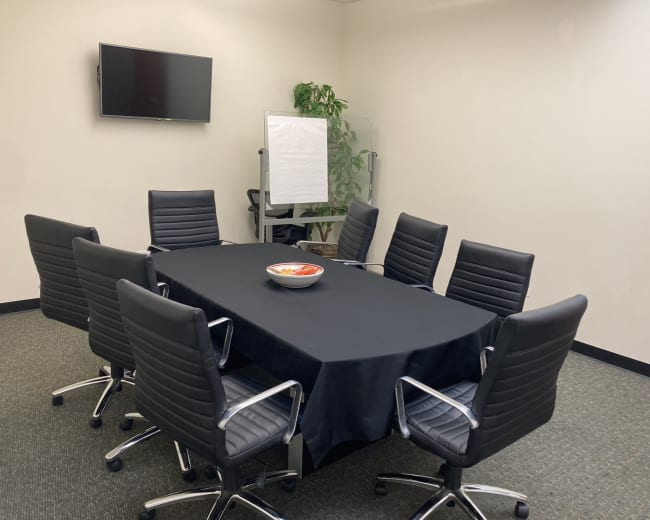
When you’re
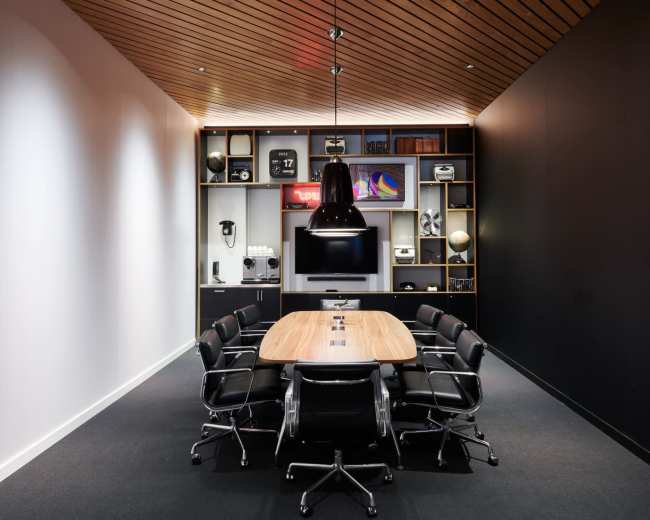
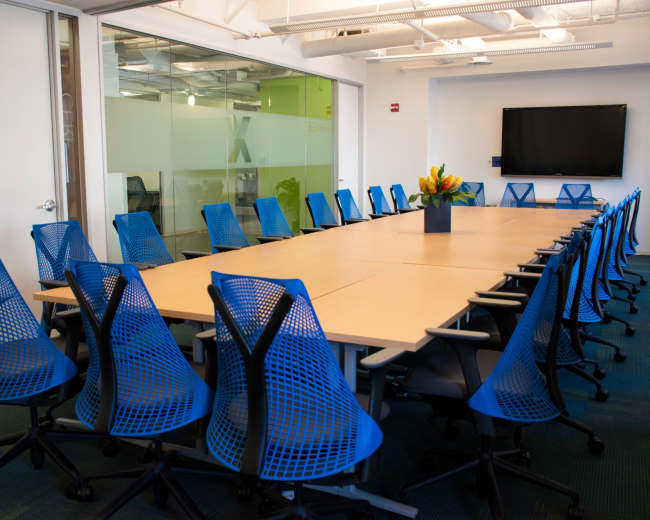
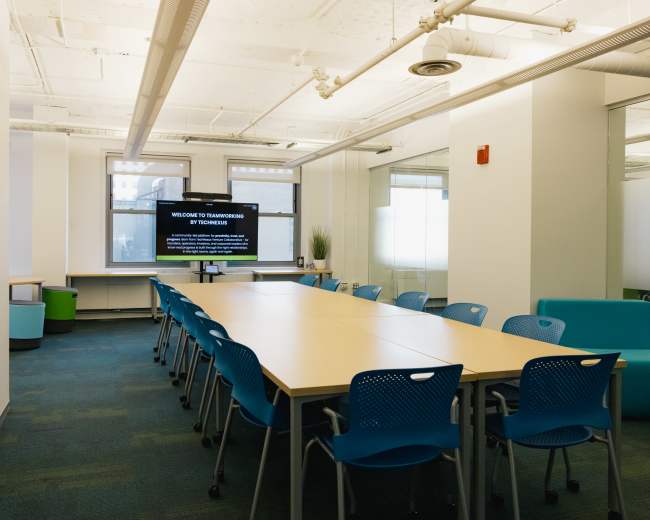
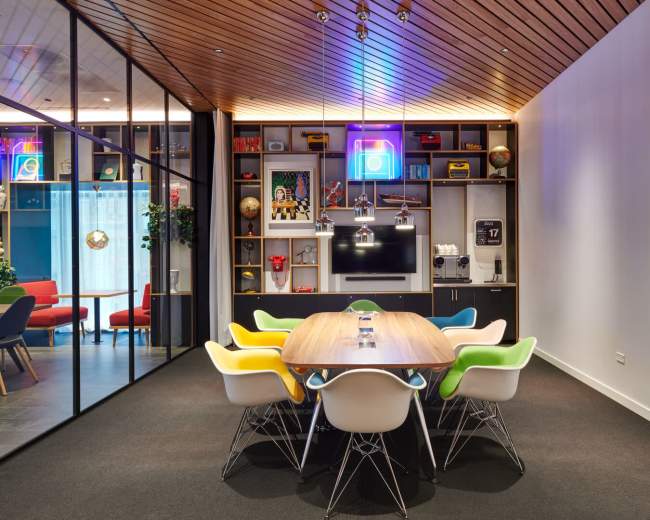
booking a conference room in Gary and listings feel similar, quality verification comes down to three checks: the venue is real, the tech will work, and the experience will feel professional on the day-of.
Use this verification checklist before paying:
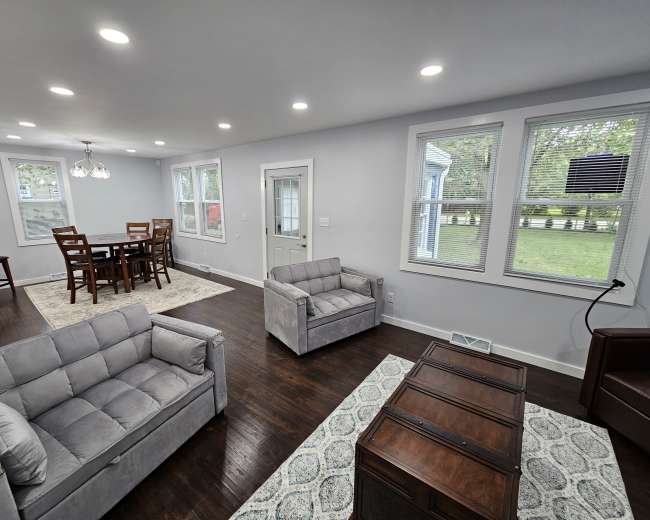
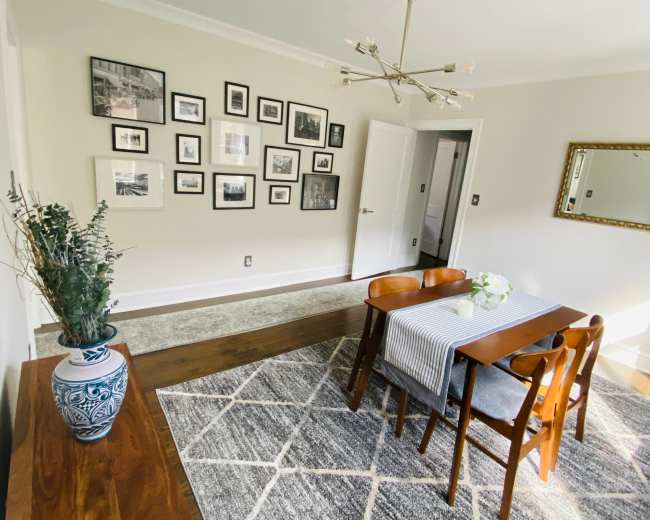
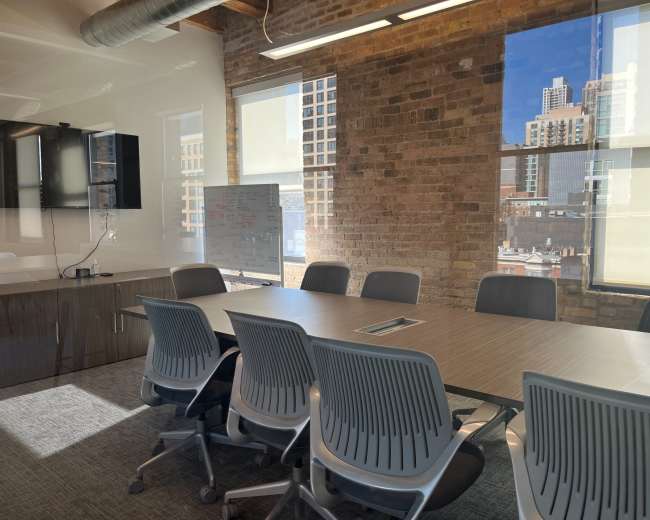
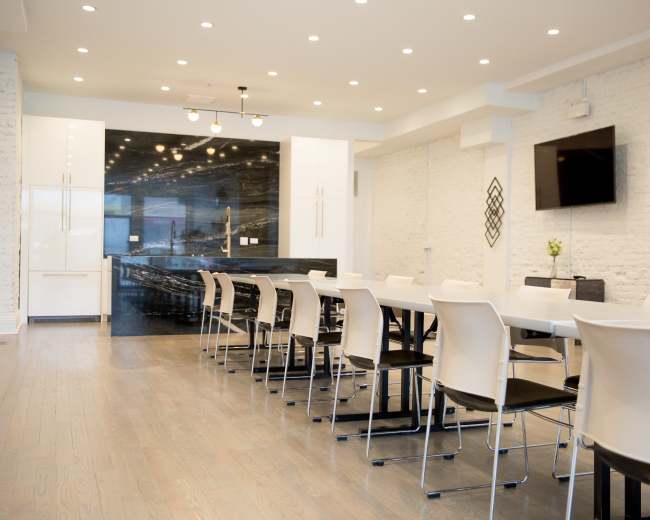
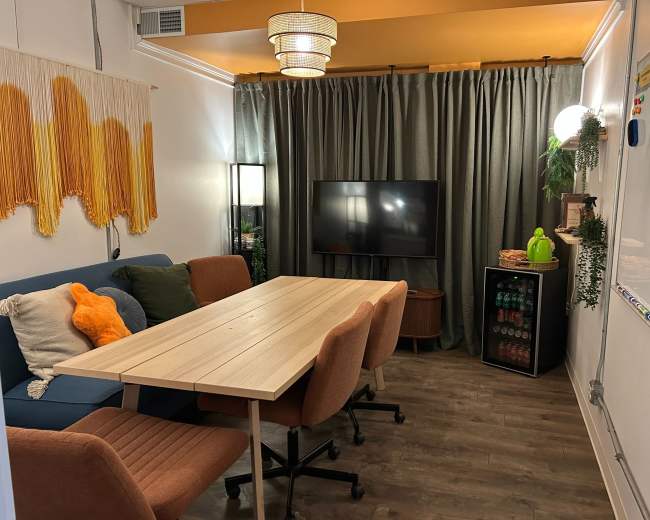
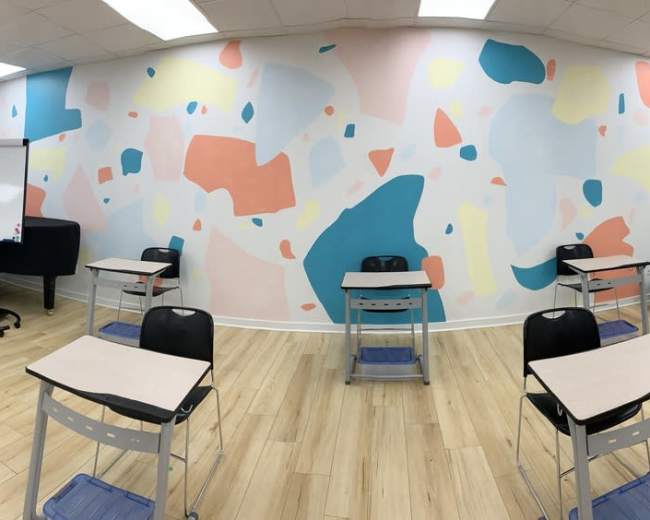
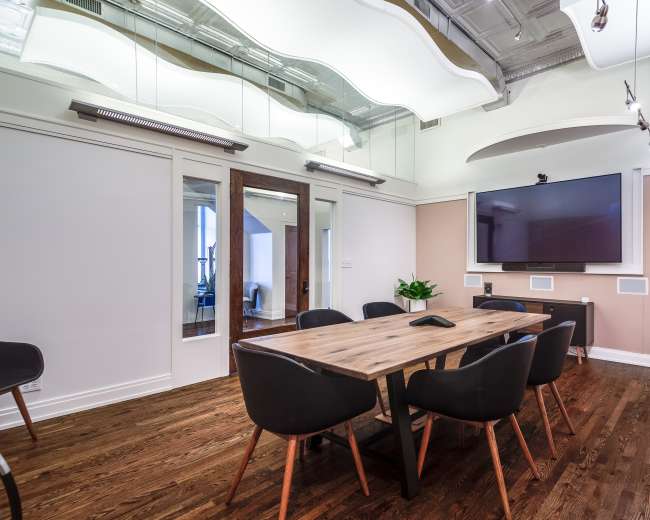
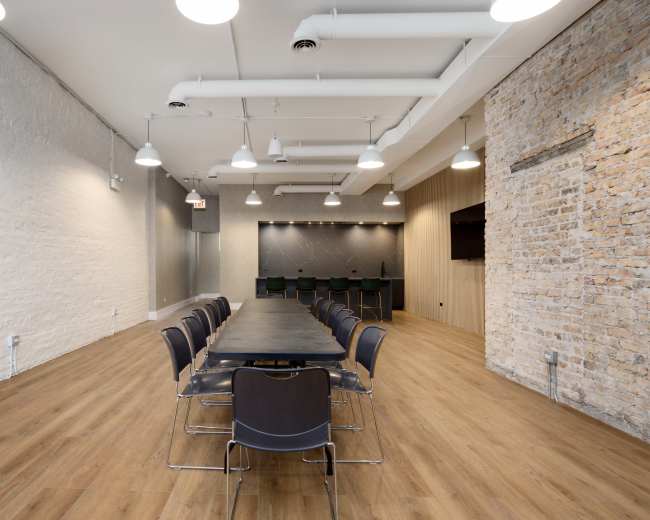
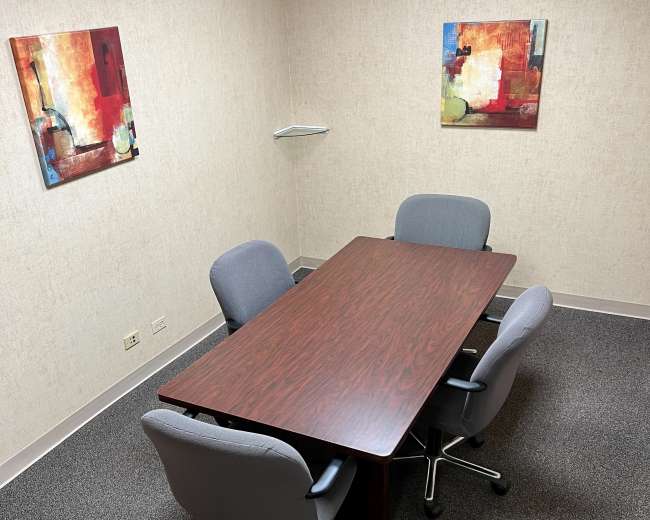
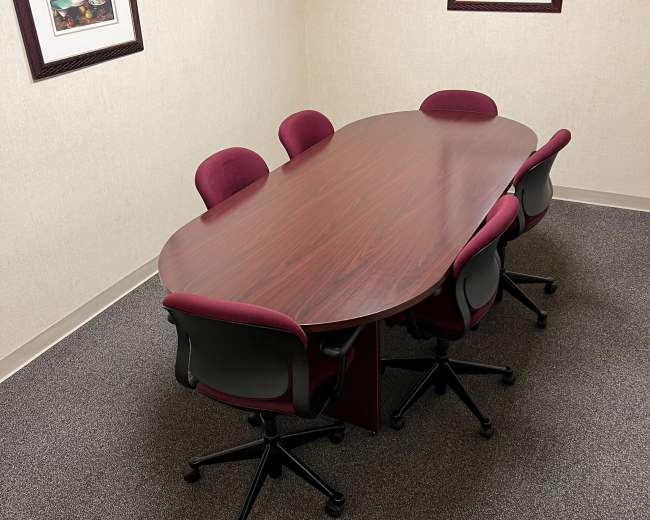
- Photos and recency: Ask whether photos are current and what has changed since they were taken.
- Review specifics: Prioritize reviews that mention cleanliness, host responsiveness, WiFi reliability, noise, parking, and temperature control.
- Repeat red flags: Watch for patterns like “hard to find,” “not as pictured,” “no one on-site,” or “AV didn’t work.”
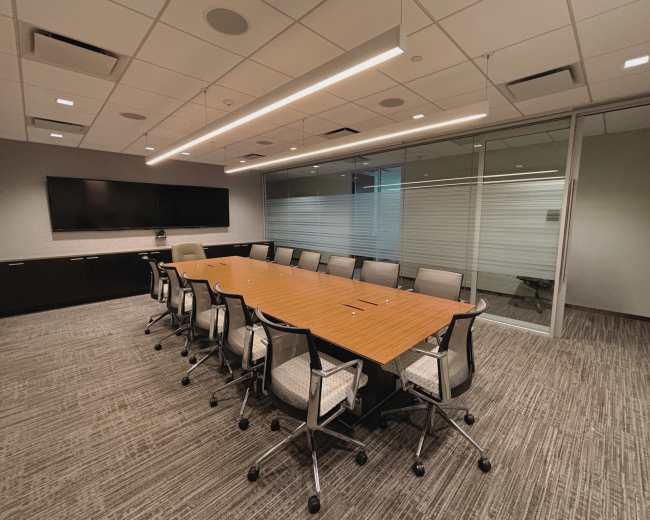
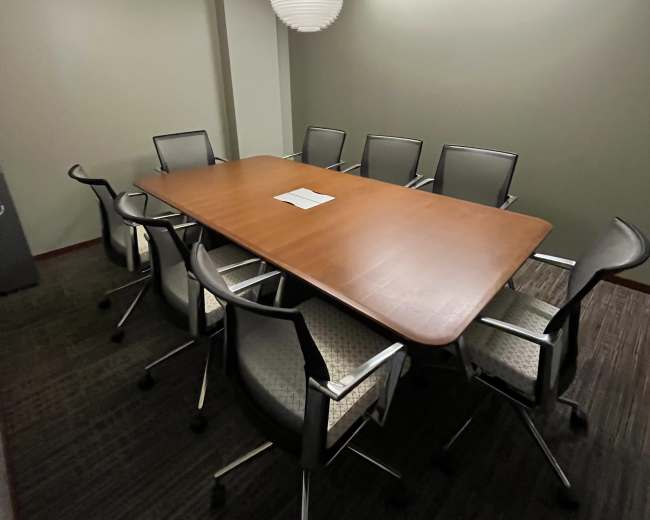
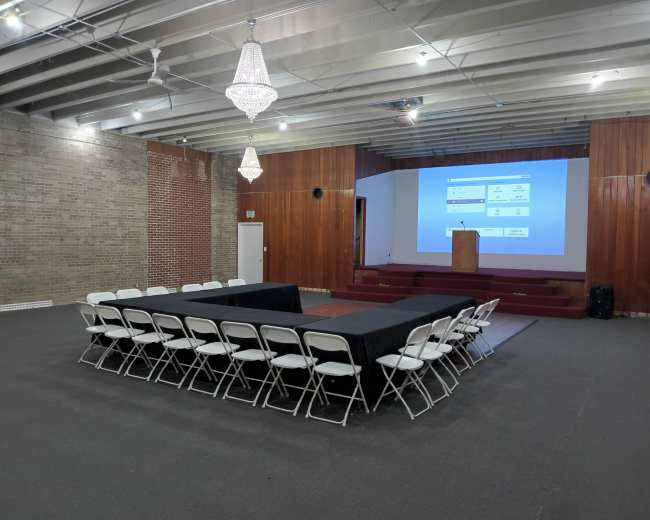
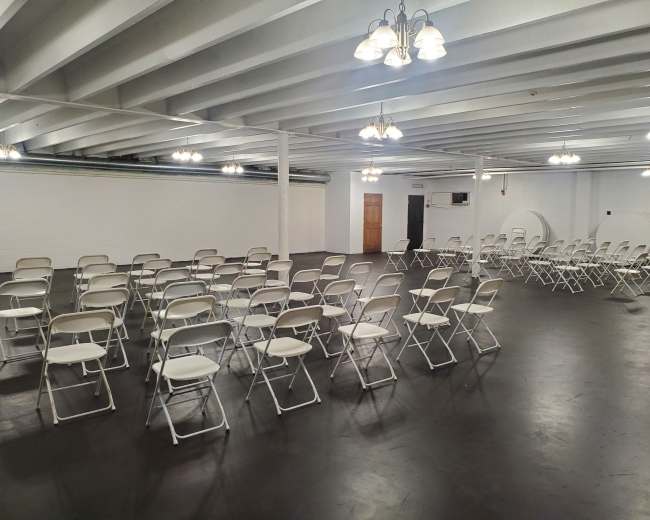
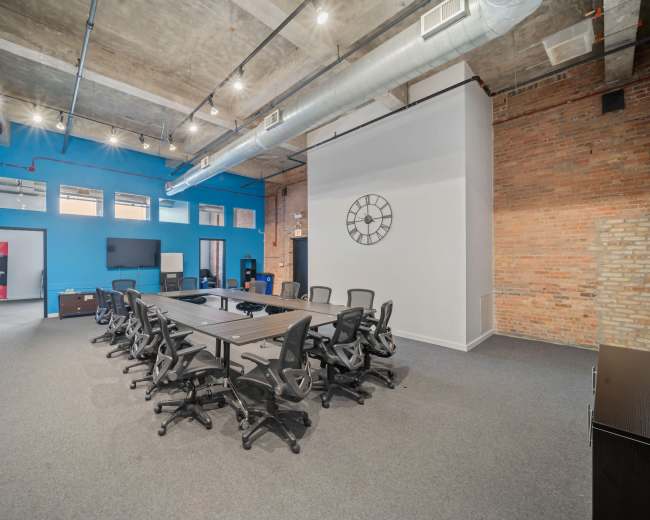
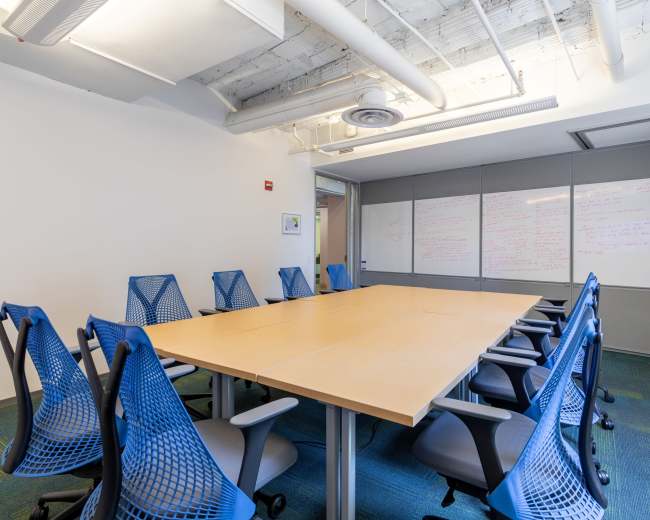
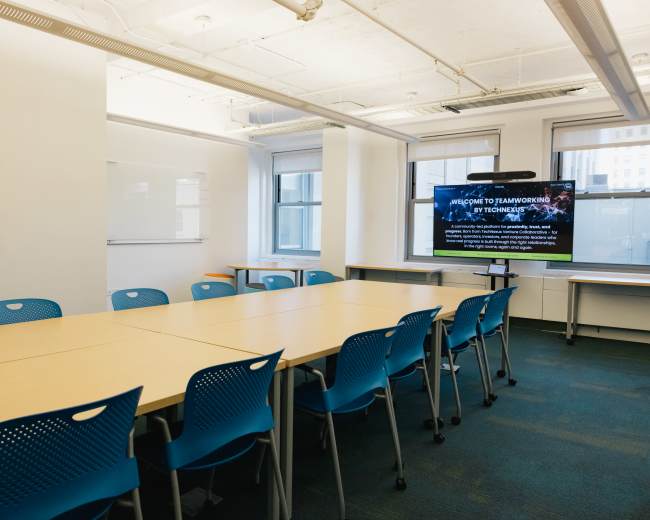
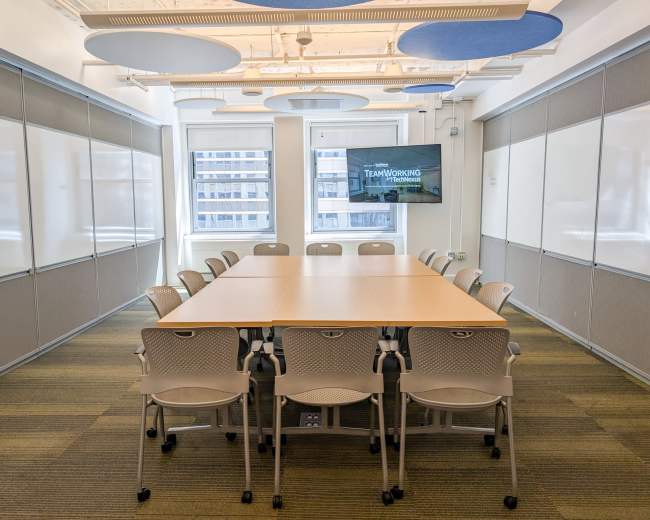
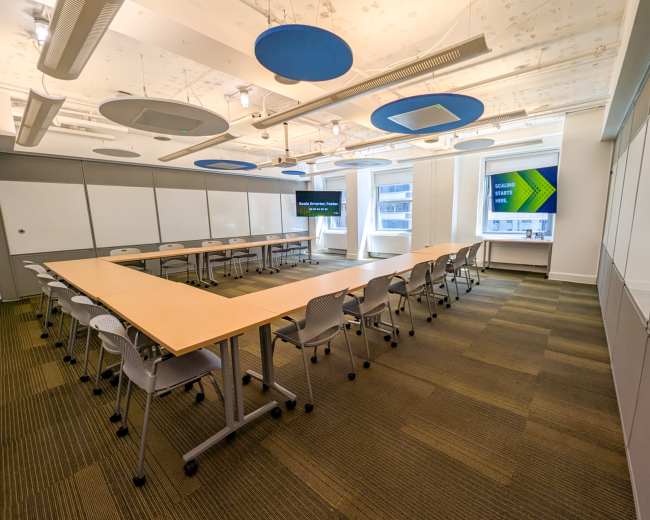
- Capacity by layout: Confirm the real comfortable capacity for classroom, boardroom, and theater setups (not just the maximum occupancy).
- AV proof: Request a quick AV test before the event to ensure screen-share, microphones, speakers, etc. are in working order.
- Noise reality check: Ask about neighbors, street noise, and walls shared with other rooms.
- On-site support: Confirm who will be on-site and what the escalation plan is if something breaks.
- Policies in writing: Look for clear pricing, what’s included vs. add-ons, load-in instructions, and overtime/cleaning/damage policies.
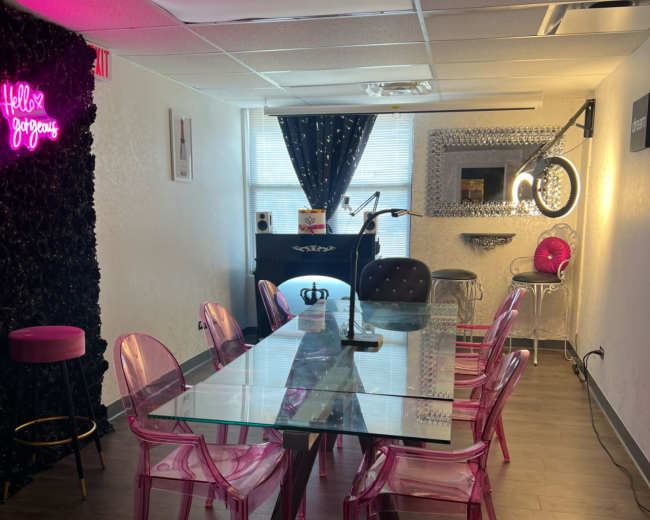
Risks to screen for early when considering a non-traditional venue are permitting and readiness, including power access, restrooms, and capacity limits. If you’re considering a space that isn’t a standard conference room, ask directly whether it is permitted and approved for your event type and headcount.
Pro tip: If you’re using Peerspace to compare venues, save your finalists to a Board and share it with teammates so everyone can comment in one place. Message hosts before you request to book so you can confirm details that reviews may not cover like WiFi strength, layout flexibility, and quiet hours. Avoid placing multiple active booking requests at once, since overlapping acceptances can create avoidable cancellation issues.