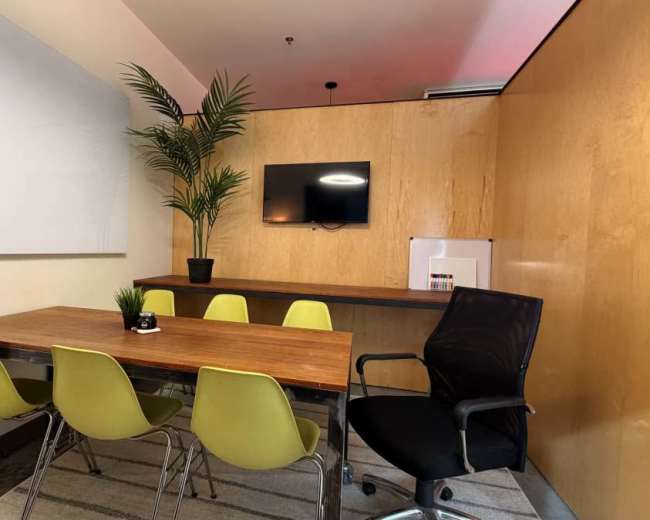
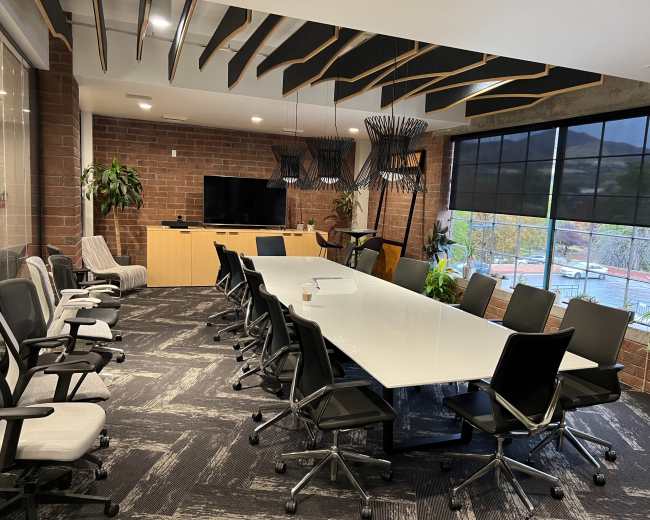
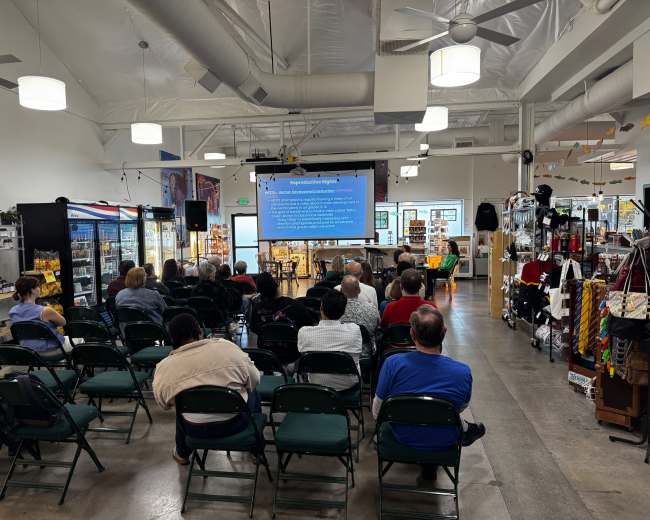
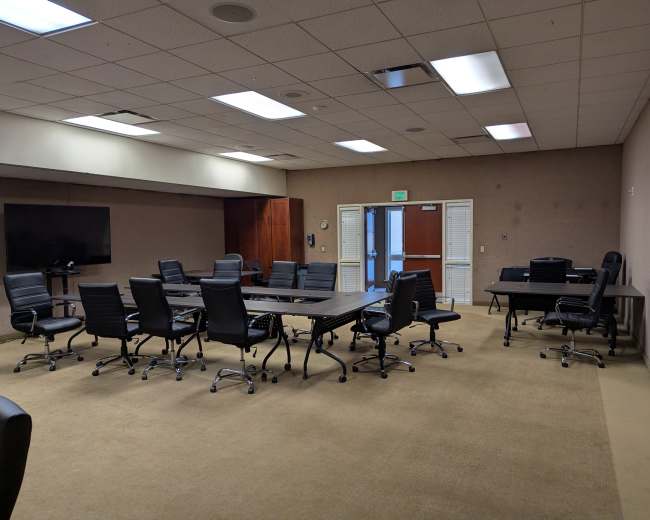
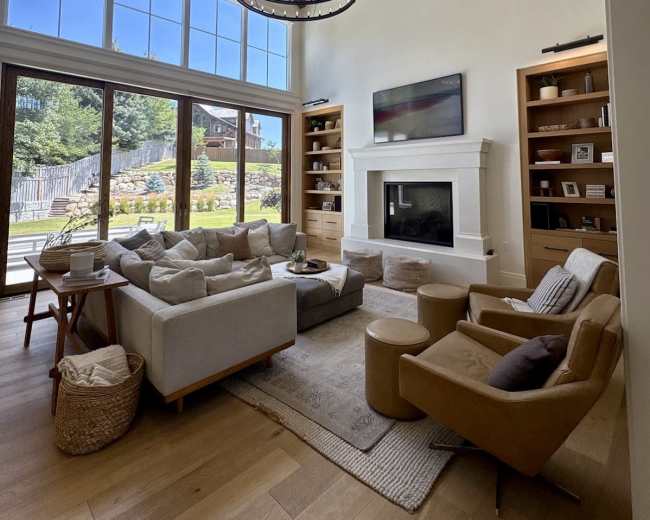
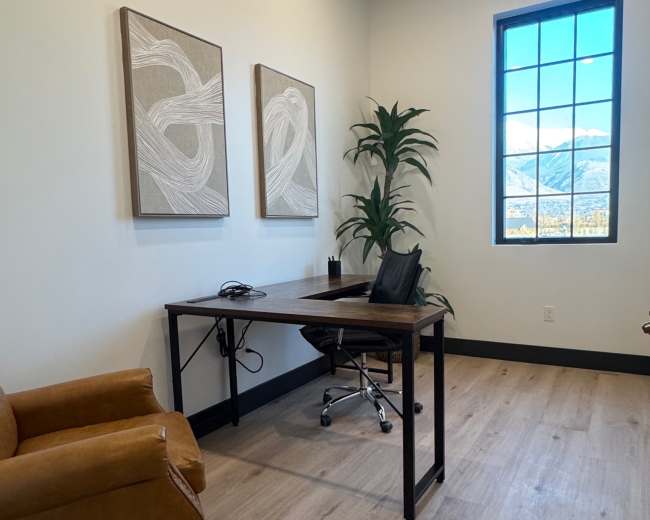
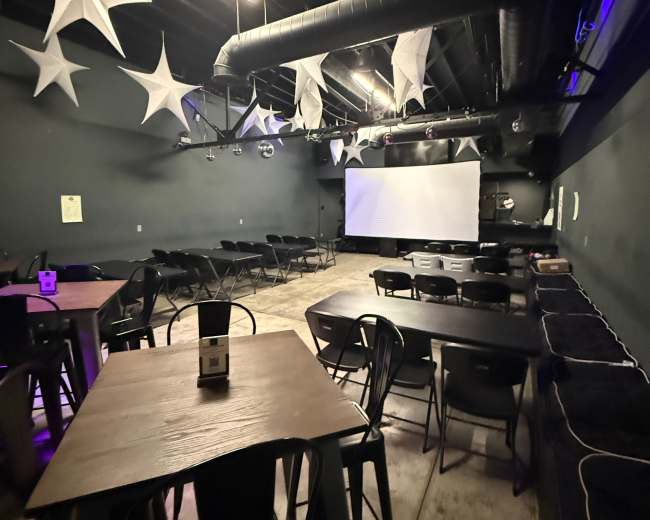
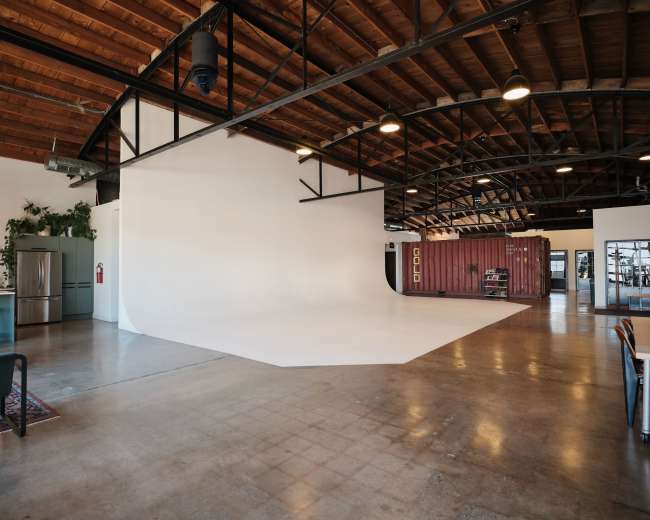
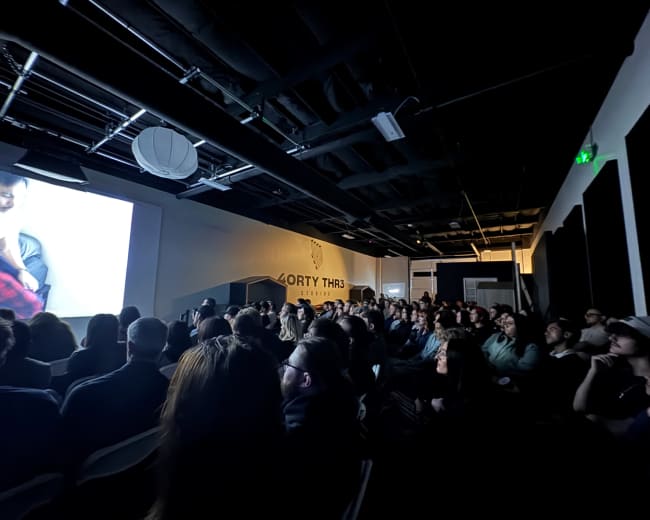
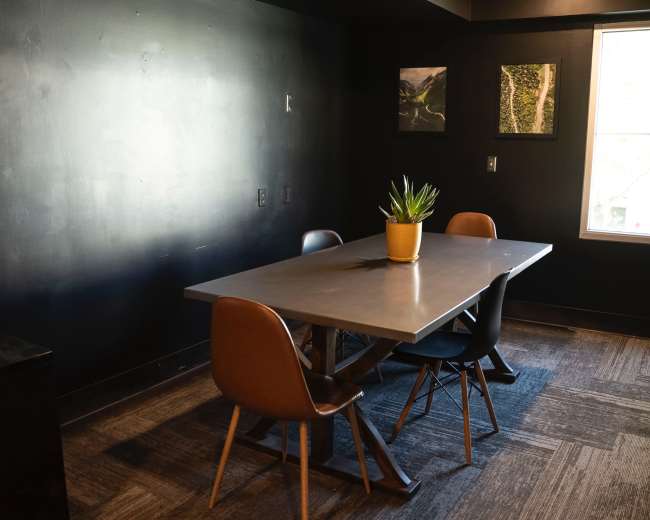
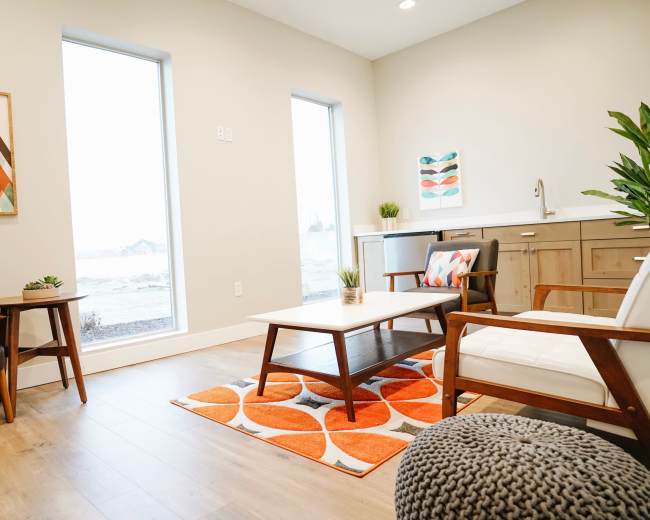
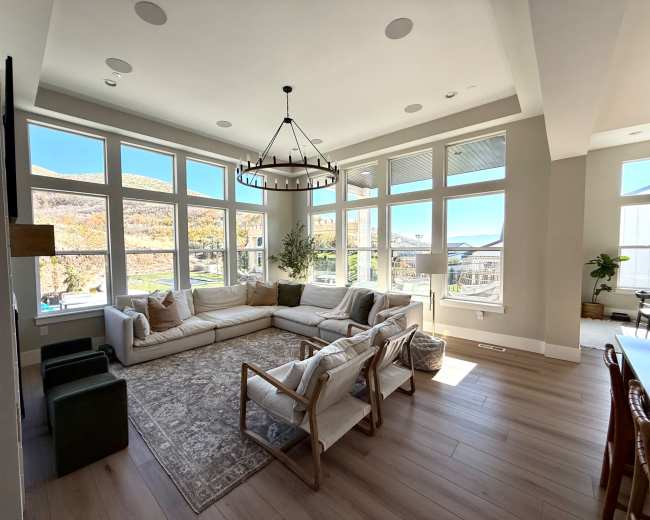
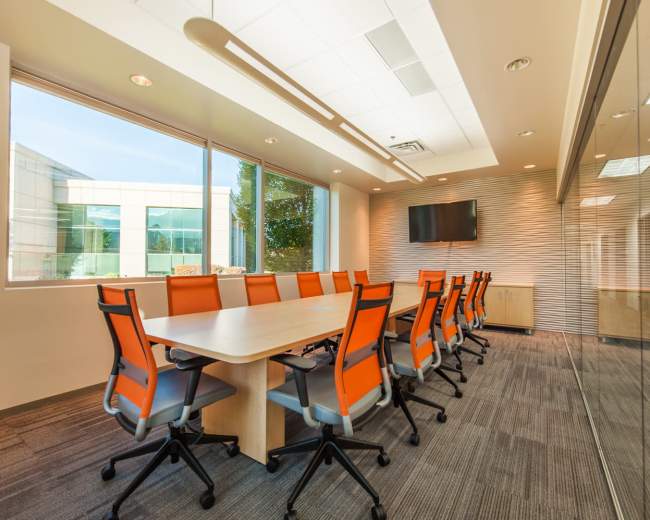
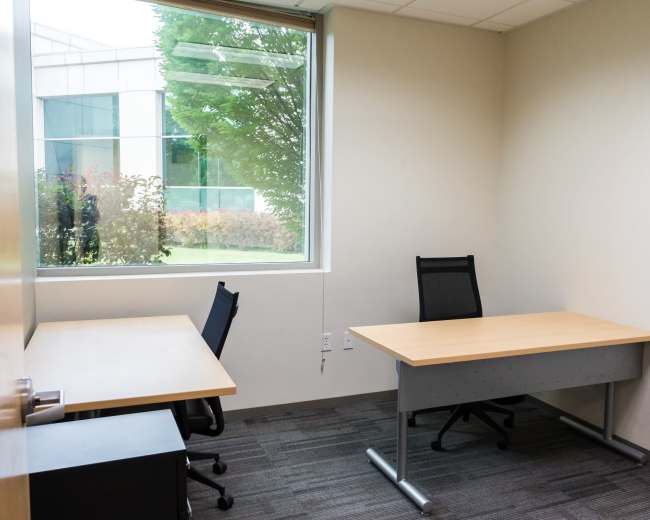
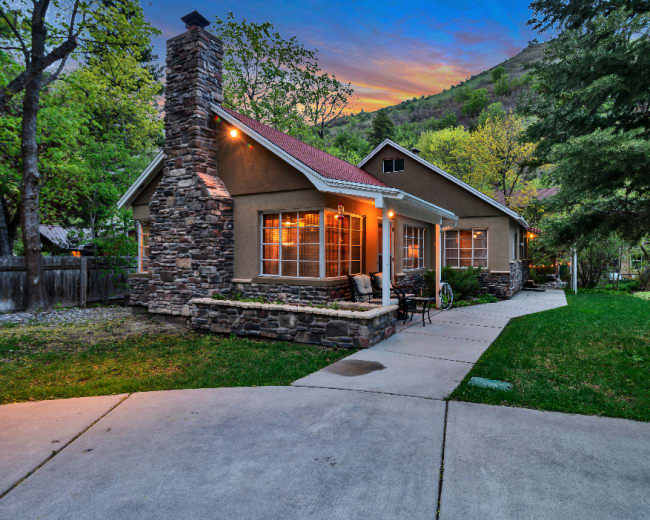
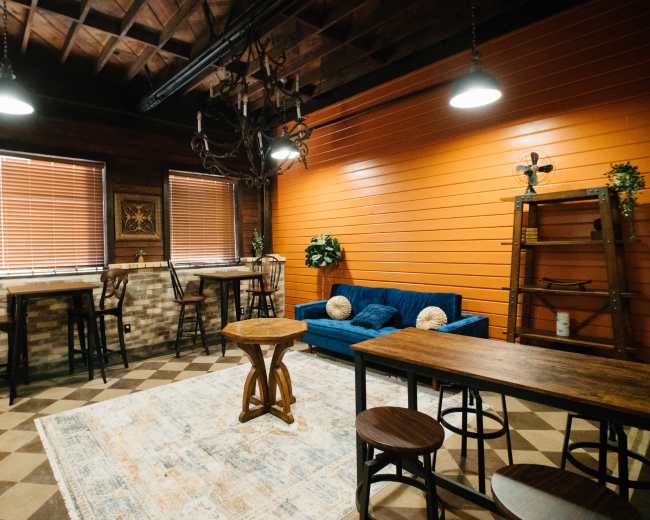
Rent a meeting room in Salt Lake City, UT

Discover thousands of unique meeting rooms for rent perfect for your meeting.

Enter your activity
Salt Lake City, UT, United States

How corporate meeting rooms work on Peerspace

Peerspace is the easiest way to book unique spaces for meetings. We also have spaces for productions and events.

Discover Spaces

Inspiring spaces

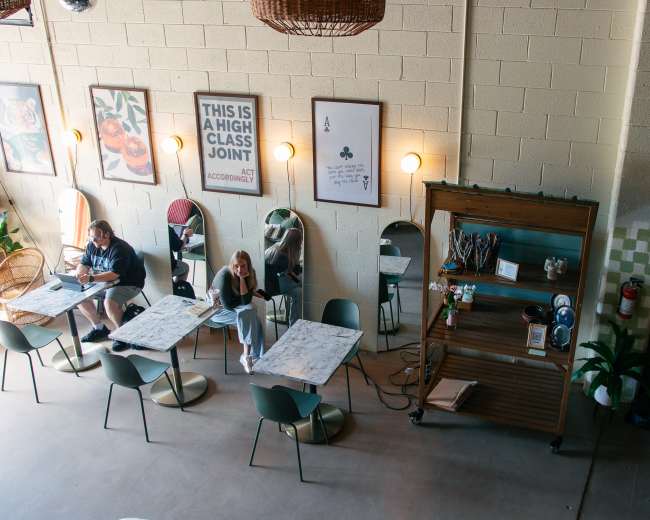
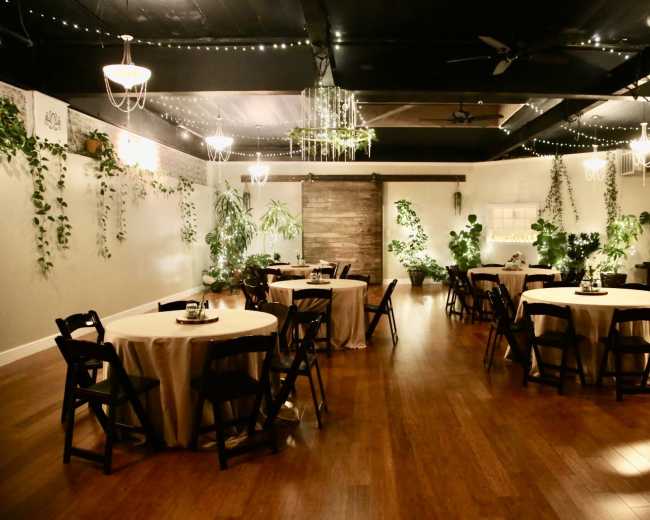
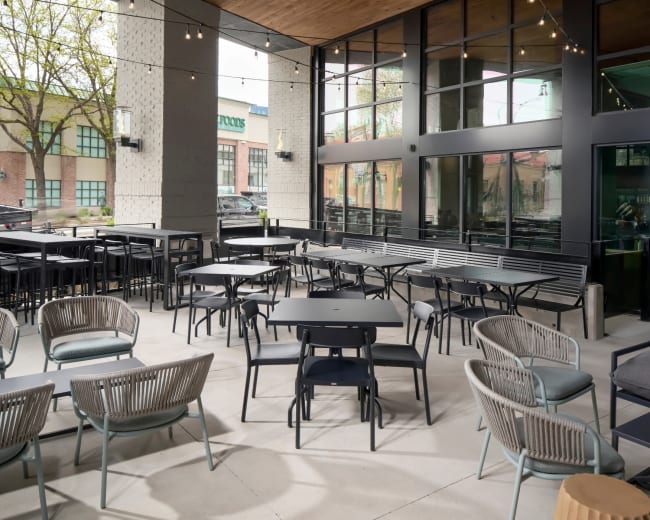
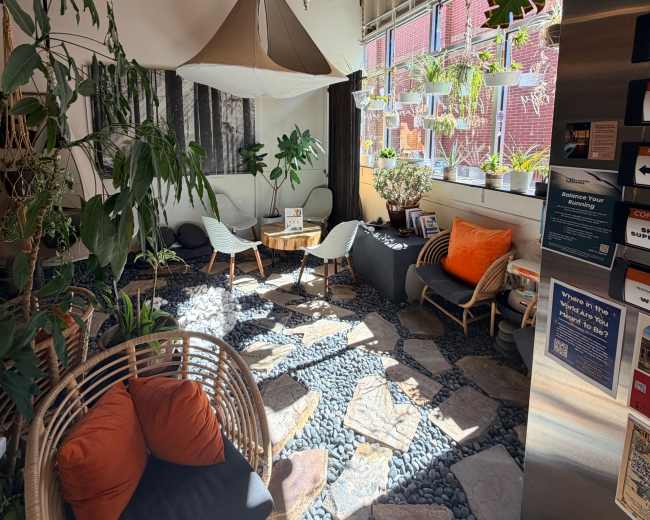
Every day we uncover new, creative spaces perfect for your corporate meeting — from neighborhood gardens, expansive rooftops, trendy office spaces, and beyond.

Honest pricing

Our spaces are priced to fit your budget. Hire by the hour for your meeting without worrying about hidden fees.

Smooth bookings

No more messy contracts. We build the tools to make booking a space for your corporate meeting as easy as the click of a button.

Popular meeting rooms

Explore all 10+ meeting rooms in Salt Lake City. See All ›

Frequently Asked Questions

Pricing and popularity information in this section is based on proprietary Peerspace booking data, reflecting recent booking activity and the latest data available through May 2026.

What's the best day to rent a meeting room in Salt Lake City?

Saturdays are the most popular day for booking meeting rooms in Salt Lake City.

How popular are meeting rooms in Salt Lake City?

Our local hosts have welcomed 540 people into their meeting rooms with reviews averaging 4.74 stars. 100% of guests said they'd book again.

How much does a meeting room cost to rent in Salt Lake City?

Meeting rooms in Salt Lake City average $73 per hour to rent, but it’s easy to spend less or more depending on what you’re looking for. For a space on the smaller side, expect to spend closer to $144, whereas larger venues run about $218 per hour.

How long do people rent meeting rooms in Salt Lake City?

Most meeting rooms are scheduled for 5 hours, with 12 people in attendance. You’ll find the most Meetings starting between 1:00 PM and 2:00 PM.

What should I consider when choosing between free and paid meeting spaces?

Choosing a free vs. paid conference room in Salt Lake City usually comes down to cost versus control. Free options can work well for low-stakes meetings, but paid spaces tend to be more reliable when you need privacy, polished hosting, and dependable tech. Here’s a quick checklist to compare options apples-to-apples:
  • Privacy and noise control: Free rooms may be near public areas and may not be fully exclusive; paid rooms are more likely to be dedicated, quiet, and suitable for interviews, HR conversations, or sensitive client discussions.
  • Tech reliability (Wi‑Fi + AV): Free spaces may offer Wi‑Fi and a screen, but not the consistency you want for hybrid meetings or important presentations; paid spaces are more likely to include business-grade Wi‑Fi, ready-to-use AV, and staff support.
  • Rules that affect your agenda: Free spaces often have restrictions on food, signage, commercial use, room setup, and reservation length; paid spaces typically allow more flexibility for catering, early access for setup, and longer bookings.
  • Total cost (not just hourly rate): A paid conference room can be cost-effective if it includes AV, whiteboards, water/coffee, parking validation, and on-site help; a “free” room can become expensive if you need workarounds like hotspots, extra adapters, backup venues, or additional travel time.
To choose the right level of “professional,” match the space to the meeting type:
  • Client pitch/investor meeting: Prioritize location, arrival experience, and a conference room that feels intentional and private.
  • Team offsite/brainstorming: Prioritize comfort, natural light, and layout flexibility so the room supports energy and collaboration.
  • Training/workshop: Prioritize sightlines, acoustics, screen-sharing simplicity, and tables that actually work for laptops and notes.
If your meeting is internal, low-stakes, and budget-first, civic spaces can be a great starting point. The Salt Lake City Public Library publishes room details and policies that help you reduce guesswork while staying on budget.

Which Salt Lake City neighborhoods are best for hosting meetings?

The best neighborhood for a conference room depends on what you’re optimizing for: convenience, credibility, creative energy, or cost. In Salt Lake City, these areas tend to work well because they’re accessible and meeting-friendly.
  • Downtown/Central Business District (CBD): Best for client-facing meetings and visiting teams; Downtown Salt Lake City meeting spaces are central, transit-accessible, walkable for lunch, and polished; parking and rush-hour timing can add friction.
  • The Gateway/West Downtown: Best for teams coming from different directions and flexible meetups; good access and a professional-meets-casual feel; confirm sound isolation if you need a very quiet conference room.
  • Sugar House: Best for strategy sessions, recruiting, and creative workdays; modern, design-forward, and high-energy; watch peak-hour traffic and parking.
  • Central City/Liberty Park area: Best for central convenience without the intensity of the CBD; meeting rooms in Central City are accessible from multiple neighborhoods; confirm the entry experience and parking on the specific block.
  • Millcreek/South Salt Lake: Best for easy parking, trainings, and budget-aware bookings; simpler logistics for drivers; for out-of-town attendees, confirm it still feels close to hotels and core destinations.
If you’re choosing quickly, use this rule of thumb:
  • Impress: Downtown.
  • Brainstorm: Sugar House or other design-forward pockets.
  • Simplify logistics: Millcreek or South Salt Lake.

How can I find conference rooms with reliable Wi‑Fi and AV equipment?

For a reliable conference room, “the Wi‑Fi works” isn’t enough. For presentations, hybrid meetings, and client sessions, look for proof, compatibility, and a backup plan. Use this copy/paste checklist before you book:
  • Wi‑Fi speed: Ask for a recent speed test with upload and download results.
  • Wi‑Fi stability: Confirm whether it’s a dedicated business network or a shared public network.
  • Device capacity: Ask how many devices can connect without lag for your expected headcount.
  • Signal strength: Ask where the router is located and whether walls or distance affect performance.
  • Backup connectivity: Confirm cellular reception in the room in case you need a hotspot.
For screens, sound, and hybrid setup:
  • Display type: Confirm whether it’s a TV/monitor or projector, and the approximate screen size.
  • Connections: Confirm HDMI vs. USB‑C, and whether adapters are provided or required.
  • Audio output: Confirm in-room speakers and whether they can handle video audio clearly.
  • Speakerphone/mic: Confirm echo control and microphone pickup range for hybrid calls.
  • On-site support: Confirm who troubleshoots if the AV fails and how quickly they can respond.
For the room itself:
  • Lighting control: Confirm dimmers/blinds to avoid glare on screens and washed-out video calls.
  • Power access: Confirm outlet count and placement (not just one power strip in a corner).
  • Acoustics: Confirm whether the room echoes, especially in open or hard-surface spaces.
To de-risk meeting day:
  • Tech run: Arrive early to test screen-share, audio, and any conferencing platform you’ll use.
  • Two connection paths: Bring your laptop plus adapters, and a hotspot as emergency internet.
  • Attendee instructions: Send parking, entry, start time, and Wi‑Fi details in advance.
If you’re considering civic venues, some public meeting rooms publish amenity details room-by-room, which can speed up your shortlist.

What amenities are typically included with local meeting spaces?

Conference room amenities in Salt Lake City vary widely by venue type—from public/civic rooms and coworking spaces to hotels and corporate venues. The biggest mistake is assuming “basic” items will be included. Common inclusions to confirm:
  • Tables + chairs: Included in most spaces, but confirm seating style and whether reconfiguration is allowed.
  • Wi‑Fi: Often included, but quality varies and may not support video calls equally well.
  • Whiteboard or flip chart: Common, but confirm whether markers and erasers are provided.
  • Display: Sometimes included, sometimes an add-on; confirm TV/monitor vs. projector and connections.
  • Climate control: Important for longer meetings; confirm who controls temperature.
  • Restrooms: Confirm proximity and accessibility.
  • Trash/recycling process: Confirm cleanup expectations and whether staff handles disposal.
Amenities worth asking about early (they can make or break the meeting):
  • Conference phone/speakerphone: Key for hybrid meetings.
  • Adapters: HDMI/USB‑C availability can prevent last-minute scrambles.
  • On-site support: The difference between a quick fix and a delayed start.
  • Water/coffee: Confirm what’s included and whether there’s a kitchenette.
  • Catering rules: Confirm what food is allowed and what cleanup is required.
  • Parking support: Reserved parking or validation can reduce late arrivals.
  • Breakout space: Helpful for interviews, workshops, and side conversations.
  • Accessibility details: Confirm ramps, elevators, and accessible restrooms.
Common last-minute red flags:
  • Projector setup: Available, but missing cables or adapters.
  • Wi‑Fi access: Network exists, but password access is slow or the network is overloaded.
  • Layout mismatch: The room fits your headcount, but not your meeting format (boardroom vs. classroom vs. workshop).
A simple way to shortlist faster is to start with your format (presentation-heavy, workshop-style, hybrid, interview loop) and only consider meeting rooms in Salt Lake City whose amenities clearly support that agenda.

Are there any special permits required for hosting events in public spaces?

Sometimes, yes. “Public space” can mean a library meeting room, a county facility, a park pavilion, or a public plaza, and the permit requirements change based on impact (noise, foot traffic, sales, alcohol, signage, or filming). If you’re booking a conference room inside a public facility, permits may be minimal, but larger or more public-facing events often need approvals. Permits are more likely when your event includes:
  • Outdoor public areas: Reserving space, bringing structures, or using amplified sound.
  • Large attendance: Enough people to affect parking, traffic, or public access.
  • Amplified audio: Microphones, speakers, announcements, or music.
  • Food service: Especially cooking on-site or using certain equipment.
  • Alcohol: Requirements can change even for beer and wine.
  • Commercial activity: Ticketing, sales, brand activations, or promotional signage.
  • Filming/production: Lights, stands, crew vehicles, or a larger footprint.
To get a clear answer quickly, ask the space manager:
  • Permit requirement: Do you require a permit for this size and type of event?
  • Restrictions: Are there restrictions on sound, signage, food, or hours?
  • Insurance: Do you require insurance or an additional insured endorsement?
For county-managed facilities, Salt Lake County’s facility use portal is a practical starting point for venue-specific rules and contacts.

How far in advance should I book a conference room in Salt Lake City?

A good booking window depends on how specific your needs are (location, layout, and included tech) and how risky it would be to scramble. The more client-facing or tech-dependent the meeting, the earlier you’ll want to book your conference room. General timing guidance for Salt Lake City:
  • Internal meeting (small group, flexible location): Book 1–2 weeks out to keep options open if a room’s Wi‑Fi, noise level, or layout isn’t a fit.
  • Client-facing meeting or interviews (polish + privacy): Book 2–4 weeks out to secure a strong location and a more professional hosting experience.
  • Workshops, trainings, offsites (long blocks + specific layout): Book 4–8+ weeks out since all-day workshop venues with comfortable seating and reliable AV get reserved earlier.
  • Unique, design-forward spaces: Book earlier than you think because inventory is limited by nature.
If you’re booking last-minute:
  • Top priority: Choose tech certainty and easy access over perfect aesthetics.
  • Backup planning: Ask what the venue can do if the display or Wi‑Fi fails (alternate screen, staff help, or hotspot feasibility).
  • Buffer time: Add setup/tech-check time so your meeting doesn’t start with troubleshooting.
Pro tip: If you’re booking a conference room through a marketplace, avoid sending multiple booking requests at once because more than one host can accept. Also, many platforms place temporary authorization holds during booking requests, and cancellation “grace periods” can vary based on timing and start date, so confirm the cancellation terms before you submit and book enough time for setup and teardown to avoid overtime.

Reviews for meeting rooms

Rachel A.
The Gala - Art Gallery and Event Space in a Historical Building
We used this space for an off-site business meeting over a couple of days. The owners were so great to work with! When I realized that sitting on hard bar stools for 8 hours would not be ideal, Madeline was super helpful in finding places for me to rent...
Casey C.
Versatile Office Space
What an AMAZING space and the location was fantastic. Lots of little touches that made our team meeting 10/10. I would highly recommend...
Ed C.
Awesome Training and or Event Space screens, Camara, PA included!
Awesome space! We had our regional sales meeting and Hyrum was very responsive and accommodating. Definitely book again if we have our meeting in SLC...
Katie E.
12 Person Conference Room on 800 North Near I15
Really great private meeting space. Clean, comfortable space with easy-to-use technology. Very easy to book, but slightly difficult to find and understand where to enter from outside. Overall a great space, we will be booking again...
Stacey G.
Meeting room for up to four people in a coworking Space (Jaws)
booked this space for a Meet & Greet with our new Director local to the area. Our VP and new Director were most impressed with the space, host and services available. We will definitely be back when the need arises, this was our first Peerspace experience and it sold us...
Ladd H.
12 Person Conference Room on 800 North Near I15
The space worked perfect for our day long management meeting. It was just as it was advertised. The only thing that would be helpful is if the address listed gave more details on the location because there are actually three buildings that look identical so it can be a little...
Cortney H.
Black Box Theater in Downtown SLC
From the very beginning, he went above and beyond to make sure our event was exactly what we envisioned. He took the time to meet with me and my friends ahead of the event, walked us through the space, and helped us figure out the full setup — AV system, projector...
Kirsten L.
Mid Century Modern
Beautiful space! Heather was there to meet me right in the morning and walk me through the space. There was plenty of space for my team and our gear, and Heather was kind enough to provide some drinks we could have during the day which was very kind. We were...
Katherine M.
Trendy Millcreek Home with Exceptional Outdoor Spaces!
are many outdoor spaces to have socially distant conversations. It was beautiful and charming! Sara was extremely helpful and responsive. We had a great meeting that was productive and relaxing. Special spot! 100x better than a board room...
Vanessa M.
Downtown SLC Urban Photo Studio Inside of Trolley Square
is a great host! The only the only negative is that the she stayed at the place the whole time, it was a business meeting so it wasn't that comfortable. Everything else was excellent...
Alonzo N.
12 Person Conference Room on 800 North Near I15
The host was responsive, professional and helpful. The facility was clean, quiet and had all the amenities needed to conduct an effective meeting. The location was perfect for our needs. There was adequate parking for all who attended the meeting. Other patrons in the facility were courteous, respectful and kind...
Alonzo N.
12 Person Conference Room on 800 North Near I15
office is quiet and other members in the office are quiet and respectful. If you are looking for a great office to hold a meeting, this the location for you. The office is in a great location with plenty of parking and there are restaurants nearby...
Liz P.
Meeting room for up to four people in a coworking Space (Jaws)
Great meeting space! The host was extremely friendly and helpful. Will definitely use the space again
Ben P.
43 Studios
Dru went above and beyond before, during and after the meeting. Great space and highly recommended
Isela R.
Bright Venetian Condo on Park City Mountain
to work with and very responsive to my questions during the booking process. Her home was absolutely fantastic and perfect for our team’s meeting. I would highly recommend her place for a small group meeting and the nearby hiking trails are worth checking out afterwards...
Marta R.
Downtown Recording Studio with a Cozy, Luxe Equipment.
Our table read (audio drama) recording session got off to a rough start. We arrived on time, but no one was there to meet us, and there was no communication about anyone running late. After waiting, it took about an hour just to get set up, and then we ran...
Bobby S.
Urban loft style photostudio right off the freeway downtown
Kaye's space was amazing. She was kind enough to meet with me just before my photo shoot to give me a tour. First let me start by saying she is an incredible person, phenomenal personality and is genuine as they come! The space itself was filled with light and...
Morgan W.
Meeting room for up to four people in a coworking Space (Jaws)
Super cool space, especially as a start up. Would def rent again for team/investor meeting
Natalie W.
Cozy, multipurpose studio in SLC
What a lovely space! It was perfect for our book club meeting. Will absolutely be returning
Connor Y.
Sugarhouse Gathering Space, Photo & Video Studio, Art Gallery
What a fun and versatile space! All our guests commented on how cool the gathering spot was. great for parties or collaboration meetings...
Updated April 30, 2026Our data is refreshed in real time using booking trends, verified guest reviews, and direct partner updates — with additional quality checks from our team.