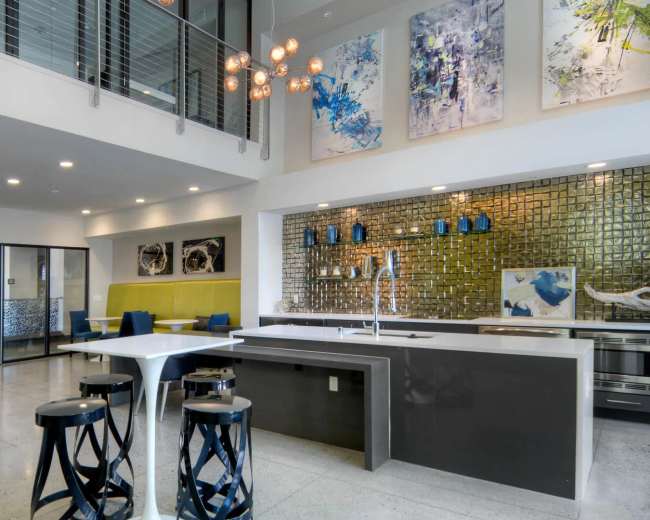
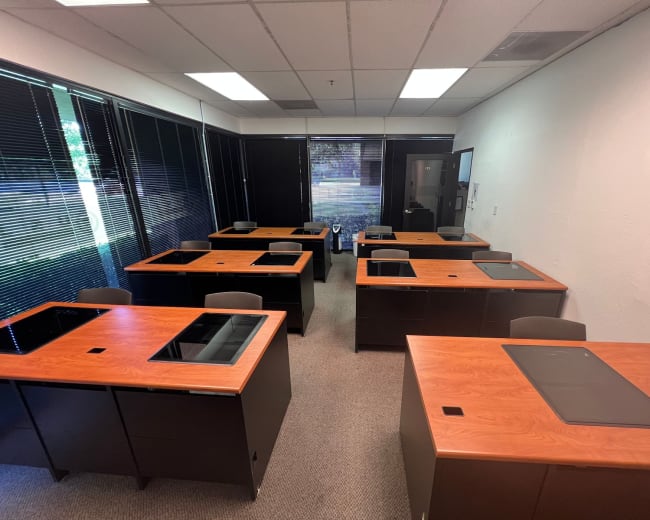
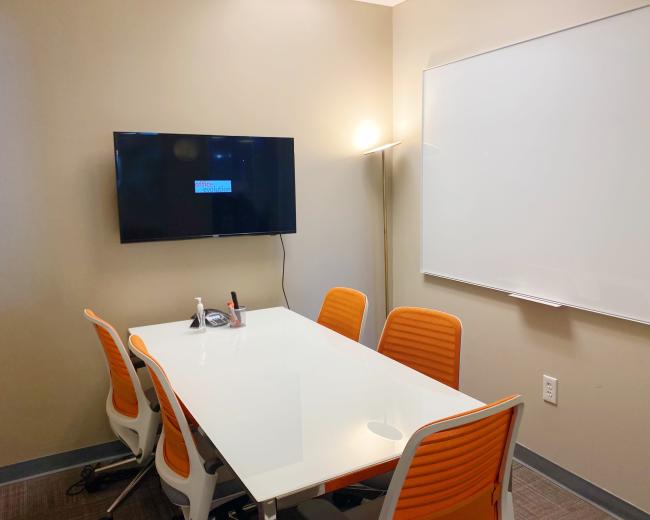
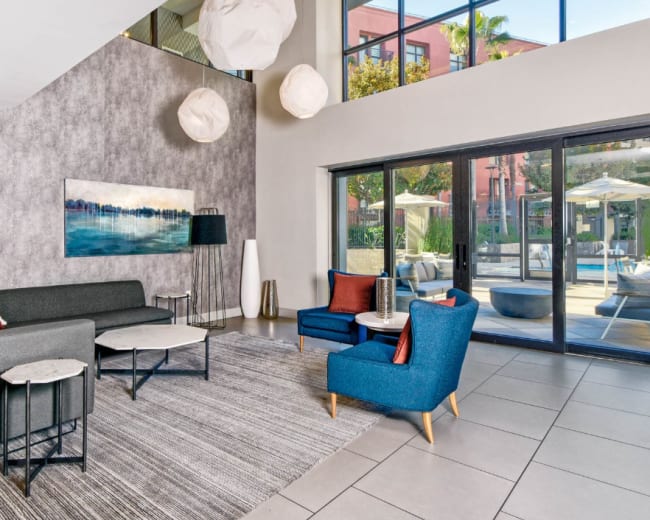
Rent a meeting room in San Jose, CA

Discover thousands of unique meeting rooms for rent perfect for your meeting.

Enter your activity
San Jose, CA, United States

How corporate meeting rooms work on Peerspace

Peerspace is the easiest way to book unique spaces for meetings. We also have spaces for productions and events.

Discover Spaces

Inspiring spaces

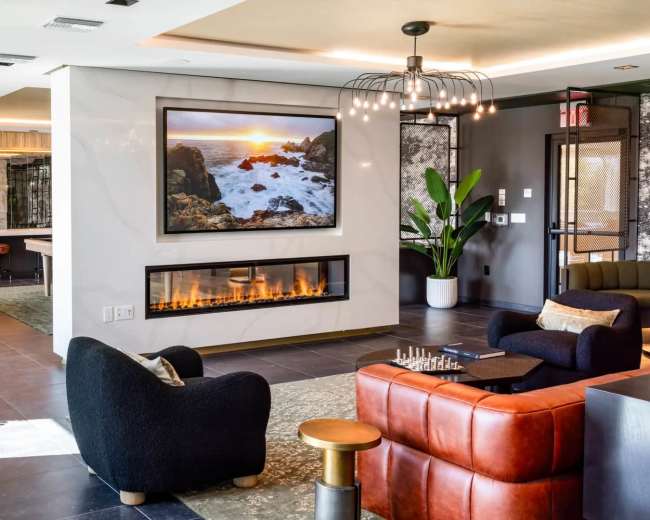
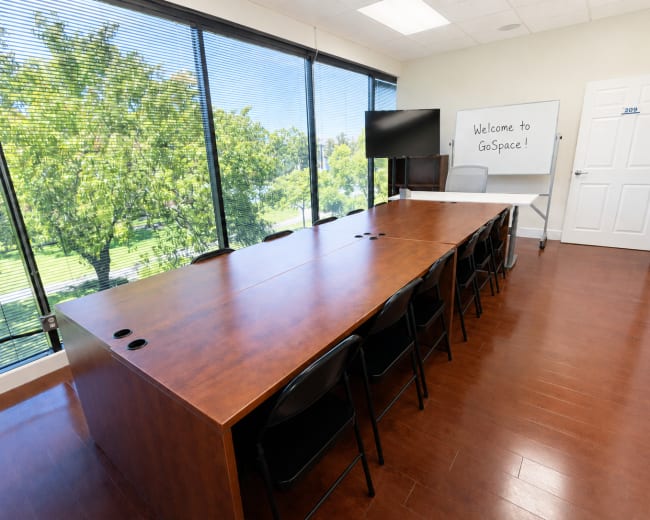
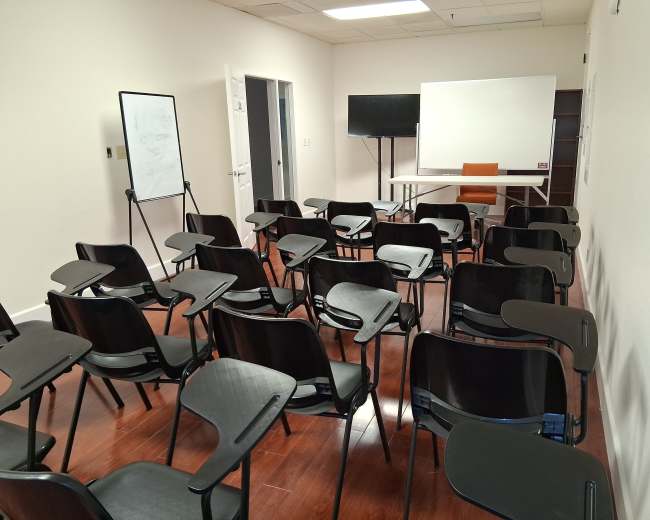
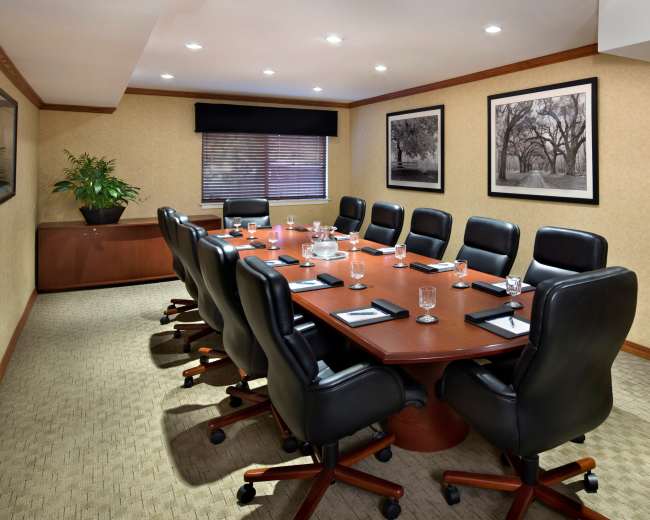
Every day we uncover new, creative spaces perfect for your corporate meeting — from neighborhood gardens, expansive rooftops, trendy office spaces, and beyond.

Honest pricing

Our spaces are priced to fit your budget. Hire by the hour for your meeting without worrying about hidden fees.

Smooth bookings

No more messy contracts. We build the tools to make booking a space for your corporate meeting as easy as the click of a button.

Popular meeting rooms

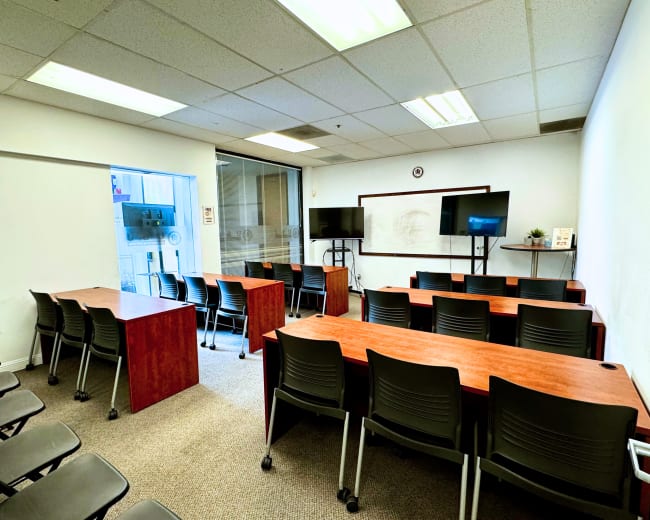
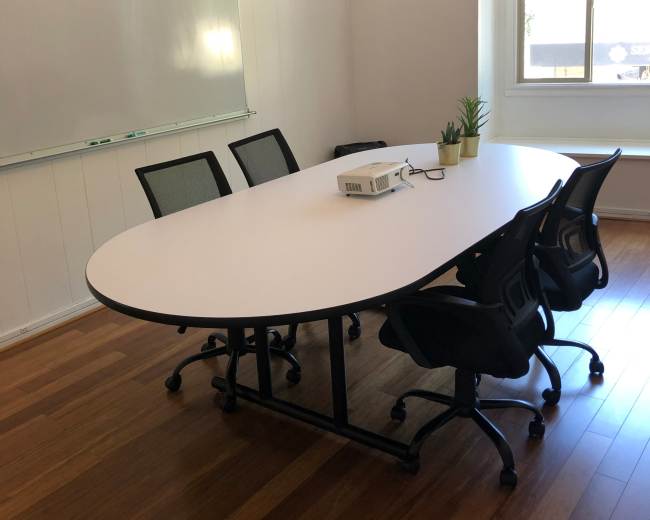
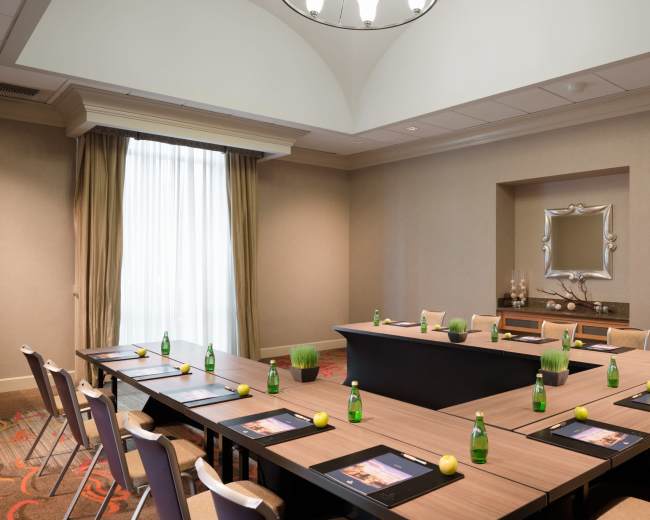
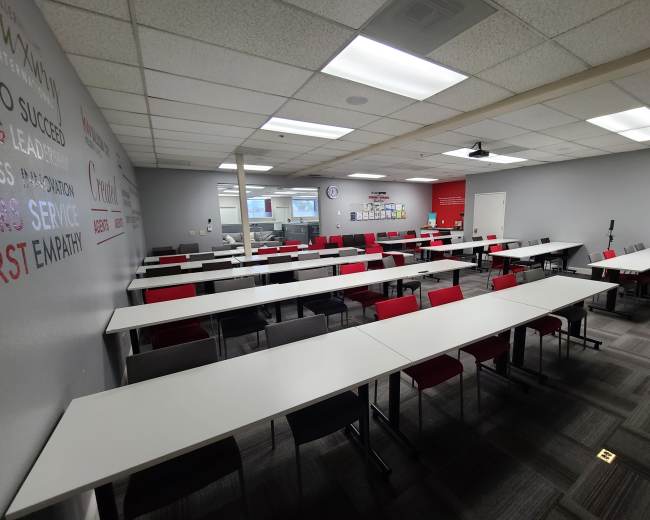
Explore all 40+ meeting rooms in San Jose. See All ›

Frequently Asked Questions

Pricing and popularity information in this section is based on proprietary Peerspace booking data, reflecting recent booking activity and the latest data available through May 2026.

What's the best day to rent a meeting room in San Jose?

Tuesdays are the most popular day for booking meeting rooms in San Jose. For those seeking a deal, consider booking Tuesday and Friday as these days are 26% cheaper on average.

How popular are meeting rooms in San Jose?

Our local hosts have welcomed 1846 people into their meeting rooms with reviews averaging 4.86 stars. Most even said they would book again -- about 98%.

How much does a meeting room cost to rent in San Jose?

Meeting rooms in San Jose average $53 per hour to rent, but it’s easy to spend less or more depending on what you’re looking for.

How long do people rent meeting rooms in San Jose?

Most meeting rooms are scheduled for 4 hours, with 10 people in attendance. You’ll find the most Meetings starting between 11:00 AM and 12:00 PM.

What are the pros and cons of paid venues vs. free spaces for meetings?

The core tradeoff is the control and professionalism you get with paid venues versus the cost savings and unpredictability at free spaces. A practical way to decide is to ask: how expensive would it be if this meeting goes poorly? Consider lost time, an awkward client experience, tech failures, rescheduling issues, or missed decisions. Paid venues Pros:
  • Reliability and fewer surprises: Most paid spaces are meeting-ready with tables, chairs, climate control, restrooms, and a baseline Wi‑Fi setup.
  • Clear expectations and accountability: Booking terms typically spell out access times, included amenities, and add-on costs, which reduces day-of uncertainty.
  • Professional first impression: A polished conference room supports interviews, trainings, client presentations, and leadership sessions where the room is part of the message.
Cons:
  • Costs that stack up: Beyond the hourly rate, confirm service fees, parking, security, cleaning, A/V, overtime, and food and beverage minimums, if applicable.
  • Rules that reduce flexibility: Noise limits, signage restrictions, vendor policies, cutoff times, and minimum booking lengths can limit how you run the day.
Great fit for:
  • Client-facing meetings, hybrid meetings that must run smoothly, strategy sessions where privacy matters, and any conference where organizers feel they have just one shot to get it right.
Free spaces Pros:
  • Lowest out-of-pocket cost: You can meet without a venue fee.
  • Convenience: If the space is already in someone’s building, it’s often faster to gather.
  • Casual vibe: Useful for informal brainstorms and quick check-ins.
Cons:
  • Noise and interruptions: Foot traffic, other patrons, and staff policies can disrupt the meeting.
  • Tech uncertainty: Wi‑Fi strength, limited outlets, glare, poor acoustics, and lack of a monitor or whiteboard can derail momentum.
  • Privacy issues: Not a good fit for confidential topics, HR conversations, legal or finance discussions, or sensitive negotiations.
Great fit for:
  • Informal internal catch-ups, quick 1:1s, and low-stakes meetups where you have a backup plan.
A budget-smart middle path: low-cost public rentals If “free” feels too risky but you still want affordability, look for community facilities that offer published rules, clear hourly rates, and basic meeting infrastructure. This option can be a strong value when your needs are straightforward and you want more predictability than a café or borrowed office. You can also find affordable office spaces for rent in San Jose that bridge the gap between a public space and a high-end hotel. Quick decision checklist:
  • Confidentiality: If the meeting is confidential, skip public/free settings and choose a private conference room.
  • Reliability: If you need guaranteed quiet and reliable Wi‑Fi, paid usually wins.
  • Meeting goal: If the goal is to impress, align, or train (clients, workshops, offsites), the room experience matters more than most people expect.
  • Backup plan: Decide what your Plan B will be if the space is unusable on arrival due to noise, locked doors, Wi‑Fi issues, or double-booking.

Which San Jose neighborhoods are best for hosting conference room events?

The best San Jose neighborhood depends on what attendees value most: commute time, parking, hotels, food options, or a more creative vibe. Use the meeting type to narrow the choice instead of comparing every neighborhood at once. Downtown San Jose: best for central access and big-event energy Why it works: It’s central, often walkable, and has a strong business hub feel for trainings, summits, and conferences tied to larger gatherings. Watch for: Parking costs, traffic timing, and making access instructions crystal clear. North San Jose and airport-adjacent areas: best for regional teams and quick in/out Why it works: Often easier for flyers and for attendees driving from the Peninsula or East Bay, making conference rooms in this area a convenient choice for regional teams. Watch for: Fewer walk-to-lunch options in some areas, so plan breaks and food intentionally. Santana Row and Valley Fair area: best for high-impression meetings Why it works: Strong “treat them well” energy for client meetings and leadership offsites, with restaurants nearby. Watch for: Traffic and paid parking; add buffer time. Willow Glen and Rose Garden-adjacent areas: best for calm and focus Why it works: Typically quieter with a neighborhood feel, which can help with private interviews, strategy days, and focused work sessions. Watch for: Fewer large-capacity options; confirm ADA access and parking early. Central, East, and South San Jose pockets: best for centralized location Why it works: If most attendees live nearby, reducing commute friction can beat a “fancier” location. Watch for: A/V quality and privacy, especially in non-traditional spaces. Neighborhood-selection questions to ask before you book
  • Travel style: Are most people driving, taking transit, or flying in?
  • Convenience priority: Do we need easy parking or walkable food more?
  • Meeting format: Is this a heads-down workday or a relationship-building meeting?
  • Space needs: Do we need breakouts (multiple rooms or nearby spill-out areas)?

Do I need permits or insurance to book a meeting space in San Jose?

For a typical indoor business meeting in a dedicated conference room, you often won’t need a special event permit. Requirements tend to change when your “meeting” starts looking more like an event, particularly if you are coordinating larger corporate events. Treat this as a scope question: what exactly are you doing in the room? When permits become more likely Ask about permits (or be prepared to obtain them) if your meeting includes:
  • Large attendance or public access: Open invitation, ticketing, or unusually large crowds.
  • Special equipment or higher-risk activities: Cooking demos, open flames, certain temporary installations, or unusual power needs.
  • Amplified sound or disruption risk: Anything that could affect neighboring tenants or trigger venue/building restrictions.
Insurance: what to expect as the organizer Even when a permit isn’t needed, insurance may be required by the venue. Many conference room venues request proof of general liability coverage, especially if you’re bringing vendors, serving alcohol, or hosting a larger group. What to ask the venue (copy/paste):
  • Permits: “Does our event type require any city permits for this address/building?”
  • Insurance: “Do you require general liability insurance? If yes, what limits and who must be listed on the certificate?”
  • Restrictions: “Any restrictions on signage, deliveries, catering, or amplified audio?”
  • Access: “Are there rules about after-hours access, security, or guest check-in?”
Red flags:
  • Vague policies: “We’ve never had an issue” instead of a clear yes/no policy.
  • Unclear capacity and safety: The venue can’t clearly explain capacity limits, exits, or basic safety expectations.

What amenities should I expect in local conference rooms?

Most people book a conference room expecting a plug-and-play setup, then run into gaps like weak Wi‑Fi, no HDMI, no whiteboard, or awkward seating. The fastest way to avoid surprises is to sort needs into must-haves, nice-to-haves, and event-specific requirements. Baseline amenities to expect (or confirm) Core room and comfort:
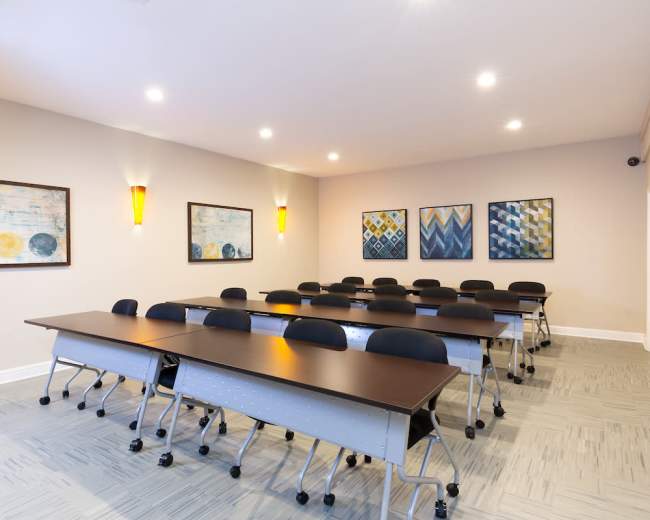
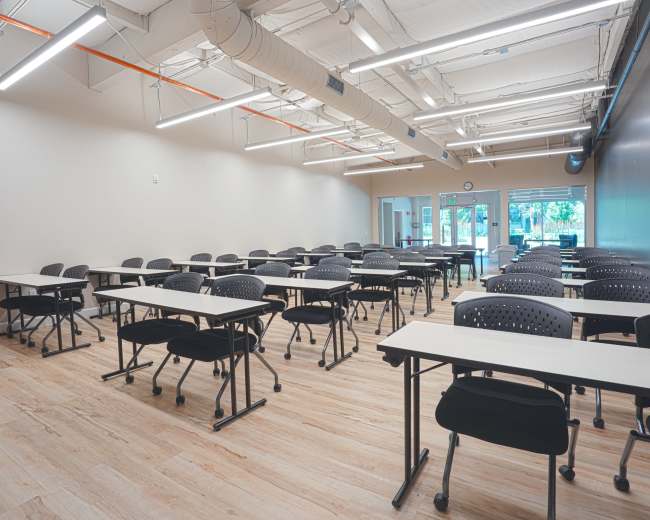
  • Furniture and layout: Tables and chairs that match your plan (boardroom, classroom, U-shape), which is a key consideration when booking training rooms.
  • Comfort basics: Climate control, clean restrooms, and a clean room at arrival.
  • Lighting: Adequate lighting plus the ability to dim if you’re presenting.
Connectivity and presenting:
  • Wi‑Fi: Confirm whether it’s dedicated or shared and whether video calls are reliable.
  • Display: TV/monitor or projector, plus the right adapters (HDMI and/or USB‑C).
  • Power: Enough outlets for laptops or provided power strips.
Work tools:
  • Whiteboard or flip chart: Confirm it’s available and usable.
  • Supplies: Markers and erasers are sometimes included and sometimes not, so ask.
Amenities that improve longer meetings:
  • Breakout space: A second room, lounge, or nearby seating to reduce fatigue.
  • Coffee and water: A kitchenette, coffee setup, or an easy catering drop zone.
  • A/V support: On-site staff or fast support if tech fails.
  • Parking clarity: Clear instructions for garages, validation, loading, and elevators.
What to confirm in writing:
  • Wi‑Fi details: Network name, password or login method, and any bandwidth limits.
  • Display inputs: HDMI, USB‑C, AirPlay, or other casting options.
  • Room reset: Whether you can move furniture and what “reset” means after the meeting.
  • Access time: Early entry for setup and buffer time for teardown.
Common “it looked fine in photos” pitfalls:
  • Hybrid-audio issues: Echoey rooms that make remote attendees miserable.
  • Capacity math: A “10-person room” that only fits 10 with no bags, laptops, or snacks.
  • Loading and access: No elevator access when you’re carrying materials or signage.

How can I find accessible or ADA-compliant meeting spaces nearby?

If accessibility is important, verify specifics instead of relying on an “accessible” label. Accessibility needs vary (mobility, hearing, vision, sensory), so clarity upfront prevents day-of stress and last-minute room changes. What to look for and what to ask Step-free arrival:
  • Step-free entrance: Is there a step-free entrance from the primary arrival point?
  • Elevator reliability: If needed, is the elevator available during your booking and does it reach the correct floor?
Path of travel:
  • Clearances: Are hallways and doorways wide enough, especially if furniture will be rearranged?
  • Seating options: Is there accessible seating that works with the actual meeting layout?
Restrooms:
  • Same-floor access: Is there an accessible restroom on the same floor and available during your booking hours?
Parking and drop-off:
  • Realistic arrival plan: Are there ADA spaces or a practical drop-off zone near the entrance?
A/V accessibility (often overlooked):
  • Captions: Can the room support captions for presentations or video content?
  • Sensory needs: Is there a quieter area nearby if someone needs a break?
How to reduce uncertainty during your search:
  • Video walkthrough: Request a quick video from curb/parking to entrance to elevator (if needed) to the conference room and restrooms.
  • Targeted photos: Ask for entrance and restroom photos, not just staged meeting-room shots.
Red flags:
  • No specifics: “It should be fine” without details.
  • After-hours lockouts: The only step-free entrance is locked outside business hours.
  • Restricted routes: Restrooms require passing through a non-public or controlled-access area.

Are there flexible options for last-minute or on-demand bookings?

Yes. San Jose has options for last-minute conference room bookings, but your success rate improves when you match the booking style to your lead time and meeting complexity. What works best for last-minute bookings For a simple meeting (low setup, minimal A/V):
  • Self-serve rooms: On-demand rooms with clear entry instructions and a ready-to-go setup.
  • Pre-staged conference rooms: Spaces that already have a standard layout and basic presentation tools.
For a higher-stakes meeting (client presentation, hybrid meeting, workshop):
  • Proven reliability: Choose a conference room with tested A/V, clear access steps, and someone who can respond quickly if something breaks.
  • Simple logistics: Keep the layout simple and avoid complicated deliveries or multi-vendor setups on short notice, especially for workshops where attendees need space to move.
Last-minute decision filters:
  • Booking speed: Prioritize instant confirmation over request-only listings when time is tight.
  • Cancellation terms: Confirm what happens if headcount, timing, or agenda changes.
  • Buffer time: Add 15–30 minutes for arrival, setup, and troubleshooting even for short meetings.
Pro tip: If you’re booking on tight notice, prioritize spaces with instant confirmation, clear entry steps, and detailed Wi‑Fi/A/V notes so you don’t spend your day chasing basic logistics. Last-minute red flags:
  • Unclear arrival: No instructions for entry, parking, or who to contact on arrival.
  • Vague tech details: “Should work” for Wi‑Fi, screens, or audio.
  • No setup access: The venue can’t confirm early access for setup or a realistic start time.

Reviews for meeting rooms

Michelle B.
INDOOR/OUTDOOR CORPORATE EVENT&PARTY VENUE
Jenny was quick with response. She was helpful and very supportive with our type of event. As we host events for fan meet ups. Would book again at this venue...
Daniel C.
Private Conference Room in Downtown San Jose
at San Jose State University. The space at the Trianon Theater was perfect for our group; it provided ample space for our team to meet in an environment that was quiet yet just blocks from their meeting. I am certain I'll use Peerspace again for similar purposes...
Kimberly C.
Downtown Office and Meeting Space in San Jose
Everything worked out great for our second large meeting at this space. Olga is a wonderful host and the space was perfect. Thank you again, see you soon...
Jorge C.
Conference Room in Downtown San Jose
Central location. Host very friendly and had everything I needed to conduct my virtual meeting
Lawrance C.
Modern Co-Working Space
Olga was very responsive, helpful, and the space was as advertised. We held an investment meeting here and everything was very smooth and easy to work with...
Caroline C.
Downtown Collaboration Space w/ Fiber Connection
quick 10 minute drive from the San Jose airport, which was great considering one of my guests was flying in and out for the meeting. I'd definitely book again...
Tiffany D.
Downtown Collaboration Space w/ Fiber Connection
The space was perfect for Our team meeting allowing us to be very productive
Julian E.
Downtown Collaboration Space w/ Fiber Connection
Great meeting room
Julian E.
Downtown Collaboration Space w/ Fiber Connection
Great meeting room
Flyhomes F.
Downtown Office and Meeting Space in San Jose
Nice meeting space and Olga was very helpful
Delphine H.
Patio at Intimate Urban Food Hall
We had about 30 adults mostly sitting some standing, a couple in a wheelchair and everyone for pretty comfortably. Lanny was there before our meeting time and helped with rearranging the tables and speaker. Some things to note: The marketplace has really excellent food. My guests Couldn't resist coming...
Joseph H.
Beautiful Spacious Club House Perfect for Your Next Meeting or Event in the Heart of Downtown San Jose!
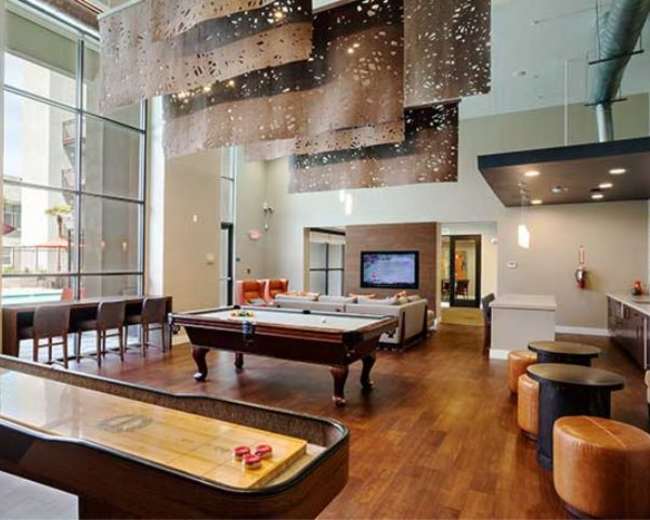
lots of outlets, counter space, multiple rooms, pool table. 5 out of 5 stars overall. Wonderful people. Make sure you arrange a time to meet someone as the office is by appointment only. I will definitely be booking this again! Everyone LOOVED this place...
Michele J.
New Cafe Downtown in Historic Building
The space was super cute and worked perfectly for my meeting. Wendy was a joy to work with. She quickly answered any questions I had and met me at the space to show me where everything was located. Thank you...
Terra M.
Downtown Office and Meeting Space in San Jose
We held a meeting for about 20 people and had a great experience. Very easy to work with and had great communication throughout the booking process - all the way through to the day of the event. We had all of the equipment necessary for our presentation - TV Monitor, White Board...
Emily M.
Downtown Collaboration Space w/ Fiber Connection
Excellent communication with the host. Initially was only supposed to be an in-person meeting, but was able to assist us with virtual conferencing. Professional and perfect space for our meeting...
Karina O.
Downtown Collaboration Space w/ Fiber Connection
The meeting space was excellent, well set up, comfortable, and perfect for our needs. The host was incredibly accommodating, ensuring everything ran smoothly and making us feel well taken care of throughout. Even helped me out with awesome local recommendations. I loved that this space was available after hours for...
Yun P.
Downtown Collaboration Space w/ Fiber Connection
highly recommend this space. It was a perfect setting for our meeting and the host was super friendly
Michael T.
Downtown Office and Meeting Space in San Jose
Great space and host was flexible in meeting our filming needs for our project. The host answered questions in a timely manner and was easy to chat with. Very neat office space with some awesome conference rooms and hallways...
Nandan U.
Elegant Auditorium with World Class Acoustics in Downtown San Jose
Marzena was extremely helpful in answering all our questions and also meeting us on a late Sunday evening to show us the place. The venue is excellent -- we had a music program there and the performers as well as the audience all loved the Theater...
Selina Y.
Radio City Hall - Conference Room
worked out great! It was a little bigger than our need, but having a receptionist to greet clients so I could prepare for the meeting was wonderful. The space is also very conveniently located. Google maps had a difficult way to locate and get there, but it was easy enough...

Find meeting rooms near San Jose, CA

Updated April 26, 2026Our data is refreshed in real time using booking trends, verified guest reviews, and direct partner updates — with additional quality checks from our team.