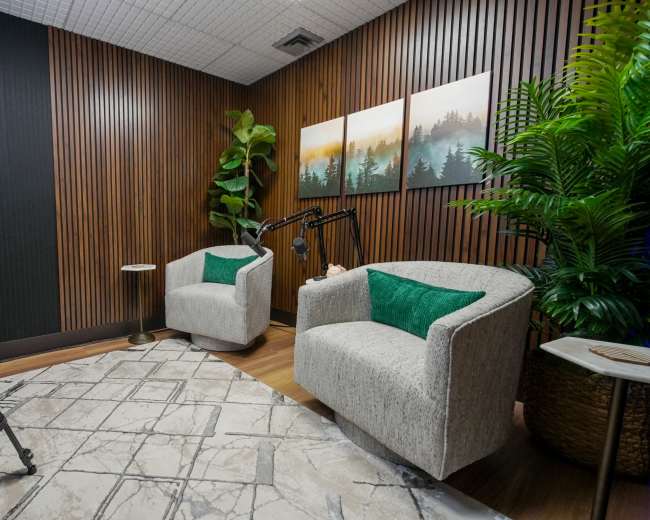
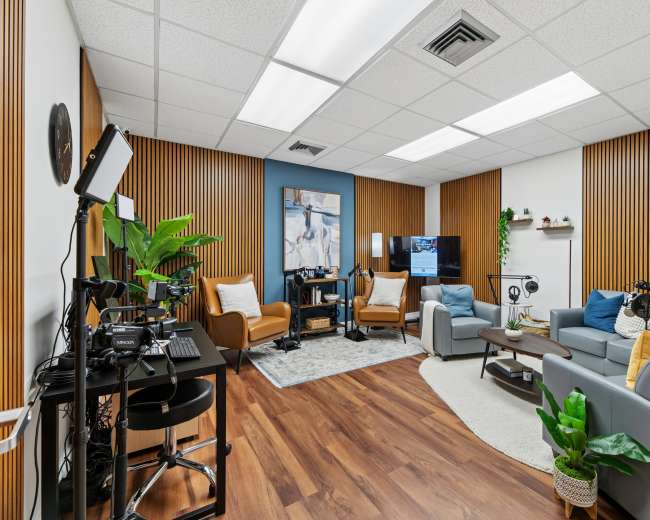
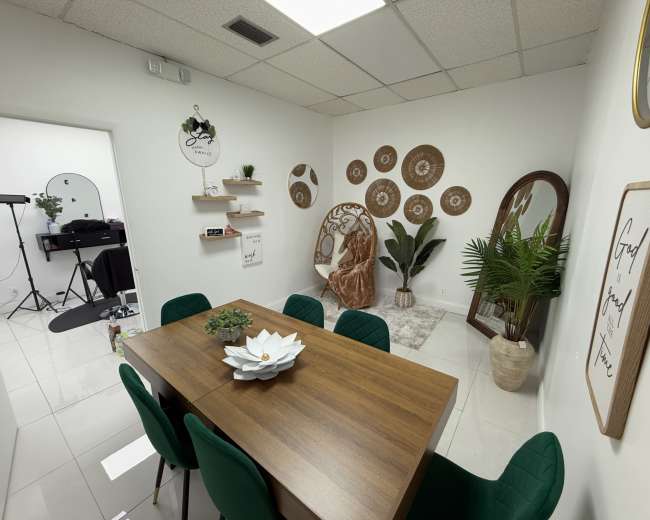
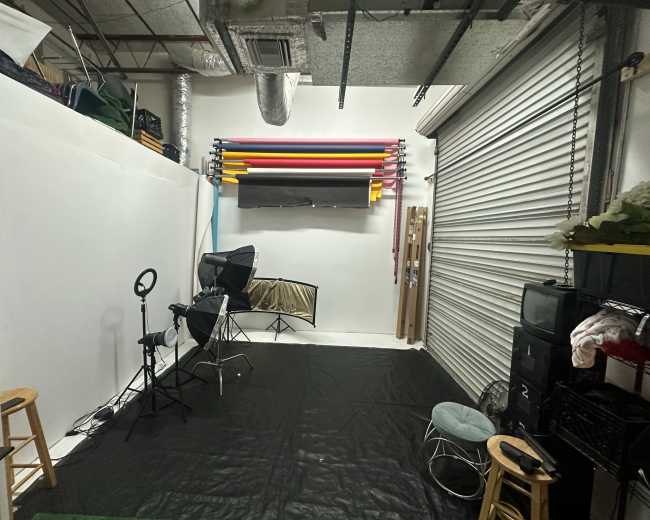
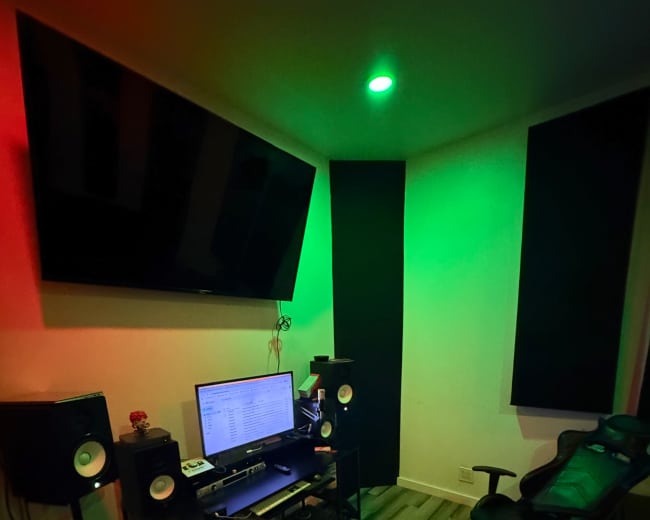
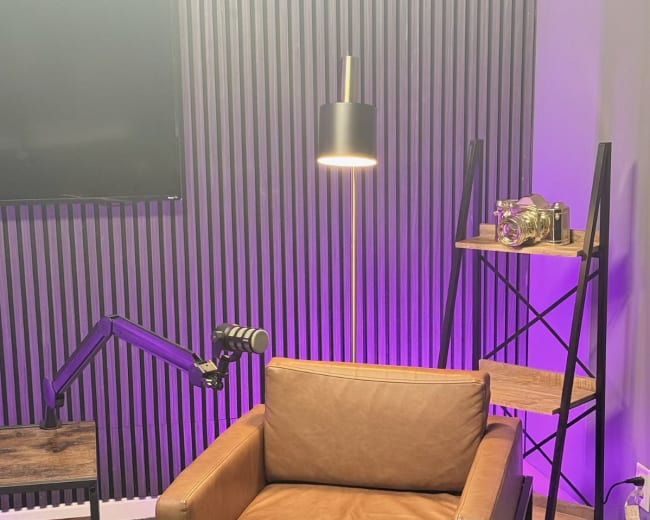
Rent a podcast studio in Fort Lauderdale, FL

Discover thousands of unique podcast studios for rent for your next recording.

Enter your activity
Fort Lauderdale, FL

How podcast rooms work on Peerspace

Peerspace is the easiest way to book unique for all kinds of productions including photo shoots, film shoots and music videos. We also have spaces for meetings and events.

The most locations

Every day we uncover new, inspirational spaces, including podcast rooms, perfect for your activity.

Professional hosts

Our network of helpful hosts respond quickly, and are well-versed in accommodating all types of productions, including film and photo shoots.

Hire by the hour

Only pay for what you need. Pay by the hour for your podcast room location without worrying about hidden fees or overtime.

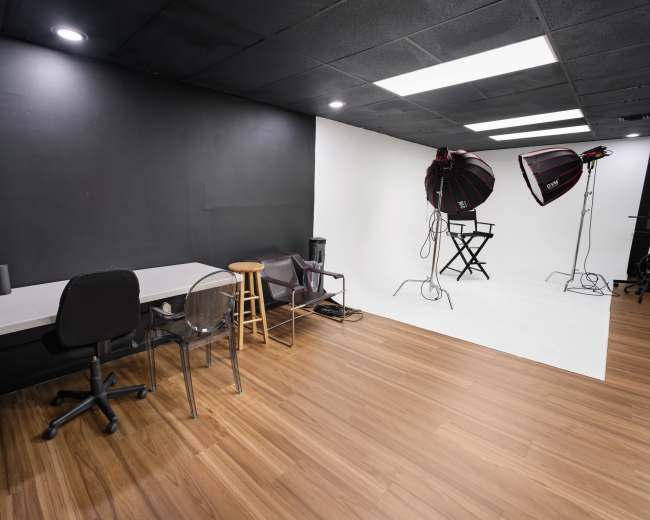
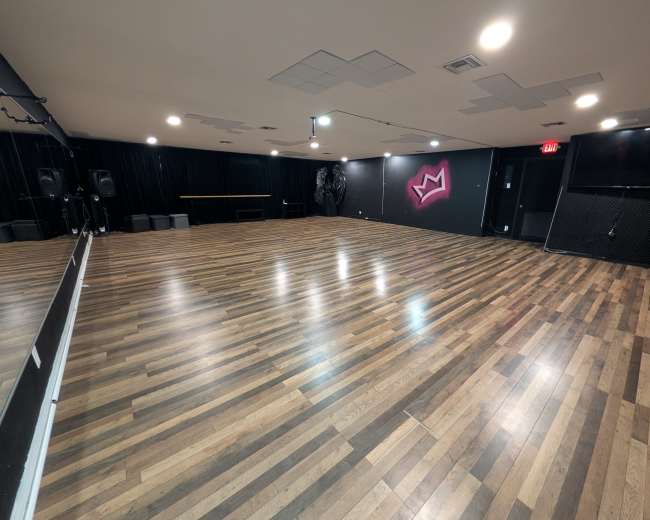
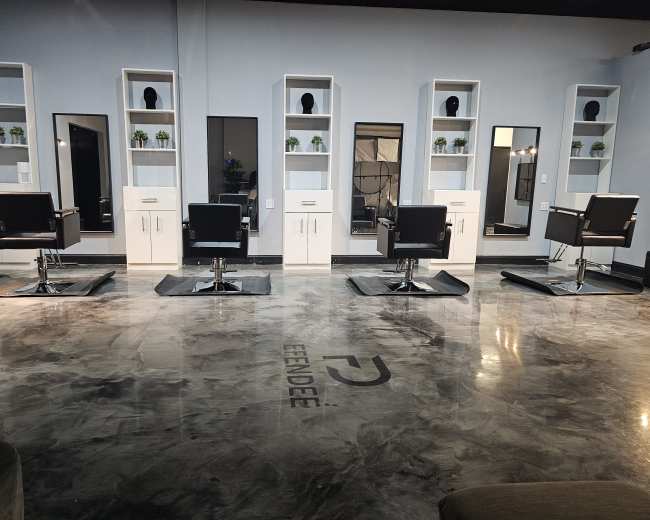
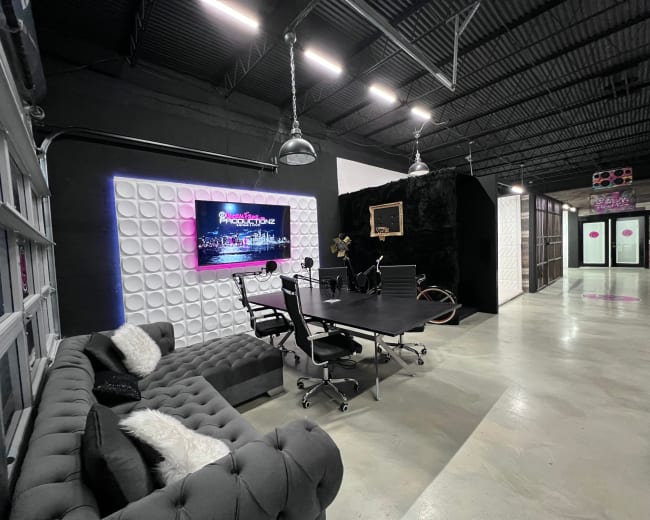
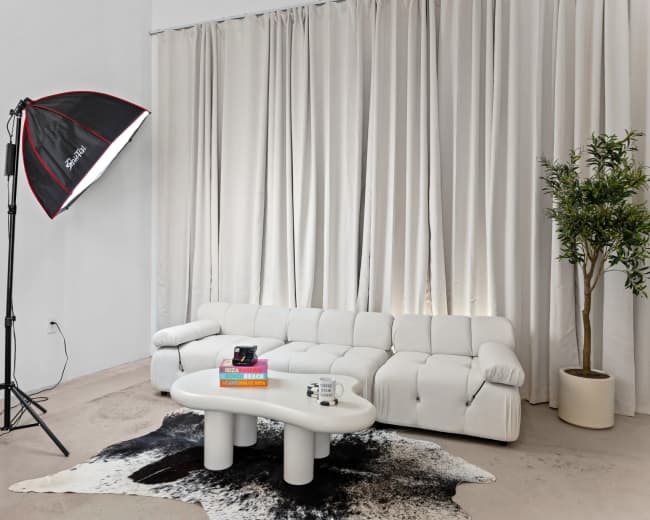
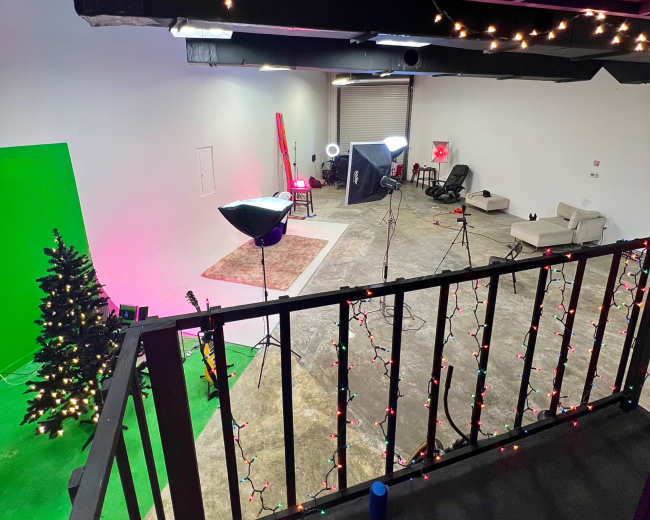
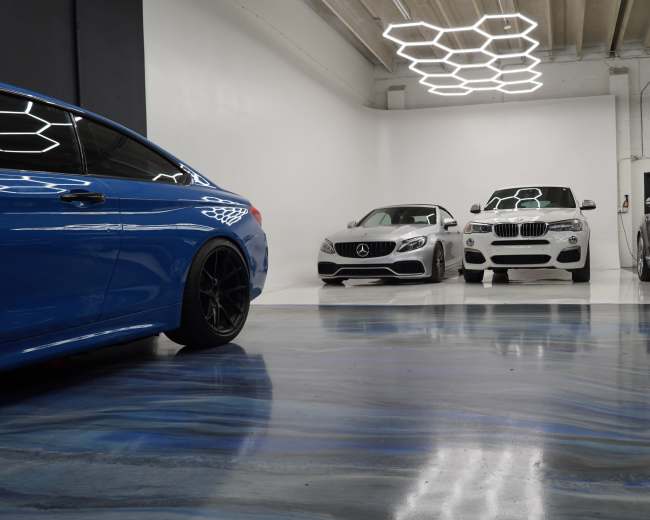
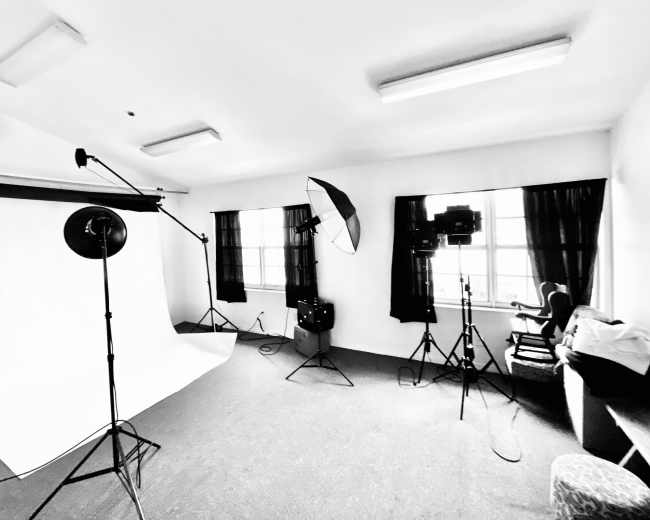
Popular podcast studios

What's included when I book a podcast studio here?

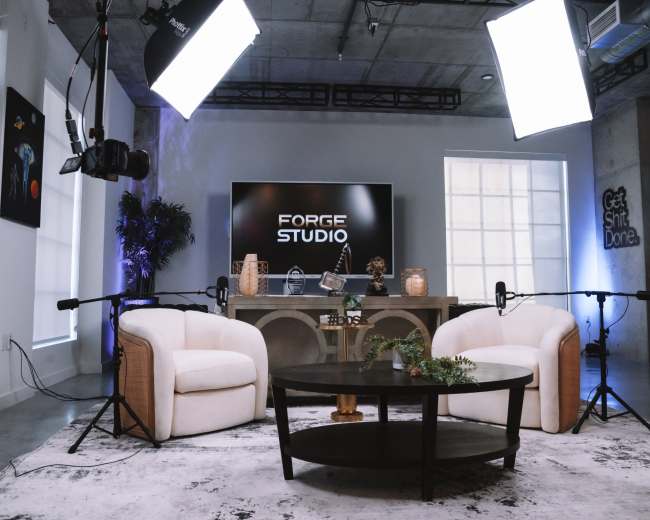
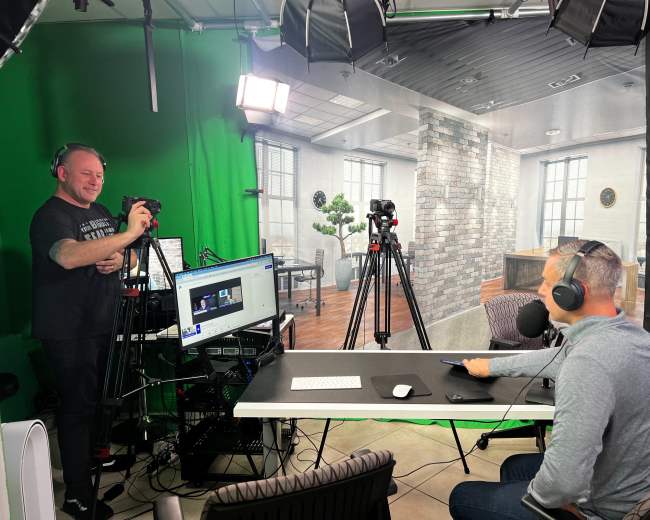
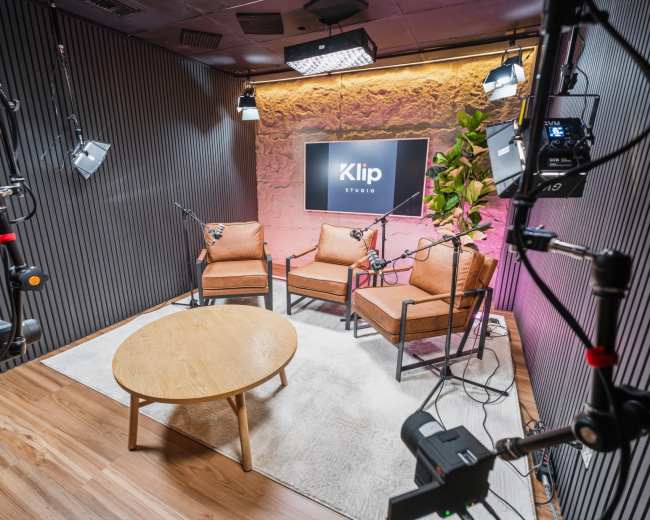
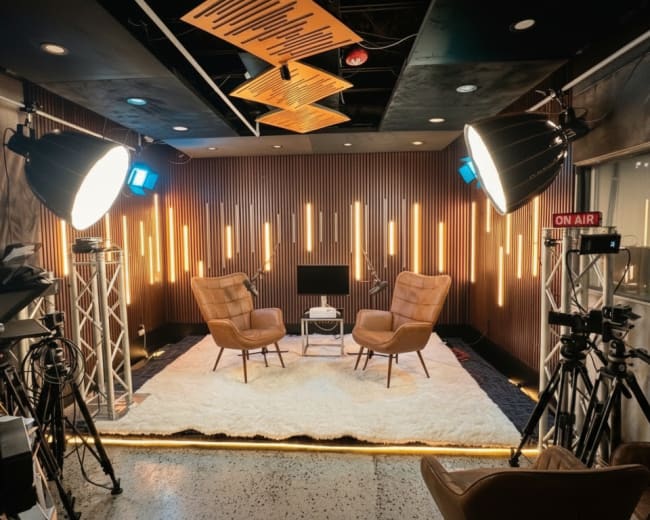
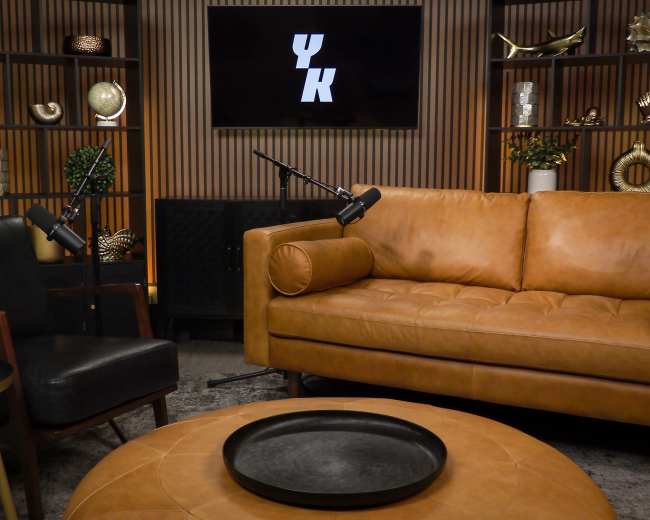
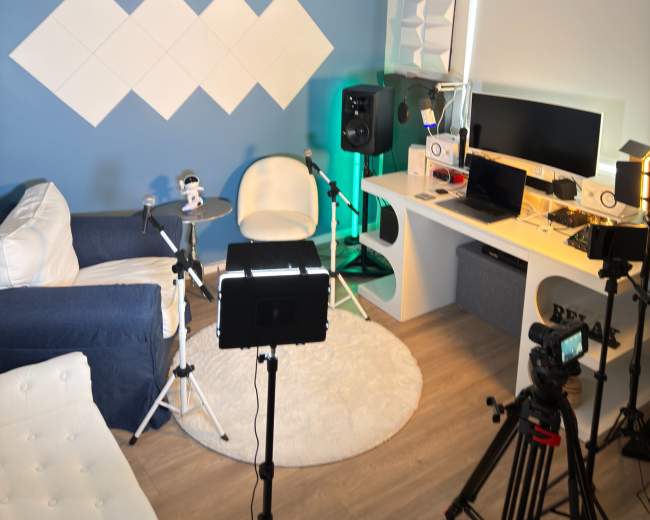
Most podcast studio bookings in Fort Lauderdale include the recording room plus the core gear you need to capture an episode. What changes from one studio to the next is how much production help comes with the space. In most cases, a podcast studio rental includes microphones, headphones, a mixer or recorder, seating, and lighting that works for a simple talking-head setup. Many Fort Lauderdale studios also support video podcasting, so you may see cameras, monitors, branded backdrops, or a set already styled for YouTube clips and social content. If video is a priority, you can find video studios in Fort Lauderdale that come equipped with multi-camera setups and production-ready lighting. The biggest surprise for first-time podcasters is that support isn't always included.
  • Usually included: The room, basic audio gear, seating, and simple lighting
  • Sometimes included: Cameras, monitors, branded backdrops, and a ready-to-shoot video set
  • Often extra: An audio engineer, a camera operator, live switching, multi-camera recording, file delivery, editing, clips, thumbnails, makeup space, green room access, extra guest seating, additional microphones, and setup or teardown time
A smart way to evaluate any podcast studio booking is to separate it into three layers:
  • Space: The room itself, sound control, privacy, seating, and the look of the set
  • Gear: Microphones, cameras, lights, headphones, interfaces, and monitors
  • Support: An engineer, producer, technician, setup help, and post-production
If a listing is vague, don't assume support is included. Ask whether the session is DIY or guided. That one question usually clears up most of the technical anxiety. Before you book, ask these questions:
  • Capacity: How many people can be mic'd at once?
  • Audio and video: Does the booking include audio only or both audio and video?
  • File delivery: Do I receive raw files or partially processed files?
  • What to bring: Do I need my own laptop, SD card, or hard drive?
  • Booking window: Are setup and breakdown included in booked time?
If your goal is to walk in, record, and leave with minimal stress, a turnkey podcast studio is usually the better fit. If you already have a producer or know your gear well, a simpler room rental may be the better value.

How do I compare rates with what's actually included?

The best way to compare podcast studio pricing is to stop looking at the hourly rate by itself. In Fort Lauderdale, rates can range from about $40 per hour for a basic room to around $500 per hour for a premium production setup, so the sticker price alone doesn't tell you which option is the best value. A lower rate can get expensive quickly if you have to add cameras, lighting, an engineer, or file handling on top. A higher rate can be the better deal if it already includes the gear, support, and setup you would otherwise have to source yourself. Compare each podcast studio using the same value framework:
  • Base rate: The posted hourly price
  • Minimum booking: Whether there is a one-, two-, three-, or four-hour minimum
  • Included production: Whether microphones, cameras, lighting, and a technician are part of the rate
  • File delivery: Whether you leave with usable files or only raw footage
  • Friction cost: How much work you personally handle before, during, and after the session
Here's the comparison many people miss. A $65-per-hour room with a three-hour minimum can sound inexpensive, but it becomes much less attractive if you also need to bring lights, rent cameras, hire an engineer, and troubleshoot the sound yourself. On the other hand, a $150- or $200-per-hour podcast studio may already include an operator, controlled lighting, a finished set, and smoother file delivery. That can save money and reduce stress if you're recording with guests, filming for YouTube, or batching multiple episodes in one day. When you compare listings, ask for the all-in number for your exact session. You want one total price for your host count, guest count, recording format, and intended outputs. Browse studio options to see how different spaces structure their pricing and inclusions side by side. A useful question to send every host is: "What would my total cost be for one finished session with two hosts, one guest, audio and video recording, and no outside crew?" That question forces an apples-to-apples comparison fast. If you only need a clean two-person interview setup, be careful not to overpay for extra square footage, crew capacity, or design features you'll never use.

How can I tell if a studio will look good on video?

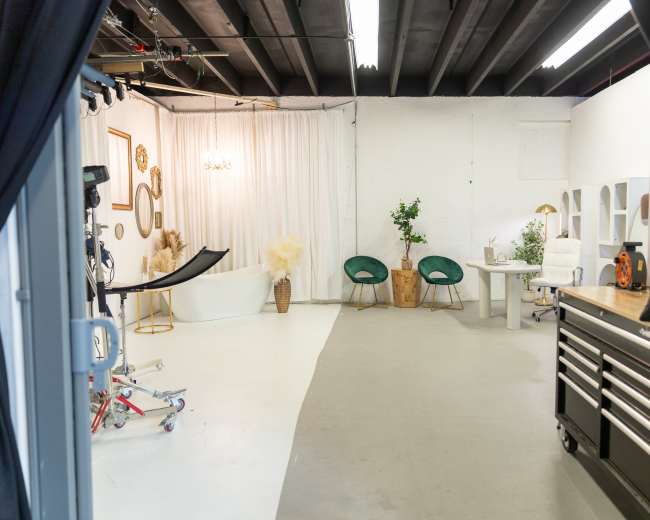
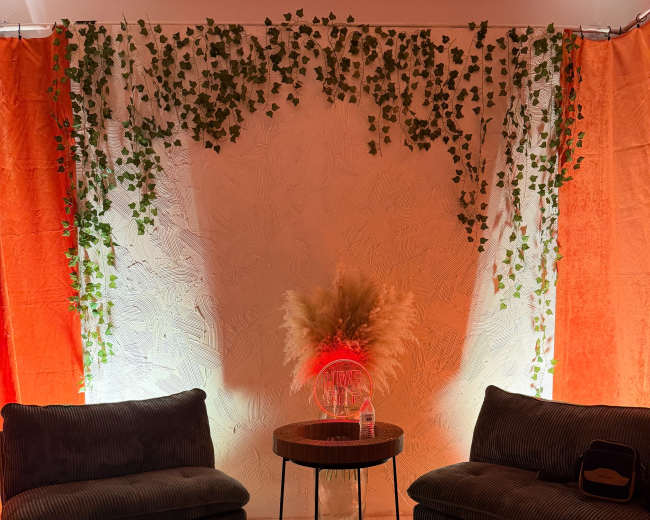
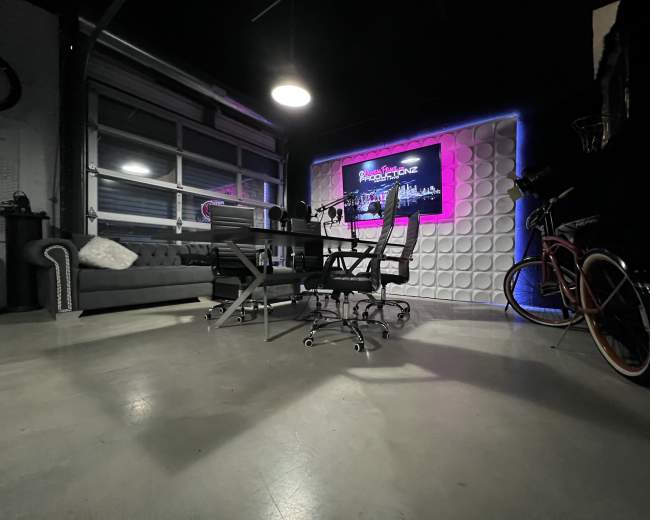
A podcast studio looks good on video when the camera angle, lighting, background, and set design all work together in a real recording situation. The prettiest listing photo is not enough on its own. That matters because many people booking a podcast studio are also creating YouTube episodes, shorts, reels, guest promos, and branded social clips. The visual quality is part of the finished product. When you review listing photos, look for these details:
  • Background depth: A little distance behind the chairs usually looks more polished than a flat wall directly behind the speakers
  • Lighting control: Consistent studio lighting is more reliable than daylight that changes throughout the day
  • Clean framing: Focus on what will actually appear behind the host and guest on camera
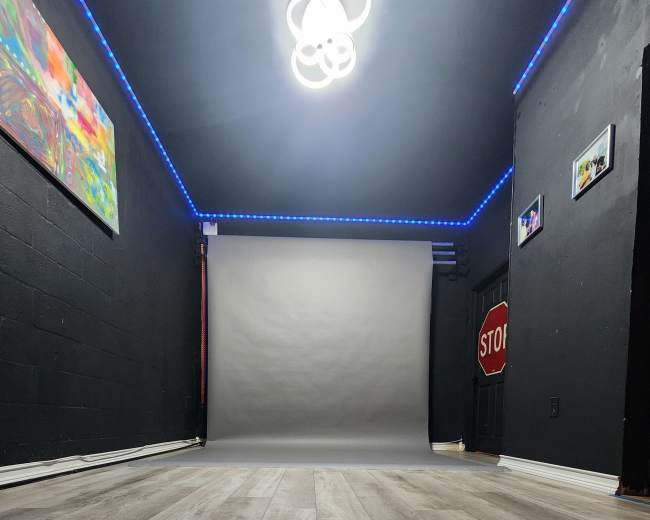
  • Color balance: Heavy neon or mixed-color lighting can look exciting in person but muddy on video
  • Set cohesion: Furniture, wall color, props, and microphones should feel intentional together
  • Visual flexibility: The room should allow you to move chairs, change angles, or shoot both wide and close
  • Clutter control: Shelves, cords, light stands, and spare gear can weaken an otherwise strong setup
The best proof is not the hero image. Ask for practical footage from the actual podcast studio setup:
  • Wide shot: The full podcast angle with chairs and background visible
  • Close-up sample: A seated camera view that shows how faces and microphones frame up
  • Phone walkthrough: A quick video of the room with the lights on
  • Behind-the-scenes view: Any unfiltered footage that shows the real recording environment
A studio that truly looks good on video should be able to answer simple questions clearly:
  • Host position: Where the host and guest would sit
  • Background view: What the set looks like from the camera position
  • Branding options: Whether signage or branded elements can be added without crowding the frame
  • Camera coverage: Whether there's space for two or three usable angles
  • Reflection risks: Whether mirrors, windows, or glossy surfaces create visual problems
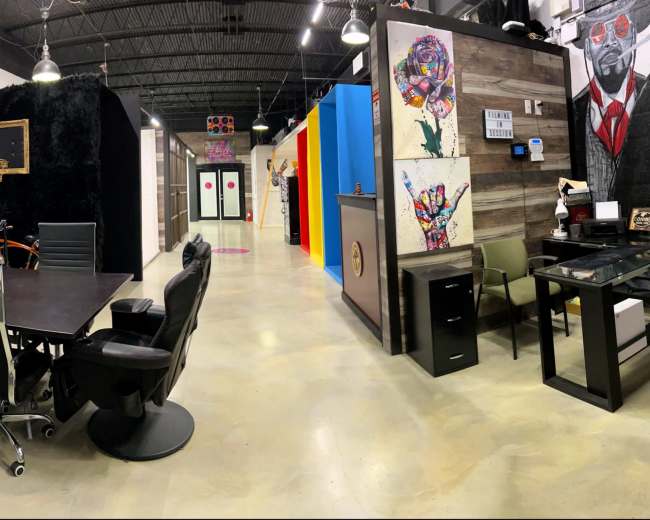
One easy test is this: if a room looks stylish as an event space or photo studio, but you can't immediately tell where a real interview would be framed, keep asking questions. Beautiful rooms aren't always great podcast sets. If you're specifically planning a sit-down conversation, you may want to explore interview locations that are already designed with camera-ready framing in mind.

Should I rent a studio or record at home, a beach, or park?

If your priority is reliable sound, an easy guest experience, and professional-looking video clips, rent the podcast studio. If your priority is keeping costs as low as possible and you already have a quiet, controlled setup, recording at home can work. If your priority is visual novelty, a beach or park is better for short-form content than for a full podcast episode. This choice is really about control.
  • Studio: Predictable audio, controlled lighting, better privacy, fewer interruptions, a more professional guest experience, and faster setup for audio and video
  • Home: Lower cash cost, a familiar environment, more flexibility for retakes or rescheduling, and full control if you already own good gear and have acoustic treatment
  • Beach or park: Strong Fort Lauderdale atmosphere, memorable visuals, and useful footage for teasers, intros, or B-roll
Outdoor recording looks appealing, but it creates problems many people underestimate:
  • Wind: Even good microphones struggle with gusts
  • Noise: Traffic, planes, music, and nearby conversations can ruin usable takes
  • Weather: Heat, humidity, and sudden rain affect both gear and guest comfort
  • Power: Batteries and charging become part of the production risk
  • Privacy: Public spaces make guest communication harder and interruptions more likely
  • Permissions: Some locations add questions around permits or public access
A good middle-ground strategy is to record the full episode in a podcast studio, then use Fort Lauderdale's outdoor locations for arrival footage, promo stills, or a quick teaser. That gives you the coastal look without gambling the episode itself on uncontrolled conditions. If you need a versatile space that supports both studio recording and creative video content, you can browse content houses that offer flexible indoor-outdoor setups. If this is a guest-driven show, a client-facing interview, or content tied closely to your brand credibility, the studio is usually worth it.

Which Fort Lauderdale areas are best for easy guest access?

For most podcast studio bookings, the best Fort Lauderdale areas are the ones that are central, easy to find, and simple to park in. Guest convenience usually matters more than choosing the most hidden or visually edgy location. These areas are often the easiest for guest access:
  • Downtown and Las Olas: Best for a polished, recognizable setting with restaurants, hotels, and a premium first impression
  • Sunrise Boulevard corridor: A strong middle ground for drivers who want east-central convenience without being deep in the downtown core
  • Federal Highway corridor: Practical for north-south travel through Broward and often easier for guests coming from nearby neighborhoods
  • Near I-95 and 595: Especially useful if guests are arriving from Miami, Boca, Fort Lauderdale-Hollywood International Airport, or other parts of South Florida
The right area depends on who your guests are. If you host founders, executives, publicists, or client-facing interviews, Downtown or Las Olas usually feels the most polished. If your guests are local creators driving themselves, a studio just outside the tightest downtown area may be the better choice if parking and building access are easier. Before you book, ask these access questions:
  • Parking: Is there dedicated parking, validated parking, or only street parking?
  • Entrance: Can a first-time guest find the studio easily?
  • Elevator access: Can gear move easily into the building?
  • Building rules: Are there access codes, front-desk procedures, or check-in requirements?
  • Safety and comfort: Does the area feel comfortable for evening arrivals?
  • Ride-share flow: Are drop-off and pickup straightforward?
One red flag is a great-looking podcast studio with a vague arrival process. If your guest has to circle for parking, call you from the curb, and wander through an unmarked building, the session starts with friction. The best Fort Lauderdale location is the one your guest can reach calmly and enter confidently. Search recording studios in Fort Lauderdale and filter by neighborhood to find spaces that match your guests' travel patterns.

How far ahead should I book a Fort Lauderdale session?

For most podcast studio sessions in Fort Lauderdale, booking two to four weeks ahead is a comfortable sweet spot. That's usually enough time to compare spaces, confirm what's included, and coordinate your guests without getting stuck with limited options. The right lead time depends on how simple or ambitious the session is:
  • Simple weekday audio session: One to two weeks can work
  • Video podcast with guests: Two to four weeks is safer
  • Premium set, evening slot, or weekend booking: Four to eight weeks is smarter
  • Recurring monthly recording day: Book dates in batches as early as you can
Booking early helps because the room is only one piece of the puzzle. You may also be coordinating guest calendars, transportation, branded assets, hair and makeup, social cutdowns, and crew availability. The more people involved, the less flexible the schedule becomes. Also remember that your booking should cover more than the conversation itself. Many first-time hosts underbook and then feel rushed. Build in time for:
  • Arrival: Guest check-in, settling, and getting comfortable
  • Tech check: Mic checks, camera framing, lighting tweaks, and a short test recording
  • Resets: Breaks between episodes, angle changes, or guest swaps
  • Wrap-up: Breakdown, file transfer, and any final pickup shots
If you think the interview itself will take one hour, booking two to three hours is often more realistic. Last-minute bookings are still possible, especially for smaller weekday sessions, but the tradeoff is usually choice. You may have to compromise on aesthetics, guest-friendly timing, or included support. If the session matters to your brand, don't wait until the guest says yes and then scramble. Book as soon as your format, guest count, and content goals are clear enough to choose the right room. Pro tip: If you're using Peerspace, save a few podcast studio options, message hosts before you commit, and avoid sending multiple active booking requests at the same time.
Updated July 16, 2026Our data is refreshed in real time using booking trends, verified guest reviews, and direct partner updates — with additional quality checks from our team.