Rent a podcast studio in Washington, DC

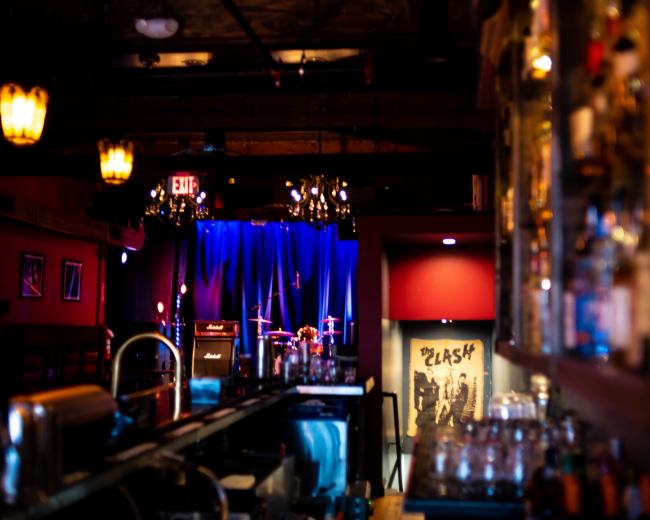
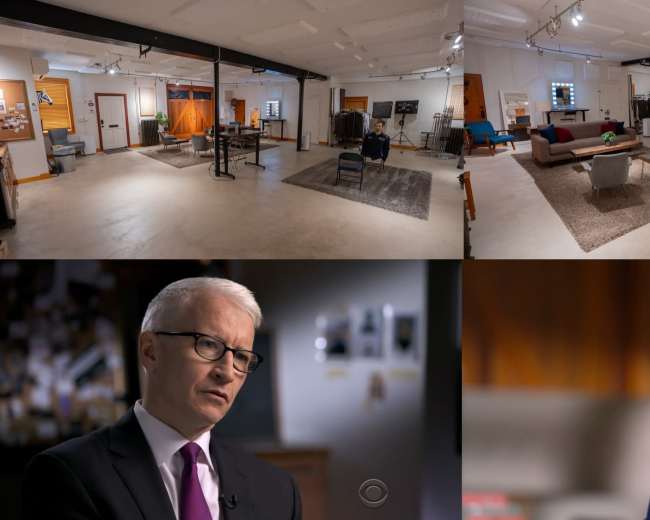
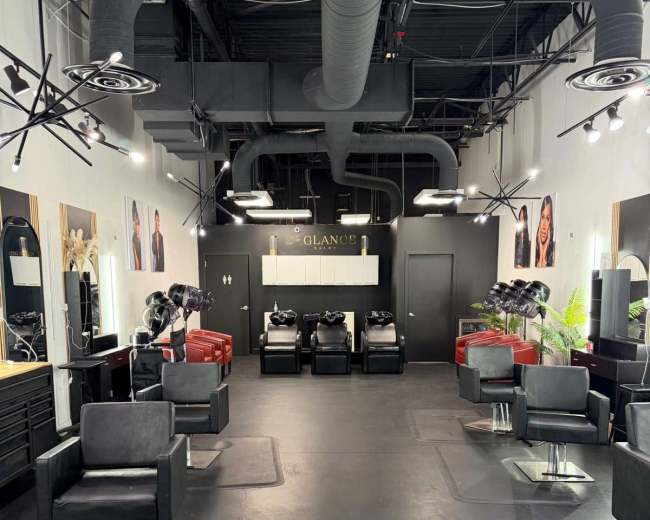
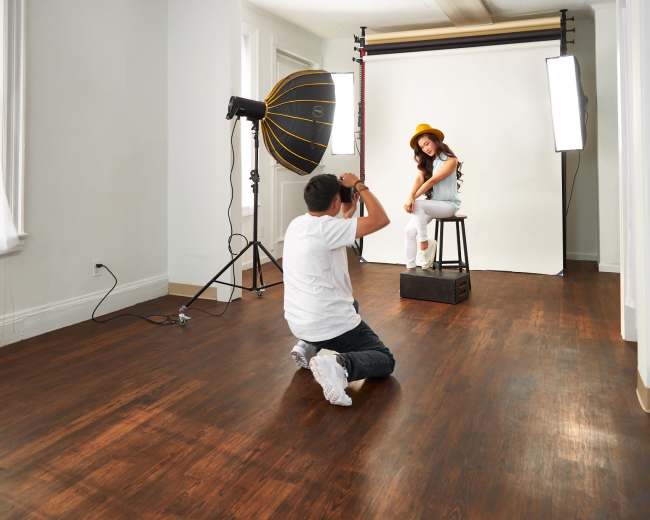
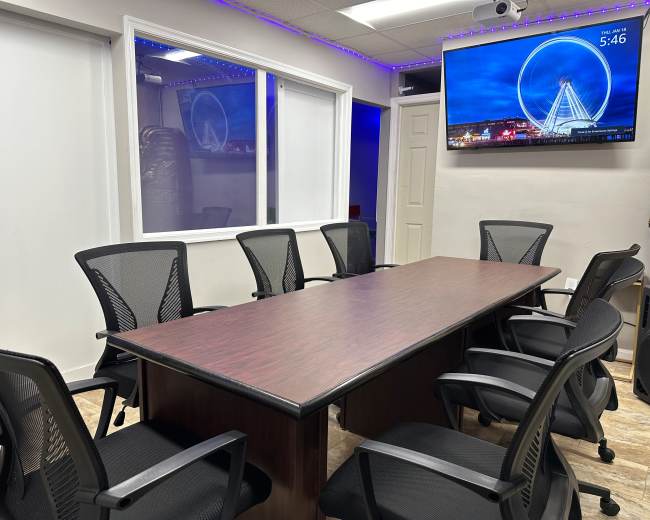
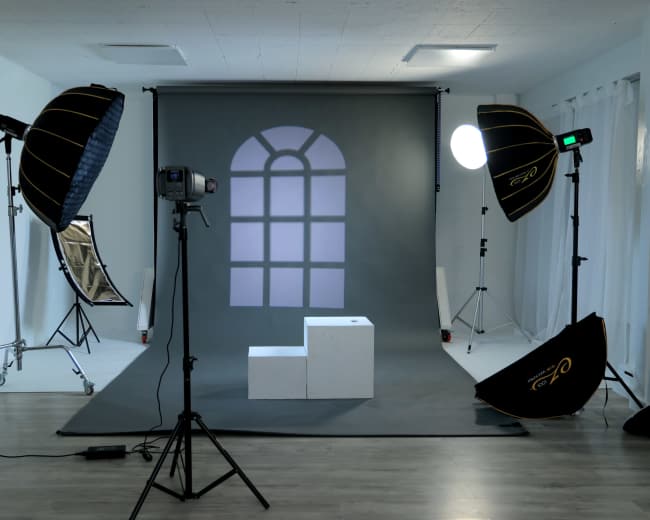
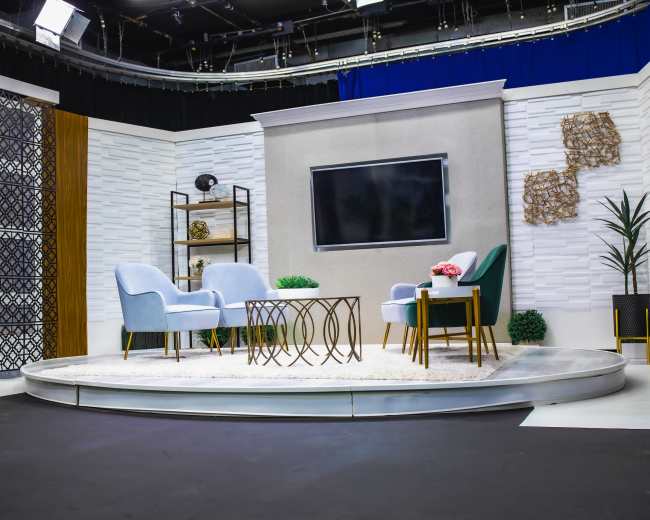
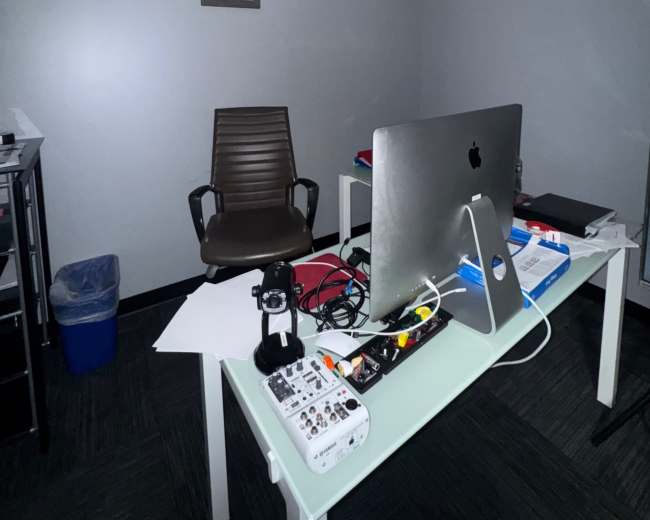
Discover thousands of unique podcast studios for rent for your next recording.

Enter your activity
Washington, DC

How podcast rooms work on Peerspace

Peerspace is the easiest way to book unique for all kinds of productions including photo shoots, film shoots and music videos. We also have spaces for meetings and events.

The most locations

Every day we uncover new, inspirational spaces, including podcast rooms, perfect for your activity.

Professional hosts

Our network of helpful hosts respond quickly, and are well-versed in accommodating all types of productions, including film and photo shoots.

Hire by the hour

Only pay for what you need. Pay by the hour for your podcast room location without worrying about hidden fees or overtime.

Popular podcast studios

What does a DC podcast studio rate usually include?

A DC podcast studio rate can range from a simple room rental to a full production package. The listed hourly price often looks similar across spaces, but what's actually included can vary a lot. One podcast studio may give you a private room and basic microphones, while another includes staff support, lighting, cameras, and a smoother recording workflow. When you browse studios, you'll see this range firsthand. At the most basic level, a DC podcast studio rate usually includes:
  • The room itself: A private recording space for a set number of people and a set number of hours
  • Core recording gear: Usually microphones, headphones, an interface or mixer, and basic seating
  • Standard utilities: Power, climate control, and restroom access
  • Basic setup: A plug-and-play layout that's already arranged for recording
  • Internet access: Useful for notes, cloud documents, or remote guest sessions
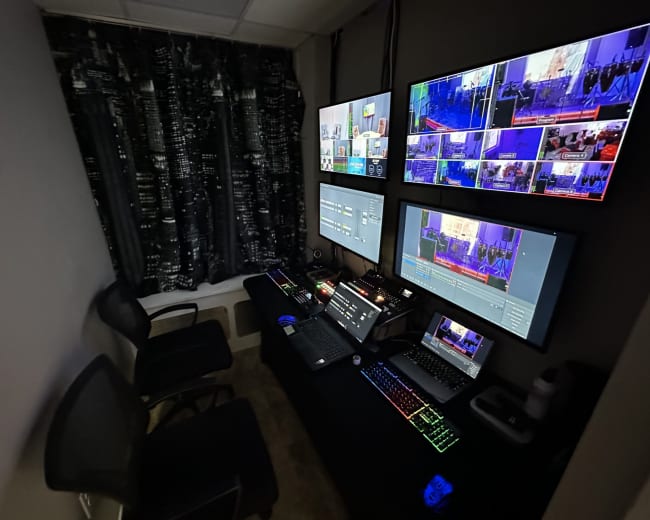
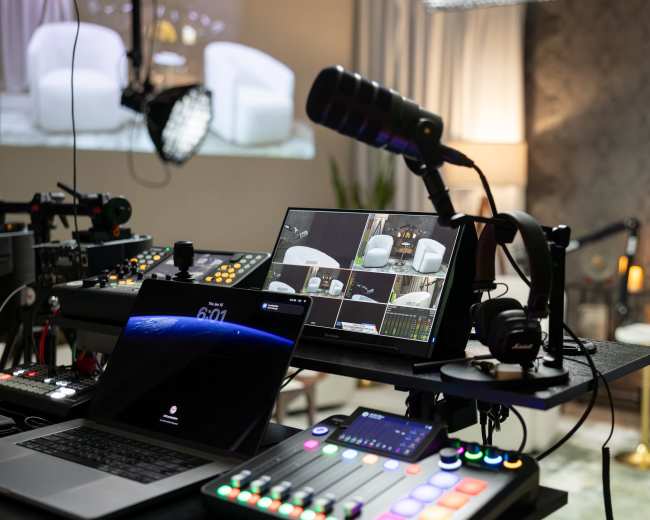
In higher-end spaces, the rate may include more of a production environment than a simple podcast room. For example, Interface Media Group highlights features such as 4K PTZ cameras, cinematic lighting, a control room, and on-site support. That's a reminder that some podcast studio pricing reflects a full recording setup, not just the room. What's often not included in the base rate:
  • An engineer or producer: Sometimes included, but often billed separately
  • Video capture: Cameras, switching, and monitoring may cost extra
  • Editing: Post-production is commonly separate from the recording session
  • Remote guest support: Call-in setup isn't always included by default
  • Hair and makeup space: Useful for video, but not standard
  • Setup or teardown time: Some studios start billing as soon as your reservation begins
  • Parking, overtime, or add-on fees: Easy to miss if you only compare hourly numbers
Before you book a podcast studio in DC, ask for the full picture:
  • Included gear: Confirm exactly what equipment comes with the room
  • Capacity: Ask how many people can record comfortably
  • Audio versus video: Clarify whether the rate covers audio only or audio and video
  • Raw files: Check whether raw audio or video files are included
  • File delivery: Ask how and when files are sent after the session
  • Extra costs: Request a list of charges beyond the posted hourly rate
A good rule is simple. If you only need clean audio, a lower-cost podcast studio may be enough. If you want polished video clips, social content, and less technical stress, you are really booking a compact production package. One red flag to watch for is vague wording like "fully equipped" or "studio quality" with no real gear list. If a podcast studio listing doesn't spell out what's included, ask follow-up questions before you book.

Do DC studios offer engineers for first-time hosts?

Yes, many DC podcast studio rentals offer engineers or technical support for first-time hosts, but not all of them do. If you're new to recording, this is one of the most important details to confirm early. Technical help can make the difference between a smooth session and a stressful one. Most podcast studio options in DC fall into three categories:
  • Self-serve studios: You use the gear and run the session yourself
  • Studios with engineer add-ons: You can pay extra for technical help
  • Full-service studios: The team manages audio, video, and workflow while you focus on hosting
For a first episode, a high-stakes interview, or a video podcast, paying for an engineer is often worth it. You can stay focused on the conversation instead of worrying about gain levels, mic technique, framing, or whether a camera stopped recording. An engineer is especially useful when you need:
  • Mic setup and level checks: Help getting voices recorded cleanly from the start
  • Guest support: Guidance for nervous or inexperienced guests
  • Remote guest recording: Technical help managing call-ins or virtual interviews
  • Video monitoring: Oversight of framing, angles, and recording status
  • Live troubleshooting: Fast fixes if something goes wrong during the session
  • File handoff: A cleaner export and delivery process after recording
Before you assume "support" means active engineering, ask:
  • Coverage: Will someone monitor the full session from the room or control area
  • Audio and video support: Do they handle both formats or audio only
  • Monitoring: Will they watch for clipping, background noise, or dropped signals
  • File export: Do they help confirm and hand off files before you leave
  • Editing: Is post-production included or only the live session
For first-time hosts, the best podcast studio is usually not the cheapest one. It's the one that reduces mistakes. A slightly higher hourly rate can save you from unusable audio, an awkward guest experience, or having to record the episode again. A few red flags are worth noting:
  • Vague support language: "Available if needed" may not mean real-time engineering
  • No workflow explanation: If they cannot describe how sessions are run, expect more DIY than you want
  • No test recording: Even a quick level check should be part of a professional process
You don't need to be a podcast expert to book a professional podcast studio. You just need to know whether you're reserving a room, a recording setup, or a full support team.

How do I check Wi-Fi and soundproofing before I book?

Check both before you book because Wi-Fi quality and sound control directly affect recording quality. In a Washington, DC podcast studio, weak internet can disrupt remote interviews, and poor sound isolation can ruin an otherwise great session with traffic, HVAC noise, or hallway interruptions. Start by asking for specific details instead of general reassurance. For Wi-Fi, ask:
  • Speed: What are the typical upload and download speeds in the actual room
  • Proof: Can they share a recent speed test
  • Network setup: Is the connection dedicated or shared across the building
  • Wired option: Is ethernet available for maximum stability
  • Track record: Have remote guests been recorded successfully from this room before
Upload speed matters more than many first-time hosts expect. If you're recording with a remote guest, poor upload speed can cause lag, dropouts, and weak backup files even if the podcast studio looks great on camera. For soundproofing, ask:
  • True isolation: Is the room fully soundproofed or just relatively quiet?
  • Noise sources: What background sounds are common in the space?
  • Environmental noise: Can you hear street traffic, sirens, hallway traffic, HVAC, or neighboring rooms?
  • Sample audio: Can they send a raw test recording or room tone clip?
  • Best timing: What time of day is the room usually quietest?
That distinction matters because acoustically treated and soundproofed are not the same thing. A room can reduce echo well and still let outside noise leak into your recording. If sound isolation is a top priority, you may also want to explore recording studios that are purpose-built for audio work. You can also evaluate the listing yourself:
  • Street-facing windows: Great for light, but sometimes worse for city noise
  • Open loft layouts: Stylish on camera, but not always ideal for clean audio
  • Busy mixed-use buildings: More likely to have elevator, hallway, or tenant noise
  • Event or nightlife mentions: A clue that sound conditions may change by time of day
If possible, do one of these before you commit:
  • Site visit: Stop by and listen to the room in person
  • Test session: Book a short trial before a larger recording
  • Phone video request: Ask for a quick video recorded in the room
  • Clap and voice test: Have the host clap and speak so you can hear room response
A few warning signs are common:
  • No speed details: "Wi-Fi included" without numbers is not enough
  • No noise explanation: "Quiet space" without specifics isn't reassuring
  • No sample clip: A refusal to share audio is usually a bad sign
  • Visuals over audio: Beautiful photos don't prove a podcast studio is good for sound
In a city environment like DC, assume noise is a real variable until proven otherwise. A polished listing photo can't tell you what a siren will sound like halfway through your interview.

Which DC areas are best for a video podcast session?

This depends on your show style, guest type, and logistics. The right podcast studio location should support both the visual identity of your content and the ease of getting everyone in and out without stress. Here's a practical breakdown of common Washington, DC options:
  • Downtown and the K Street corridor: Best for polished interviews with executives, policy guests, nonprofit leaders, and association teams
  • Dupont Circle and nearby Northwest areas: Good for a modern, city-forward look that still feels approachable
  • Georgetown: Strong fit for an elevated, lifestyle-driven visual identity with refined interiors
  • Shaw, Blagden Alley, and Mount Vernon Square: Great for creator-led shows, startup conversations, and design-forward content
  • Quieter residential or edge neighborhoods: Better when you need easier parking, less foot traffic, or more control over a longer shoot day
If you're choosing a podcast studio for video, use these filters:
  • Visual match: Make sure the area and interior style support your brand
  • Guest logistics: Confirm the space is easy to reach by metro, rideshare, or car
  • Noise reality: Check whether the setting is calm enough for clean audio
This is where many people make the wrong comparison. They search for a podcast studio as if they only need a booth, but what they actually need is a compact production venue with room for a guest, a producer, a bag drop, and possibly a second camera angle. If your session involves a team, styling touch-ups, or multiple guests, evaluate the space with production needs in mind. You can find video studios in Washington, DC that offer the camera-ready environments and flexible layouts video podcasters typically need. A useful shortcut is to match the area to the show format:
  • Thought leadership and B2B interviews: Downtown, K Street, and Dupont
  • Creator interviews and social clips: Shaw, Mount Vernon Square, and Blagden Alley
  • Luxury or lifestyle content: Georgetown
  • Panel or team recordings: Areas with easier parking and larger layouts
The best DC podcast studio location is the one that makes your footage look intentional and your logistics feel easy. In video podcasting, both matter.

Should I rent a studio or use a home or park in DC?

If your priority is clear audio, reliable logistics, and a polished result, renting a podcast studio is usually the best choice in DC. Home setups and outdoor recordings can work, but they put more risk on you. Here's the simplest way to decide. Choose a podcast studio if you need:
  • Consistent sound: Better control over echo, noise, and interruptions
  • Guest credibility: A stronger first impression for guests or clients
  • Video-ready setup: Better lighting, framing, and backgrounds
  • Less setup stress: Fewer technical tasks to manage on your own
  • Professional context: A more polished environment for branded or business content
Choose home if you already have:
  • A treated room: Not just a quiet room, but one that controls echo
  • Reliable gear: Microphones, headphones, and recording tools you trust
  • A repeatable workflow: A setup you can run without troubleshooting every time
  • A simple format: Solo episodes or low-complexity conversations
  • Enough privacy: A place where interruptions are unlikely
Use a park only if:
  • The setting is essential: The outdoor location is part of the concept
  • Ambient sound is acceptable: You are okay with a less controlled audio result
  • You can manage the environment: Weather, wind, and bystanders are not dealbreakers
  • You accept tradeoffs: The best-looking moment may still sound bad
In Washington, DC, parks are usually the hardest option to control. Sirens, aircraft, conversations, lawn equipment, wind, and changing light all work against you. A park can be fun for a casual field interview, but it's rarely the easiest way to get polished content. If you do want an outdoor or on-location feel with more production control, you can book a filmed interview location that offers a controlled environment with visual character. A home setup is the middle ground. It can save money over time, but only if the room and workflow are already solid. Otherwise, what looks cheaper upfront can cost more in retakes, editing issues, and lost time. A podcast studio is often worth it when:
  • The guest is hard to reschedule: You cannot afford a failed recording
  • You need social clips: Short-form video needs stronger lighting and framing
  • You're new to recording: Less technical pressure leads to better performance
  • You need same-day files: A studio can streamline delivery
  • The session needs credibility: The environment should feel professional from the start
If budget is the main concern, there are lower-cost ways to test the format. The District of Columbia Public Library offers a community-access recording option in DC with clear guidelines around capacity, equipment use, and release forms. That can be a smart bridge before moving into a private podcast studio rental. A useful decision test is simple: ask yourself what would hurt more, paying for the room or losing the episode because the environment failed you. For guest-facing, brand-facing, or video-first content, a podcast studio usually wins.
How can I make the most of a two-hour podcast room rental?

You can get a lot from a two-hour podcast studio rental if you treat it like a production block, not a brainstorming session. The best sessions happen when decisions are made before arrival, not inside the room. A smart two-hour plan looks like this:
  • First 15 minutes: Arrive, check gear, place microphones, set framing, and run a sound test
  • Next 10 minutes: Brief the guest, offer water, settle posture, and review final talking points
  • Next 40 to 50 minutes: Record the main episode
  • Next 10 minutes: Pick up cleaner versions of the intro, outro, sponsor read, or call to action
  • Next 15 to 20 minutes: Capture short social clips, thumbnail photos, and alternate hooks
  • Final 10 to 15 minutes: Confirm files, reset the room, and exit on time
To make that schedule work, prepare these items in advance:
  • Episode outline: A clear structure without over-scripting unless your format requires it
  • Opening questions: Your first three questions should already be finalized
  • Intro and outro language: Avoid writing these live in the podcast studio
  • Clip plan: Know which moments you want for short-form video
  • Guest logistics: Confirm arrival time, wardrobe notes, and release needs
  • Backup priorities: Decide what gets cut first if time runs short
To get more value from the booking, record more than the main conversation. Once the lights and mics are dialed in, capture:
  • Clean intro: A polished opening line you can drop in later
  • Clean outro: A stronger close without live-session fatigue
  • Vertical teaser clips: Short social assets while the setup is ready
  • Evergreen line: A reusable "welcome back" or show intro line
  • Still photos: Thumbnail images or promo shots
  • Room tone: Ten seconds of ambient audio for editing
Bring a simple checklist so the session stays organized:
  • Charged devices: Phones, laptops, and anything needed for notes or uploads
  • Final question order: Avoid wasting time rearranging topics in the room
  • Correct names and titles: Make sure credits and intros are accurate
  • Needed graphics or logos: Have any visual assets ready if video is involved
  • Hard stop time: Know when you need to wrap to avoid overtime
  • File delivery plan: Confirm how files will be shared before you leave
Pro tip: If you're booking through Peerspace, send the host one preflight message before you confirm with your arrival time, guest count, exact setup needs, Wi-Fi questions, file handoff expectations, and whether your booking window includes setup and teardown. You can find podcast studio spaces on Peerspace that outline these details upfront, making it easier to plan your preflight message. Keep those details on-platform, and don't cut the timing too close. Running over can trigger overtime charges, so a slightly longer booking is often cheaper than a rushed session. The key mindset is simple. In a two-hour podcast studio rental, preparation creates extra time. If you walk in ready, two hours can feel efficient and productive. If you walk in undecided, it disappears fast.
Updated July 16, 2026Our data is refreshed in real time using booking trends, verified guest reviews, and direct partner updates — with additional quality checks from our team.