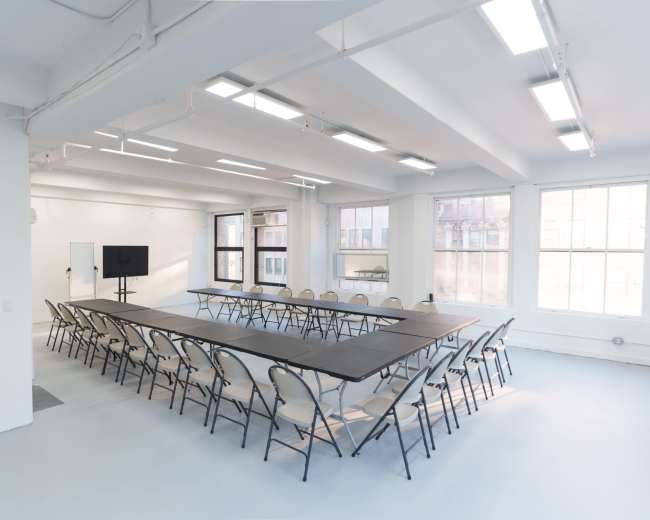
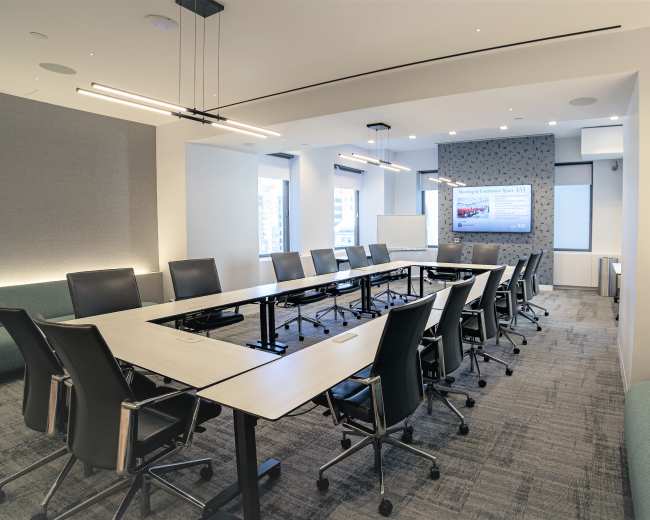
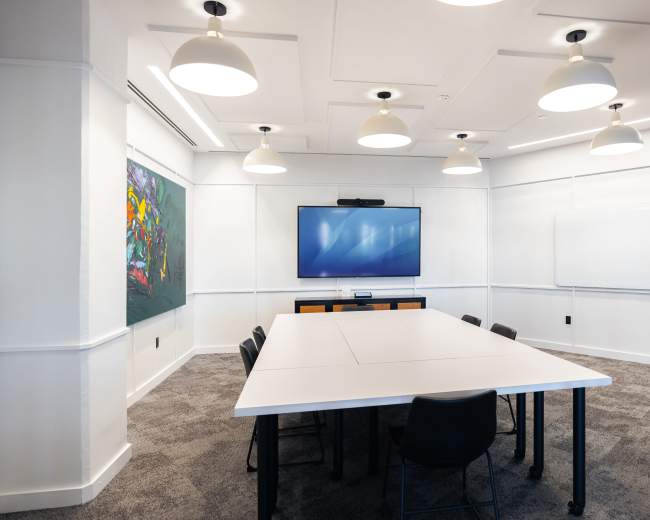
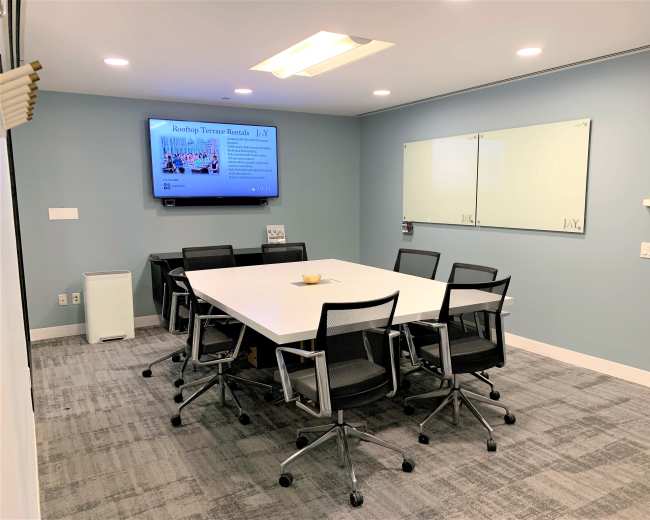
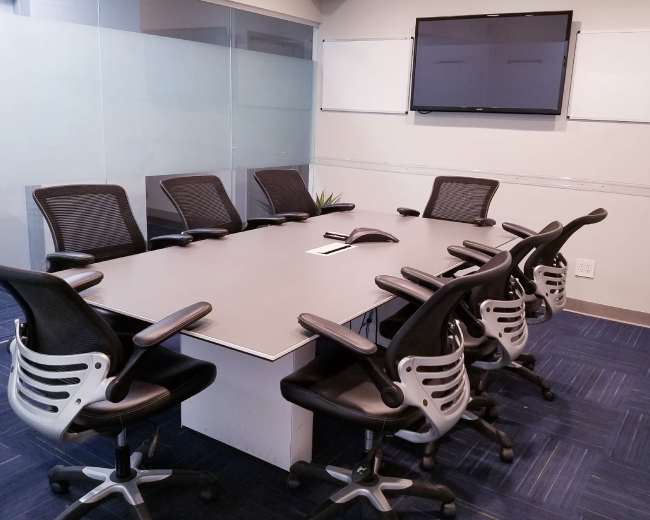
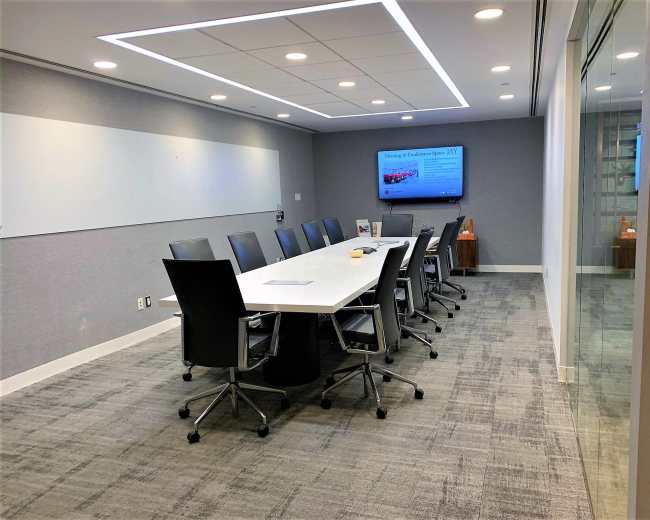
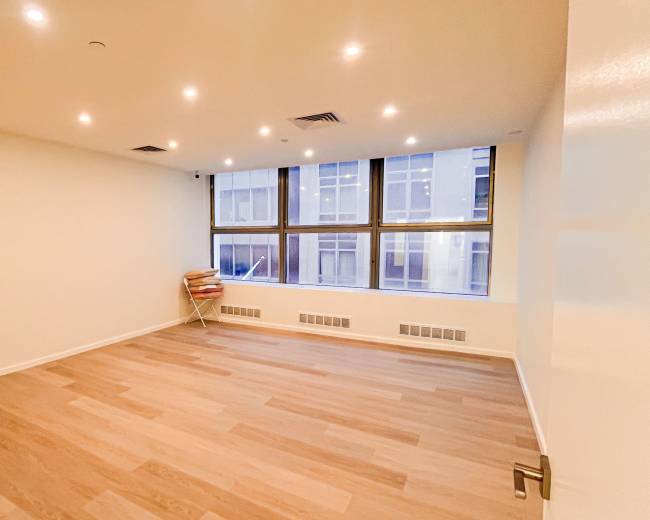
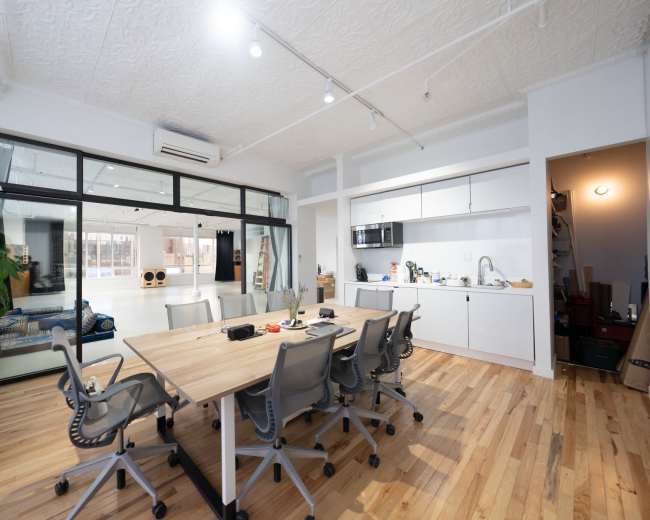
Rent a meeting room in Jersey City, NJ

Discover thousands of unique meeting rooms for rent perfect for your meeting.

Enter your activity
Jersey City, NJ, United States

How corporate meeting rooms work on Peerspace

Peerspace is the easiest way to book unique spaces for meetings. We also have spaces for productions and events.

Discover Spaces

Inspiring spaces

Every day we uncover new, creative spaces perfect for your corporate meeting — from neighborhood gardens, expansive rooftops, trendy office spaces, and beyond.

Honest pricing

Our spaces are priced to fit your budget. Hire by the hour for your meeting without worrying about hidden fees.

Smooth bookings

No more messy contracts. We build the tools to make booking a space for your corporate meeting as easy as the click of a button.

Popular meeting rooms

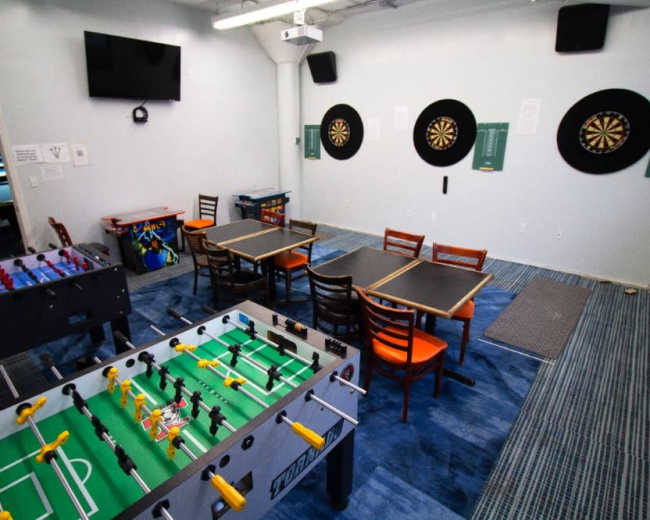
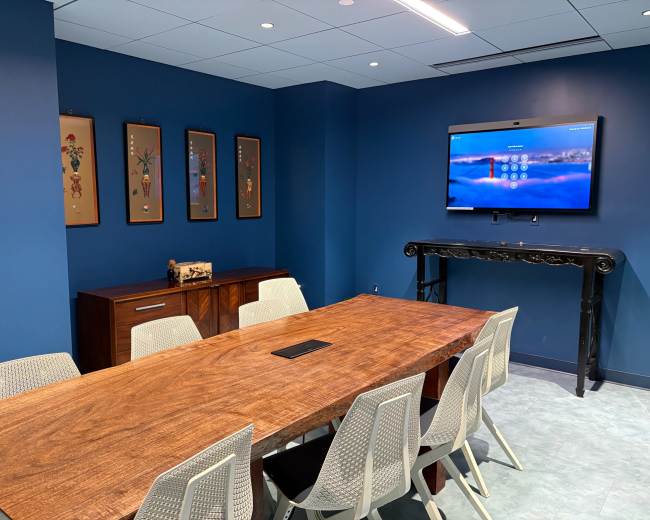
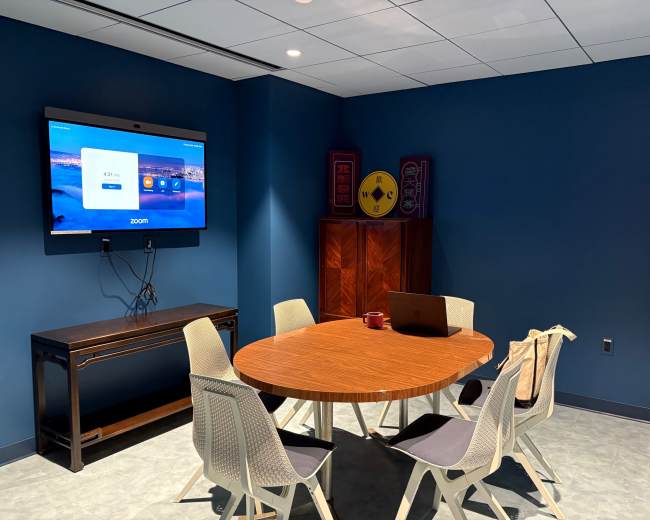
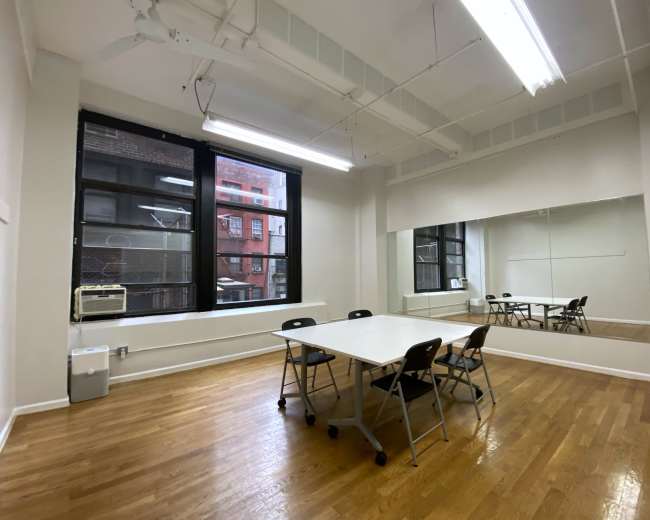
Explore all 30+ meeting rooms in Jersey City. See All ›

Frequently Asked Questions

Pricing and popularity information in this section is based on proprietary Peerspace booking data, reflecting recent booking activity and the latest data available through June 2026.

What's the best day to rent a meeting room in Jersey City?

Saturdays are the most popular day for booking meeting rooms in Jersey City. For those seeking a deal, consider booking Sunday and Friday as these days are 14% cheaper on average.

How popular are meeting rooms in Jersey City?

Our local hosts have welcomed 690 people into their meeting rooms with reviews averaging 4.91 stars. 100% of guests said they'd book again.

How much does a meeting room cost to rent in Jersey City?

Meeting rooms in Jersey City average $97 per hour to rent, but it’s easy to spend less or more depending on what you’re looking for.

How long do people rent meeting rooms in Jersey City?

Most meeting rooms are scheduled for 5 hours, with 8 people in attendance. You’ll find the most Meetings starting between 12:00 PM and 1:00 PM.

What amenities should I look for in a conference room in Jersey City?

When you book a conference room in Jersey City, prioritize amenities that reduce day-of risk like tech problems and comfort issues. Then choose add-ons based on your meeting type and outcome, whether that be decision-making, training, brainstorming, or hybrid collaboration. Must-haves for a professional, low-stress conference room:
  • Reliable Wi‑Fi: Ask whether the Wi‑Fi is dedicated to the conference room, what typical speeds are, and whether there’s a guest network. For high-stakes meetings, bring a hotspot as backup.
  • Display + connectivity: Confirm the room has a TV or projector that’s sized for the group and that connectivity is straightforward (HDMI and/or USB‑C). Ask whether adapters are available and whether wireless casting is supported.
  • Video conferencing setup (for hybrid): Look for a camera (or an easy place to set one up), a speaker/mic that covers the full table, and acoustics that minimize echo.
  • Whiteboard or writable surface: Make sure you have a visible place to capture decisions, owners, and next steps.
  • Comfort + climate control: Verify ergonomic chairs, enough table depth for laptops, and reliable heating/cooling (rooms get warmer as they fill up).
Nice-to-haves that can improve meeting outcomes:
  • Natural light + adjustable lighting: Natural light helps energy; dimmable lights make presentations easier to see without making note-taking impossible.
  • Acoustic separation: Confirm the conference room is fully enclosed and not directly adjacent to a loud common area.
  • Breakout space: Ask if there’s a second room, lounge area, or approved hallway space for 1:1s and side conversations.
  • Hospitality basics: Look for water, coffee/tea, kitchenette access, or permission for catering drop-off so breaks stay quick and on schedule.
  • Onsite support + easy access: Confirm check-in instructions, elevator access, and who to contact if A/V stops working.
Questions to ask before you book a Jersey City conference room:
  • A/V included: “Can you confirm the exact A/V included in the rate (TV/projector, cables, adapters, speakers, mic)?”
  • Time rules: “Is there a minimum booking length, and does setup/teardown need to be inside my paid time?”
  • Extensions: “What’s the policy if we need to extend the meeting?”
  • Restrictions: “Are there any restrictions with food, signage, moving furniture, or deliveries?”
Red flags to watch for in reviews or photos:
  • Vague tech details: The listing says tech is included, but there are no close-up photos of screens, ports, or cables.
  • Tight work space: The table layout forces attendees shoulder-to-shoulder with laptops.
  • Misleading lighting: “Bright” photos appear flash-lit, which can signal dim real lighting.
  • Unclear A/V language: The venue says “A/V available” without specifying what’s actually in the conference room.

How do I compare paid venues versus free spaces for meetings locally?

Comparing a paid venue vs. a free space is mostly about risk, reliability, professionalism, and privacy—not just the hourly rate. A free option can work for low-stakes internal sessions. A paid conference room is often worth it when you need predictable tech, fewer interruptions, and a polished experience. A practical way to decide: start with the use-case
  • Client pitch/interview/sensitive conversation: Paid is usually worth it for privacy, dependable A/V, and a stronger first impression—especially if you book private interview rooms in Downtown Jersey City.
  • Internal weekly meeting/casual working session: Free can work if tech needs are light and you can live with constraints.
  • Training/workshop: Rentable Jersey City venues for training often win because you’ll benefit from flexible layouts, strong screen setup, writable surfaces, and fewer disruptions.
What you’re often paying for in a paid conference room:
  • Guaranteed readiness: The room is set up for meetings by default, not “sometimes available.”
  • Clear rules + accountability: You get defined access instructions, support contacts, and written policies for overtime, cleaning, or damage.
  • Comfort + time efficiency: Better chairs, sightlines, and fewer distractions help the group get more done in less time.
Hidden costs that can make a “free” space expensive:
  • Time cost: Arriving early to troubleshoot Wi‑Fi, rearrange furniture, or hunt for outlets.
  • Equipment cost: Bringing your own monitor, speakerphone, whiteboard supplies, and adapters.
  • Privacy cost: In a semi-public space, people self-censor and get distracted, which weakens outcomes.
  • Break logistics: If you can’t bring food or there’s no nearby coffee/lunch, your agenda loses momentum.
A simple scoring method that's fast and objective:
  • Tech reliability: Rate Wi‑Fi, screen, and audio 1–5.
  • Privacy/noise control: Rate how confidential and interruption-free it will be 1–5.
  • Professional feel: Rate whether you’d confidently host an important guest 1–5.
  • Trip friction: Rate transit, parking, elevators, and check-in 1–5.
  • Policy clarity: Rate setup time, overtime, cancellation, and rules 1–5.

Which Jersey City neighborhoods are best for hosting business events?

The best Jersey City neighborhood for a business event depends on what you’re optimizing for: commute ease, client-facing polish, budget, or a more creative vibe. In practice, the right location is the one that reduces arrival friction for your attendees. If you want the smoothest commute (especially for NYC attendees)
  • Downtown/Waterfront near PATH: Downtown Jersey City conference rooms are typically easiest to reach without a car, which can reduce late arrivals. They also tend to have strong lunch and coffee options for full-day meetings.
If you’re optimizing for value + accessibility:
  • Journal Square: Meeting spaces here are often a strong fit when you want transit access and more pricing flexibility for a conference room, training, or team work session.
If you want a less generic setting and more creative workshop energy:
  • Neighborhood pockets and mixed-use areas: These can be great for strategy days, brand sessions, and workshops where the space should feel different from the office. Plan to vet noise, privacy, and parking more carefully.
A quick checklist to choose the right neighborhood:
  • Attendee origin: Are most people coming from NYC via PATH, from elsewhere in NJ by car, or a mix?
  • Food nearby: Do you need restaurants within walking distance for lunch or post-meeting time?
  • Visibility level: If clients, press, or candidates are attending, prioritize easy arrival and a polished building experience.
  • Work style: If you’ll use sticky notes, prototypes, or breakouts, prioritize space flexibility over prestige.
If you’re hosting recurring business events (monthly trainings, multi-session workshops, community meetups), it can help to sanity-check that your venue choice aligns with local rules and intended building use. For local business resources, JCEDC is a useful hub.

Are there specific permits needed for hosting meetings in public spaces?

Sometimes. Permits or approvals are more common when your “meeting” looks like a public event (especially in parks, plazas, or highly regulated public-facing spaces). A standard indoor conference room booking usually does not require separate permits because the venue already authorizes meeting use. Usually no permit is needed:
  • Reserved indoor room: A small, quiet meeting in an indoor space where meetings are already allowed.
  • No public impact: No amplified sound, signage, vendors, or disruption to normal public flow.
Permits or approvals are more likely when you have one or more of these factors:
  • Large group size: Headcount is high enough to affect foot traffic or require crowd management.
  • Amplified sound: Speakers or microphones for presentations, depending on the location’s rules.
  • Commercial activity: Ticketing, promotion, filming, or client-facing activity that resembles an event.
  • Food service or alcohol: Catering and alcohol can trigger additional restrictions quickly.
  • Space-consuming setup: Tables, tents, backdrops, step-and-repeat, or signage.
  • Filming/photography gear: Lights, stands, multiple tripods, or crew vehicles.
What to do before you commit
  • Get it in writing: Ask the space owner/manager to confirm what’s allowed and what’s not.
  • Ask a specific question: “Do we need a permit for this exact plan—attendance, timing, any A/V, any signage, any catering?”
  • Build a buffer: Public-space approvals can take time, and delays can force last-minute changes.
Pro tip: Treat permits like part of your tech check. Share headcount, timing, vendors, and equipment early, and ask for a written go/no-go before you invite attendees.

What are common parking and transit challenges near Jersey City venues?

The most common challenges near Jersey City venues are limited convenient parking, rush-hour traffic, and last-mile confusion (people arrive at the address but struggle with the correct entrance, check-in, elevator, or loading area). These issues can derail even a well-planned conference room agenda. Typical challenges to plan around:
  • Unpredictable street parking: Availability varies significantly by time of day and neighborhood.
  • Garage surprises: A venue may be “near parking,” but the walk, pricing, hours, or weekend access may not match expectations.
  • Ride-share bottlenecks: Pickups can be slow at busy corners, especially right when meetings end.
  • Transit last mile: PATH and light rail can be great, but attendees still need clear station and walking directions plus entry instructions.
Ways to reduce late arrivals and day-of stress:
  • Transit-first planning: If a meaningful portion of your group can take PATH or light rail, you reduce parking demand and delays.
  • One-page arrival brief: Send the exact entrance, check-in steps, elevator info, and a realistic “arrive by” time buffer.
  • Agenda staging: Start with low-stakes items first so late arrivals don’t interrupt key decisions.
  • Delivery coordination: If you have catering, confirm drop-off location and timing so deliveries don’t disrupt presentations.
Questions to ask a venue before booking:
  • Real guest behavior: “What parking do your past guests actually use—and what’s the walk like?”
  • Best drop point: “Is there a loading zone or a best ride-share drop point?”
  • Building logistics: “Any rules around deliveries, visitor check-in, or elevator access?”

How can I make my meeting space more engaging for attendees?

An engaging meeting space is less about adding “stuff” and more about designing the conference room so participation feels natural. Layout, lighting, flow, and small facilitation cues can do more than expensive upgrades.
  1. Choose a conference room layout that matches the goal, not just headcount.
  • Decision-making: Use boardroom or U-shape seating so everyone has clear sightlines and a shared focal point.
  • Workshop/brainstorm: Use pods of 4–6 and create a working wall (whiteboard or paper on the wall) so ideas stay visible; creative workspaces for strategy sessions are particularly good for this.
  • Training: Use classroom style only when content is lecture-heavy; otherwise consider cabaret-style seating to encourage discussion.
  1. Create zones so energy can reset.
  • Main work area: Keep a central table or primary seating area for the core agenda.
  • Break corner: Set up a water/coffee spot that encourages quick networking and smooth breaks.
  • Quiet edge: Reserve a side area for 1:1s, interviews, or private side conversations.
  1. Make participation the default.
  • Supplies in reach: Place pens, sticky notes, and the agenda where attendees can grab them without asking.
  • Movement built in: Plan a standing moment every 45–60 minutes (gallery walk, dot voting, or moving to a different wall).
  • Better prompts: Replace “Any questions?” with prompts like “What’s the risk if we do nothing?” or “What would make this a win in two weeks?”
  1. Use small hospitality moves to keep momentum.
  • Start-ready beverages: Have water and coffee available from the beginning, not after the first break.
  • Clear lunch plan: Decide in advance whether it’s catered, pre-ordered, or individual ordering so the group doesn’t splinter.
  • Arrival ritual: Use a simple opening slide with Wi‑Fi details and the agenda, and add name tents when teams are cross-functional.
  1. Let the conference room do some of the work
  • Choose rooms with built-in energy: Prioritize natural light, comfortable finishes, and small lounge areas so the space feels purposeful instead of sterile.
  • Design around reality: Confirm what the room supports (lighting, walls you can use, furniture you can move) early, then plan activities that fit the space instead of fighting it.

Reviews for meeting rooms

Carolyn A.
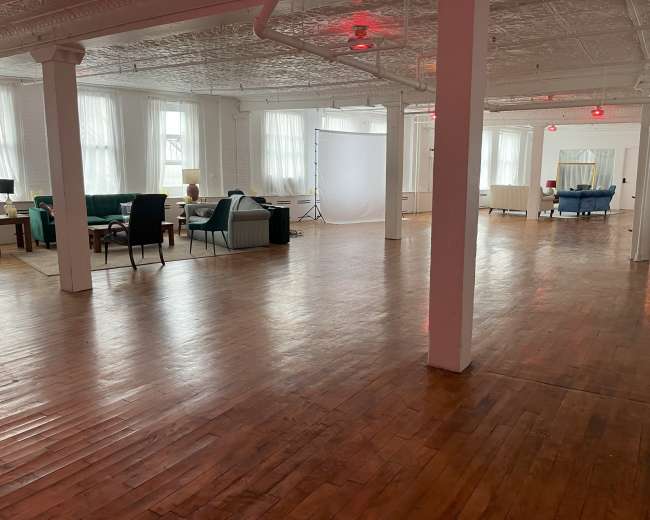
Modern industrial warehouse studio 15 mins from NYC
was such an incredible space to use and be in! Bam was a wonderful and incredibly responsive host who went above and beyond to meet our needs (taping video and taking a few accompanying photos). The equipment that we rented was easy to use and the bone seamless made for...
Jess B.
1,400 sq ft Photography Studio, 24 ft Cyclorama, Lounge, Private Bathroom
time on setting everything up for us with details. The location is perfect , public transportation is few steps away. Paulo is super accommodating, will meet all your needs! I am considering doing my shoot again at the same place...
Elki C.
Kọ Workshop
Great room. Needed a local space for an impromptu meeting. The host Vick was accommodating, friendly and the space was well presented, clean and great for our use...
Tamekia F.
Daylight penthouse apartment studio with large outdoor terrace and epic skyline views.
and did everything to ensure we were well taken care of. I highly recommend booking this amazing venue and look forward to holding another meeting there soon...
George G.
Training Room in Jersey City
PATH train. My team shot a video there to reflect a team room environment, and I can imagine the space being used effectively for meetings, classroom sessions, or other professional gatherings...
Laura H.
STUDIO B - Industrial Loft Space for Workshops/Meetings
Didn't get to meet Erich or view the location as I was booking it on behalf of colleagues, but Erich was very helpful in the lead-up and haven't had any complaints from the crew - so no news is good news! Price was also very good and there...
Michael H.
Voted Best Conference & Meeting Room
The entire team was very accommodating. They helped to make my meeting run smoothly. I would definitely work with them again...
Rick H.
Voted Best Conference & Meeting Room
Thanks to the team at WorkSocial. From the moment we walked into the building to the time we left, our meeting went exactly as planned. I didn't have a chance to grab some snacks for the meeting, so the provided coffee, espresso, waters, and snacks were a nice touch...
Victor J.
Voted Best Conference & Meeting Room
assisted us with all our needs. I was able to shoot a video in a professional setting. Would recommend to anyone looking for a meeting spot or to shoot a video...
Joshua K.
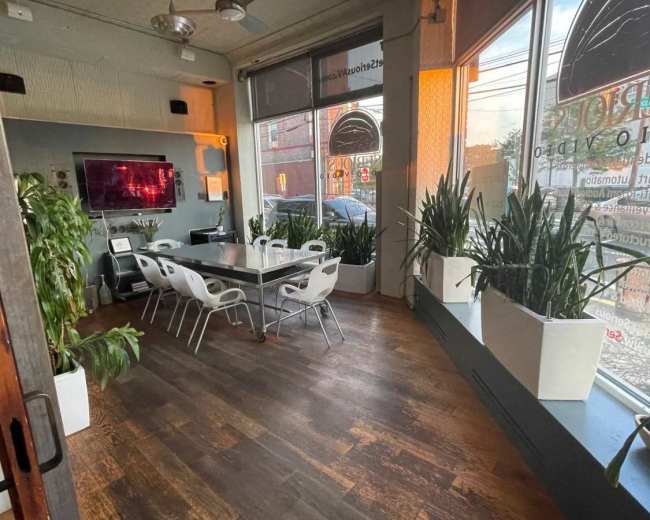
1000 sf glass Storefront, floods of light, kitchenette, 2 bathrooms, high ceilings- Perfect for Meetings!
It was great experience in this ares. Nice and cozy to have a meeting
Christie N.
Downtown Restaurant With Hip Island Vibe
had a great meeting here. They were super accommodating and I really appreciated their flexibility. Would definitely hold another event here...
Leo P.
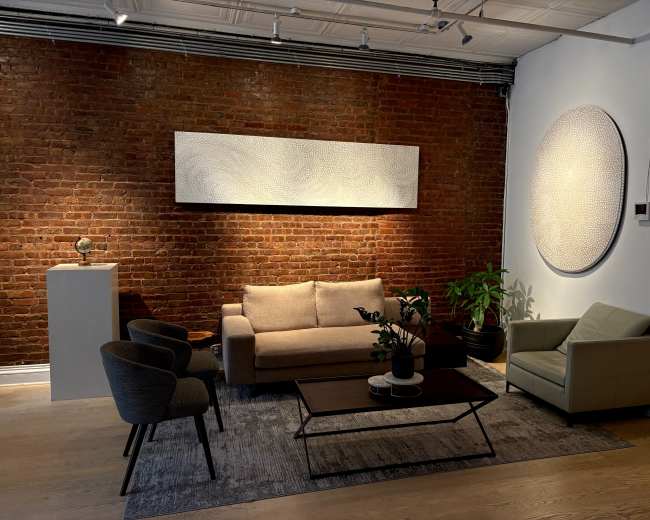
Spacious Downtown Loft with charming industrial feel, great lighting, extra seating
beautiful and worked perfectly for a planning retreat for a team of seven. It's very spacious and wonderfully decorated, making for a comfortable meeting. Leah is also a delightful host and very accommodating. It was a great experience and would definitely come back again...
Heather R.
Modern and airy warehouse studio space
Extremely spacious, and Ashley the host was so responsive. We booked for a photoshoot, but would also be a great space for a workshop, meetings, and more! We hope to be back...
Kate S.
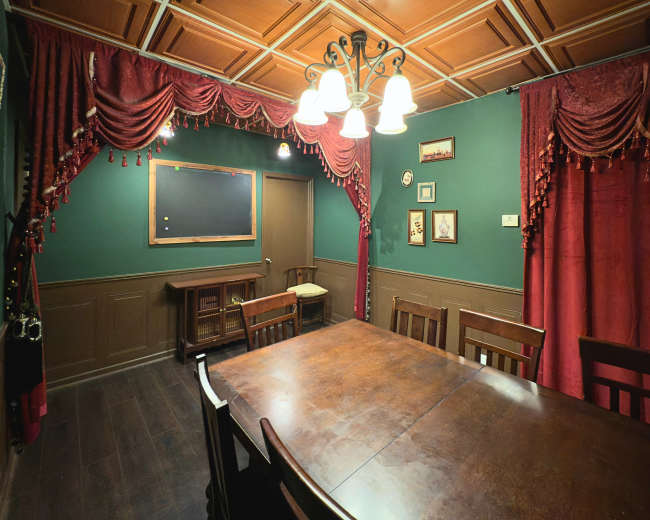
Executive Conference/Board Room
Very nice spacious room with a big desk. Pretty comfortable for the meetings up to 10 people. Very good and clean. Nice location with the parking lot...
Manveer S.
Voted Best Conference & Meeting Room
Great avenue! In addition to the great view from the office, the staff, including Sylvia, were very helpful and courteous during our meeting. Highly recommend...
Jason S.
Multi-Use Downtown Production Studio On Newark Pedestrian Plaza Steps From Grove St Path
fabulous host! It was more like we were working together. Our VP was so impressed with everything. Great facility spawned a great team meeting. I would highly recommend this spot...
Kate S.
Executive Conference/Board Room
It’s my second time of booking this room. Always best service provided. Clean and quiet for a business meeting. Very big desk, would be perfect for architects etc. I like how clean it is and they have all you need from a business planning board to printer. Good location...
Lisa S.
1000 sf glass Storefront, floods of light, kitchenette, 2 bathrooms, high ceilings- Perfect for Meetings!
Excellent space for a group of 6 sales meeting. Very comfortable and the AV was simple to set up with the appropriate HDMI cable and remotes. Hostess was communicative and accommodating. Thank you...
Yoshi T.
1000sf, High Performing HEPA air purifiers, fans, Storefront, Kitchenette, Two bathrooms, Festive Lighting, High Top Tables Chandeliers, Chairs,Wifi, Flatscreen
The space was clean and well-functioned for any type of event, including retail pop-ups and meetings. The owner was super nice, too. We had a very successful event there with a full of customers all day long...
Henli .
3000 sq ft Daylight penthouse apartment studio with large outdoor terrace and epic skyline views.
PeerSpace location I’ve ever been to and shot at. Jodi was amazing, hands down the best host I’ve ever had pleasure of meeting and work with. Look no further and book now, this place is beyond amazing and Jodi is beyond amazing as well I can’t say...

Find meeting rooms near Jersey City, NJ

Updated May 5, 2026Our data is refreshed in real time using booking trends, verified guest reviews, and direct partner updates — with additional quality checks from our team.