
Sun
Mon
Tue
Wed
Thu
Fri
Sat
$100/hr$75/hr$50/hr$25/hr
Peerspace is the easiest way to book unique spaces for meetings. We also have spaces for productions and events.
Discover SpacesEvery day we uncover new, creative spaces perfect for your corporate meeting — from neighborhood gardens, expansive rooftops, trendy office spaces, and beyond.
Our spaces are priced to fit your budget. Hire by the hour for your meeting without worrying about hidden fees.
No more messy contracts. We build the tools to make booking a space for your corporate meeting as easy as the click of a button.
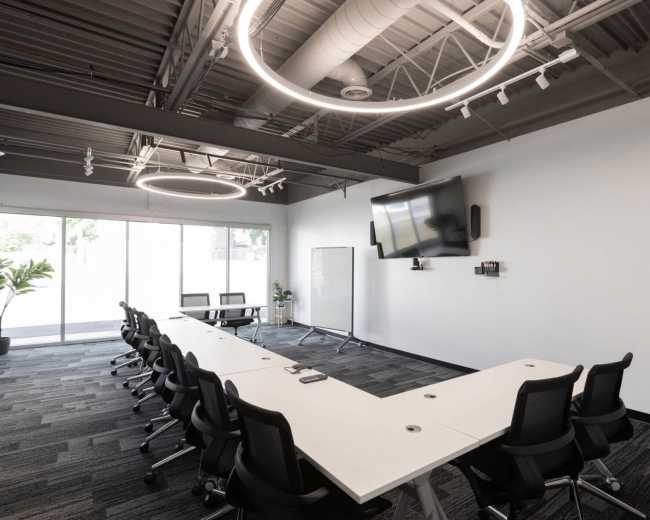
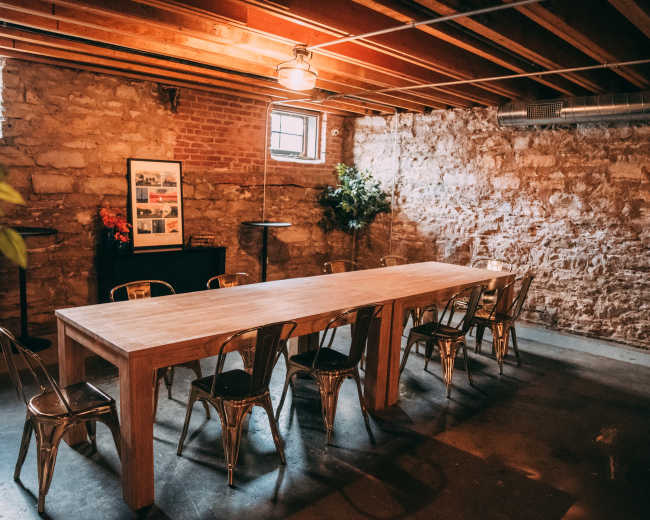
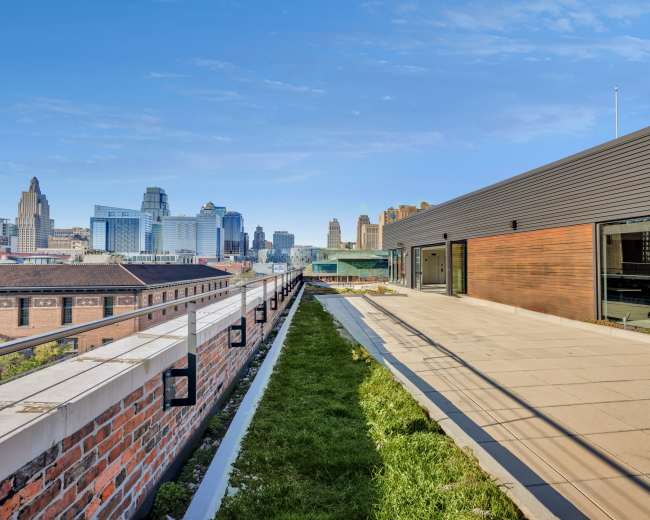
Private Midtown Strategic Meeting Space
Union Hill, Kansas City, MO5.0 (19)
16 guests
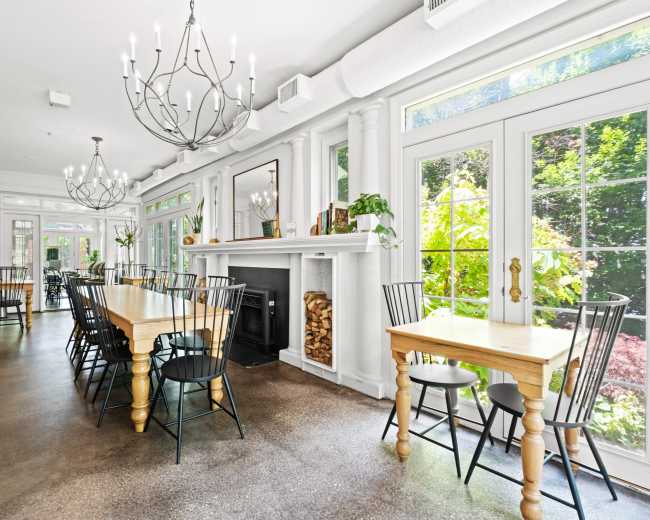
Modern Space with multiple utilities The space offers a soothing atmosphere where professionals or families can gather for meetings, events etc.
Highland Acres, OVERLAND PARK, KS50 guests
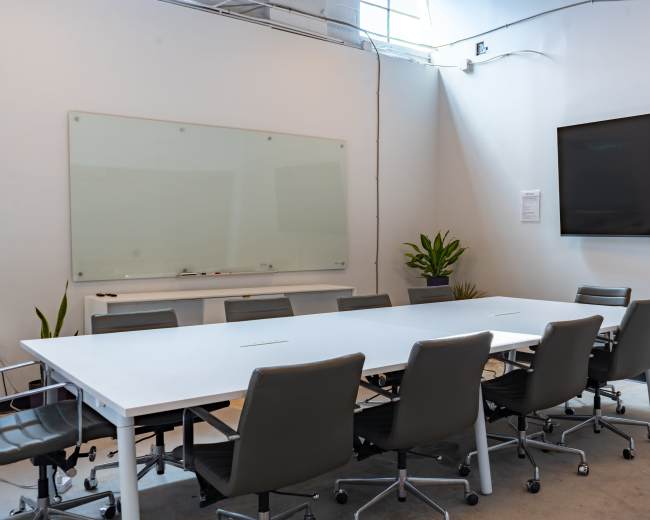
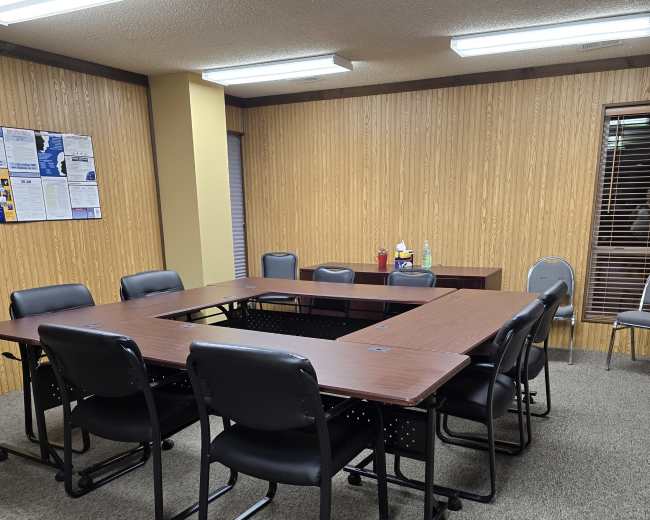
Kansas City 10-Person Conference Room
Gallatin Township, North Kansas City, MO10 guests
Downtown Premier meeting space, photo studio and party
Financial District, Kansas City, MO40 guests
Modern Industrial Office + Event Space | Central KC | Ideal for Offsites, Meetings & Small Events
Midtown - Westport, Kansas City, MO5.0 (4)
50 guests
Affordable Modern Event Venue with Flexible Space for Any Occasion
Blue Township, Independence, MO100 guests
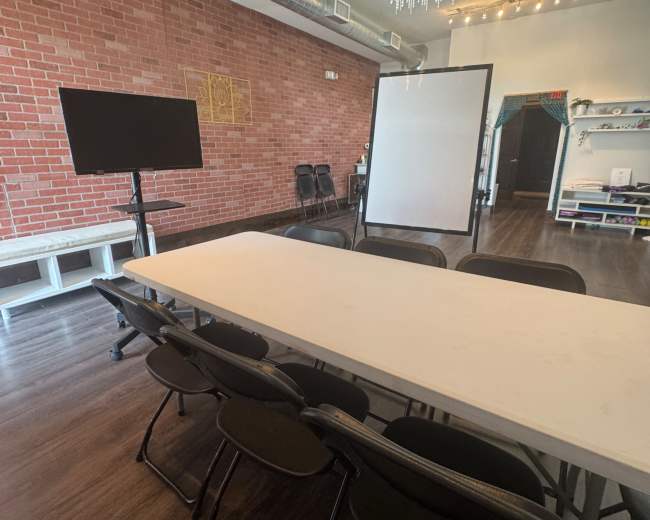
Bright Creative Studio for Workshops, Meetings & Events
Shawnee, KS5.0 (1)
40 guests
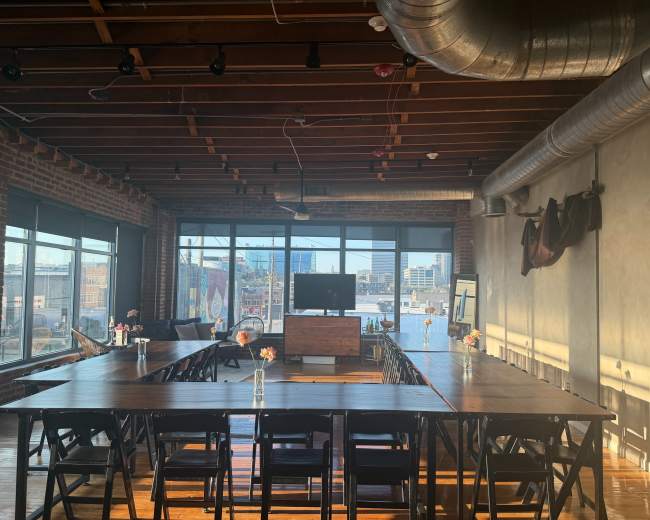
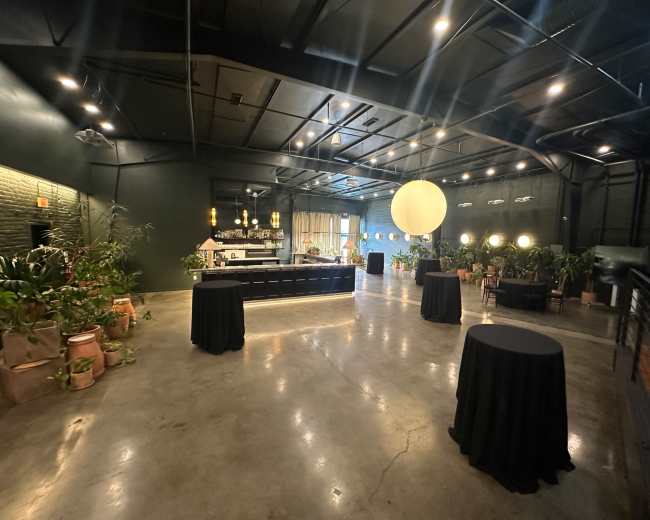
Paradise Lounge Meeting Space | Elevated Meeting Space with Style in The Crossroads District
Downtown Kansas City, MO5.0 (1)
150 guests
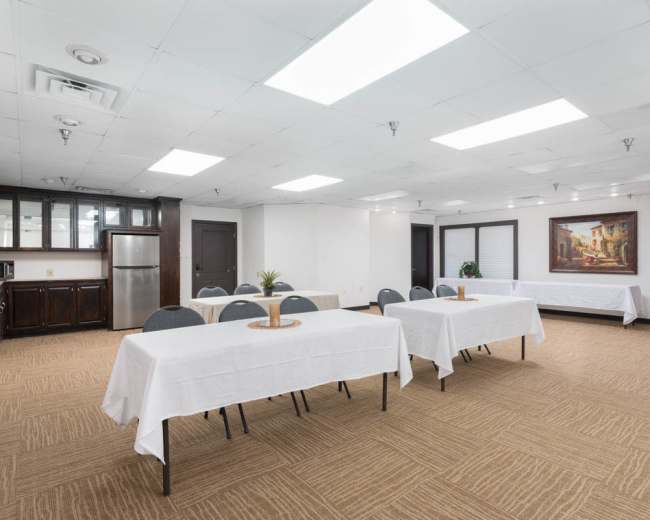
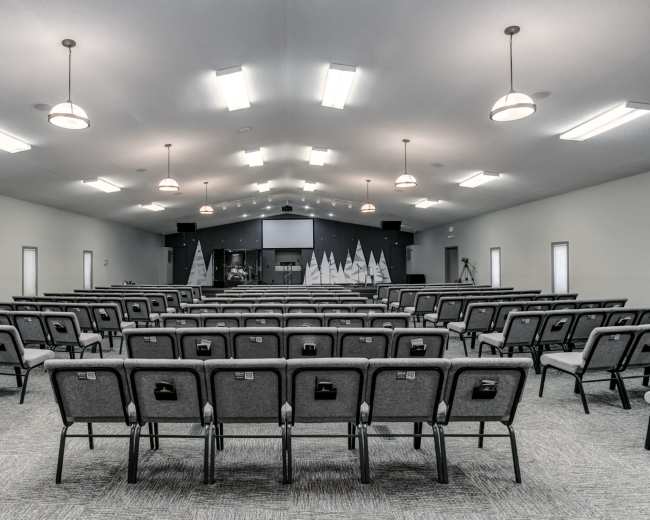
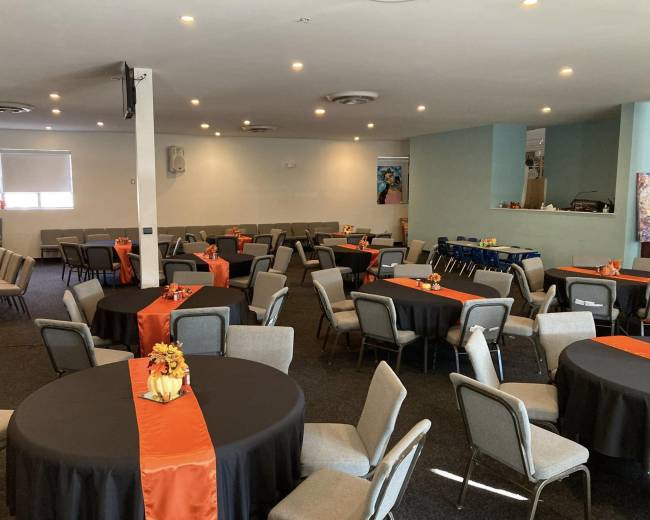
Spacious Church Hall with Modern Amenities and Ample Parking
Blue Township, Independence, MO300 guests
Unique and urban meeting space in Midtown KC
Squier Park, Kansas City, MO5.0 (1)
50 guests
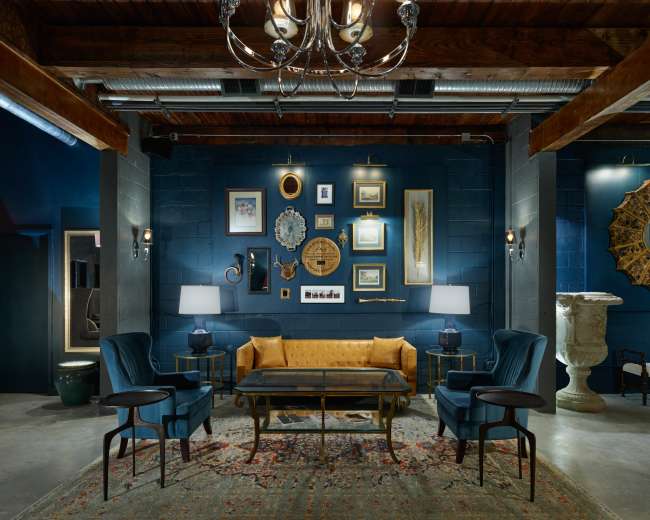
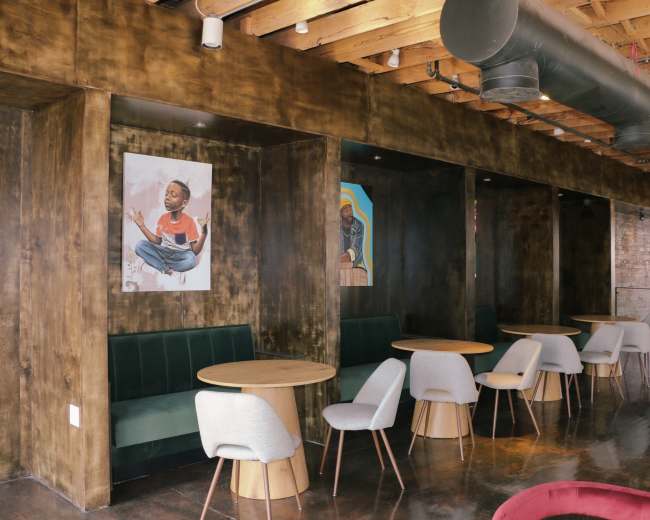
Furnished Speakeasy & Multipurpose Event Space
Downtown Kansas City, MO100 guests
Historic Plaza Meeting & Offsite Venue | Up to 50
Southmoreland, Kansas City, MO4.7 (3)
50 guests
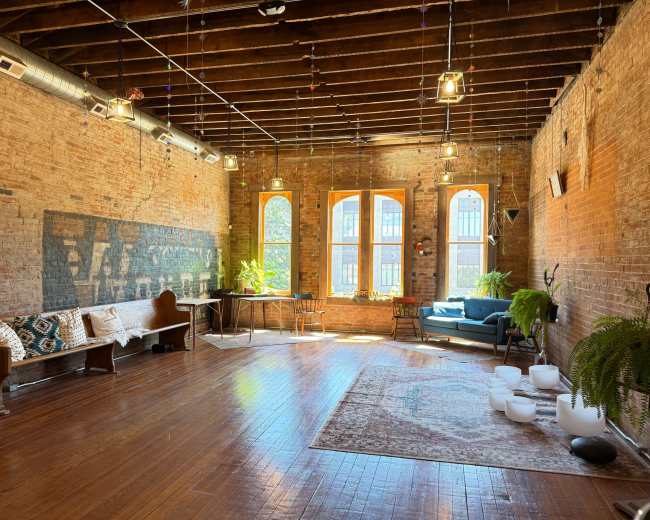
Quaint yoga studio and event space
Washington Township, Grandview, MO5.0 (19)
25 guests
Versatile Downtown Sanctuary — Theatre, Concerts, Meetings & More
Midtown - Westport, Kansas City, MO408 guests
Rooftop Terrace & Flexible Event Room in Crossroads KC
Downtown Kansas City, MO5.0 (8)
250 guests
Historic Downtown Open Studio
Liberty Township, MO5.0 (2)
30 guests
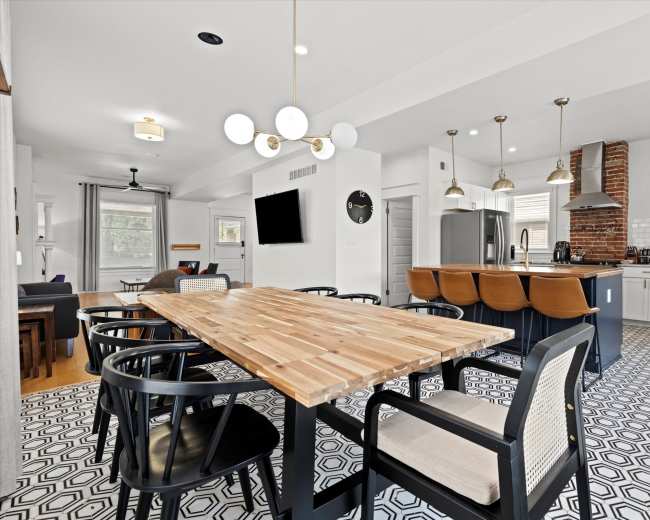
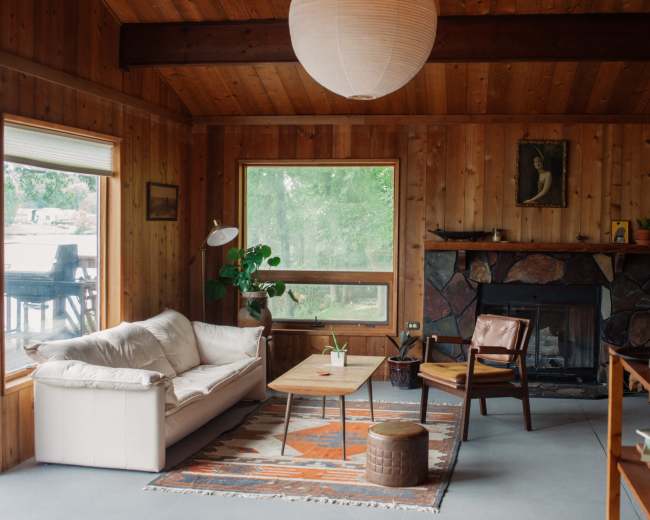
Private Kansas City Home for Meetings & Team Retreats
Midtown - Westport, Kansas City, MO10 guests
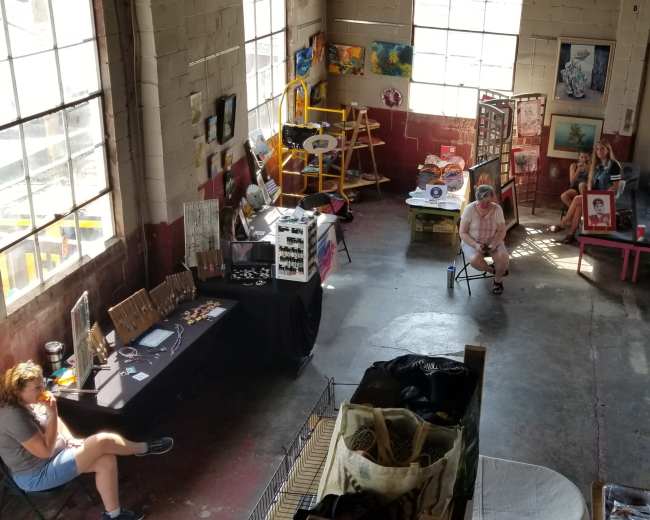
"The Hangar" a unique space to gather! Industrial, artistic vibe.
Liberty Township, MO25 guests
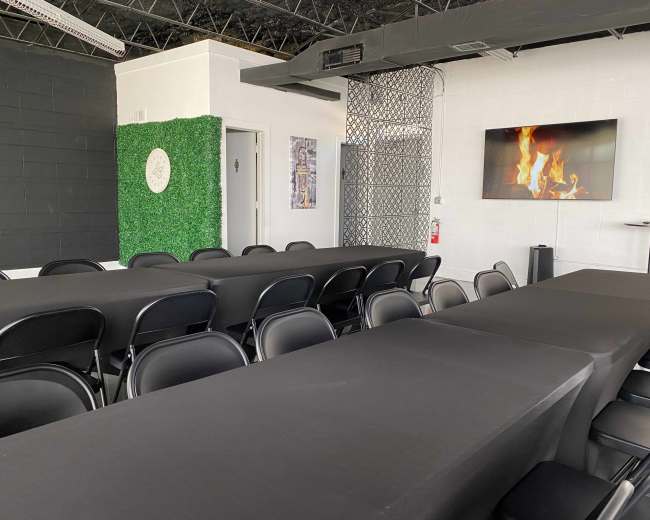
Open Light and Bright - Great Training or Entertaining Space
Strang Line, Overland Park, KS25 guests
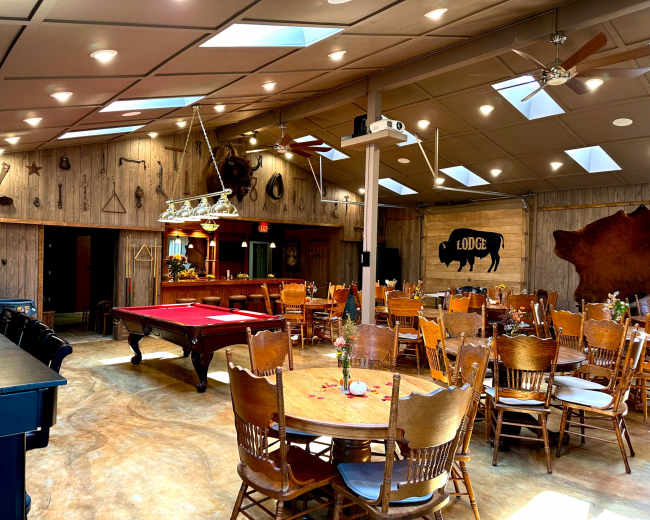
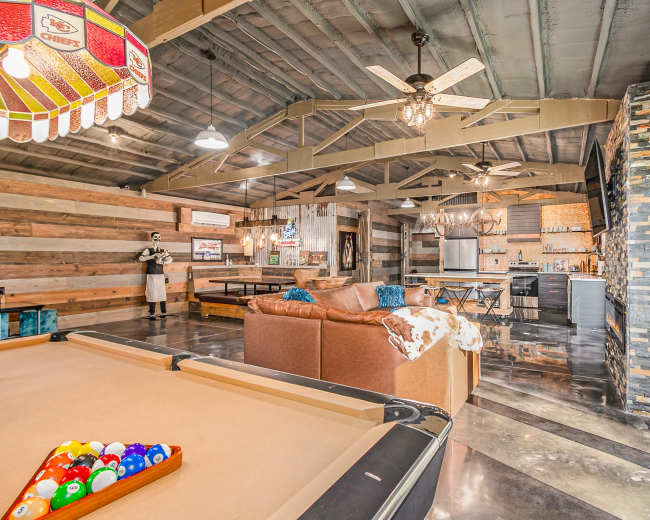
Rustic Lodge with Western Saloon Vibes & Private Event Rooms
Sioux Township, Parkville, MO250 guests
Event Space in Kansas City
Downtown Kansas City, MO5.0 (11)
100 guests
Modern Westport Loft | Creative Studio, Events & Coworking
Midtown - Westport, Kansas City, MO15 guests
Lounge in the Heart of the City
Downtown Kansas City, MO5.0 (8)
75 guests
Modern Urban Gathering Space For Private Events and Workshops
Linwood Homeowners-Ivanhoe, Kansas City, MO30 guests
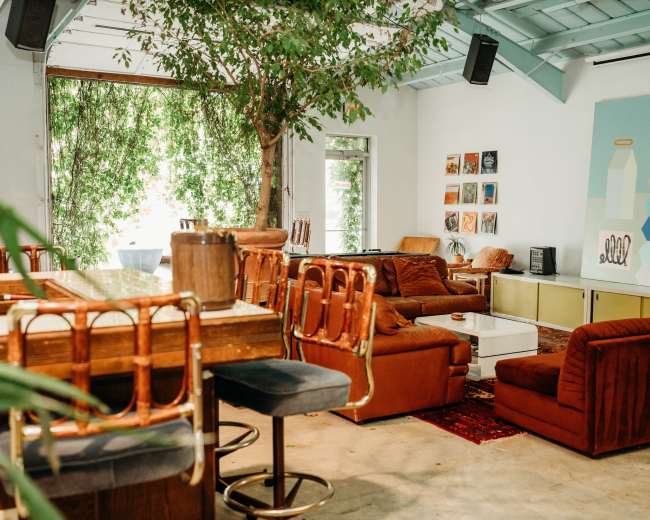
Open large space | Mid-century interior
Midtown - Westport, Kansas City, MO5.0 (2)
16 guests
A Whimsical Micro Event space in the West Bottoms for 25 guests
West Bottoms, Kansas City, MO5.0 (31)
25 guests
Convenient Photo & Video Studio with Tall Ceilings and Controlled Lighting
Sunset Hill, Overland Park, KS5.0 (7)
15 guests
Tradition Meets Light & Bright
Leawood Hills, KS5.0 (13)
10 guests
String-Lit Brewery Patio with Stage in the Crossroads
Crossroads, Kansas City, MO80 guests
Speakeasy Rentable Micro Space
Prairie Township, Lee's Summit, MO5.0 (3)
25 guests
The Moon Lodge - Cabin on Crystal Lakes
Fishing River Township, Crystal Lakes, MO5.0 (7)
12 guests
Rustic Alpaca Retreat with Room to Roam
Platte Township, Agency, AS5.0 (1)
35 guests
Pricing and popularity information in this section is based on proprietary Peerspace booking data, reflecting recent booking activity and the latest data available through October 2026.
Meeting rooms in Kansas City average $87 per hour to rent, but it’s easy to spend less or more depending on what you’re looking for.
Most meeting rooms are scheduled for 5 hours, with 21 people in attendance. You’ll find the most Meetings starting between 11:00 AM and 12:00 PM.
Our local hosts have welcomed 1289 people into their meeting rooms with reviews averaging 5 stars. 100% of guests said they'd book again.
Saturdays are the most popular day for booking meeting rooms in Kansas City. For those seeking a deal, consider booking Sunday and Tuesday as these days are 8% cheaper on average.


