

Sun
Mon
Tue
Wed
Thu
Fri
Sat
$100/hr$75/hr$50/hr$25/hr
Peerspace is the easiest way to book unique spaces for meetings. We also have spaces for productions and events.
Discover SpacesEvery day we uncover new, creative spaces perfect for your corporate meeting — from neighborhood gardens, expansive rooftops, trendy office spaces, and beyond.
Our spaces are priced to fit your budget. Hire by the hour for your meeting without worrying about hidden fees.
No more messy contracts. We build the tools to make booking a space for your corporate meeting as easy as the click of a button.
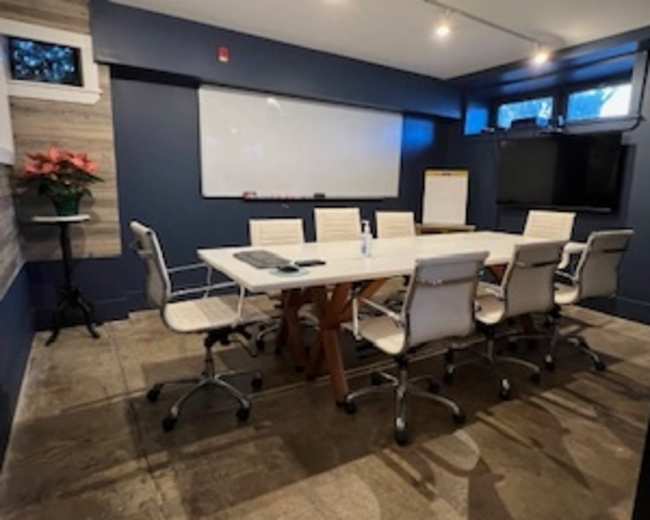
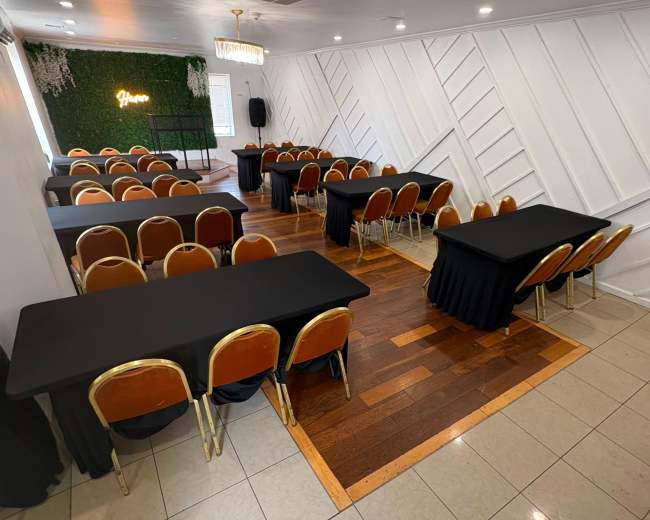
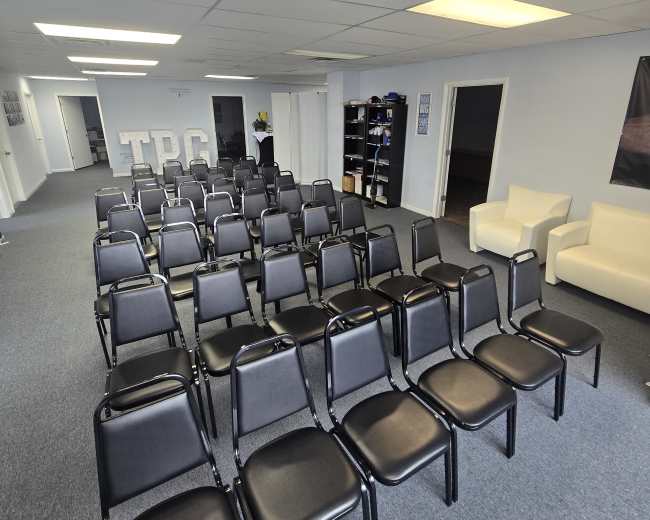
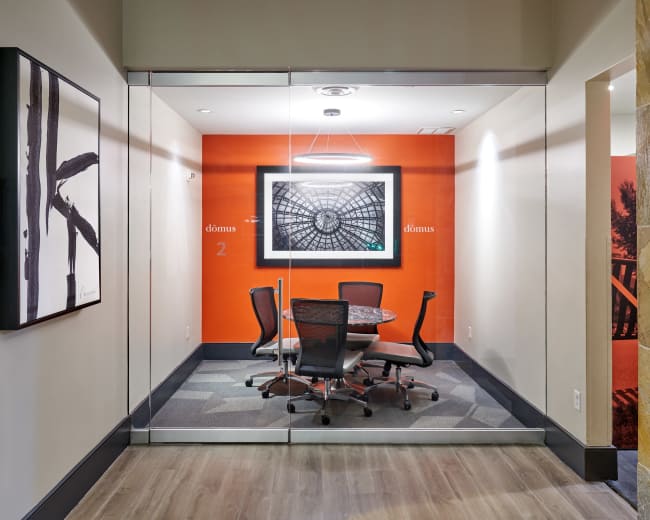
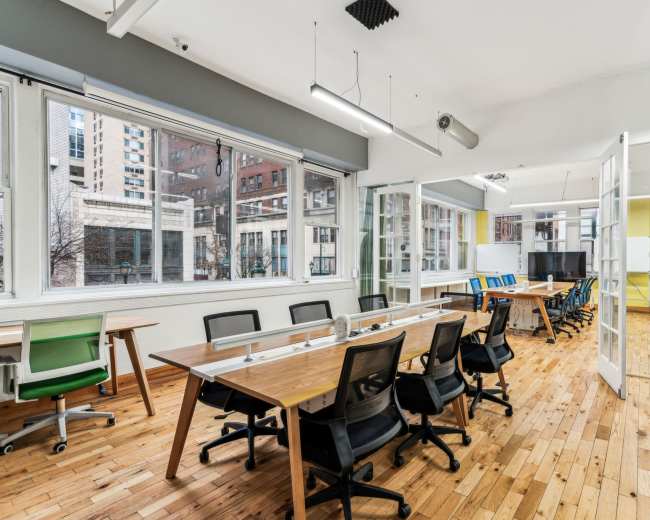
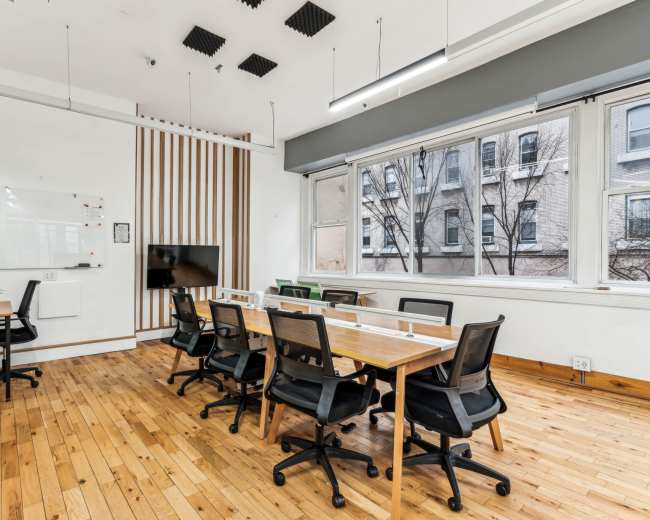
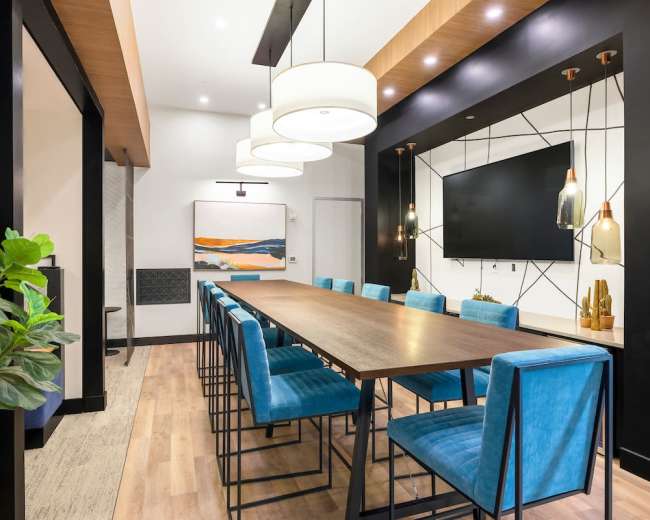
Meeting, Workshop, and Conference Room in the Heart of Mount Airy
West Mount Airy, Philadelphia, PA12 guests
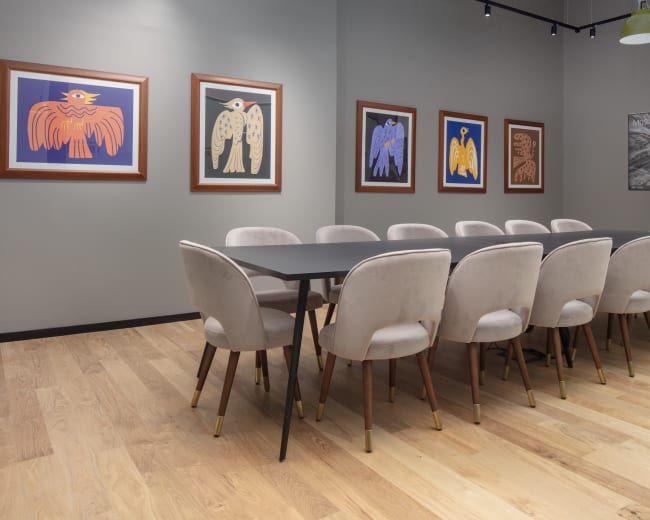
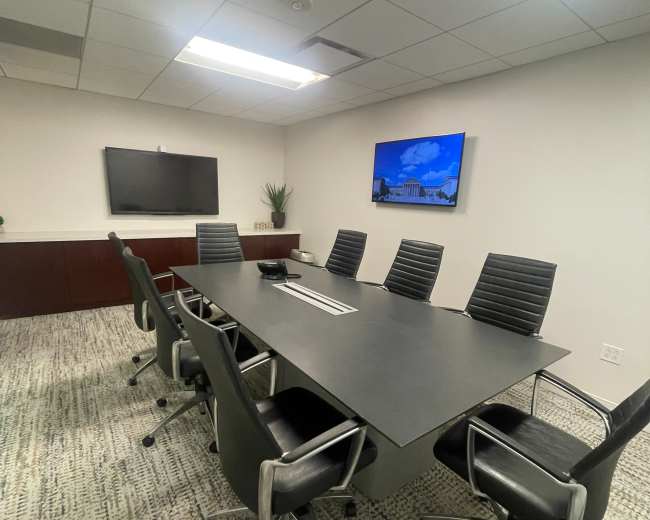
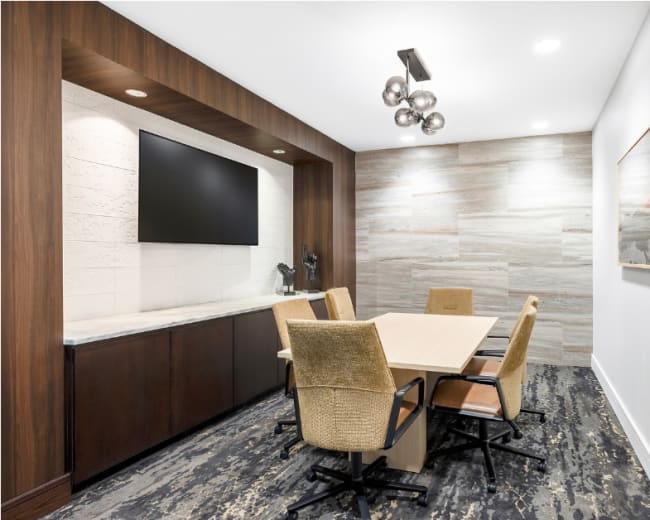
Modern Studio Conference Room - Newly Renovated
Elkins Park, PA5.0 (4)
10 guests
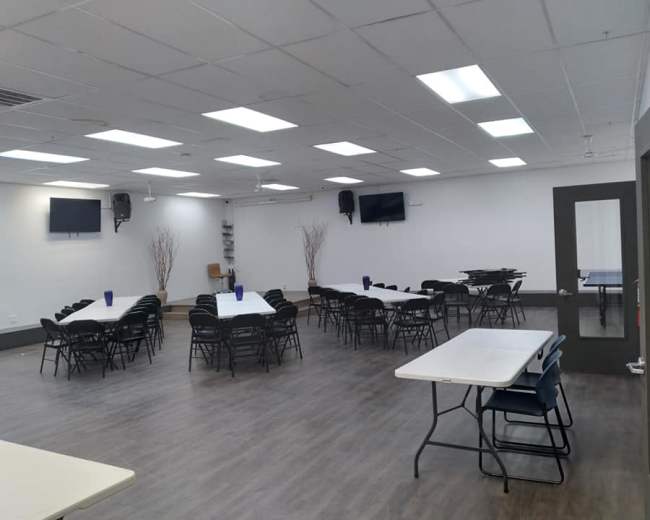
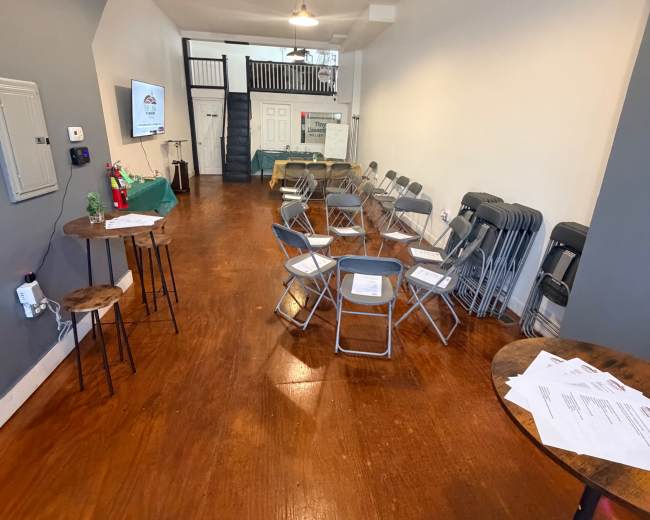
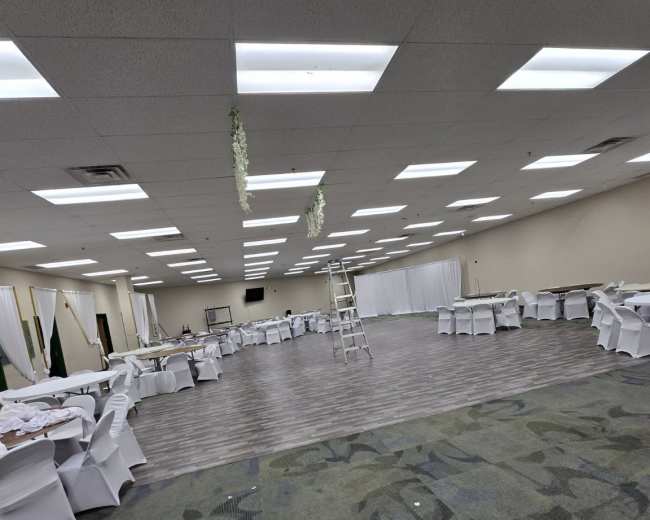
Private Event & Meeting Space in South Philadelphia — Seats 50
Forgotten Bottom, Philadelphia, PA5.0 (1)
50 guests
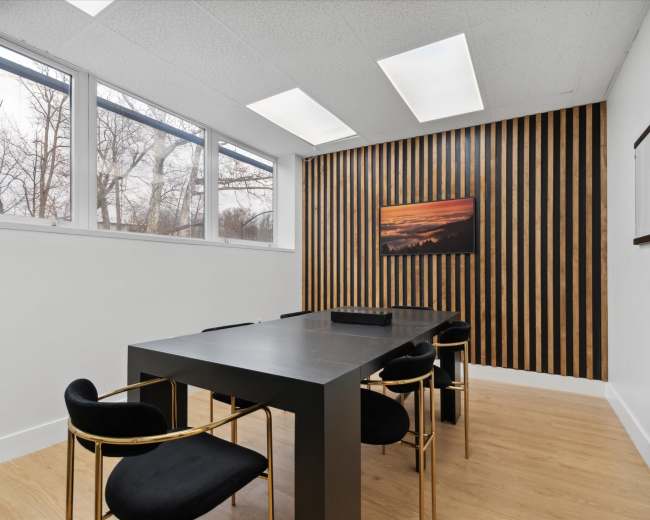
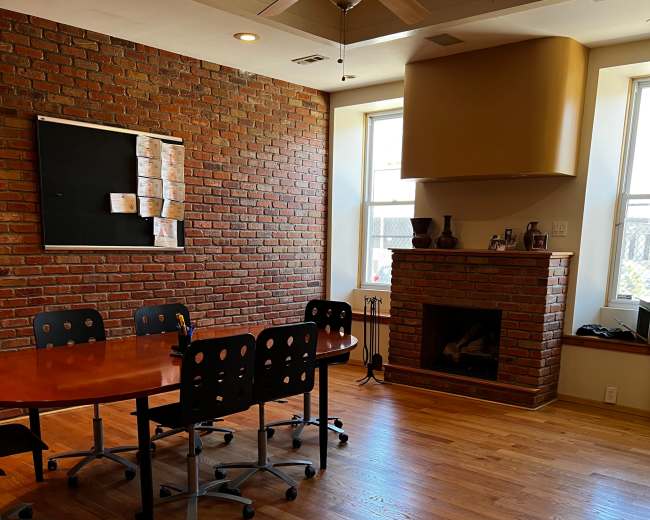
Video Conference Meeting Room
Logan Square, Philadelphia, PA5.0 (7)
8 guests
Modern and Bright West Philly Meeting, Training & Creative Workshop Space
West Philadelphia, PA45 guests
Inspiring Meeting Room Rental: Elevate Your Business Gatherings
Greentree, Cherry Hill, NJ5.0 (2)
50 guests
Large conference facility
Hartranft, Philadelphia, PA250 guests
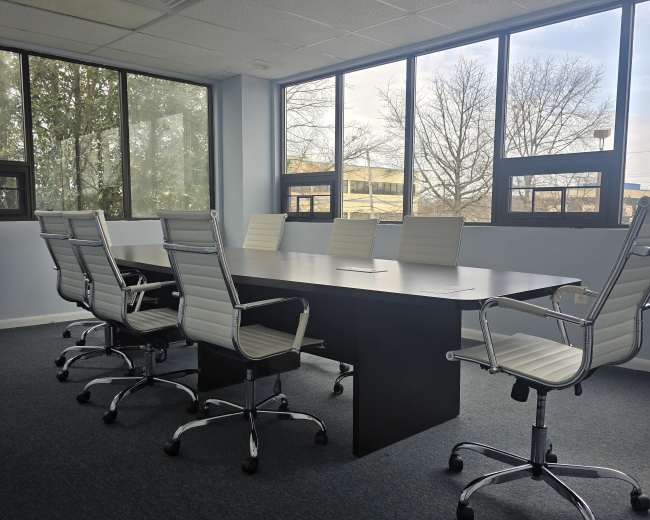
Executive Conference Room – The Perfect Space for Your Meetings
Greentree, Cherry hill, NJ5.0 (2)
12 guests
Spacious Event & Conference Venue in Philadelphia
North Philadelphia, PA5.0 (3)
130 guests
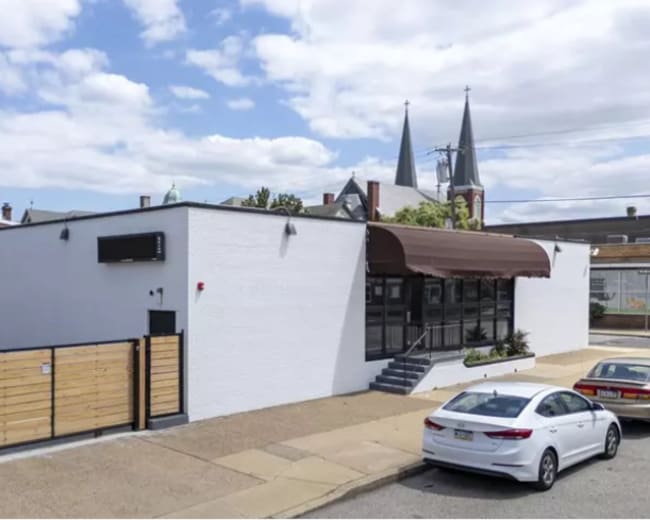
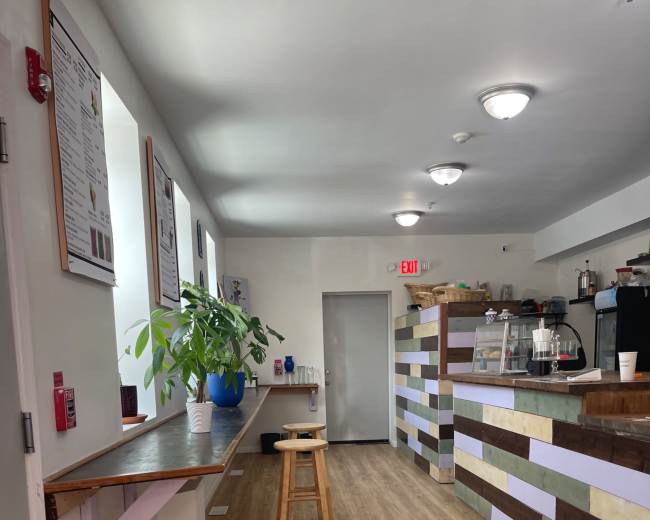
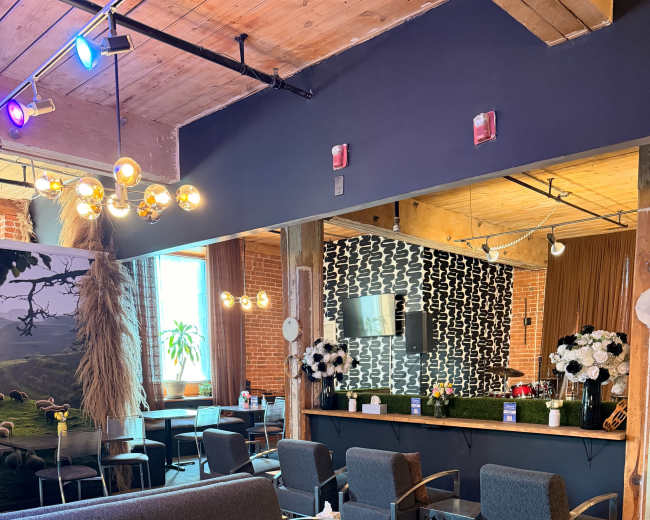
Cozy Urban Café Space for Meetings, Shoots & Small Events , podcast
Cecil B. Moore, Philadelphia, PA30 guests
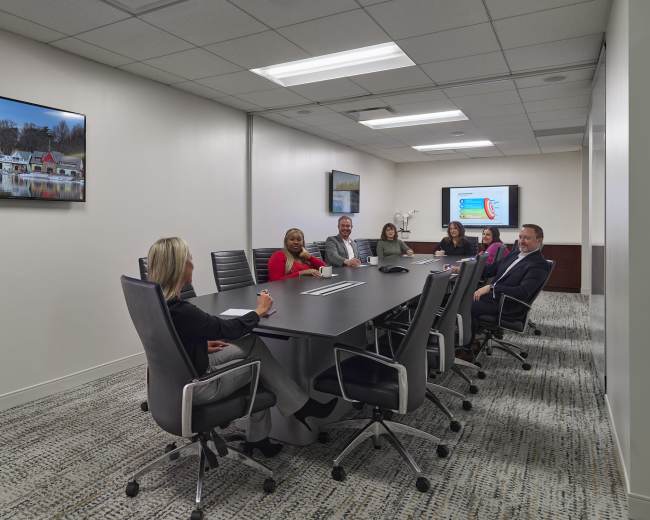
Center City Expansive and Hi-tech Meeting Room
Logan Square, Philadelphia, PA4.8 (5)
18 guests
Center City Meeting Space for 24
Center City, Philadelphia, PA4.9 (16)
24 guests
Collaborative Meeting Space with Whiteboard - Center City, Philadelphia
Center City, Philadelphia, PA5.0 (10)
12 guests
Refined Co-Working Lounge in University City
University City, Philadelphia, PA5.0 (1)
15 guests
Chic and Versatile Event Space in East Falls
Northwest Philadelphia, PA4.8 (6)
50 guests
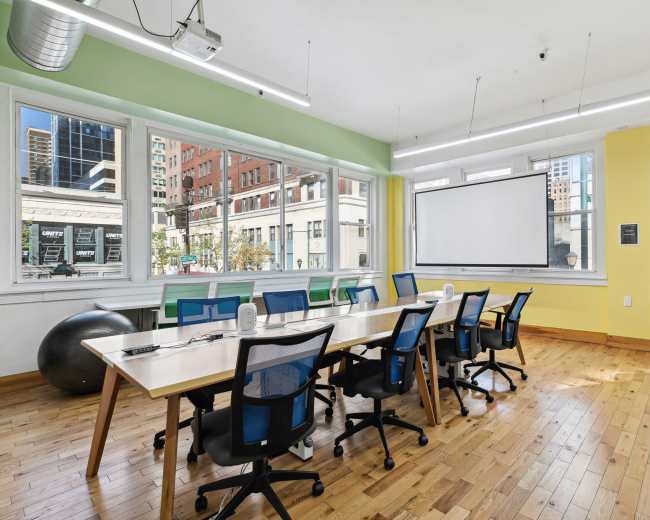
Bright Meeting Space - Projector - Whiteboard - - Center City, Philadelphia
Center City, Philadelphia, PA4.9 (88)
14 guests
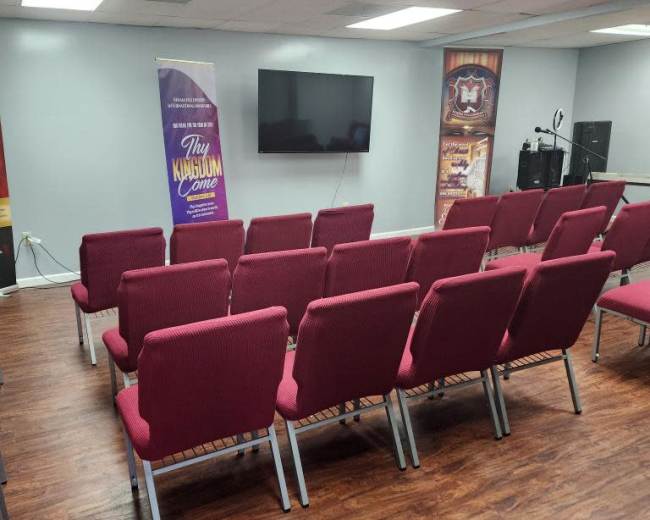
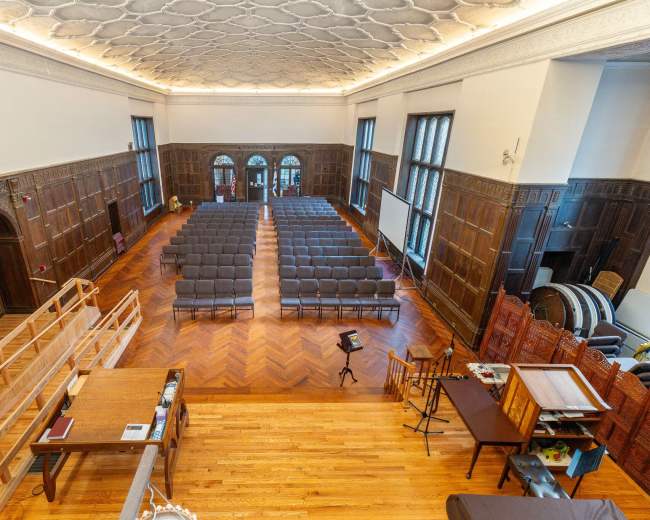
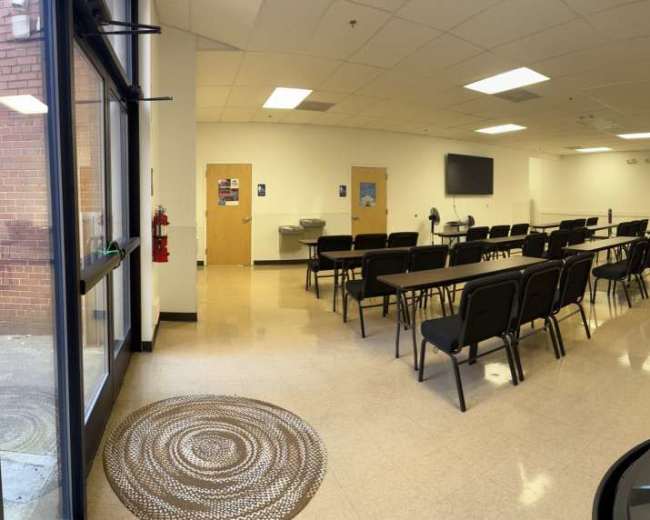
Suburban historic mansion currently used as worship space
Upper Dublin Township, Ft. Washington, PA5.0 (1)
125 guests
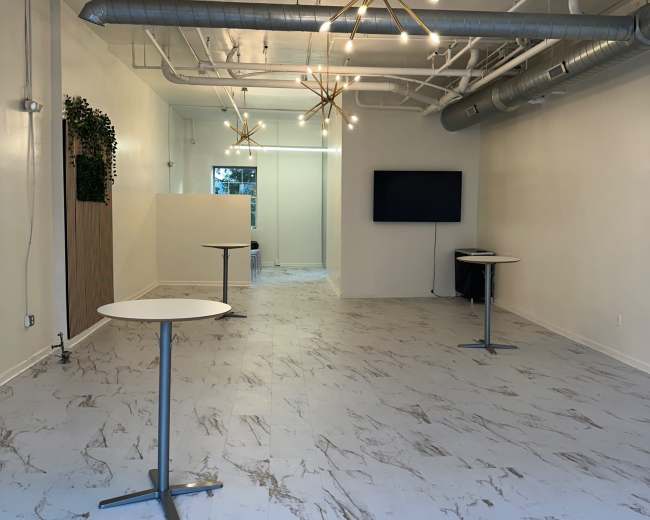
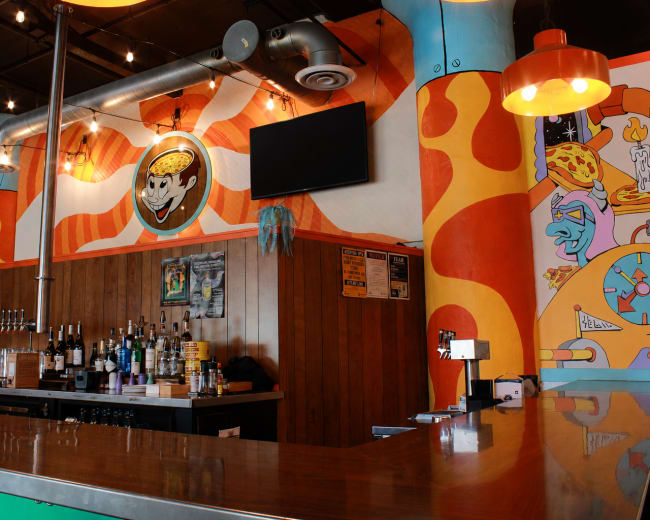
Modern-Rustic Event Space
Upper North Philadelphia, PA75 guests
Expansive Club Room in Philadelphia
Logan Square, Philadelphia, PA4.4 (34)
50 guests
Roomy, open, urban event space centrally located to public transportation and local eateries.
North Philadelphia, PA5.0 (11)
15 guests
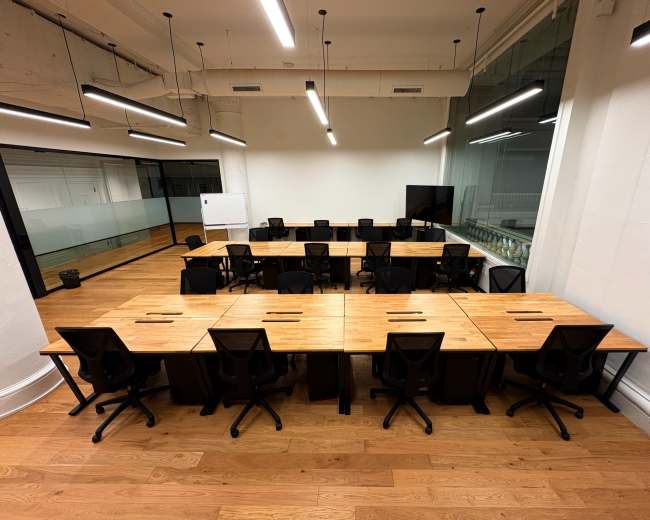
Industrial Luxe Chic Loft Co-Working Space
North Philadelphia, PA5.0 (250)
20 guests
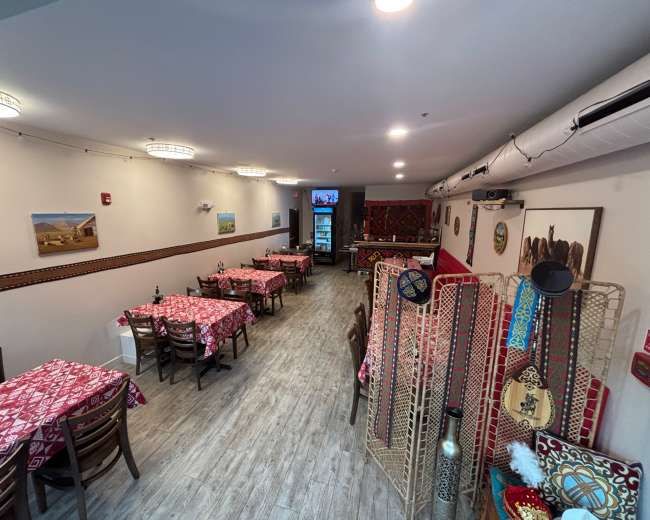
Central Asian style space
Center City, Philadelphia, PA40 guests
Suburban Modern Event & Meeting Space With Limitless Possibilities
Cheltenham Township, Wyncote, PA5.0 (12)
100 guests
Versatile Large Open Space
Center City, Philadelphia, PA200 guests
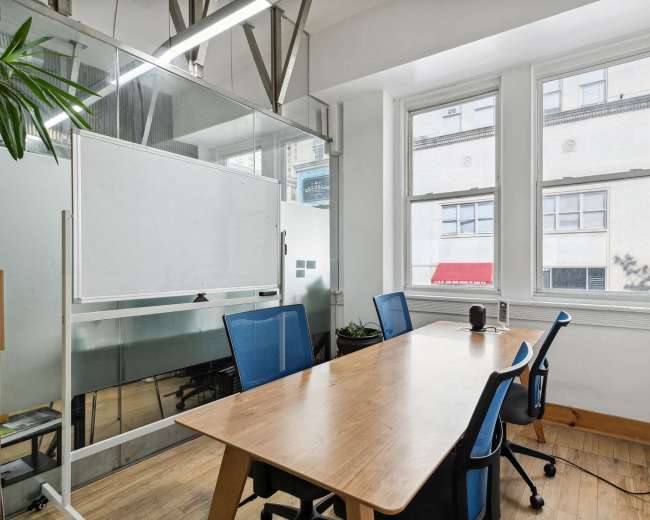
Private 4 Person Office / Meeting Space (D)
Center City, Philadelphia, PA4.8 (12)
4 guests
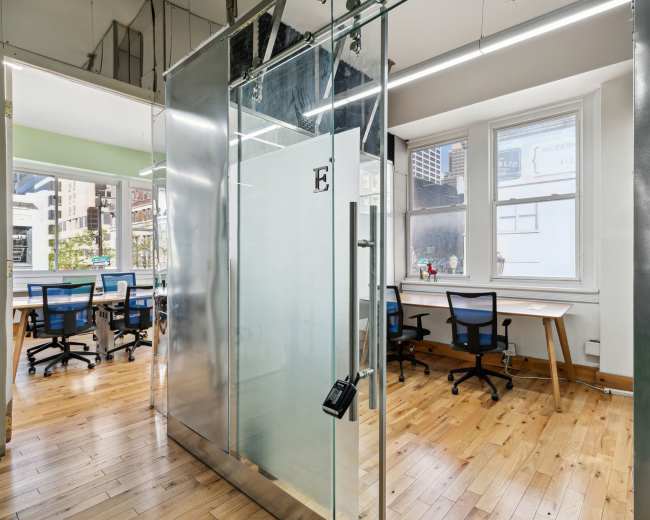
Private 4 Person Office / Meeting Space (E)
Center City, Philadelphia, PA5.0 (10)
4 guests
Pricing and popularity information in this section is based on proprietary Peerspace booking data, reflecting recent booking activity and the latest data available through October 2026.
Meeting rooms in Philadelphia average $54 per hour to rent, but it’s easy to spend less or more depending on what you’re looking for.
Most meeting rooms are scheduled for 4 hours, with 7 people in attendance. You’ll find the most Meetings starting between 12:00 PM and 1:00 PM.
Our local hosts have welcomed 1302 people into their meeting rooms with reviews averaging 4.95 stars. 100% of guests said they'd book again.
Saturdays are the most popular day for booking meeting rooms in Philadelphia. For those seeking a deal, consider booking Friday and Monday as these days are 8% cheaper on average.


