
Sun
Mon
Tue
Wed
Thu
Fri
Sat
$200/hr$150/hr$100/hr$50/hr
Peerspace is the easiest way to book unique spaces for meetings. We also have spaces for productions and events.
Discover SpacesEvery day we uncover new, creative spaces perfect for your corporate meeting — from neighborhood gardens, expansive rooftops, trendy office spaces, and beyond.
Our spaces are priced to fit your budget. Hire by the hour for your meeting without worrying about hidden fees.
No more messy contracts. We build the tools to make booking a space for your corporate meeting as easy as the click of a button.
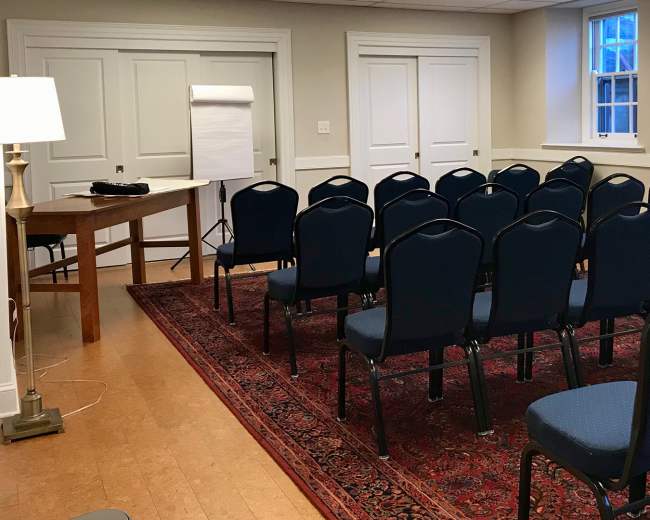
Friends Meeting of Washington
Kalorama Heights, Washington, DC5.0 (1)
40 guests
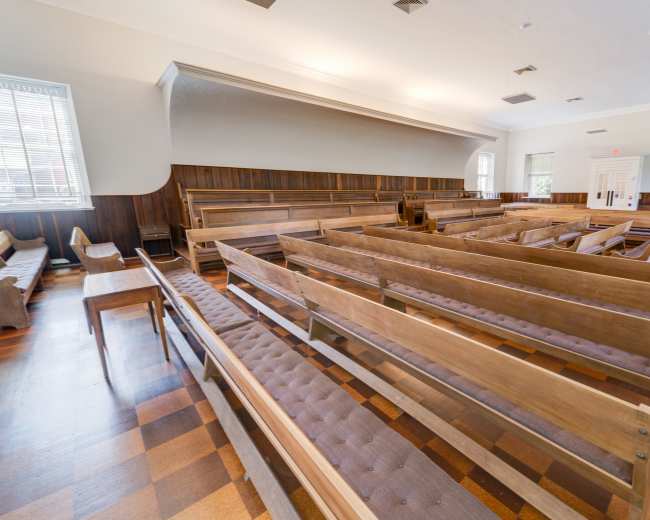
Friends Meeting of Washington
Kalorama Heights, Washington, DC5.0 (4)
300 guests
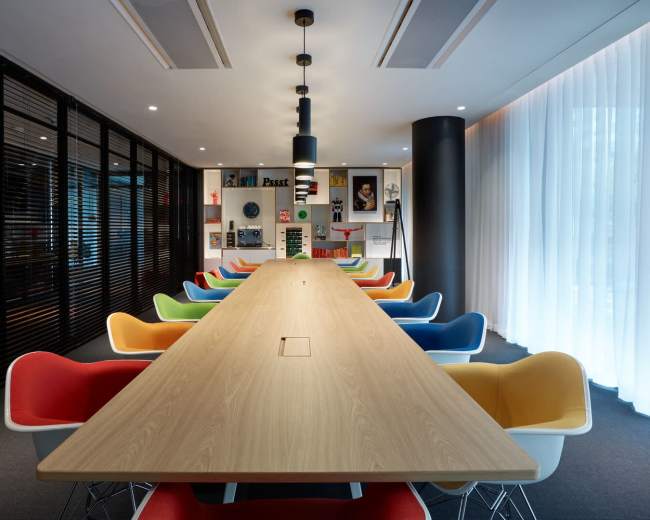
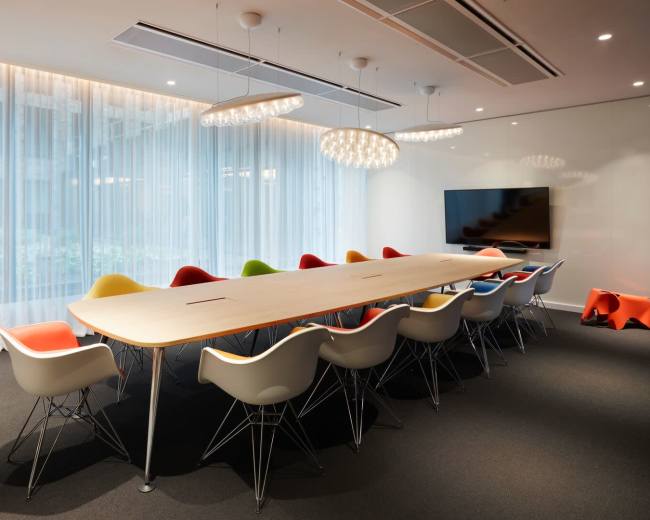
citizenM Washington DC Capitol hotel
Southwest Washington, DC4.8 (10)
18 guests
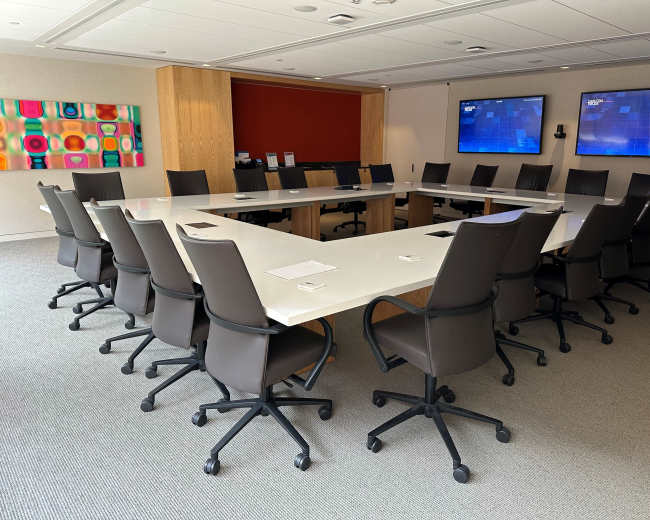
AdvantEdge Workspaces - Georgetown
Northwest Washington, DC5.0 (1)
24 guests
Generation Hope
Ivy City, Washington, DC50 guests
AdvantEdge Workspaces
Friendship Heights, Washington, DC5.0 (9)
4 guests
Conference Room/Classroom
Downtown, Washington, DC20 guests
Spacious, Modern Conference Room in Downtown DC
Northwest Washington, DC4.8 (5)
8 guests
Open Gov Hub Nonprofit Event Space
Northwest Washington, DC4.8 (5)
50 guests
Taicoon Property Partners
Northwest Washington, DC100 guests
Metro Center Large Elegant Conference Room for 12
Northwest Washington, DC5.0 (21)
12 guests
Intimate Meeting Room
Northwest Washington, DC4.3 (3)
8 guests
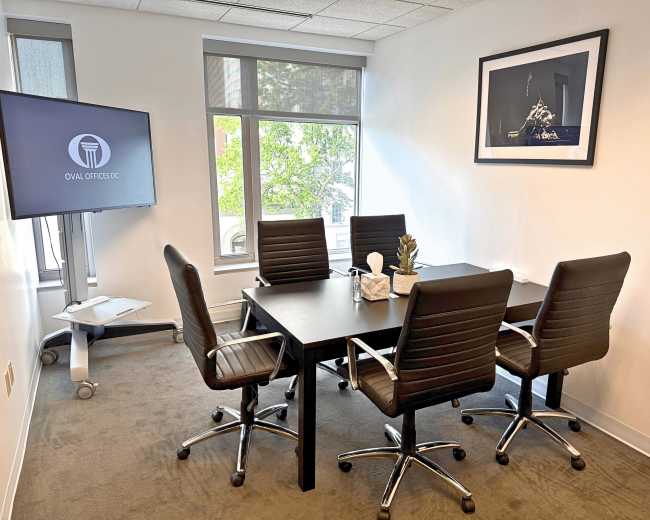
Oval Offices DC
Northwest Washington, DC5 guests
Downtown Boardroom with Mounted Display
Northwest Washington, DC5.0 (2)
12 guests
Connecticut Room in the Heart of DC
Northwest Washington, DC5 guests
Freshly renovated Meeting Space on the famous Pennsylvania Avenue
Northwest Washington, DC5.0 (6)
4 guests
Private Meeting/Dining Event Space for 10 - NoMa
NoMa, Washington, DC5.0 (4)
15 guests
The Premier Meeting Room – Flexible Event & Meeting Space
Northwest Washington, DC70 guests
Modern Meeting Space with Marble Bar
NoMa, Washington, DC4.5 (4)
20 guests
West End Meeting Room
Northwest Washington, DC5.0 (34)
12 guests
Metro Accessible High-Tech Conference and Meeting Room for 8
Northwest Washington, DC4.9 (49)
10 guests
The Spire | an Expansive Venue
Northeast Washington, DC25 guests
Friends Meeting of Washington
Kalorama Heights, Washington, DC5.0 (37)
10 guests
Versatile, Luxury Salon Space For Your Meeting or Workshop
Northeast Washington, DC5.0 (1)
40 guests
Washington DC Capitol Meeting Room 3
Southwest Washington, DC4.0 (1)
14 guests
Conference Room
Woodley Park, Washington, DC5.0 (4)
10 guests
Washington DC Capitol Meeting Room 7
Southwest Washington, DC4.8 (5)
8 guests
Washington DC Capitol Meeting Room 4
Southwest Washington, DC16 guests
Charming Georgetown Conference Room
Northwest Washington, DC4.9 (14)
5 guests
Washington DC Capitol Meeting Room 2
Southwest Washington, DC5.0 (3)
9 guests
Washington DC Capitol Meeting Room 1
Southwest Washington, DC4.8 (6)
14 guests
Modern DC Meeting & Workshop Space | Full Kitchen + Easy Parking
Petworth, Washington, DC5.0 (8)
20 guests
Trendy & Professional Van Ness Lounge for Meetings & Co-Working | Connecticut Heights
Wakefield, Washington, DC20 guests
Luxury Meeting Space - Clean & Bright
Friendship Heights, Washington, DC15 guests
Luxury Meeting Space - Great Amenities
Friendship Heights, Washington, DC6 guests
Meeting Room with budding “Speak Easy” Vibes
Southeast Washington, DC30 guests
Pricing and popularity information in this section is based on proprietary Peerspace booking data, reflecting recent booking activity and the latest data available through September 2026.
Meeting rooms in Washington average $111 per hour to rent, but it’s easy to spend less or more depending on what you’re looking for.
Most meeting rooms are scheduled for 5 hours, with 16 people in attendance. You’ll find the most Meetings starting between 12:00 PM and 1:00 PM.
Our local hosts have welcomed 2233 people into their meeting rooms with reviews averaging 4.96 stars. Most even said they would book again -- about 99%.
Saturdays are the most popular day for booking meeting rooms in Washington. For those seeking a deal, consider booking Wednesday and Sunday as these days are 9% cheaper on average.


