

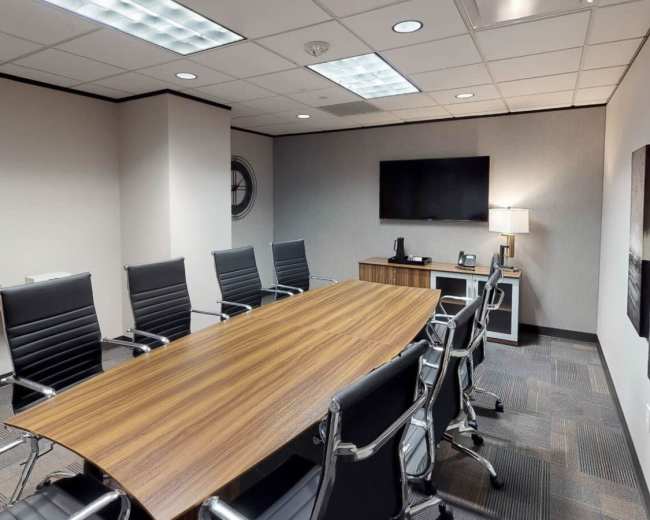
Rent a meeting room in Austin, TX

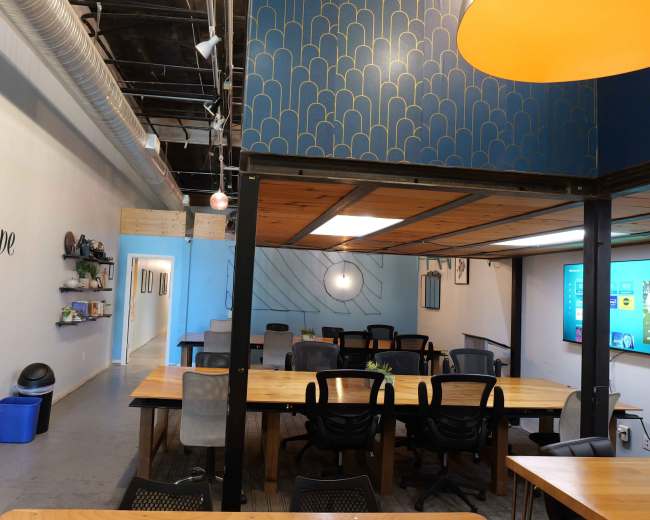
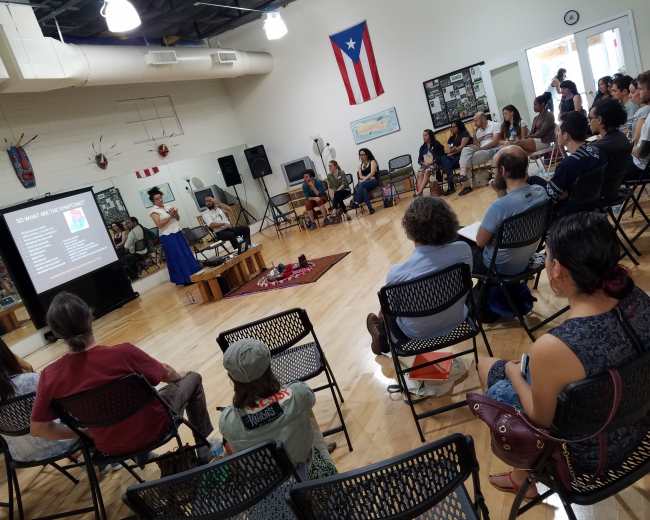
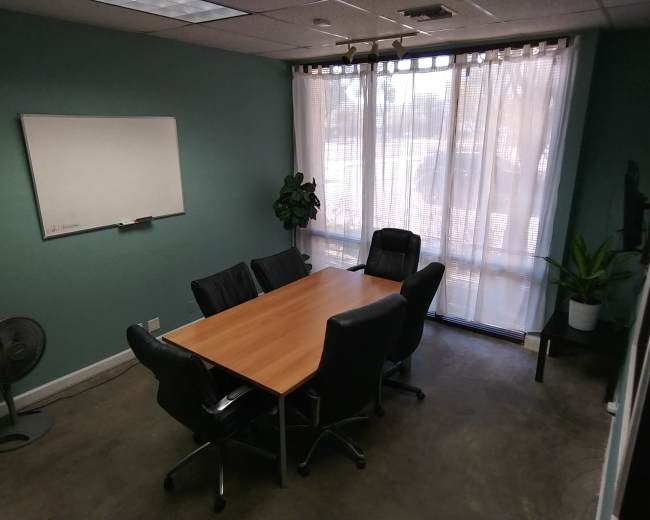
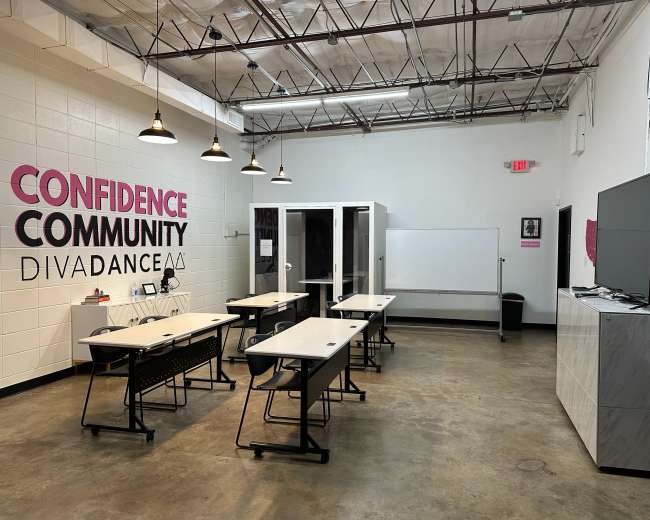
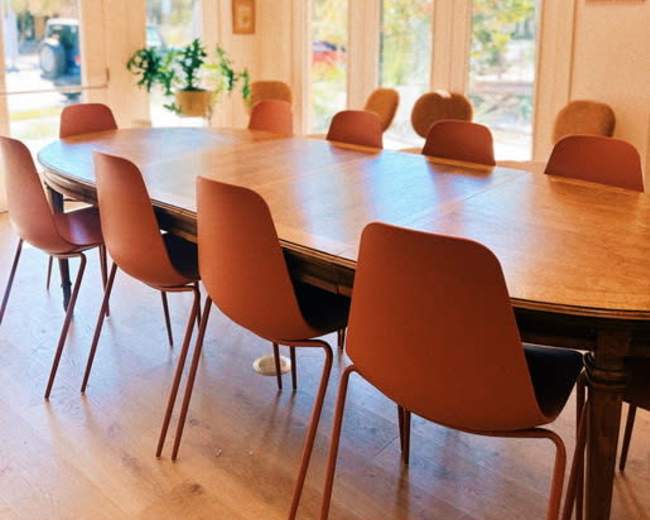
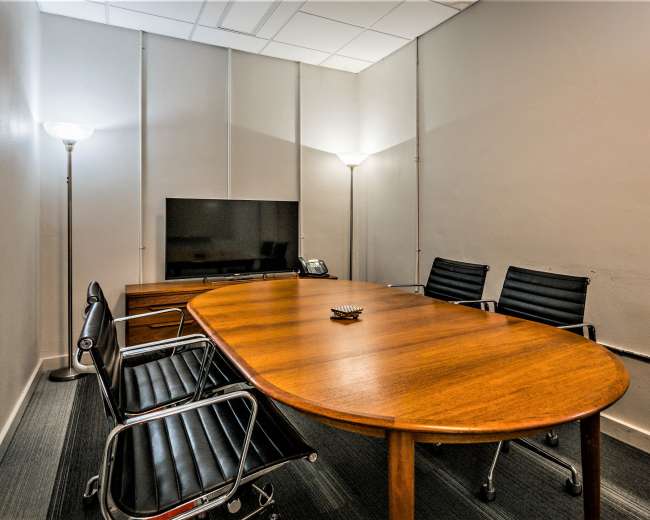
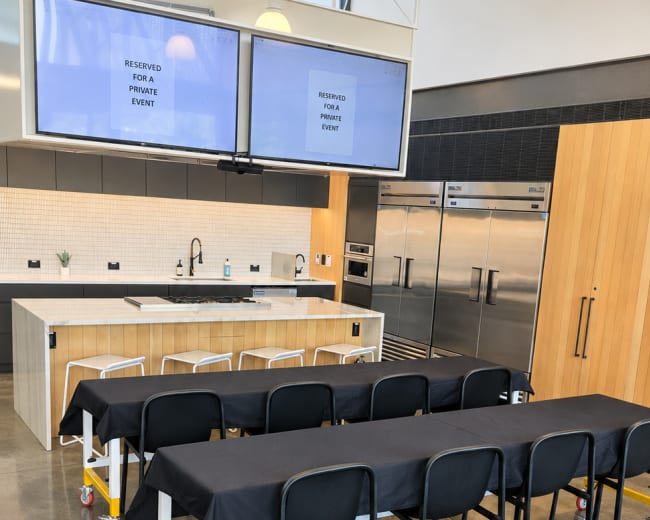
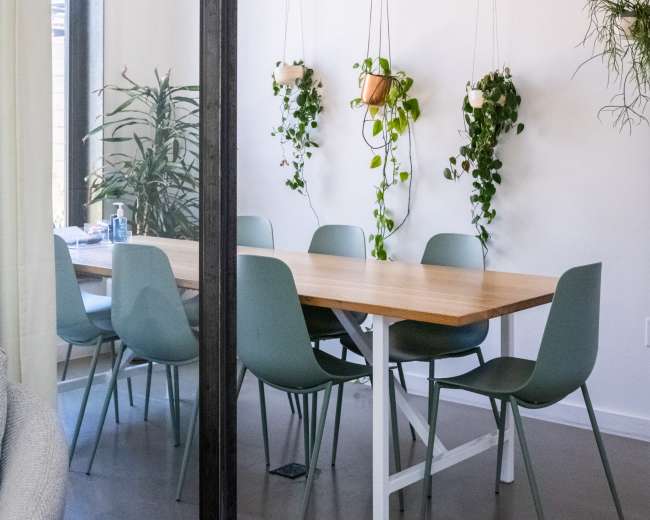
Discover thousands of unique meeting rooms for rent perfect for your meeting.

Enter your activity
Austin, TX, United States

How corporate meeting rooms work on Peerspace

Peerspace is the easiest way to book unique spaces for meetings. We also have spaces for productions and events.

Discover Spaces

Inspiring spaces

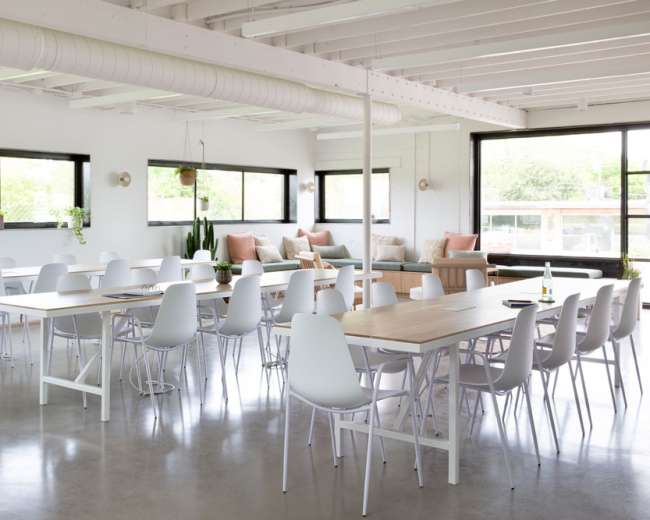
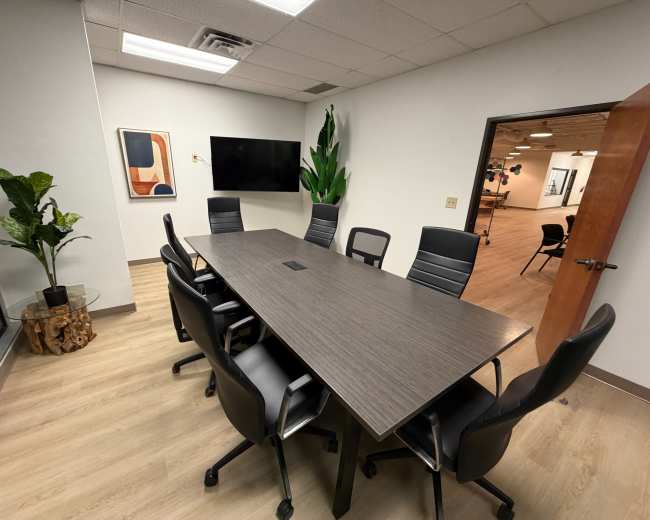
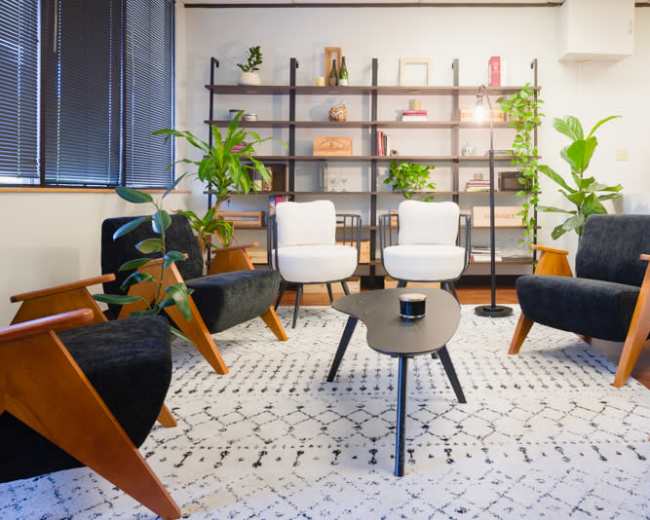
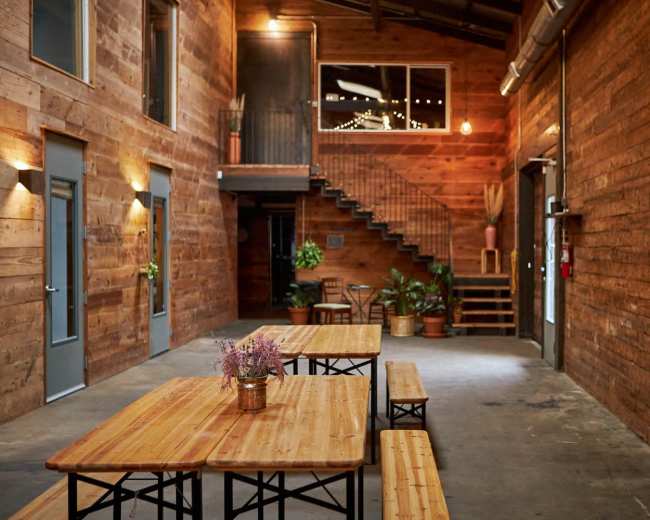
Every day we uncover new, creative spaces perfect for your corporate meeting — from neighborhood gardens, expansive rooftops, trendy office spaces, and beyond.

Honest pricing

Our spaces are priced to fit your budget. Hire by the hour for your meeting without worrying about hidden fees.

Smooth bookings

No more messy contracts. We build the tools to make booking a space for your corporate meeting as easy as the click of a button.

Popular meeting rooms

Explore all 160+ meeting rooms in Austin. See All ›

Frequently Asked Questions

Pricing and popularity information in this section is based on proprietary Peerspace booking data, reflecting recent booking activity and the latest data available through June 2026.

What's the best day to rent a meeting room in Austin?

Tuesdays are the most popular day for booking meeting rooms in Austin. For those seeking a deal, consider booking Sunday and Wednesday as these days are 8% cheaper on average.

How popular are meeting rooms in Austin?

Our local hosts have welcomed 4470 people into their meeting rooms with reviews averaging 4.9 stars. Most even said they would book again -- about 98%.

How much does a meeting room cost to rent in Austin?

Meeting rooms in Austin average $82 per hour to rent, but it’s easy to spend less or more depending on what you’re looking for.

How long do people rent meeting rooms in Austin?

Most meeting rooms are scheduled for 5 hours, with 14 people in attendance. You’ll find the most Meetings starting between 11:00 AM and 12:00 PM.

What should I look for when comparing paid venues vs. free spaces?

Compare free spaces vs. paid venues as two different bundles of risk, not just two price tags. A free conference room can work for low-stakes meetings, but browsing professional meeting rooms for rent in Austin often reduces hidden costs like time, uncertainty, and tech gaps that can derail an important meeting. When a free space is usually the right call:
  • Your meeting is truly simple: discussion-based, no presentations, no hybrid attendees, minimal setup.
  • You can be flexible: you’re okay with limited time slots, strict start/end times, and fewer layout options.
  • You don’t need a brand moment: the goal is privacy and function, not impressing a client or energizing a team.
What to double-check with free spaces (common gotchas):
  • Eligibility rules: many free rooms have restrictions (non-commercial use, residency requirements, limits on frequency).
  • Tech expectations: “Wi‑Fi available” doesn’t always mean “strong enough for Zoom plus screensharing.”
  • Setup and access: confirm early arrival, who unlocks the room, and any check-in process.
  • Privacy and noise: community rooms can have more foot traffic, thinner walls, and less control over the environment.
When paid venues are worth it (and are often cheaper in the long run):
  • The meeting is high-stakes: client meetings, important interviews, board meetings, workshops, and anything where reliability and vibe matter.
  • You need confidence in basics: clean space, reliable A/V, predictable access, and an accountable host/manager.
  • You want fewer surprises: professional venues and marketplaces usually make it easier to compare photos, amenities, and reviews.
The paid-venue checklist that prevents hidden costs:
  • All-in pricing: ask what’s included vs. add-ons (A/V, cleaning, after-hours access, security, overtime).
  • Minimum hours: a low hourly rate can get expensive with a 3–4 hour minimum.
  • True capacity: confirm how seating style (boardroom vs. classroom vs. theater) changes the real headcount.
  • Cancellation and overtime rules: know the policy if you run long or need to reschedule.
  • Load-in and signage: confirm entry points and whether you can place wayfinding, especially downtown.

Which Austin neighborhoods are best for hosting a meeting or event?

This depends on what you’re optimizing for: access, parking, vibe, or proximity to hotels and food. Use the neighborhood “fit” to reduce late arrivals and increase attendee energy. Downtown/Central Business District (best for out-of-town attendees and walkability)
  • Why it works: close to major hotels, restaurants, and after-meeting spots, so people can keep the day moving without relocating cars. This convenience makes it a top choice when you need conference rooms in Downtown Austin for traveling teams.
  • Watch-outs: parking costs and traffic can add stress, so build in buffer time and share clear arrival instructions.
East Austin (best for creative energy and unique spaces)
  • Why it works: great for brainstorms, offsites, panels, and workshops. It is the ideal area to find creative meeting spaces that are more interesting than a standard conference room.
  • Watch-outs: confirm sound and privacy for confidential meetings, and confirm the parking plan for busy corridors.
South Congress/South First/Bouldin (best for a distinctly Austin client-facing vibe)
  • Why it works: stylish and memorable, ideal for pitches and brand meetings. Many teams explore conference rooms in Bouldin Creek for leadership sessions where first impressions matter.
  • Watch-outs: spaces book fast, and some layouts skew lounge-style, so confirm it supports your format.
Zilker/South Lamar (best for team offsites that need space plus easy food options)
  • Why it works: central, lots of catering/coffee nearby, often easier than downtown for drop-off and parking. You can find meeting venues in Zilker that offer plenty of space for the team to spread out.
  • Watch-outs: if you’re doing hybrid calls, verify internet stability instead of assuming.
The Domain/North Austin (best for north-based teams and easier parking)
  • Why it works: convenient for North Austin, Round Rock, and Cedar Park attendees, with simpler parking for trainings and recurring meetings.
  • Watch-outs: for mixed groups coming from south/central Austin, commute time can split the room, so use the attendee “center of gravity” to decide.
Mueller (best for organized, easy-to-navigate meetups)
  • Why it works: planned, accessible, and calmer, great for workshops and community-style meetings that still want polish.
  • Watch-outs: choose a venue with clear entry and parking instructions so late arrivals don’t interrupt.
Quick way to decide: Ask: Do you want people to arrive energized or simply arrive easily?
  • Energized: East Austin or South Congress-style areas
  • Easily: The Domain or Mueller
  • Most central for visitors: Downtown

Are there any local rules or permits needed for booking a conference room?

For a standard private meeting in Austin, you often don’t need a special permit. Rules start to matter when your meeting functions more like an event (public-facing, amplified sound, alcohol service, large attendance, or outdoor elements). Typically no permit needed:
  • Internal meetings and trainings: private company sessions that stay within normal venue use.
  • Interviews and small workshops: invitation-only gatherings that follow occupancy and building rules.
Situations where you should ask about permits or restrictions (before you book):
  • Alcohol: rules change if alcohol is sold or if tickets are sold, not just served.
  • Amplified sound: microphones, speakers, panels, DJs, or anything likely to trigger noise complaints are needed.
  • Large attendance and security: higher headcounts can change staffing, fire safety expectations, and load-in rules.
  • Outdoor elements: patios or courtyards can impact neighbors and noise limits.
  • Filming or heavy production: larger crews, lighting, noticeable equipment loads, or any street/building impacts.
The main risk to avoid: Non-traditional spaces can be amazing, but they’re also where planners get blindsided. The safest approach is to match the venue’s allowed use to what you’re actually doing, not just what you’re calling it. Questions to ask the venue (copy/paste)
  • Allowed use: “Is this space approved for meetings and workshops? Any restrictions?”
  • Building rules: “Are there rules about signage, deliveries, or after-hours access?”
  • Alcohol policy: “If we serve alcohol (not sell), is that allowed, and do you require a bartender or security?”
  • Sound rules: “Any sound restrictions or quiet hours?”
  • Occupancy: “What’s the maximum occupancy for our seating style?”
Red flags:
  • Vague assurances: “People do it all the time” with no written policy.
  • No clear confirmation: the host won’t confirm whether your plan is allowed.
  • Late surprises: restrictions appear only after you’ve paid, so get answers in writing early.

How can I make sure my conference space has the right tech setup?

Treat conference room tech as a site requirement, not an amenity. Confirm specifics early and run a short rehearsal to prevent day-of failures. Step 1: Define your tech use case
  • In-person presentation: slides plus discussion.
  • Hybrid meeting: Zoom/Teams with in-room participants.
  • Workshop breakouts: multiple screens or separate areas.
  • Recording: audio quality becomes critical.
Step 2: Confirm the essentials (what to ask)
  • Internet: “Is Wi‑Fi dedicated to the room or shared?” “Can we hardwire via Ethernet?” “What upload speed do you typically see in this room?”
  • Display: “TV or projector?” “What size/brightness?” “What inputs are available (HDMI, USB‑C, AirPlay/Chromecast)?”
  • Audio: “Are speakers loud enough for the room?” “For hybrid, do you have a conference speakerphone or mic system?”
  • Room acoustics: ask whether the room has soft finishes (rugs, drape, panels), since hard surfaces can create echo on calls.
  • Power: “How many outlets are in the room, where are they, and do you provide power strips/extension cords?”
Step 3: Build in a tech buffer
  • Arrival time: arrive 30–60 minutes early for setup and sound check.
  • Backup gear: bring a dongle kit (HDMI and USB‑C adapters), a clicker, and a deck copy that’s ready to run on a backup laptop.
  • Backup internet: have a hotspot plan if hybrid is mission-critical.
Step 4: Do a micro-rehearsal
  • Connect and display: confirm the screen mirrors correctly.
  • Play audio: run a short video to test routing and volume.
  • Test a call: join a test Zoom/Teams call inside the room to check echo and mic pickup.

What’s the best way to find parking for downtown Austin meetings?

Downtown Austin parking is manageable if you plan it like part of the meeting agenda. The goal is to give attendees simple choices that reduce guesswork. Best strategy: give attendees three parking paths
  1. Closest and simplest (paid garage): ask the venue which garage they recommend and whether they validate, then share the exact garage address and best entrance.
  2. Street parking (best for early locals): remind people it can be variable and time-limited, and suggest arriving 15–20 minutes earlier than they think they need.
  3. Skip parking entirely (rideshare/transit): share the best drop-off point near the entrance, and encourage rideshare for larger meetings to reduce late arrivals.
What to ask the venue before you book:
  • Parking options: “Do you have reserved spaces, validated parking, or partner garages?”
  • Drop-off logistics: “Where’s the easiest drop-off spot that won’t block traffic?”
  • Loading needs: “Is there a loading zone for catering or A/V?”
Make it frictionless for your group:
  • Calendar-first details: put parking instructions in the calendar invite, not only an email.
  • One-line arrival plan: include a simple directive like “Plan to park at X garage or rideshare; please arrive by 9:45 for a 10:00 start.”
Red flags (downtown-specific):
  • No parking guidance: the venue can’t explain where people typically park.
  • Unclear entry instructions: attendees wander, the conference room meeting starts late, and stress rises fast.

How far in advance should I reserve a conference room in Austin?

Lead time depends less on Austin overall and more on how specific your conference room requirements are (location, exact hours, layout, and A/V) and whether your date overlaps with peak demand. A practical rule of thumb:
  • Small meetings with flexible timing (2–10 people): 1–2 weeks ahead often works if you’re open to options.
  • Client-facing meetings or exact downtown timing: 3–6 weeks is safer when you need the right look and reliable tech.
  • Workshops, offsites, or meetings with catering/breakouts (10–40+): 6–10 weeks gives you time to rent offsite meeting spaces and compare logistics.
  • Major event weeks and festival periods: book as early as possible because availability and parking complexity tighten quickly.
What actually drives lead time (the stuff people forget):
  • Approvals: if multiple stakeholders must sign off, you need more runway.
  • Tech rehearsal: hybrid meetings go smoother when you can do a quick test or walkthrough.
  • Catering and layout: specific setups take time to confirm, including what’s included vs. what costs extra.
One smart move if you’re not fully sure yet:
  • Hold the time window first: lock your must-have date and hours, then refine the vibe. It’s usually easier to swap spaces than to recover a perfect time slot.
Pro tip: If you want flexibility, ask whether the venue (or booking platform) has a short grace period after confirming where you can cancel for a full refund or credit, as long as you act quickly and your start time is far enough out.

Reviews for meeting rooms

Piers F.
Creative Workshop Space & Gallery with Projector
Really lovely space with overspill outdoor area. I needed a meeting space and Sean was great to work with and responded to my emails quickly. If you use this space, you'll need to consider signage (or staffing) as it's a little hidden (in a good way...
Rachel W.
Travis County Conference Room
Great space for an offsite meeting
Charlie W.
Travis County Conference Room
We had a meeting with 6 people and the room was a great fit. The space also came with access to coffee and a small break room which was very nice. The only issue that we had was getting people access to the room. It is located on the 4th...
Mi T.
Pride and Joy Conference Room
Meeting space was great and beautiful. Location was amazing and host was incredibly helpful and friendly. Would highly recommend this room...
Jenny L.
Travis County Conference Room
This was a great space for our Quarterly offsite meeting. Communication was great and it was an easy process. I will say that the room is much small than the photos appear - 7 of us was the max we would have wanted in there without feeling too cramped, but that...
Steve S.
Pride and Joy Conference Room
The TechSpace center was a great place for our offsite board meeting. The host and staff were very friendly and accommodating, and the rooms and complex was great. The downtown area near the lake was also nice for our lunch break, and there is plenty of parking around the building...
Jennifer R.
Travis County Conference Room
Great space. Helpful staff. Results: great meeting
Jermaine R.
Bright Lights Conference Room
replied very quickly to confirm. The space was accurate as advertised. The team at TechSpace was very helpful and this space proved invaluable to meet our goals at a local conference we attended. Thank you for everything...
Jenny L.
Travis County Conference Room
Very effective space for a meeting of
Renae M.
Modern + Industrial Meeting Space - East Austin / Downtown
Great low key meeting space close to downtown Austin. The prop manager was fantastic to work with
Gene P.
Modern + Industrial Meeting Space - East Austin / Downtown
Venue was superb. Right next to Brew + Brew coffee shop so very convenient to grab coffee/drinks/food for your meeting. Space is very clean and a great collaborative, creative area. Host was very accommodating and responsive. Highly recommend...
Melissa G.
Modern + Industrial Meeting Space - East Austin / Downtown
Always a great place to host a meeting! Great amenities & the staff is very responsive
Sarah W.
Downtown Austin Conference with a Spectacular View.
Booking with Peerspace was a breeze and we LOVED our meeting room! Fantastic view of downtown Austin, easy parking and attentive staff. Bathrooms were very close and the coffee/tea was an added bonus. Our group was able to go enjoy the local restaurants for lunch with a short walk. Would...
Janice K.
Atelier 1205
medium sized group. It’s intimate, and the outdoor patio works great for gathering and flow. We would definitely book again for future meetings and presentations! Daniel was very accommodating to our needs, and the space looked great when we arrived. Free street parking is a plus...
Lydia R.
Large Downtown Classroom with Beautiful Natural Light - 5 min walk from Convention Center!
Amazing hosts and a great meeting space supporting a great cause. Very accommodating! Will come back
Angela S.
Large Downtown Classroom with Beautiful Natural Light - 5 min walk from Convention Center!
lots of outlets, extension cords, etc. Being able to bring in our own food was very much appreciated and overall, made the entire lunch meeting very affordable for us. Would rent again in a heartbeat! -Angela...
Sean K.
Downtown Meeting Room with Natural Light - 5 min walk from Convention Center!
Perfect meeting space for our needs. They were very accommodating and the location near downtown is fantastic! I would definitely use this space again for future meetings...
Kevin D.
Downtown Meeting Room with Natural Light - 5 min walk from Convention Center!
Excellent space! Large, sunny, and peaceful enough to have an uninterrupted meeting. Would def use again
Kate T.
Trendy Startup Office with Green Patio on 6th Street
The host was very responsive and went above and beyond to make the space work for our event. We had a leadership meeting for about 50 people and it was perfect...
Haley T.
East Austin vibe - OUTDOOR (Partial Indoor) venue for meet ups, office and parties (kitchen and storage)
needs of serving catered food, drinks and a gift exchange. We will absolutely be booking here again for any future parties or even team meetings! Thanks Kim & team, y'all are the best...

Updated June 4, 2026Our data is refreshed in real time using booking trends, verified guest reviews, and direct partner updates — with additional quality checks from our team.