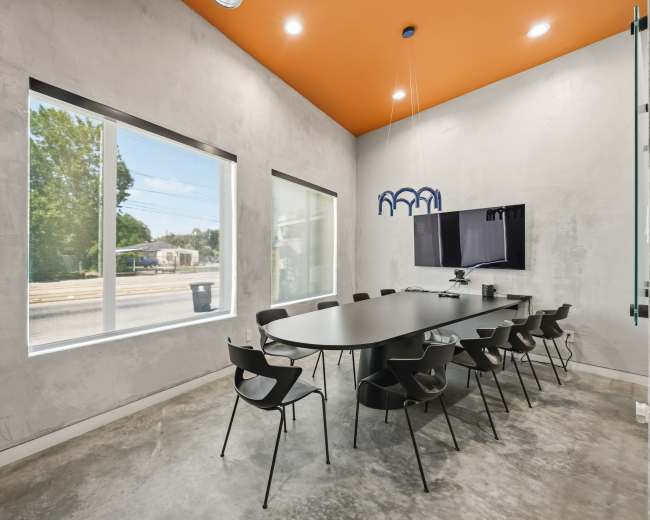
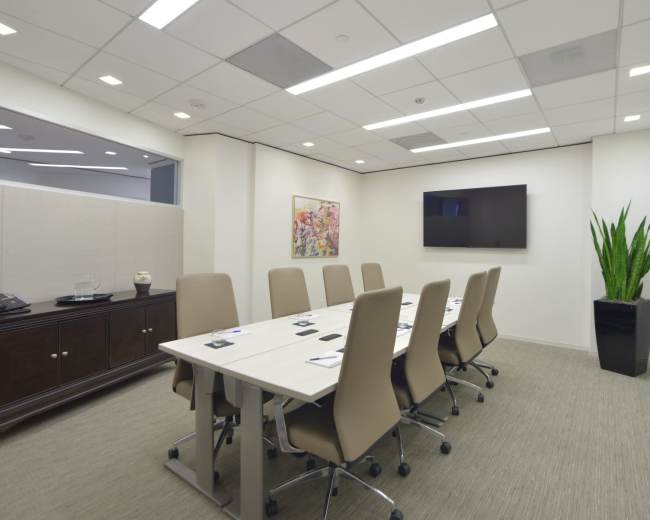
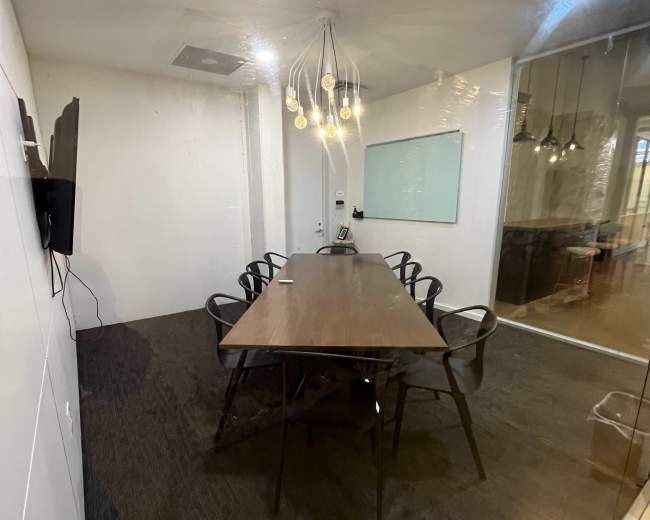
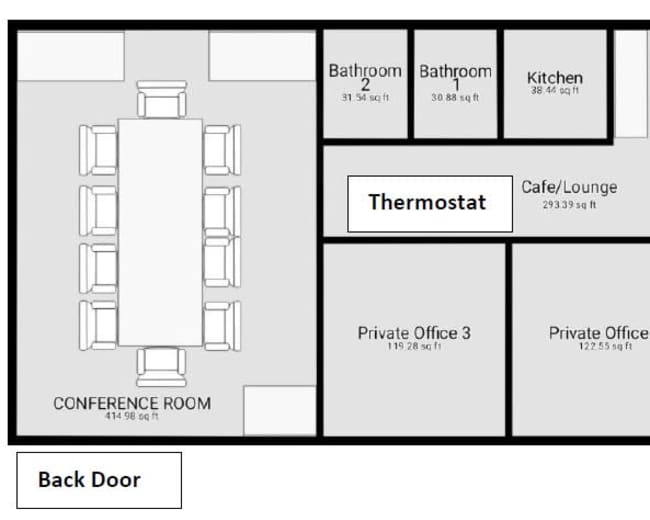
Rent a meeting room in Houston, TX

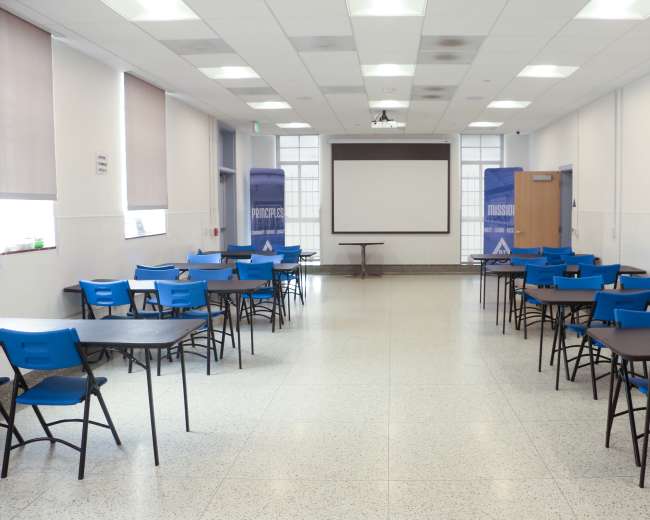
Discover thousands of unique meeting rooms for rent perfect for your meeting.

Enter your activity
Houston, TX, United States

How corporate meeting rooms work on Peerspace

Peerspace is the easiest way to book unique spaces for meetings. We also have spaces for productions and events.

Discover Spaces

Inspiring spaces

Every day we uncover new, creative spaces perfect for your corporate meeting — from neighborhood gardens, expansive rooftops, trendy office spaces, and beyond.

Honest pricing

Our spaces are priced to fit your budget. Hire by the hour for your meeting without worrying about hidden fees.

Smooth bookings

No more messy contracts. We build the tools to make booking a space for your corporate meeting as easy as the click of a button.

Popular meeting rooms

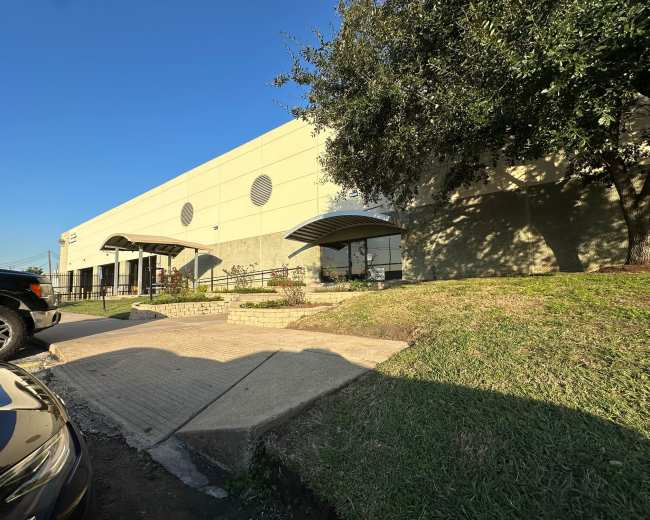
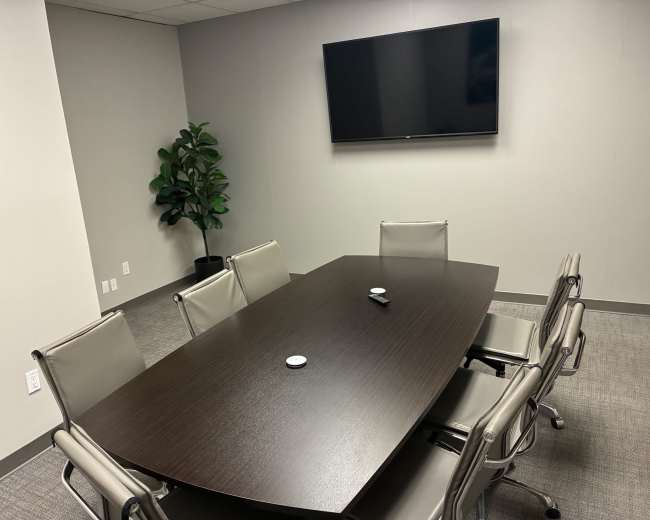
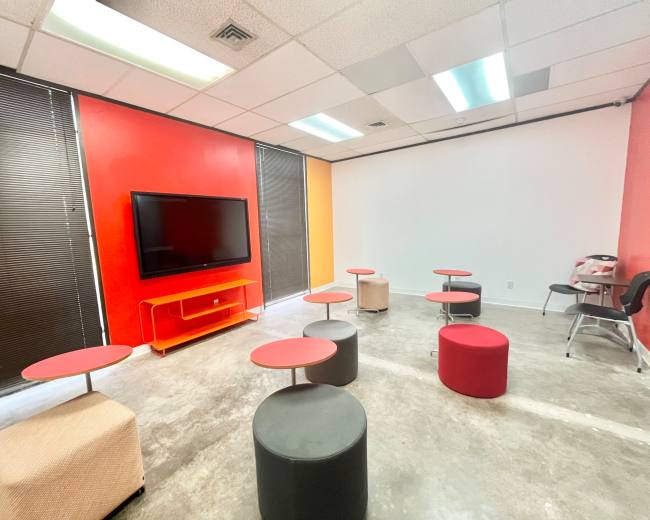
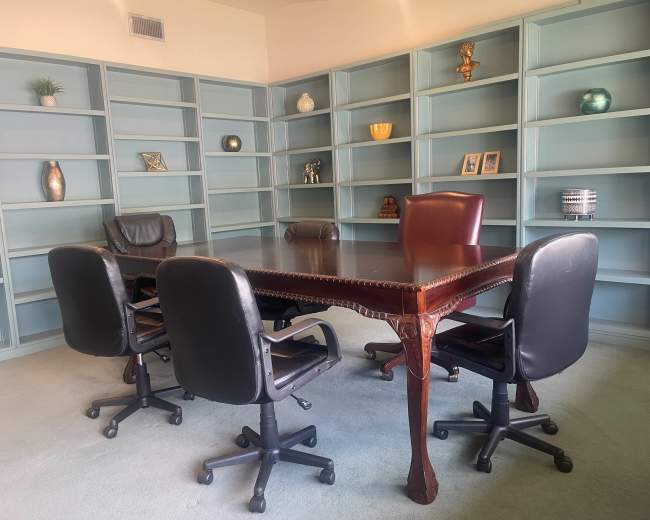
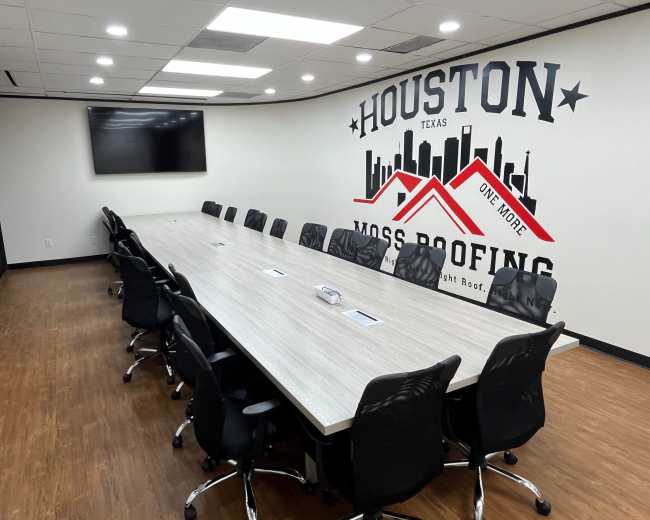
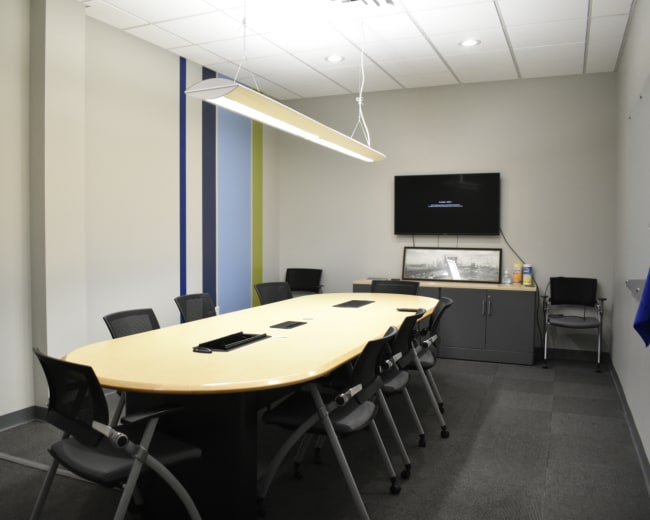
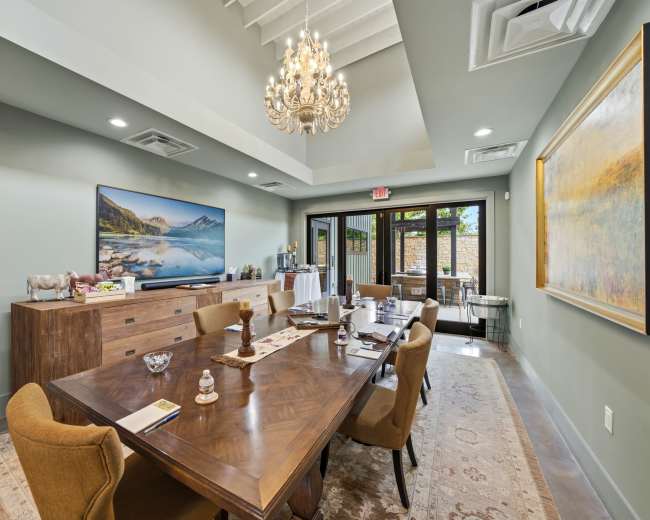
Explore all 190+ meeting rooms in Houston. See All ›

Frequently Asked Questions

Pricing and popularity information in this section is based on proprietary Peerspace booking data, reflecting recent booking activity and the latest data available through June 2026.

What's the best day to rent a meeting room in Houston?

Saturdays are the most popular day for booking meeting rooms in Houston. For those seeking a deal, consider booking Sunday and Monday as these days are 18% cheaper on average.

How popular are meeting rooms in Houston?

Our local hosts have welcomed 3928 people into their meeting rooms with reviews averaging 4.88 stars. Most even said they would book again -- about 99%.

How much does a meeting room cost to rent in Houston?

Meeting rooms in Houston average $60 per hour to rent, but it’s easy to spend less or more depending on what you’re looking for.

How long do people rent meeting rooms in Houston?

Most meeting rooms are scheduled for 4 hours, with 13 people in attendance. You’ll find the most Meetings starting between 12:00 PM and 1:00 PM.

What should I consider when comparing paid venues to free spaces for meetings, conferences, and offsites?

When you’re comparing a free space to a paid conference room in Houston, focus on total risk, total time, and the attendee experience—not just the hourly rate. A “free” room can be a great fit, but it often moves costs into other buckets that show up later. Start by estimating the true all-in cost of the meeting space. Common hidden trade-offs include:
  • Time cost: Extra emails, approvals, paperwork, limited hours, and stricter rules that slow planning.
  • Tech cost: Renting a projector/mics, paying an A/V tech, or buying adapters last-minute.
  • Food and beverage cost: Limited catering options, delivery restrictions, or alcohol rules.
  • Reliability cost: If Wi‑Fi, access, or building instructions fail, you lose meeting time troubleshooting.
  • Brand cost: The room sets the tone for client meetings, interviews, trainings, and executive offsites.
Know what “free” typically means in practice. Many no-cost or low-cost spaces are mission-driven (libraries, nonprofits, civic spaces), so they may have eligibility requirements, limited booking windows, and usage restrictions. For example, the Community Resource Center from United Way offers no-charge meeting space during business hours for eligible nonprofits and government entities (with nominal fees for certain add-ons/after-hours), which can be a great option if your organization and schedule fit their criteria. Use this decision framework to avoid regret:
  • Choose free or low-cost space when the meeting is internal, low-stakes, light on A/V needs, and you have buffer time for setup and troubleshooting.
  • Choose a private meeting room when the meeting is client-facing, hybrid, training-heavy, needs breakout rooms, requires guaranteed A/V support, or you can’t afford uncertainty.
Questions to ask either way (to avoid surprises):
  • Inclusions vs. add-ons: What’s included versus extra (A/V, whiteboards, water/coffee, cleaning, security, after-hours access)?
  • Access rules: What are the rules for early arrival, elevators, loading, deliveries, signage, and front-desk check-in?
  • Wi‑Fi plan: Is there a guest network, expected bandwidth, a hardwired option, and a support contact?
  • Cancellation policy: What are the reschedule/cancellation terms, and what happens if the space becomes unavailable?

Which Houston neighborhoods are best for conference room events?

The best Houston neighborhood for a conference room depends on who’s attending (local vs. out-of-town), what you want the day to feel like (corporate polish vs. creative energy), and how much you want to deal with traffic and parking. Best picks by event type and vibe:
  • Downtown (CBD): Best for conferences, multi-team offsites, and if you need downtown conference rooms with hotels nearby for out-of-town guests; watch for paid parking and event-day congestion.
  • Midtown: Best for workshops and trainings with lots of nearby food options; confirm parking plans because it varies block to block.
  • Uptown/Galleria: Best executive meeting space option for polished client meetings and executive offsites; build in extra arrival time due to traffic.
  • Westchase/Energy Corridor: Best for West Houston teams and driving-heavy groups who value easy parking; can feel less “destination” for creative offsites.
  • The Heights: Best for creative offsites and strategy sessions that benefit from a fresh setting; verify parking capacity, not just room capacity.
  • EaDo (East Downtown): Best for modern, nontraditional spaces; confirm A/V readiness because some rooms are more blank-canvas than plug-and-play.
  • Medical Center/Museum District (adjacent): Best for healthcare and academic meetings near institutions; plan around peak traffic and clarify garage rules.
Two Houston-specific planning tips that consistently help:
  • Origin-based location choice: Choose the conference room based on where attendees are coming from (airports/hotels vs. commuter neighborhoods), not what looks “central” on a map.
  • Rush-hour scheduling: Consider a 9:30 to 10 a.m. start for driving-heavy groups to reduce late arrivals.

Do I need permits or insurance to book a conference room in Houston?

Most standard private conference room bookings in Houston won’t require a city permit, but permits and insurance can apply depending on the venue, the size of the event, and what you’re doing onsite. Permits may be required in scenarios like:
  • City property use: If you’re using City of Houston property (some civic facilities, public spaces, streets/sidewalks), permitting rules may apply. The City’s special event framework is outlined via Municode.
  • Production-style setups: Filming crews, lighting, heavy equipment, exterior setups, or anything that impacts sidewalks/streets.
  • Higher-risk elements: Amplified sound, ticketing or open-to-the-public attendance, alcohol sales, or large assemblies.
Insurance requirements you’ll commonly see:
  • General liability: Often required, with the venue listed as Additional Insured on your Certificate of Insurance (COI).
  • Liquor liability: Sometimes required if alcohol is served or sold.
  • Workers’ comp: Sometimes required if you’re bringing in vendors or contractors.
What to ask before you book the conference room:
  • COI requirements: Do you require a COI, and what limits/endorsements are needed?
  • Triggers: Do any activities trigger extra requirements (recording, catering, alcohol, signage, after-hours access)?
  • Responsibility and timeline: If permits are needed, who pulls them (you or the venue) and what’s the lead time?
Red flags to take seriously:
  • No written policy: You get vague answers like “you should be fine” with nothing documented.
  • Unclear operations: The venue can’t clearly explain occupancy limits, building rules, or access/security procedures.

How can I find conference spaces in Houston with reliable A/V and Wi‑Fi?

Reliable A/V and Wi‑Fi aren’t “nice-to-haves” in a conference room—they’re meeting-critical. The goal is to verify performance before the day-of so you’re not troubleshooting in front of clients or your team. Step 1: Define what “reliable” means for your meeting:
  • Hybrid meeting needs: Stable upload speeds, clean audio, and predictable camera placement.
  • Training needs: Book training rooms with A/V support that include mics, speakers, and a screen visible from the back row.
  • Breakout needs: Whiteboards and/or displays in each breakout area (or a clear plan for sharing content).
Step 2: Vet the Wi‑Fi with specific questions:
  • Network scope: Is the network dedicated to the room or shared across the building?
  • Speed reality: What are typical download/upload speeds during business hours?
  • Hardwire options: Is ethernet available?
  • Support plan: Who is onsite or on-call if the network drops?
For high-stakes meetings, request:
  • Speed proof: A speed test screenshot taken in the conference room.
  • Tech-check window: A 10–15 minute pre-start window to test screen share, audio, and adapters.
Step 3: Confirm A/V support, not just A/V availability:
  • Staffing: Is there onsite A/V staff or an on-call support number?
  • Compatibility: What connections are supported (HDMI, USB‑C), and are adapters available?
  • Included gear: What’s included (clicker, speakers, microphones, camera) and what costs extra?
  • Platform fit: Is the setup friendly for Zoom/Teams/Meet (whichever you use)?
If you want a more full-service environment, conference spaces tied to institutions can reduce moving parts. For example, University of Houston promotes conference reservations with A/V support and planning services. Red flags that often predict day-of issues:
  • No answers: “Wi‑Fi included” but nobody can confirm speeds or support.
  • Single-point failure: Only one connection method (for example, HDMI only) with no adapter plan.
  • No backup plan: No hotspot policy, alternate room option, or tech support contact.

Are there flexible rental options for hourly or same-day bookings?

Yes. You can browse conference rooms in Houston that offer flexible rental terms, but the right option depends on how last-minute you are and how complex your setup is. Common booking formats (and best uses):
  • Hourly conference rooms: Best for interviews, depositions, and short client meetings, or coworking spaces for casual touch-bases.
  • Half-day or full-day rentals: Best for trainings, offsites, and meetings with setup plus breakouts.
  • Same-day bookings: Often possible, but you’ll improve success by keeping requirements simple.
How to increase your odds of getting a same-day conference room that works:
  • Location flexibility: Stay open to multiple neighborhoods instead of one specific zip code.
  • Lean setup: Use a laptop plus one adapter and one presentation method.
  • Backup options: Identify two alternates before you start outreach.
  • One complete message: Send all requirements in a single note to reduce back-and-forth.
Copy/paste inquiry template:
  • Timing: Date + exact time range (include setup/teardown buffer).
  • Headcount and layout: Number of attendees + layout (boardroom, classroom, U-shape).
  • A/V needs: Screen/projector, HDMI/USB‑C, mic, speakers.
  • Wi‑Fi needs: Video calls, number of laptops/devices, hardwire requirement.
  • Access and parking: Parking plan, deliveries, and mobility needs.
Pro tip: If you’re booking last-minute on Peerspace, look for spaces that offer Instant Book to reduce confirmation lag. One nuance to plan for: if your start time is less than 24 hours away, you may still need host approval, so keep a backup option ready.

What are the main challenges when planning offsite meetings in Houston?

Houston offsites can be fantastic, but a few predictable challenges can derail the day if you don’t plan for them early. When you explore offsite meeting locations, keep these potential issues in mind.
  1. Traffic, sprawl, and arrival friction
  • Root issue: A “central” conference room can still be a long drive for half the attendees.
  • Fix: Choose the location based on where people actually live or stay, build in arrival buffer, consider later starts, and provide clear parking and entry instructions.
  1. Underestimating venue infrastructure (power, restrooms, layout flow)
  • Root issue: Unique venues may lack basics that traditional conference rooms include.
  • Fix: Do a site visit or video walkthrough and confirm restrooms, outlet locations, electrical load, and how people move through the space (arrival, breaks, lunch, and any indoor/outdoor transitions).
  1. A/V failure in hybrid meetings
  • Root issue: Even “nice” rooms can have echo, weak upload speeds, or awkward camera placement.
  • Fix: Schedule a tech rehearsal, choose an audio strategy (room mic vs. table mic), and assign one person as the virtual host.
  1. Hidden costs and restrictive rules
  • Root issue: The sticker price may exclude early access, security, cleaning, overtime, furniture moves, or A/V support.
  • Fix: Ask for an all-in estimate based on your exact agenda and get it in writing.
  1. Date conflicts with major Houston events
  • Root issue: Large events can tighten conference room availability, increase rates, and worsen traffic.
  • Fix: Check local event calendars before you lock a date; Greater Houston Partnership publishes a business events calendar that can help you spot surge days.
A final planning move that pays off Write a one-paragraph offsite purpose statement before you book (what decisions must be made, and what should people feel by the end). Use it to filter every decision: neighborhood, conference room layout, break schedule, and whether you need a conventional boardroom or a more creative environment.

Reviews for meeting rooms

Brianna C.
Conference Room in the Heart of Montrose
We had a great time in this space. It was perfect for our meeting of 4 people. The staff went above and beyond and we felt very taken care of. I would definitely book again...
Christopher C.
Conference Room in the Heart of Montrose
An amazing space! Everyone is so helpful and the food is so good. Definitely will be looking to book again for future meetings...
Tony E.
Nature Filled Getaway Centrally Located. Downtown view/ Montrose/Midtown
an apartment, the real plants allow you to really breath naturally while giving you mental clarity for any kind of work. I hosted a meeting here & my guests loved the attention to detail. Kennedy is very helpful & was able to guide me through the entire process. I would recommend this...
Marco E.
Conference Room in the Heart of Montrose
This meeting space was great! We enjoyed the opportunity to order coffee, but the best part was probably the staff's willingness to support and get us set up...
Rita F.
Conference Room in the Heart of Montrose
and service. Lisa treated myself and my team as if we were family! The conference room is the perfect size for a small group meeting and the coffee/pastries was incredible. I look forward to booking this space again. And returning for their amazing cinnamon roles...
Nakia F.
Workspace Studio with Skyline View
The space was exactly what I needed to meet with my client
Katherine G.
Conference Room in the Heart of Montrose
This space was wonderful for my team meeting. The host was incredibly friendly and helpful and their coffee and treats were delicious...
Erica H.
Conference Room in the Heart of Montrose
This is the perfect space for a small team meeting - especially if you love coffee and pastries! Private room, private restroom, good wifi and table service. There's also a large TV for presentations but we didn't need it this time. Lisa and her associate were super friendly, and...
Nkechi I.
Workspace Studio with Skyline View
This host was so sweet and understanding. She is willing to work with you to ensure you meet your creative goals and use of the space. She also allowed me to see the space prior to booking. I used this studio to host my eyebrow workshop and it was perfect...
Kiera J.
Chef's Kitchen with Big Backyard for Outdoor Events
used this for a post wedding celebration and it was perfect. Home is clean, great outdoor patio and backyard. I was able to meet with the host and she was so nice. They were always responsive, quick and welcoming. Parking isn’t the best, but we told majority guest to...
Sj J.
Conference Room in the Heart of Montrose
The Cookies & Cream room was the perfect size for our meeting and the location was in close proximity to other popular places. Food & service was good from Lisa. I look forward to planning more meetings here...
Jamie J.
Conference Room in the Heart of Montrose
This space was perfect for our meeting. It easily fit all of us around the table and was not cramped. The tv and hookup was helpful and internet was strong. It was great to be able to order cafe items to the room and the lunch was excellent. We will...
Elias M.
Elegant Montrose Bungalow with Award-Winning Interiors
are unsure about booking this house for any event, do not hesitate! Me and my wife will definitely recommend this house to anyone we meet...
Lesly N.
Conference Room in the Heart of Montrose
place, it was super cute and accommodating. The space and ambient is very clean and neat. It’s the perfect place to hold a meeting as it is quiet. I would definitely book again...
Michelle P.
Board Room in River Oaks
This room was perfect for our team meeting. It was easy to find, clean and easy to find on my GPS. Sara is so friendly and accomodating...
Daniel P.
Conference Room in the Heart of Montrose
enjoyed the Coffee & Cookies Conference Room. I needed a quiet place to meet with a client to sign documents. So, this location and the conference room were perfect for our meeting. The parking was very easy and all of the employees were helpful and friendly. I will be back...
Sabrina W.
Conference Room in the Heart of Montrose
Lisa was very accommodating for my husband’s urgent meeting that was scheduled last minute. She was both comforting and sweet during that high stress moment and I’m so grateful. The space was exceptionally clean and the staff also as nice. Thank you all...
Jose Z.
Conference Room in the Heart of Montrose
Good place for a meeting
Jose Z.
Conference Room in the Heart of Montrose
Awesome host as usual! Our Z&Z Team's favorite place to meet
Jose Z.
Conference Room in the Heart of Montrose
Thank you for hosting our Z&Z team. Great place to meet

Updated June 4, 2026Our data is refreshed in real time using booking trends, verified guest reviews, and direct partner updates — with additional quality checks from our team.