



Sun
Mon
Tue
Wed
Thu
Fri
Sat
$100/hr$75/hr$50/hr$25/hr
Peerspace is the easiest way to book unique spaces for meetings. We also have spaces for productions and events.
Discover SpacesEvery day we uncover new, creative spaces perfect for your corporate meeting — from neighborhood gardens, expansive rooftops, trendy office spaces, and beyond.
Our spaces are priced to fit your budget. Hire by the hour for your meeting without worrying about hidden fees.
No more messy contracts. We build the tools to make booking a space for your corporate meeting as easy as the click of a button.
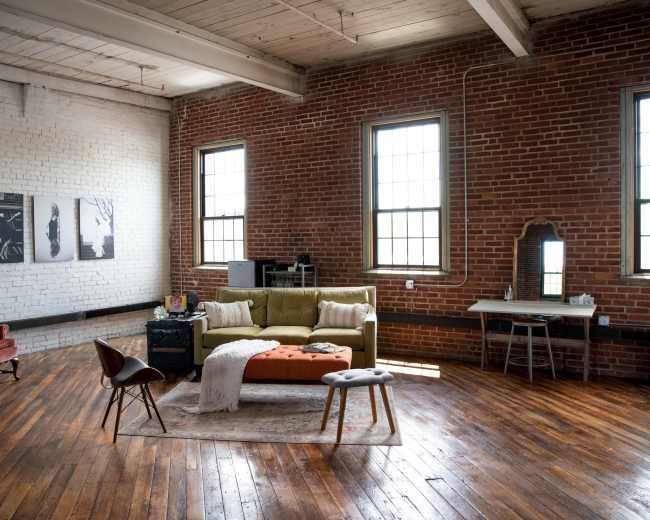
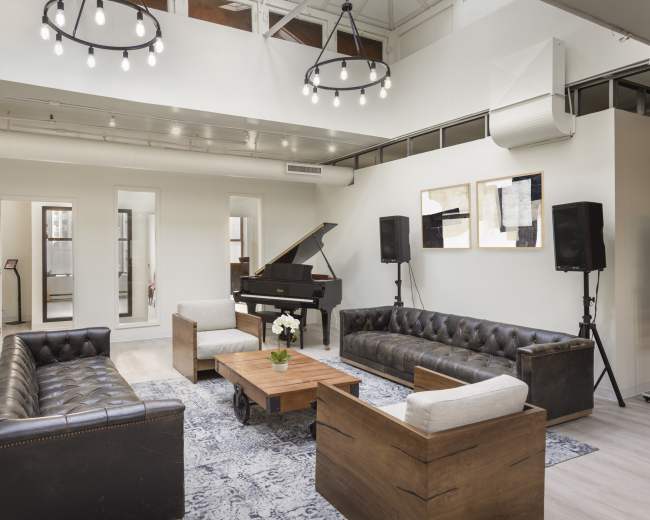
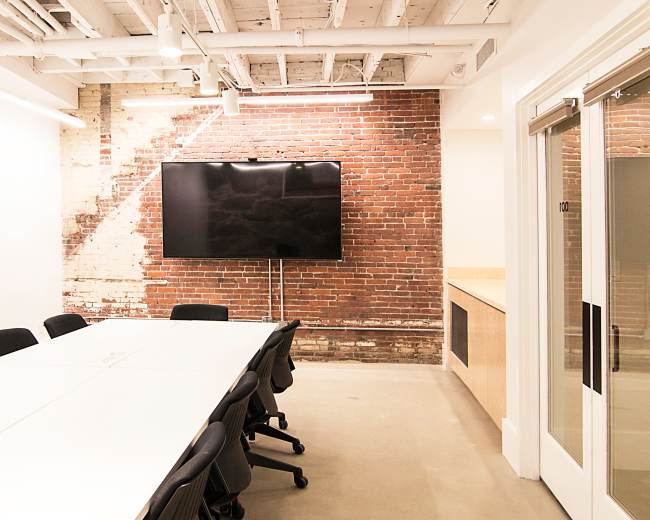
Industrial Loft Photo Studio
Norwood, MA5.0 (74)
30 guests
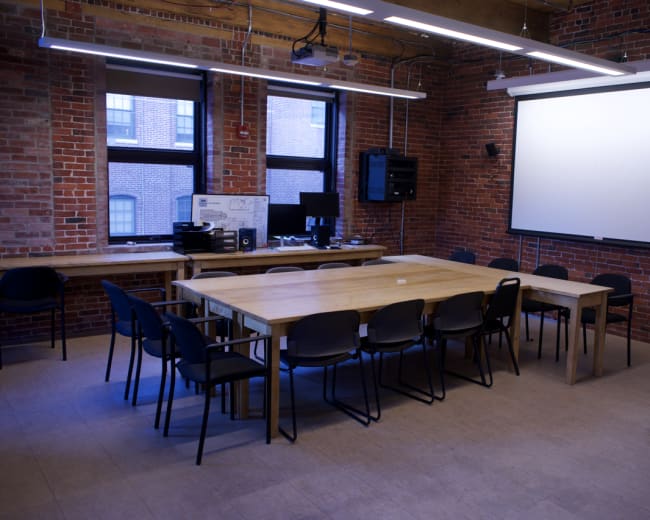
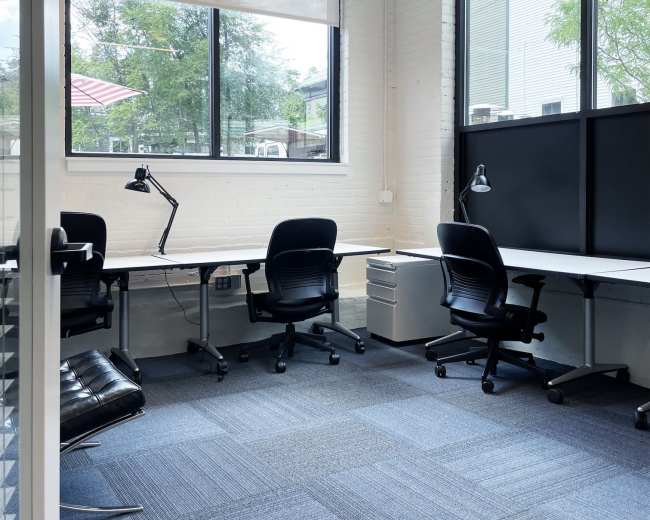
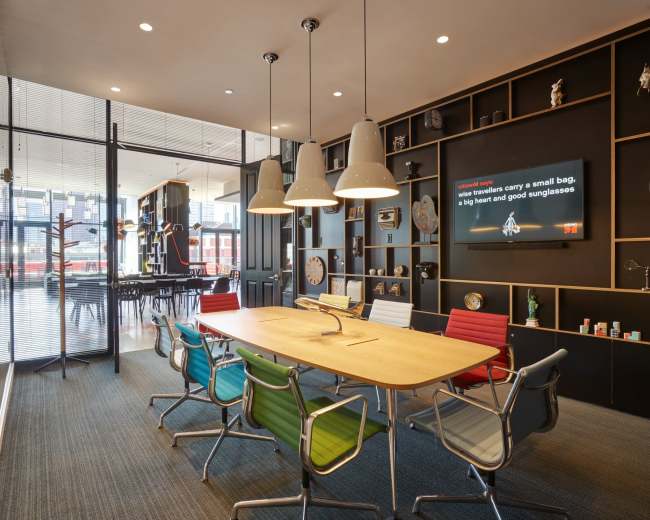
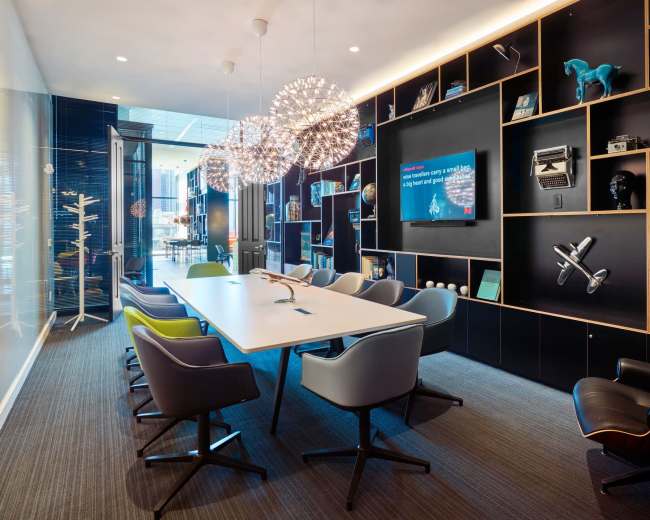
Room 2: Office & Meeting Room
The Port, Cambridge, MA4.9 (13)
6 guests
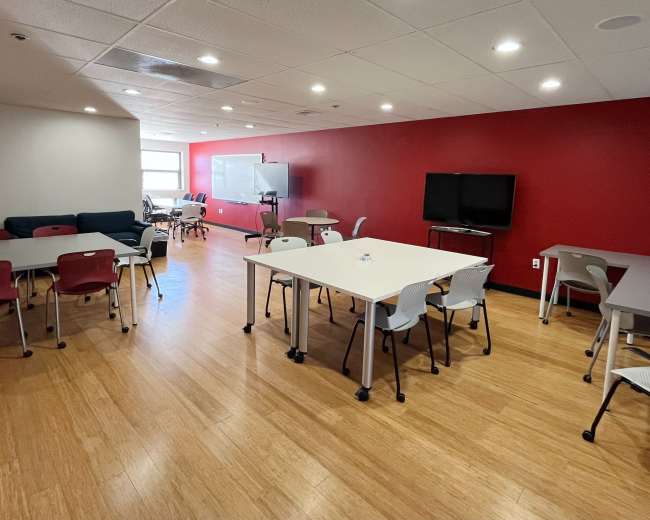
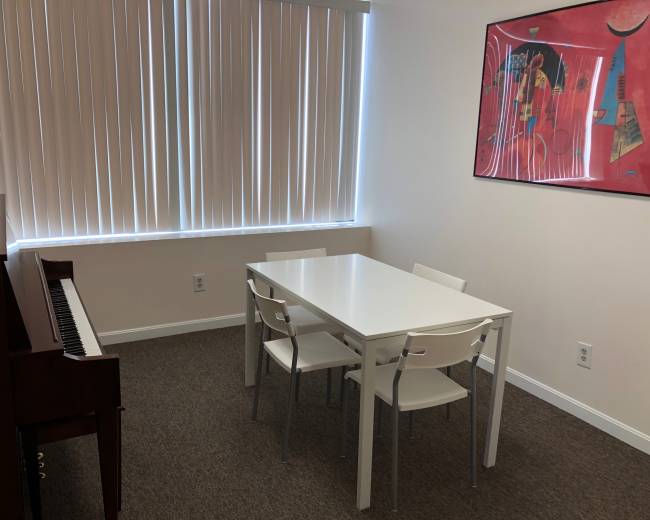
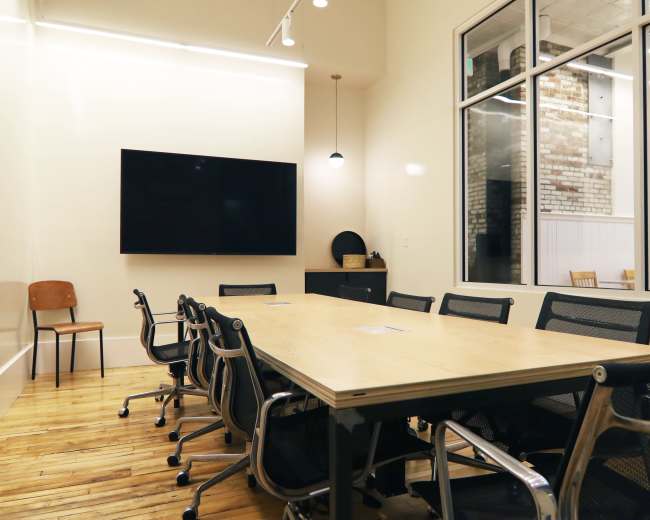
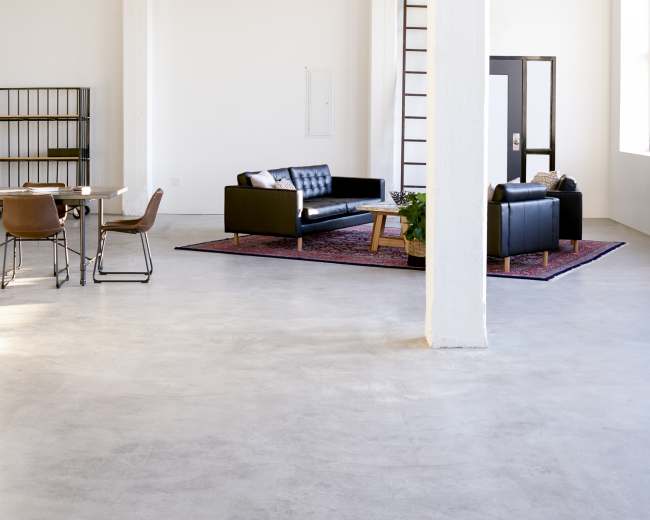
Room 1: Meeting Room for 4
The Port, Cambridge, MA5.0 (31)
4 guests
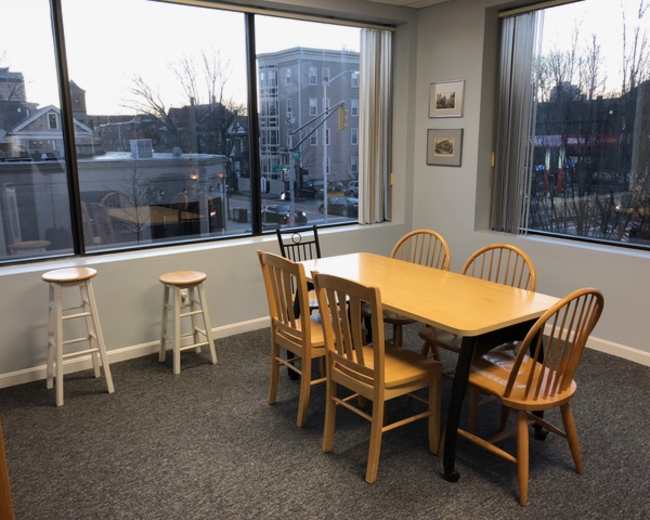
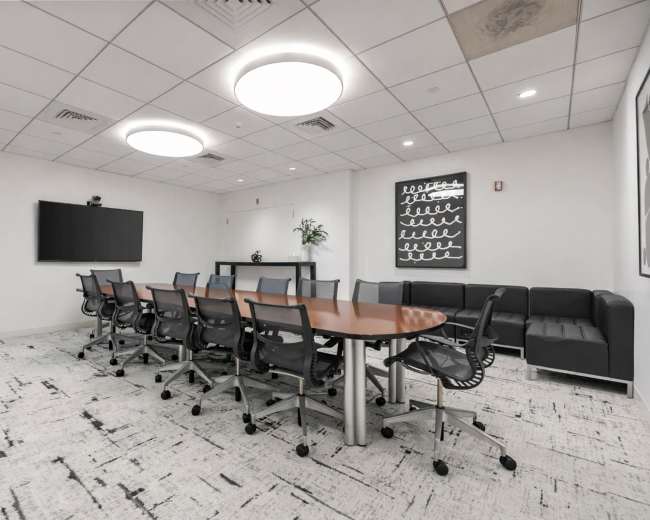
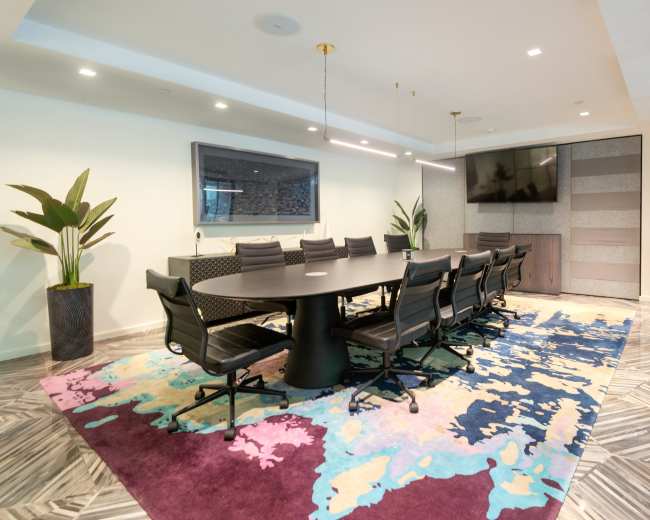
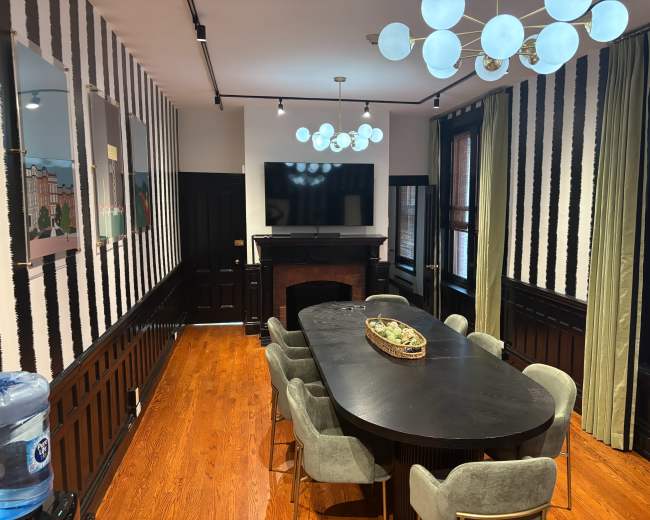
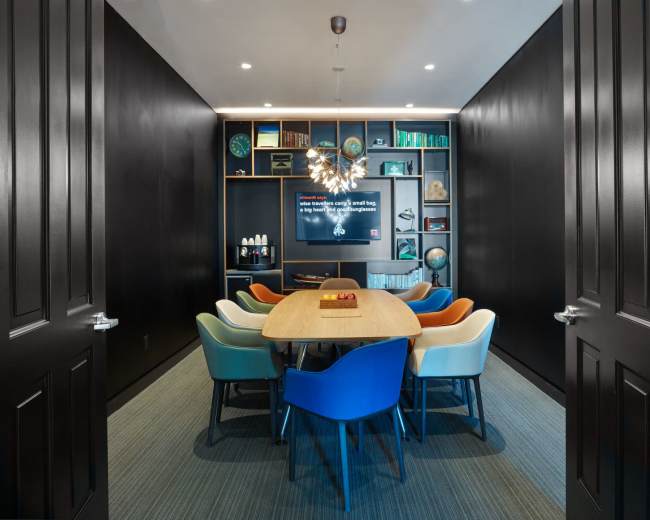
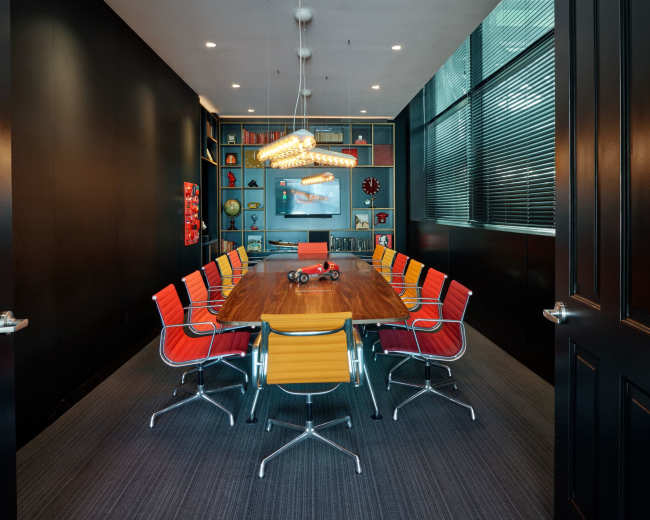
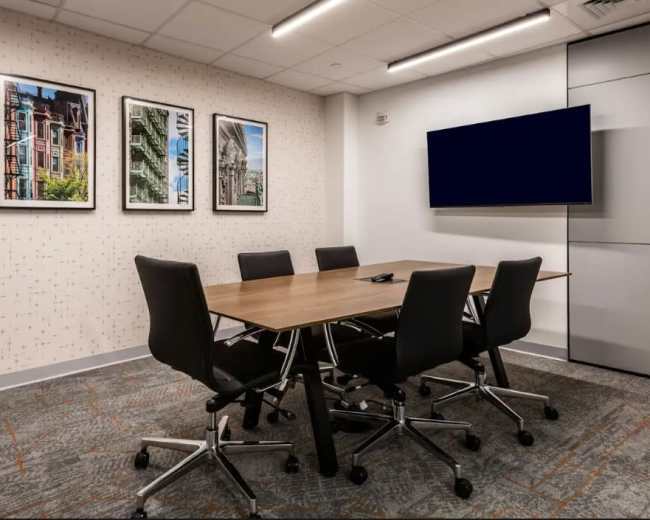
Interior Boardroom
Downtown, Boston, MA5.0 (4)
14 guests
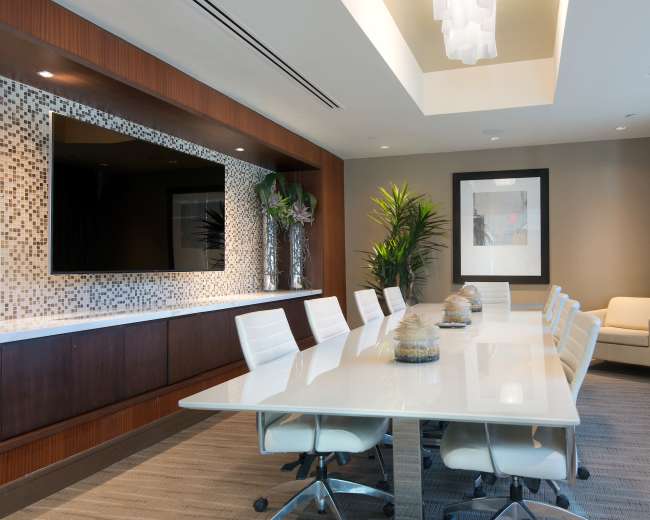
Spacious Executive Conference Room in Boston
Seaport District, Boston, MA4.8 (80)
10 guests
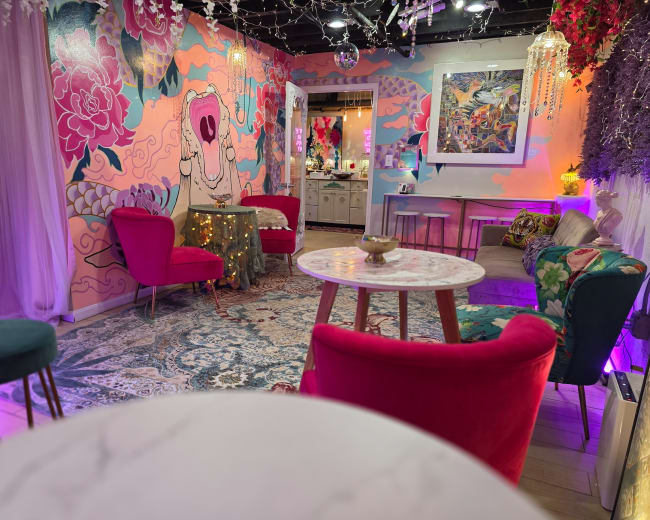
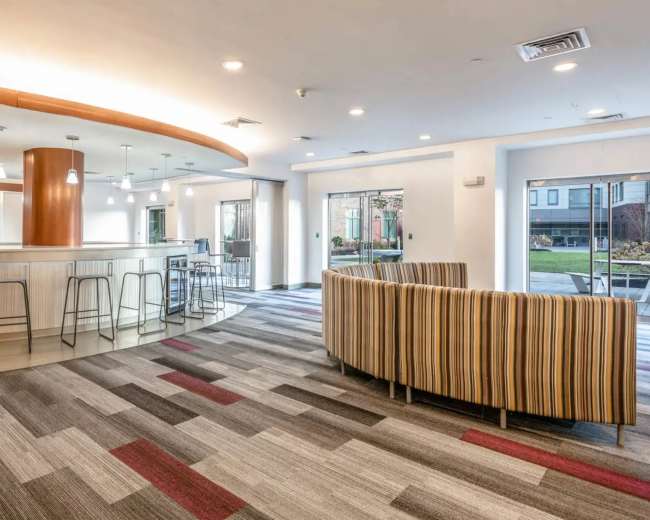
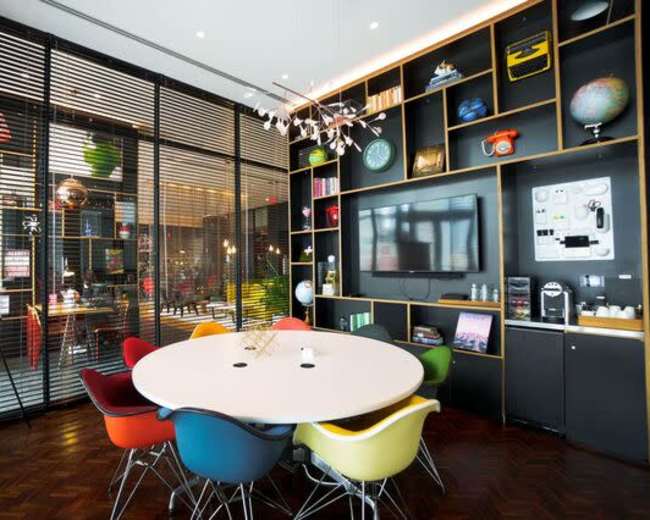
Creative Downtown Boston Space for Team Meetings, Retreats & Workshops
Downtown, Boston, MA4.9 (118)
50 guests
Stylish, Gorgeous Meeting Room in Cool Boston Location
Jamaica Plain, Boston, MA10 guests
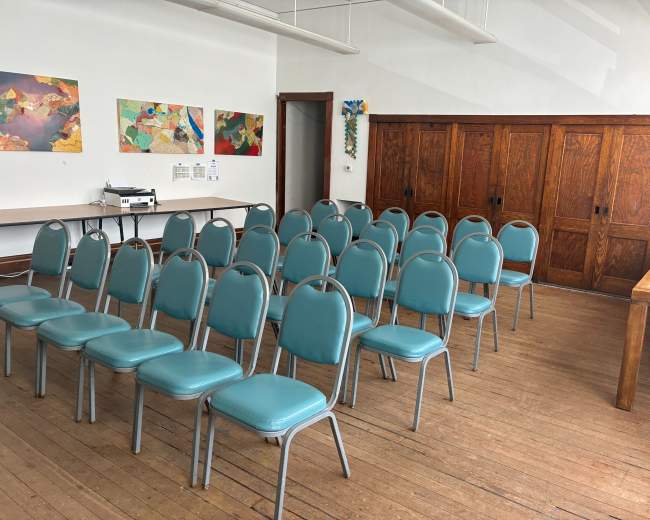
Multi-Use Creative Space in Quincy – Meetings, Events, and Celebrations Welcome
Wollaston, Quincy, MA5.0 (8)
50 guests
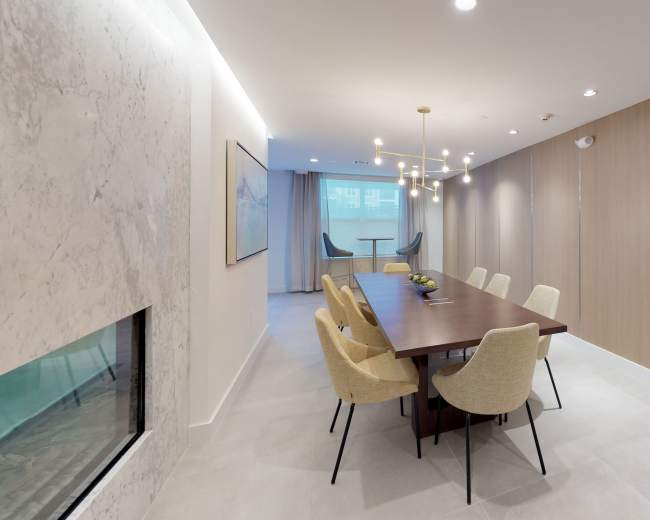
Thoughtfully Designed Brownstone Conference Room
Back Bay East, Boston, MA10 guests
Energetic Multi-Purpose Room with Spacious Layout
Kendall Square, Cambridge, MA4.9 (9)
40 guests
Versatile Meeting/Small Gathering Space
Wellington-Harrington, Cambridge, MA5.0 (1)
12 guests
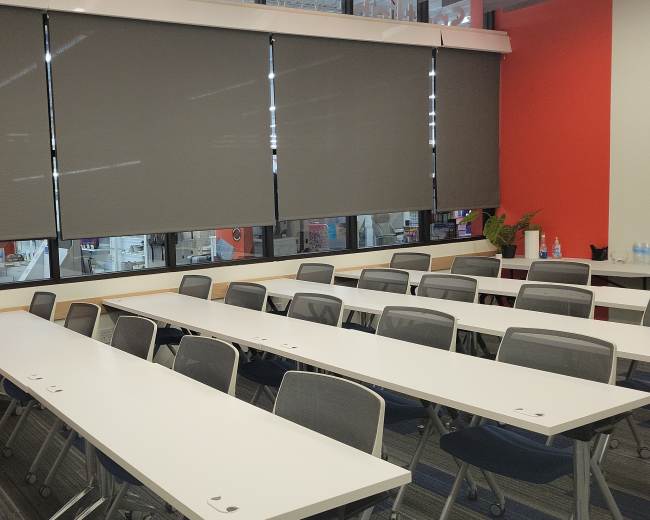
Modern and Well-Equipped Boardroom / Training Room in Brookline Village
White Place, Brookline, MA5.0 (2)
16 guests
Bright Modern Photo/Meeting Space
South Boston, MA5.0 (1)
12 guests
Modern Meeting Space: 2500 sq ft with Full Kitchen, Beautiful Daylight, Free Parking
East Boston, MA5.0 (30)
12 guests
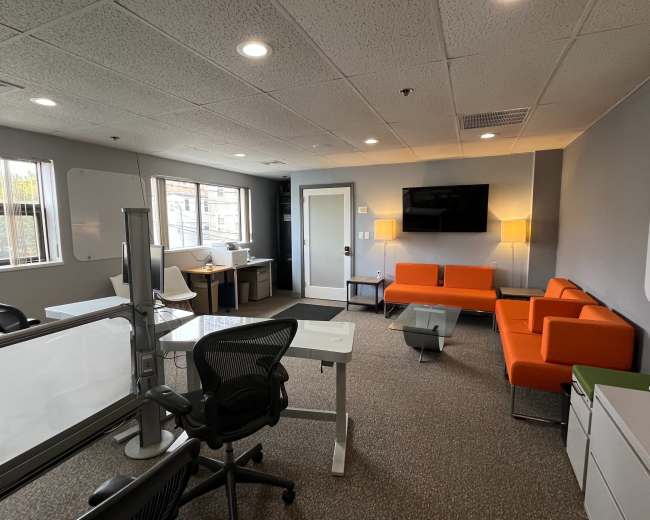
Beautiful Executive Office Space Located in Boston
Dorchester, MA12 guests
Room 3 Office and Meeting Room
The Port, Cambridge, MA5.0 (4)
2 guests
Vesta Conference Room
West End, Boston, MA6 guests
Stylish, Modern Club Room in Hingham
Hingham, MA4.1 (7)
50 guests
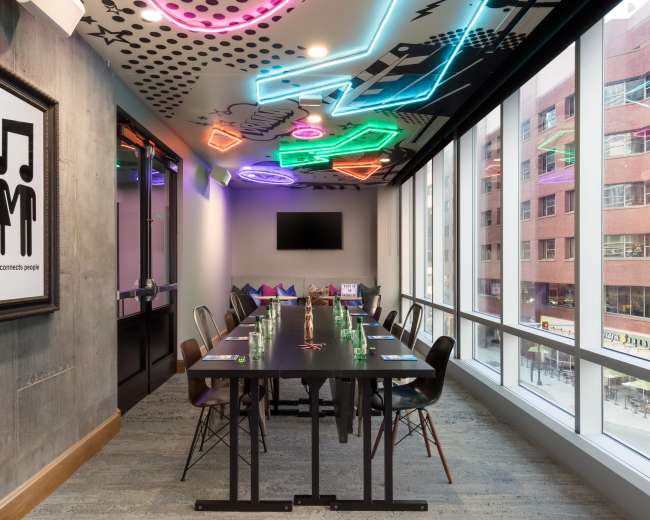
Stage Left with Views of Downtown Boston
Downtown, Boston, MA5.0 (3)
20 guests
Well-Furnished West End Conference Room
West End, Boston, MA4.5 (2)
5 guests
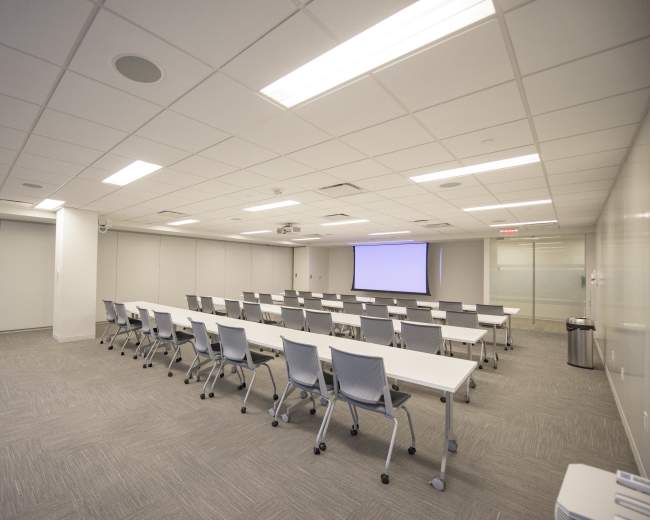
Congress Training Room: where innovation meets efficiency.
Downtown, Boston, MA4.8 (5)
40 guests
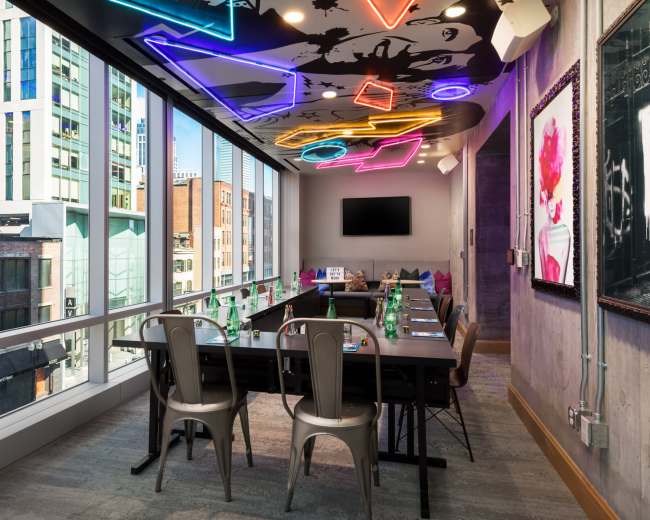
Stage Right with Downtown Views
Downtown, Boston, MA4.8 (6)
15 guests
Meeting Room
Dedham, MA50 guests
Pricing and popularity information in this section is based on proprietary Peerspace booking data, reflecting recent booking activity and the latest data available through October 2026.
Meeting rooms in Boston average $77 per hour to rent, but it’s easy to spend less or more depending on what you’re looking for.
Most meeting rooms are scheduled for 6 hours, with 8 people in attendance. You’ll find the most Meetings starting between 11:00 AM and 12:00 PM.
Our local hosts have welcomed 1290 people into their meeting rooms with reviews averaging 4.72 stars. Most even said they would book again -- about 95%.
Wednesdays are the most popular day for booking meeting rooms in Boston. For those seeking a deal, consider booking Wednesday and Monday as these days are 6% cheaper on average.


